For learners
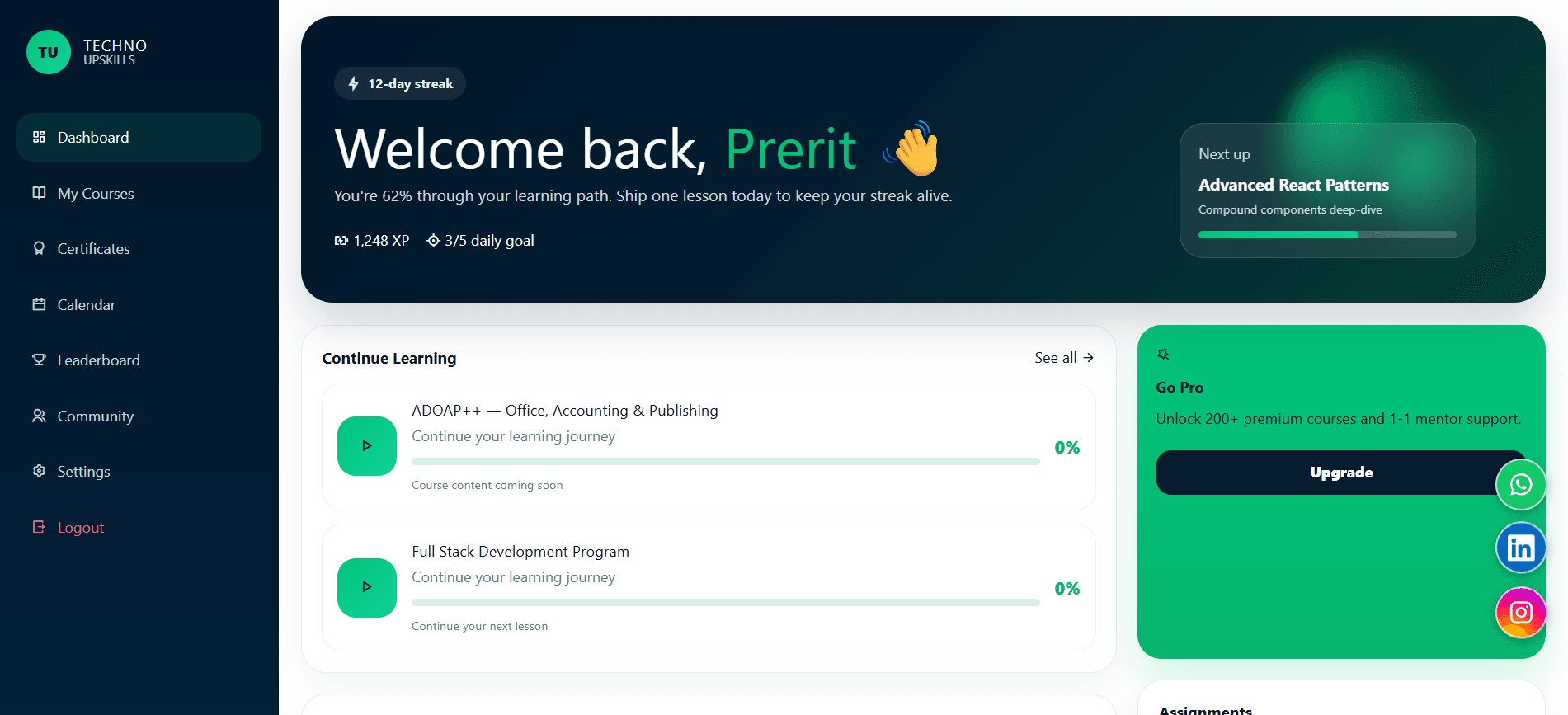
Find assigned courses, follow lessons and access the resources needed to keep learning.
TechnoUpSkills LMS
Bring online and classroom-based learning together. Publish course content, enroll students and support their progress in one learning platform.
One platform, multiple perspectives
A single space where learners, staff and visitors each get exactly what they need.
Find assigned courses, follow lessons and access the resources needed to keep learning.
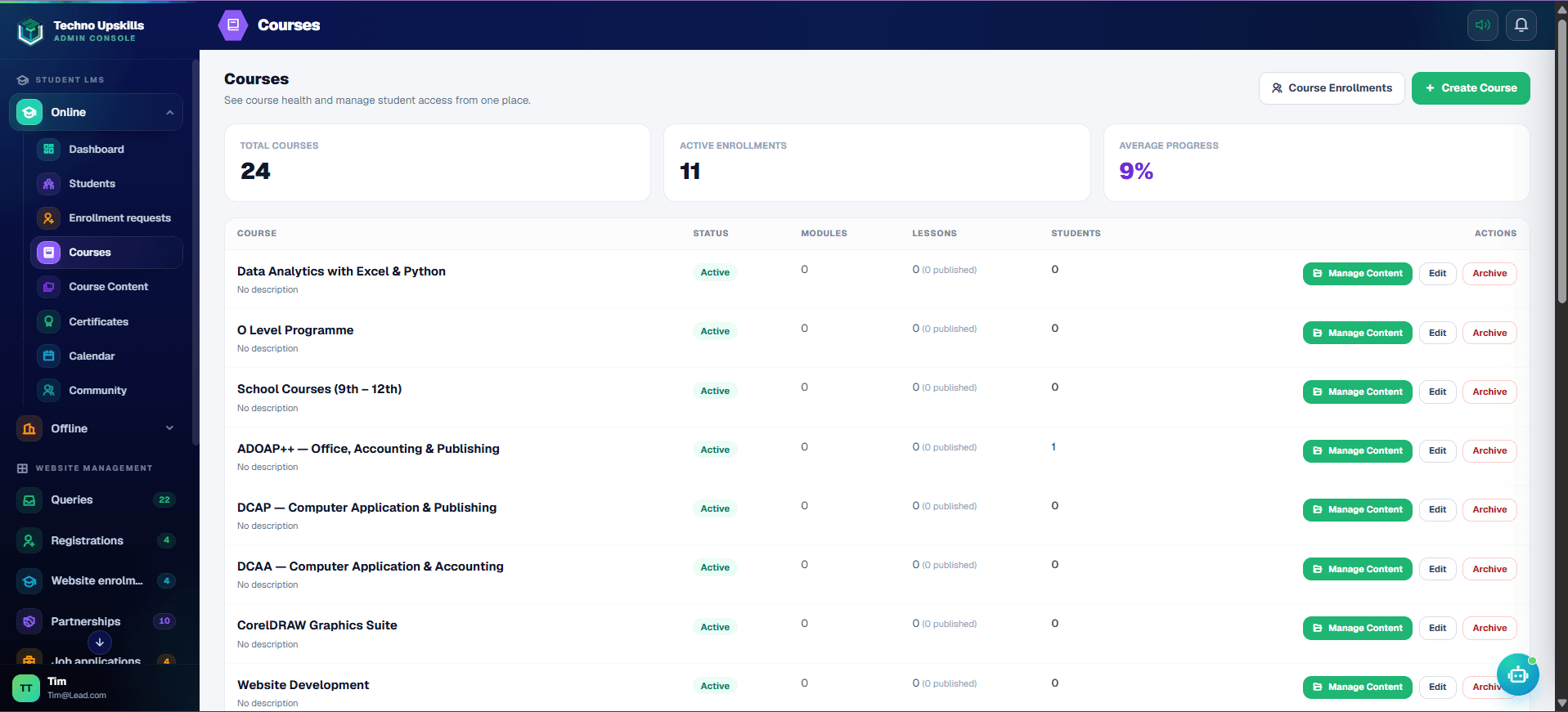
Manage enrollments, organize curriculum and support classroom activity from the admin panel.
Explore courses, ask the AI Mentor about admissions and submit an enrollment request.
Explore the platform
A closer look at the tools that support course delivery and classroom operations.
Learning experience
Students can open assigned courses, browse published modules, watch lessons, access files and resource links, and mark lessons complete.
Admissions & content
Administrators can review enrollment requests, manage student accounts, assign courses and build a structured curriculum with published content.
Classroom learning
For classroom-based enrollments, staff can record attendance, publish assignments and tests, share notices, and give students marks and feedback.
Activity & milestones
Learners can view a seven-day lesson activity chart and course completion counts. Administrators can review enrollment and course summaries, while classroom learners can see reward milestones.
AI course guidance
The public AI Mentor answers questions about TechnoUpSkills courses and admissions, helping visitors explore their options before enrolling.
Everything learning needs
Classroom activity, learning progress and course guidance come together in one connected experience.
How it works
A learner chooses a course and learning mode, then submits an enrollment request through a supported course page.
An administrator reviews the request, manages the learner account and assigns the course. Staff can also enroll students directly.
Students open published lessons and resources. Classroom learners can also access attendance, assignments, tests and notices.
Learners check lesson completion and activity; administrators review course and enrollment summaries.
Common questions
Everything you need to understand before requesting a walkthrough.
The platform supports online learning and a classroom-based learning portal. Classroom-based does not mean internet-free access.
Let’s talk learning
Tell us about your learners, courses and classroom needs. We’ll help you explore the platform.