
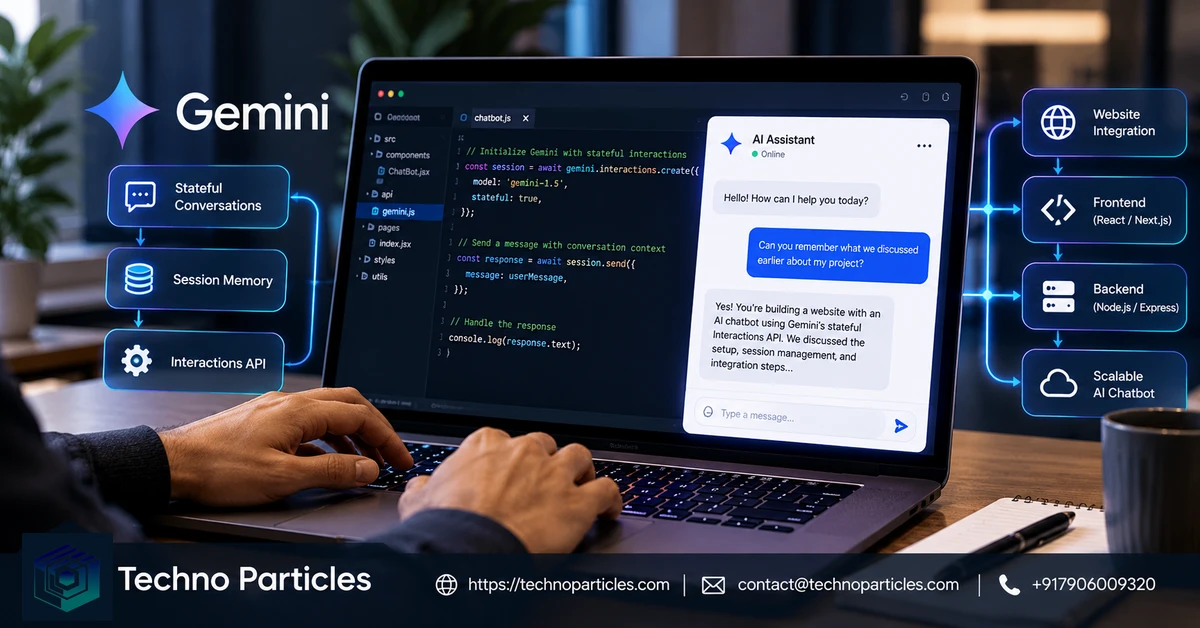
Google’s Gemini Interactions API is now generally available, giving developers a server-managed way to preserve conversation context between chatbot turns. For a website AI chatbot with Gemini’s stateful Interactions API, the core pattern is simple: create an interaction on your backend, save its returned ID, and send that ID with the visitor’s next message.
| Capability | What it means for a website chatbot |
|---|---|
| Stateful conversations | Continue a conversation with previous_interaction_id instead of resending the full history. |
| Streaming | Receive Server-Sent Events that can update the chat interface progressively. |
| Server-side execution | Keep API authentication and interaction identifiers behind your application backend. |
| Multimodal workflows | Support documented text, media, tools and agent-oriented interactions where the selected model allows them. |
Why the Stateful Interactions API Matters
The API is positioned as Google’s recommended interface for new Gemini projects involving agents, tools, observable execution steps and multi-turn workflows. The older generateContent API remains supported, but Google describes it as legacy. This makes Interactions a relevant foundation for support assistants, product guidance, documentation search and lead qualification.
The Website Chatbot Architecture
A browser chat window should communicate with your own backend, while the backend calls Gemini using the google-genai or @google/genai SDK. The browser should not receive your Gemini API key. Your server can associate each authenticated visitor or session with the latest interaction ID, apply access controls and moderation, and decide which model or tools are permitted.
For teams planning the surrounding interface, website development services can cover the frontend, backend integration and deployment coordination. The Interactions API manages conversation state, but it does not replace application-level identity, authorization, analytics or data-governance controls.
Build the First Chat Turn and Chain the Next One
The first request creates the conversation state that later requests will reuse. Your backend should accept the visitor’s message, call Gemini with the selected model, and store the returned interaction ID alongside your application’s session or user record. The browser only needs the assistant’s response and an internal session reference.
import { GoogleGenAI } from "@google/genai";

const ai = new GoogleGenAI({ apiKey: process.env.GEMINI_API_KEY });

const first = await ai.interactions.create({
  model: "gemini-3.8-flash",
  input: "What are the return rules for this product?"
});

const next = await ai.interactions.create({
  model: "gemini-3.8-flash",
  input: "Can you explain the exception for damaged items?",
  previous_interaction_id: first.id
});

console.log(next.outputs);
In production, replace the example questions with validated user input and persist first.id after the initial response. On the next turn, retrieve that identifier from your server-side session and pass it as previous_interaction_id. Never trust an identifier supplied directly by an unauthenticated browser; verify that it belongs to the current account or conversation.
Stateful mode is useful when a chatbot must remember earlier instructions, product details or support context without your application resending the entire transcript each time. Google also documents a stateless alternative: send the complete conversation history with every request when your application needs direct control over stored context. That approach can be preferable for strict retention policies or custom transcript management.
Use a backend framework and data layer that can handle session expiry, deletion requests, access checks and error recovery. Teams that need help connecting this flow to a customer-facing site can review application development services alongside their existing web stack.
Stream Responses into the Website Chat Interface
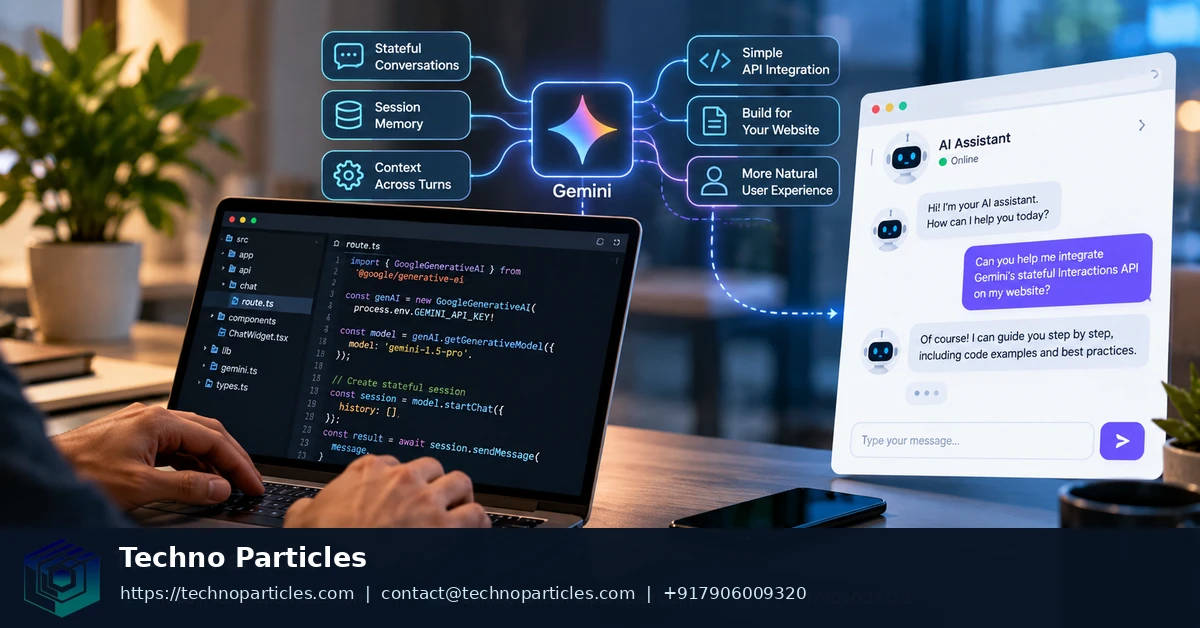
For a more responsive chat experience, use the Interactions API’s streaming mode. Google documents Server-Sent Events for delivering interaction, step, delta and completion events while a response is generated. Your backend can forward approved events to the browser, allowing the interface to show partial text, status changes or tool activity without exposing Gemini credentials.
A practical event flow is to create the interaction with streaming enabled, read each server event, append text deltas to the active assistant message, and mark the message complete only after the final completion event. Handle interrupted connections explicitly: the interface should show that the response stopped, while the backend records enough state to let the visitor retry safely without accidentally creating duplicate actions.
Keep streamed output separate from trusted application data. If the chatbot can retrieve orders, account details or internal documents, validate permissions on the server before returning any result. Streaming improves presentation, but it does not authorize access or guarantee that generated content is correct. For broader workflow planning, AI and automation services can help map the chatbot to approved tools and review steps.
Check Retention, Pricing, and Limits Before Launch
Interactions are stored by default. Google documents retention of 55 days for paid-tier interactions and one day for free-tier interactions, with paid-tier retention configurable to seven, 14, 28 or 55 days in AI Studio. Setting store=false avoids stored interactions, but it also removes previous_interaction_id chaining and background execution.
Budgeting requires checking the current pricing page for the selected model, tier, modality and inference mode rather than assuming one chatbot rate. Also review feature constraints before committing to an architecture: Google currently lists no Gemini 3 remote MCP support, no Batch API, no Python automatic function calling and no explicit caching in the Interactions API.
Decide Where Stateful Chat Adds Value
A stateful Gemini chatbot is most useful when later questions depend on earlier context. A support assistant can retain the product, order or policy details established during a session. A sales assistant can keep track of requirements while helping a visitor compare options. A documentation assistant can follow a technical thread instead of asking the user to repeat the same project details.
Before implementation, map each conversation to a defined business workflow. Identify what the assistant may remember, which tools it may call, and which responses require human review. For example, a product-support flow might answer approved policy questions automatically but route refunds, account changes or disputed information to a staff member. This boundary keeps conversational convenience separate from decisions that require stronger controls.
For internal use, associate interaction IDs with authenticated accounts, teams or workspaces rather than anonymous browser sessions. Apply authorization before retrieving documents or invoking business tools, and define how an employee’s access changes when they leave a team. Stateful conversation history can preserve context, but it does not determine whether a user is entitled to see a document or perform an action.
Design the failure path before launch. The website should handle expired sessions, unavailable models, interrupted streams and malformed tool results without presenting partial output as a completed answer. Log request identifiers and application events according to your retention policy, while avoiding unnecessary copies of sensitive prompts or generated responses.
Teams assessing the surrounding product can use project consultation services to clarify requirements, integration boundaries and rollout priorities. The most important design question is not whether the chatbot can remember everything, but which context genuinely improves the user’s next step and can be governed safely.
Test Conversation State Before Exposing the Bot
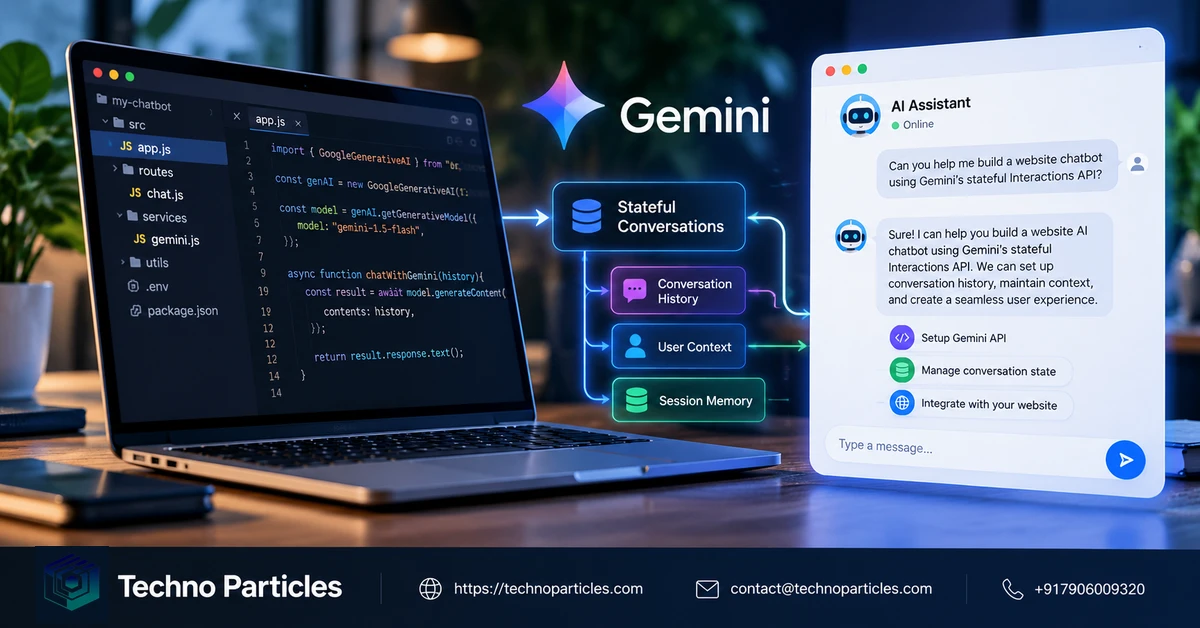
Stateful context should be tested as a product behavior, not only as an API call. Create representative conversation paths for returning users, abandoned sessions, repeated questions and requests that change direction. Confirm that the backend associates each interaction ID with the intended account or session and never accepts an identifier without an authorization check.
Test context boundaries deliberately. A new conversation should not inherit details from another visitor, while a continuing conversation should preserve only the information your application intends to retain. Include deletion and expiry scenarios in the test plan so the interface does not display a stale transcript after the corresponding application record has been removed.
Evaluate the assistant’s behavior at workflow boundaries. Ask it to handle an ordinary information request, then test a request that requires a tool, a request outside its permitted scope and a request that needs human review. The expected result is not always generated text; it may be a clear refusal, a request for clarification or a controlled handoff.
For streaming interfaces, test both completed and incomplete event sequences. The browser should distinguish a finished answer from a connection that ended before completion, and the backend should make retry behavior explicit. This is especially important when a response could trigger an external action, because a user retrying after a network error must not unknowingly submit the same action twice.
Define launch checks around factual quality, authorization, retention, response usability and operating cost. Do not treat a successful demo as evidence of production reliability: Google’s documentation describes the API capabilities and constraints, but the retrieved research did not establish an independent latency, accuracy or conversion benchmark. Teams that need to connect these checks to a broader website rollout can review website development services while finalizing the implementation scope.
The Next Step for a Stateful Gemini Chatbot
The practical question after learning how to build a website AI chatbot with Gemini’s stateful Interactions API is whether the conversation history serves a clearly defined user journey. If the assistant must guide support questions, product discovery or documentation tasks across multiple turns, server-managed state can provide a cleaner foundation than repeatedly rebuilding context in the browser.
That advantage depends on disciplined application design. Treat the interaction ID as one part of a larger session record that includes the authenticated user, permitted tools, relevant business data and the conversation’s lifecycle. The Gemini API can preserve model context, but your application still owns identity, access decisions, moderation rules, audit handling and the user experience around errors or handoffs.
Start with one narrow workflow and define its successful outcome before adding multimodal input, background execution or tool orchestration. A focused first release makes it easier to determine whether retained context helps users complete tasks, where human review is required and which prompts or tool calls need stronger safeguards.
Google’s Interactions API is now positioned for new projects, but its model support, pricing, retention controls and feature set remain moving parts that should be checked before each production release. Keep the selected model and API behavior configurable, record the assumptions behind your launch plan, and schedule reviews when Google publishes changes.
For teams deciding whether to proceed, the strongest signal will come from a controlled pilot: measure completed workflows, escalation quality, authorization failures, user corrections and operating cost against the existing experience. If those results justify the added state-management responsibility, Gemini’s API can become a useful conversational layer. If they do not, a simpler stateless design may be the more maintainable choice.
Designing the Website Layer Around Conversation State
Building a website AI chatbot with Gemini’s stateful Interactions API also requires a deliberate boundary between the browser and the server. The page should handle presentation, input collection and visible status messages, while the server should decide which interaction belongs to the signed-in visitor and which operations the assistant may request.



Leave a comment
Your email stays private. You can see your comment immediately on this browser. Others see it after approval.