
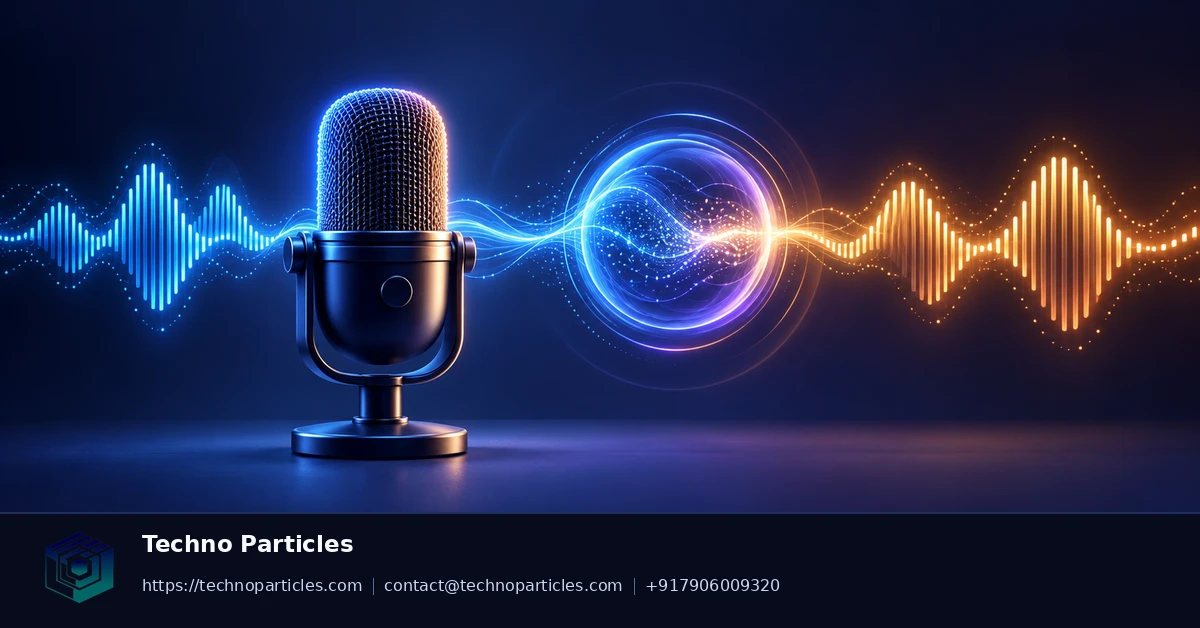
Google’s latest Gemini audio models are aimed at developers who want voice applications to feel conversational rather than turn-based. Announced by Google DeepMind on September 15, 2026, Gemini 3.8 Live is described as a native speech-to-speech model for low-latency interactions. Gemini 3.8 Live Extended Thinking adds a higher-reasoning option, while Gemini 3.5 Transcribe is designed for real-time speech-to-text across more than 85 languages.
What the Gemini Live API setup includes
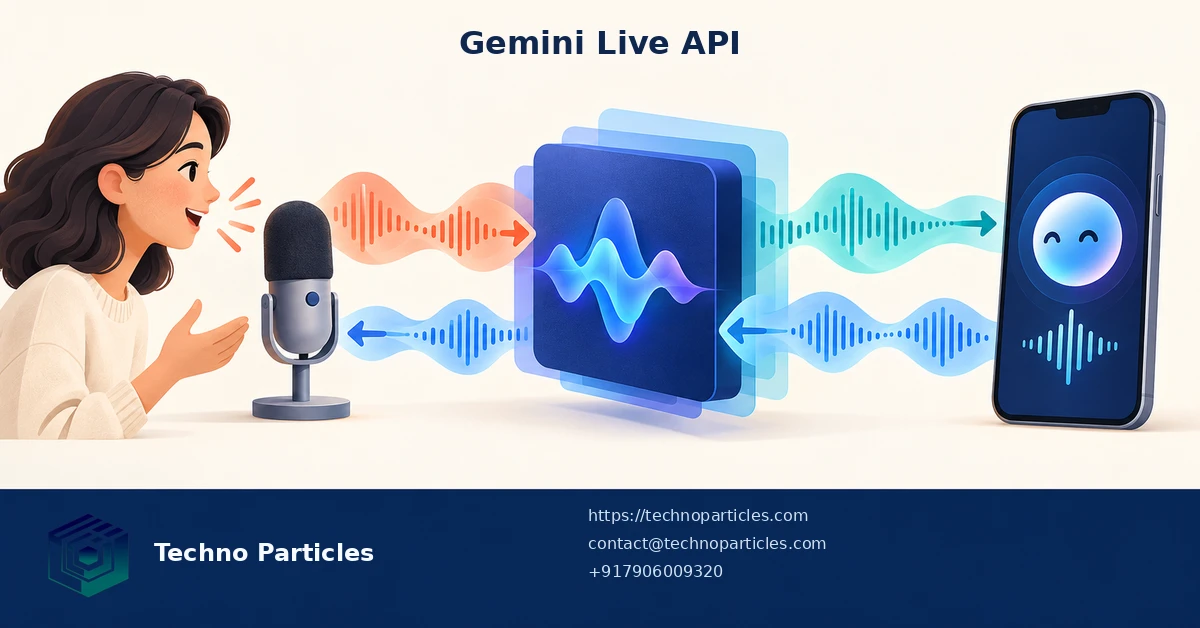
The Gemini Live API is currently documented as a preview interface. It maintains a bidirectional session through WebSockets or Google Gen AI SDKs, allowing an application to send audio while receiving model audio and events. For a first prototype, developers need a microphone input path, a WebSocket or SDK connection, playback for returned audio, and a clear method for displaying connection and error states.
Audio input should be sent as raw 16-bit PCM, with 16 kHz documented as the native input rate. Model audio output is returned as 24 kHz PCM. That difference matters: the playback pipeline must use the correct sample rate, or speech may sound distorted or play at the wrong speed. Applications can also request input or output transcriptions, configure system instructions, and use automatic voice activity detection.
Design for interruptions and business actions
A useful voice interface must handle people speaking over the model. The Live API supports interruption handling, so the client should stop or reduce playback when new user speech is detected and then continue with the latest turn. Developers can also connect function calling for actions such as checking an order, updating a CRM record, or scheduling a task. Search grounding is available where current information is important.
For production planning, Google documents server-to-server authentication by default and recommends ephemeral tokens for client-to-server applications. Teams building a polished experience can pair this audio workflow with custom application development for session controls, permissions, analytics, and backend integrations.
Choose the right Gemini audio model for the workflow
The Gemini Live API setup should begin with a clear decision about what the application needs to hear and produce. Gemini 3.8 Live is suited to natural, low-latency speech-to-speech conversations, while Gemini 3.8 Live Extended Thinking is intended for tasks where additional reasoning is more important than the fastest possible response. Gemini 3.5 Transcribe is the more focused option when the main requirement is converting live speech into text across more than 85 languages.
This distinction affects both the interface and the backend. A customer-support assistant may need spoken replies, interruption handling, and function calling. A meeting or field-service tool may primarily need accurate transcripts, searchable records, and structured data for a CRM or ERP. Separating these requirements early can prevent teams from adding unnecessary model responses or exposing business actions without adequate controls.
Build a reliable real-time voice pipeline
Audio capture should be tested under realistic network and device conditions, including Bluetooth microphones, mobile connections, background noise, and users who pause mid-sentence. The client needs to track session state, voice activity events, playback status, and interruptions independently. If a connection drops, the application should show a clear recovery state instead of leaving users unsure whether their request was received.
Session duration is another important constraint. Google documents audio-only sessions as limited to 15 minutes and audio-video sessions to 2 minutes unless session-management techniques are used to extend them. Native audio sessions also have context-window limits. Long conversations therefore need a deliberate handoff strategy, such as summarizing earlier turns, preserving approved structured fields, and starting a new session when appropriate.
Security should be designed alongside the audio experience. Server-to-server authentication is the documented default, while ephemeral tokens are recommended for client-to-server applications. Teams planning a secure implementation can combine the voice layer with project consultation for architecture and integration planning, especially when recordings, customer data, or automated business actions are involved.
Turn the Gemini Live API setup into a testable workflow
After the basic Gemini Live API setup works, test each stage separately instead of judging the entire voice experience from one successful call. Verify microphone capture, PCM formatting, WebSocket or SDK events, model responses, playback, transcription, and interruption recovery as independent checkpoints. This makes it easier to identify whether a problem comes from audio conversion, network timing, session state, or the user interface.
Keep the first application narrowly scoped. For example, a support assistant might answer approved product questions and call one backend function to retrieve an order status. Log request identifiers, connection changes, function-call results, latency signals, and user interruptions without storing raw audio unless the business has a clear retention policy. Structured logs help teams investigate failures while reducing unnecessary exposure of sensitive conversations.
Plan the user experience around uncertainty
Real-time speech systems cannot guarantee that every utterance will be heard perfectly. Background noise, accents, overlapping speech, network interruptions, and ambiguous requests should all have visible recovery paths. The interface can show when the assistant is listening, processing, speaking, or waiting for confirmation. For actions that change records, send messages, or create appointments, require a confirmation step before the function call is executed.
Teams should also decide when to use spoken output and when to fall back to text. A transcription-first workflow may be more practical for documentation, compliance review, or field reports, while a speech-to-speech workflow can be more natural for hands-busy tasks. Combining the implementation with UI/UX design for voice-enabled interfaces can help translate these states into controls that users understand.
Check preview status before launch
Google identifies the Live API as a preview, and model availability or limits may change. Recheck the current model documentation, supported capabilities, quotas, authentication guidance, and session constraints before committing to a public release. Maintain a fallback path, monitor real-world failures, and review model behavior whenever the selected model or API version changes.
Make the Gemini Live API setup observable
Once the core Gemini Live API setup is working, test every stage independently instead of judging the experience from one successful conversation. Verify microphone capture, raw 16-bit PCM formatting, WebSocket or SDK events, model responses, playback, transcription, and interruption recovery as separate checkpoints. This helps identify whether a fault comes from audio conversion, network timing, session state, or the interface.
Keep the first release narrowly scoped. A support assistant, for example, might answer approved product questions and call one backend function to retrieve an order status. Log request identifiers, connection changes, function-call results, latency signals, and interruptions without storing raw audio unless the business has a clear retention policy. Structured logs make failures easier to investigate while limiting unnecessary exposure of sensitive conversations.
Design for interruptions and uncertain speech
Real-time voice systems must handle background noise, accents, overlapping speech, pauses, network interruptions, and ambiguous requests. The interface should clearly show whether the assistant is listening, processing, speaking, or waiting for confirmation. When a user interrupts playback, preserve the latest confirmed state and make it obvious whether the unfinished response was cancelled or can be resumed.
Actions that change records, send messages, create appointments, or update orders should require confirmation before a function call runs. This is especially important when a spoken request could be misheard. Teams can pair the implementation with UI/UX design for voice-enabled interfaces to turn session states and recovery options into controls users can understand.
Recheck preview limits before launch
Google identifies the Live API as a preview, so supported models, capabilities, quotas, authentication guidance, and session constraints may change. Review the current documentation before production deployment, and maintain a fallback path for text or transcription when audio sessions fail. Monitor real-world errors after launch, particularly unexpected disconnects, false interruptions, function-call mistakes, and conversations approaching context or duration limits.

Secure the Gemini Live API audio models setup
A reliable Gemini Live API audio models setup begins with session design, not just microphone access. The Live API uses bidirectional WebSocket sessions or Google Gen AI SDKs, allowing the application to send audio while receiving model events and spoken output. Keep server-side credentials away from browser code. Google documents server-to-server authentication by default and recommends ephemeral tokens when a client application must connect directly.
Configure the audio pipeline explicitly. Live audio input uses raw 16-bit PCM, with 16 kHz documented as the native input rate, while generated audio is returned as 24 kHz PCM. Your application therefore needs predictable capture, conversion, buffering, playback, and error handling. A mismatch in sample format or rate can produce silence, distortion, delayed responses, or confusing transcription results.
Use separate controls for speech and actions
Start with audio responses and automatic voice activity detection, then add input and output transcriptions when users need a readable record. Interruption handling is equally important: when a speaker begins talking over the assistant, stop or reduce playback and preserve the latest confirmed conversation state.
Function calling can connect the voice interface to business systems, but the model should not receive unrestricted authority. Define narrow functions with validated parameters, such as checking an order, locating a document, or creating a support ticket. Require confirmation before any operation that changes records or sends an external message. A team planning this workflow can also use application development for secure voice-enabled business systems.
Design around session limits
Google documents audio-only sessions as limited to 15 minutes and audio-video sessions to 2 minutes unless session-management techniques extend them. Native audio sessions also have context-window limits. Build reconnection and handoff logic before users encounter these boundaries: summarize confirmed state, start a fresh session when needed, and tell the user what is happening. Because the Live API and newly released models may change, recheck current documentation, quotas, model access, and authentication guidance before production deployment.
Turn the Gemini Live API setup into a controlled release
A production-ready Gemini Live API audio models setup should be tested as a complete interaction, not just as a successful microphone demo. Verify capture, raw 16-bit PCM conversion, WebSocket or SDK events, model responses, playback, transcription, and interruption recovery as separate checkpoints. This makes it easier to identify whether a failure comes from audio formatting, network timing, session state, or the user interface.
Keep the first release narrow. A support assistant might answer approved product questions and call one backend function to retrieve an order status. Log connection changes, request identifiers, function results, latency signals, and interruptions without retaining raw audio unless a documented business policy requires it. Structured logs support troubleshooting while reducing unnecessary exposure of sensitive conversations.
Protect users when speech is uncertain
Background noise, accents, pauses, overlapping speech, and network interruptions can all affect a voice session. Show whether the assistant is listening, processing, speaking, or waiting for confirmation. When a user interrupts playback, preserve the latest confirmed state and explain whether the unfinished response was cancelled or can be resumed.
Use narrow, validated function definitions for tasks such as checking an order, finding a document, or creating a support ticket.


Leave a comment
Your email stays private. You can see your comment immediately on this browser. Others see it after approval.