
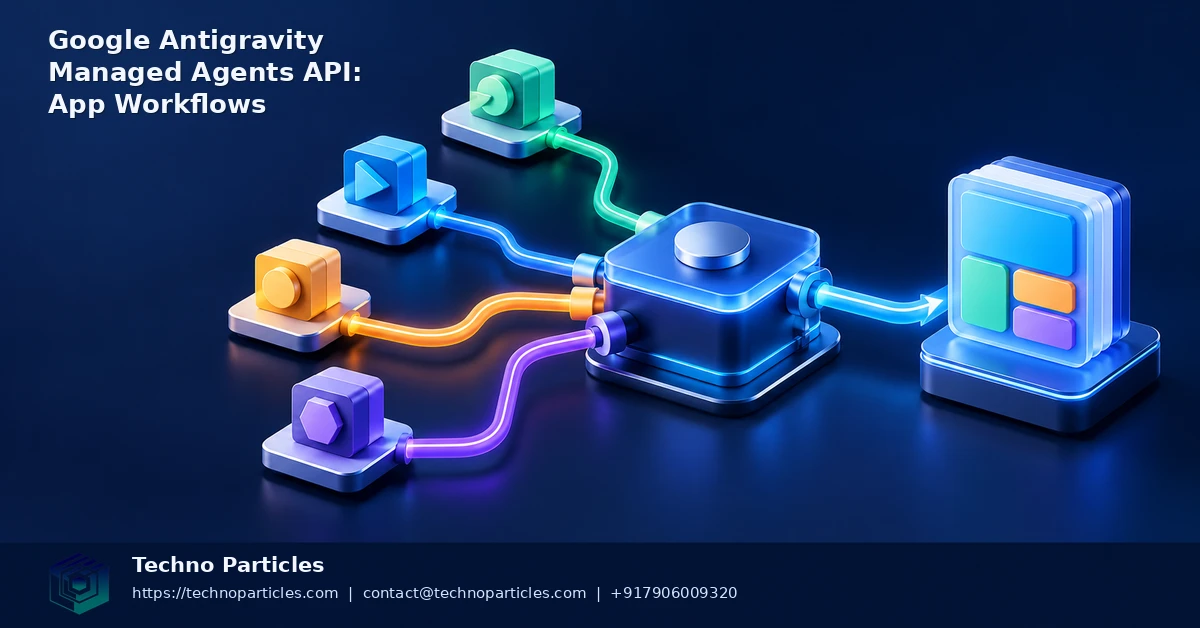
Google Antigravity Managed Agents API setup for autonomous app workflows is becoming a practical option for developers who need more than a conversational assistant. Google announced Managed Agents in the Gemini API on May 19, 2026, introducing a managed execution environment where an agent can reason, use tools, execute code, manage files, and browse the web.
The important change is that developers do not have to operate the agent’s Linux sandbox themselves. Antigravity runs inside an isolated, ephemeral remote environment, while follow-up Interactions can resume the same environment with its files and state intact. That makes the service relevant to backend jobs, document processing, quality checks, research pipelines, and application-support workflows.
What the Google Antigravity Managed Agents API provides
The current Gemini API documentation describes preview access through the Interactions API and Google AI Studio for eligible free- and paid-tier Gemini API projects. The documented preview agent ID is antigravity-preview-05-2026, used with environment="remote". Developers can work with multi-turn conversations, stream responses, and download files created in the remote sandbox.
Managed agents include tools such as code execution, Google Search, and URL Context. Instructions can be shaped with system prompts, AGENTS.md, SKILL.md, remote MCP servers, and function calling. Google’s announcement material references Gemini 3.5 Flash, but model defaults can change during preview, so implementation should follow the current developer documentation rather than hard-code a permanent model assumption.
Google Antigravity Managed Agents API setup basics
- Create or select a Gemini API project and confirm current preview eligibility, quotas, and token costs.
- Start an Interaction with the documented Antigravity agent ID and remote environment setting.
- Define a narrow system instruction, required tools, file expectations, and success criteria.
- Use follow-up Interactions when the workflow needs to inspect earlier files or continue a multi-step task.
For production-oriented implementation help, teams can also review application development services alongside their own security and integration requirements.
Designing autonomous workflows around the remote sandbox
The Google Antigravity Managed Agents API is best treated as a task runner with a controlled workspace, rather than as an unrestricted application backend. A useful request should identify the input, permitted tools, expected files, validation rules, and completion signal. For example, a document workflow might ask the agent to collect approved source files, extract structured fields, run a consistency check, and return a review report without publishing anything automatically.
Follow-up Interactions are particularly useful when a job has several stages. One interaction can download or create working files, another can inspect the results, and a later step can prepare a payload for a human or application to approve. Keeping these stages separate makes failures easier to diagnose and reduces the chance that an unclear instruction triggers an unwanted action.
Controls to add before connecting an app
- Approval gates: require explicit confirmation before sending messages, changing records, deploying code, or modifying customer-facing content.
- Secret isolation: avoid placing long-lived credentials in prompts or workspace files; use narrowly scoped integrations and rotate access when possible.
- Input boundaries: validate uploaded files, URLs, schemas, and user-supplied instructions before passing them into an agent task.
- Operational limits: set time, file, token, and retry limits, because agentic interactions may consume significant tokens.
- Observability: record interaction identifiers, tool calls, outputs, failures, and human decisions so the workflow can be audited.
Teams building a customer portal, internal dashboard, or mobile workflow should keep the agent behind an application service. That layer can authenticate users, enforce permissions, sanitize inputs, store approved outputs, and decide when a follow-up Interaction is allowed. It can also combine Antigravity with existing CRM, CMS, ERP, or document systems through function calling or remote MCP servers. Businesses planning this architecture can compare it with project consultation for application and automation planning before selecting a production integration pattern.
Building a reliable Google Antigravity workflow
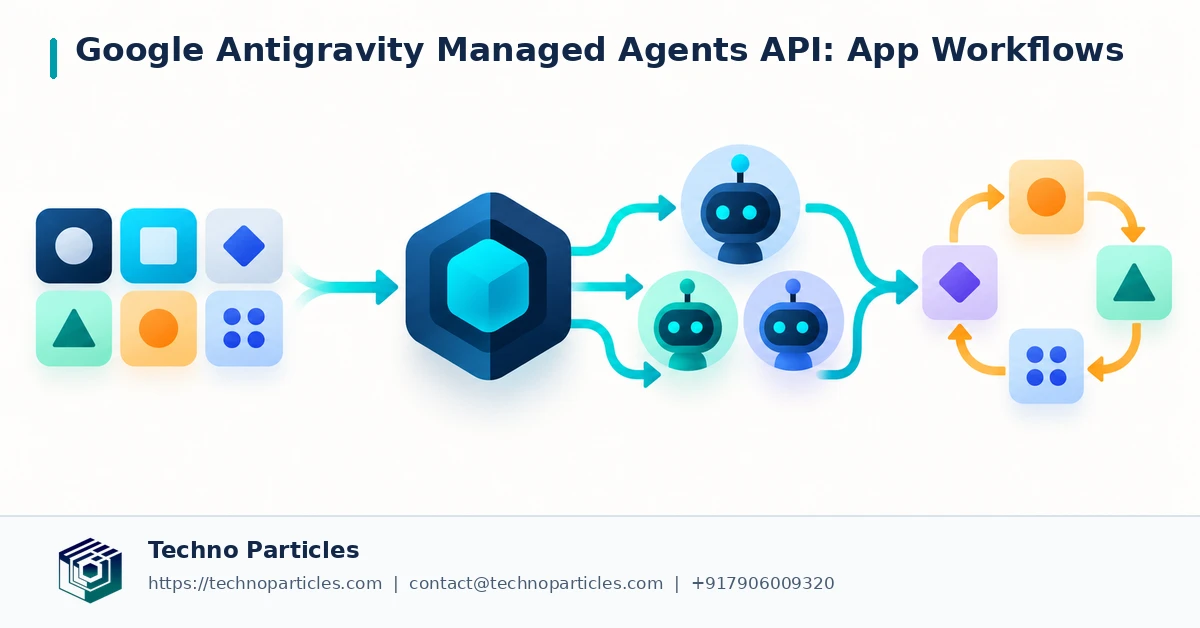
A practical Google Antigravity Managed Agents API setup starts with a small, repeatable job rather than a broad instruction such as “run the business process.” Define the task contract in application code: identify the input files, permitted tools, required output format, validation checks, and the conditions that should stop execution. This gives the surrounding app a clear way to decide whether the agent’s result is usable.
For example, an internal support workflow could receive a set of approved product documents, ask Antigravity to extract troubleshooting steps, and produce a structured draft for review. The application can then validate the returned JSON, scan generated files, and route the draft to an employee before it reaches a customer. If the agent encounters missing evidence or conflicting instructions, the workflow should return a review state instead of asking it to improvise.
Where the API fits in an application stack
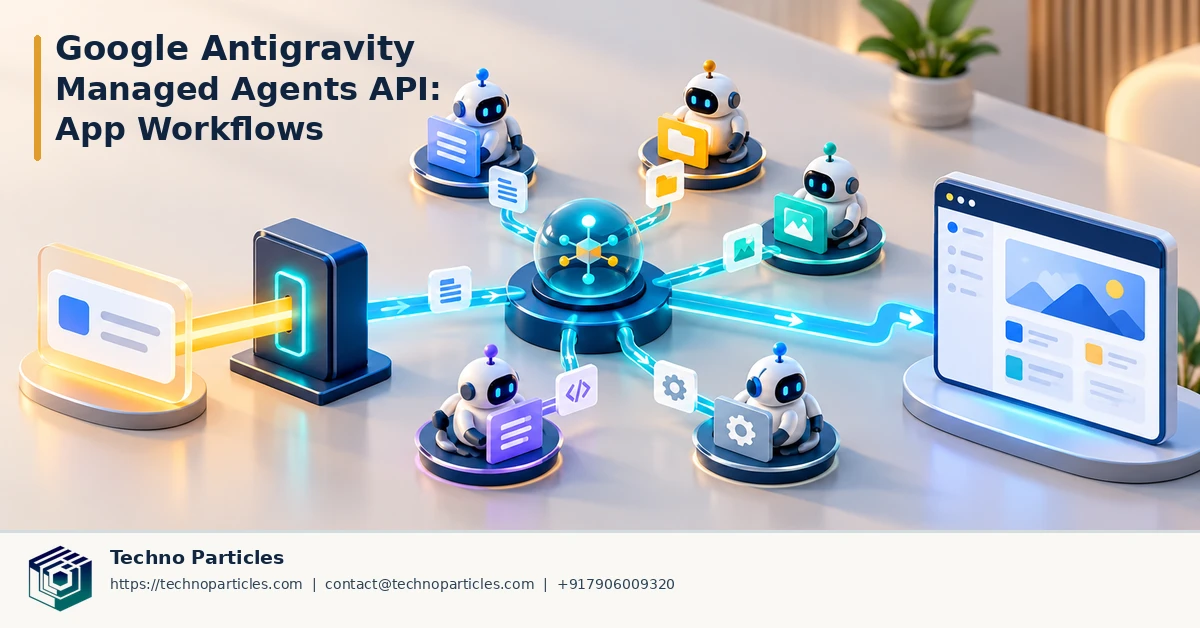
The managed agent should normally sit behind a server-side orchestration layer. That layer can authenticate the requester, select the correct instruction set, create an Interaction, stream progress to a dashboard, and save only approved outputs. It can also associate each task with a customer, project, or ticket while keeping the remote sandbox separate from the company’s permanent database.
Use AGENTS.md or SKILL.md for reusable operating rules, but keep sensitive policy decisions in the application layer. A file can describe formatting conventions or test procedures; it should not become the only control protecting payments, permissions, production deployments, or regulated information. Function calls and remote MCP servers likewise need explicit allowlists, input validation, and failure handling.
Before a pilot, measure completion quality, tool errors, token consumption, latency, and the frequency of human intervention across representative tasks. Preview behavior, model defaults, quotas, and costs can change, so pin documented configuration where possible and recheck Google’s current Gemini guidance during deployment. Teams that need help connecting these controls to a portal, dashboard, or business system can evaluate Generative AI development services as part of the implementation plan.
A minimal setup pattern for developers
A practical Google Antigravity Managed Agents API setup can begin with a server-side request that selects the documented preview agent ID, antigravity-preview-05-2026, and requests the remote environment. The application should pass a tightly scoped instruction, define the expected output, and preserve the returned Interaction identifier. That identifier allows later requests to continue the same conversation and workspace instead of restarting the task from an empty environment.
For a data-processing job, the first Interaction might provide an approved input file and ask the agent to create a normalized result. A follow-up can inspect the generated file, run additional checks, and stream progress to an internal dashboard. The application should download only the files it expects, validate their format, and reject results that fail schema or business-rule checks. This pattern is more dependable than treating free-form text as a completed transaction.
Test the workflow with controlled tasks
Start with synthetic or non-sensitive data and a narrow tool allowlist. Test how the agent handles missing files, malformed URLs, conflicting instructions, tool failures, and incomplete evidence. Google’s managed-agent documentation describes built-in capabilities including code execution, Google Search, and URL Context, but each tool can expand the range of actions or information the workflow touches. Enable only what the task genuinely needs.
During evaluation, compare streamed progress with the final response, inspect generated files, and record where human review was required. Keep preview behavior under observation because model defaults, quotas, pricing, and production access may change. A documented configuration and repeatable test set make those changes easier to detect.
For businesses connecting this pattern to a website, CRM, CMS, or internal portal, application development services can help place authentication, validation, workflow state, and approval screens around the managed agent.
Production safeguards for a Google Antigravity workflow
A Google Antigravity Managed Agents API setup should treat the remote environment as a controlled workspace, not as an unrestricted operator. Keep credentials, customer records, and production permissions outside the agent unless a specific task requires them. When tools or functions are exposed, use short-lived credentials, narrow scopes, input validation, and explicit confirmation for actions that could send messages, change records, publish content, or spend money.
Approval gates are especially important for workflows that generate customer-facing documents, update CRM data, or trigger operational systems. A useful design separates preparation from execution: Antigravity can research, transform, test, or draft an outcome, while the surrounding application decides whether a person or a second validation step must approve it. Store the request, relevant tool calls, returned files, validation results, and final decision in an auditable record.
Plan for limits and changing preview behavior
Managed agents are currently documented as a preview capability, so teams should avoid making the preview agent ID or model behavior an invisible dependency. Keep the agent configuration in one place, record the model and tool settings used for each run, and build a fallback path for failed or unavailable interactions. Recheck Google’s current documentation for access, quotas, token usage, pricing, and production-readiness before committing to a customer-facing service.
Cost control also belongs in the workflow design. Set limits on interaction length, file size, tool calls, retries, and execution time. Use smaller test inputs during development, and stop jobs that repeat the same failed action. Monitoring should track successful completion as well as near-misses, escalations, latency, and resource consumption.
For an India-based business connecting these controls to a customer portal or internal operations system, website development services can support the surrounding authentication, review interface, and status tracking. The agent remains one component inside a governed application, with business rules and human accountability kept visible.
Make the managed agent part of a governed system
The safest Google Antigravity Managed Agents API setup keeps the agent’s autonomy inside clearly defined boundaries. Let it prepare research, transform files, run tests, or draft a result, while the surrounding application controls authentication, validation, approvals, and delivery. This separation is useful for customer support, document processing, QA, reporting, and internal operations because an agent’s useful work does not automatically become a business decision.
Before connecting a workflow to live data, define which actions are read-only and which require approval. Protect secrets with short-lived, narrowly scoped credentials, and avoid placing sensitive values in prompts or files unless they are essential. Validate downloaded files and structured outputs against expected schemas. Log the Interaction identifier, tool activity, generated artifacts, validation results, errors, and final approval so a team can investigate both successful and failed runs.
What developers should verify before launch
Google’s managed agents remain a preview capability, so access, quotas, token consumption, pricing, model configuration, and production readiness should be checked against the latest Gemini documentation. Keep these settings configurable rather than spreading them throughout application code. Add limits for file size, execution time, retries, tool calls, and interaction length, along with a fallback path when an interaction fails or the service is unavailable.
A small, repeatable evaluation set can reveal whether the agent follows instructions, handles incomplete evidence, and stops when it reaches a boundary. Test with synthetic data first, then expand access gradually while monitoring latency, costs, escalations, and review outcomes.



Leave a comment
Your email stays private. You can see your comment immediately on this browser. Others see it after approval.