

Microsoft MAI Code 2: 98% of GPT-6.1 Sol quality at 40% cost is a striking claim for teams weighing the economics of AI-assisted programming. Microsoft says its comparison covers four coding benchmarks, making it a measure of performance on those tasks rather than a promise about every software project. The company introduced MAI Code 2 and MAI Code 2 Flash in its 17 November 2026 announcement.
| Announcement detail | Microsoft's statement |
|---|---|
| Models | MAI Code 2 and MAI Code 2 Flash |
| Performance comparison | 98% of GPT-6.1 Sol's coding performance across the stated benchmarks |
| Cost comparison | Approximately 40% of the comparator's price in Microsoft's analysis |
| Benchmarks | DeepSWE 1.1, Terminal Bench 2.1, SWE-Atlas and FrontierCode v1.1 |
What Microsoft announced on 17 November 2026
The headline comparison combines results from DeepSWE 1.1, Terminal Bench 2.1, SWE-Atlas and FrontierCode v1.1. Microsoft presents MAI Code 2 as a coding model for everyday work, with Code 2 Flash as a companion model. The percentages are Microsoft's aggregate assessment, not an independently verified result for every development task.
For a development team, the distinction matters because a coding model's value depends on the work it is asked to do. A result across several benchmarks can help identify a model worth considering, but it cannot by itself tell a team how well the model will handle its own repository, requirements or review process.
The announcement is relevant to projects ranging from application changes to debugging existing software. For readers considering how those activities fit into a broader delivery process, the application development service page describes work across mobile application development and related delivery stages.
What the 98% figure measures—and what it does not
The comparison is an aggregate across four coding benchmarks, each contributing a different set of tasks to Microsoft’s assessment. Its benchmark methodology describes the settings and sources behind the result, which matter when interpreting a single percentage as a measure of coding quality.
Microsoft says the models were evaluated at maximum reasoning effort. That setting is part of the comparison: the reported result reflects the models operating under that evaluation choice, rather than establishing how they compare at every available reasoning level. A team comparing outputs under another configuration should therefore treat its own results as a separate observation.
For DeepSWE 1.1, Terminal Bench 2.1 and SWE-Atlas, Microsoft used its MSBench evaluation setup with GitHub Copilot CLI and no subagents. Those details identify the surrounding workflow as well as the models being tested. A coding assistant’s observed result can depend on the tools and orchestration around it, so a comparison using a different setup is not necessarily measuring the same thing.
FrontierCode v1.1 came from Artificial Analysis rather than Microsoft’s MSBench runs. The four-benchmark aggregate thus combines results from two evaluation sources. Microsoft also says its cost calculation for MAI Code 2 used a 50% promotional price; that assumption belongs to the reported comparison rather than to the model’s coding-quality score alone.
These distinctions are useful when reading claims about generative AI services: the model, reasoning setting, evaluation harness and task set are separate parts of a result. Together they explain the conditions under which Microsoft reached its headline assessment.
How developers can access MAI Code 2
Microsoft identifies GitHub Copilot as the access route for MAI Code 2. Its companion, MAI Code 2 Flash, is also offered through a limited-access preview in Microsoft Foundry. The two access routes therefore have different availability conditions; the Microsoft model card describes the models and their distribution channels.
Within Copilot, seeing a supported model in documentation does not mean it will appear in every installation. GitHub says availability depends on the client, the user’s plan and applicable organization settings. A developer working under an organization account may therefore need to check both the client’s model picker and the organization’s configuration. GitHub maintains the client-by-client details in its supported AI models reference.
Choose the model and configure the workflow
In Copilot CLI, GitHub documents the following command for opening model selection:
/modelChoose MAI Code 2 from the available options if it appears. The Copilot CLI model-selection guide explains the selection workflow. If the model is absent, its absence alone does not identify whether the client, plan or organization settings are responsible.
GitHub lists extended context for Visual Studio Code and Copilot CLI, and configurable reasoning for those clients and the Copilot cloud agent. It also says larger context windows and higher reasoning levels consume more AI credits. Those controls make the client and configuration relevant to the cost of a particular workflow, even when the same model is selected.
For teams planning a broader rollout, the project consultation page describes requirements discovery and scope planning. Those activities can help establish which repositories and developer workflows need access before an organization changes its Copilot settings.
What the model card says about capability
MAI Code 2 uses a sparse mixture-of-experts architecture, a design that activates selected parts of a model for a given task. Its integrated vision encoder also accepts images alongside text, while its responses are text. That combination supports coding workflows where a developer provides both written instructions and visual material, such as a screenshot of an interface. Microsoft describes these characteristics in the MAI Code 2 model card.
From repository questions to interface work
The model card identifies multi-file implementation, debugging, refactoring, code review and test writing as intended uses. It also describes answering questions about a repository and carrying out terminal automation. These are different kinds of assistance: answering a question can help a developer understand existing code, while a multi-file change requires the developer to assess how proposed edits fit together.
For interface work, Microsoft includes screenshot-to-frontend tasks among the intended uses. A screenshot can communicate visual details that are cumbersome to describe in prose, although it does not necessarily explain how an interface should behave. A developer can supplement it with interaction requirements; the UI/UX services page describes related work such as journey reviews, prototypes and developer handoff.
Context and deployment boundaries
The model card lists a context length of 1,050,000 tokens, with limits of 922,000 input tokens and 128,000 output tokens. Context is the material a model can consider within a request, including instructions and supplied content. A large window can make broader repository material available to the model, but the listed limits do not establish that every relevant file or dependency will be included in a particular request.
Microsoft describes the models as hosted services rather than locally distributed weights. Teams that need to run model weights inside their own infrastructure should account for that deployment distinction when considering whether the service fits their requirements.
How to interpret the 40% cost claim
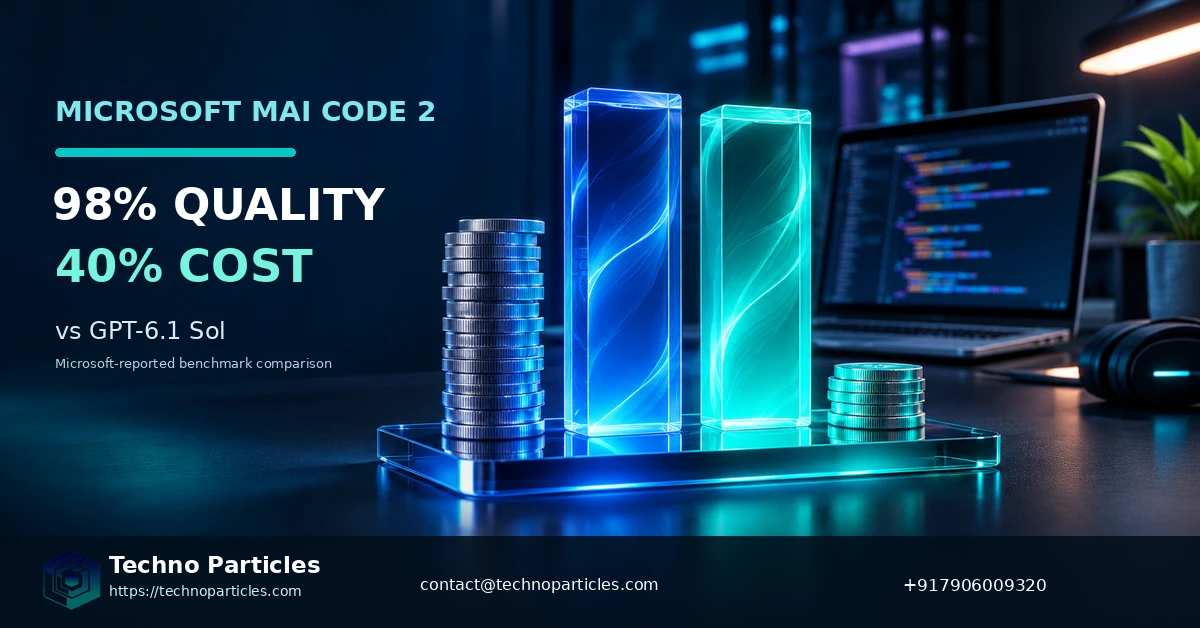
Microsoft’s comparison is a reported cost for completing benchmark tasks, not a universal token price or a prediction of a team’s Copilot bill. The distinction matters because a benchmark combines model usage with a particular set of tasks and evaluation conditions. A different workload may require a different amount of model input, output or reasoning to reach an acceptable result. Microsoft explains the basis of its comparison in the MAI Code 2 announcement.
For a buying decision, the useful unit is the cost of an accepted change: the expense of model usage together with the developer time needed to review and complete the work. A model that produces a cheaper first response may still be more expensive for a particular task if it needs more iterations or substantial correction. Conversely, an approach that costs more per request can be economical when it reduces the work needed to finish a change.
Compare costs against your own workflow
Start with a recurring task that has a clear completion standard, such as a maintenance change with an existing test suite. Compare the alternatives using the same task description and acceptance criteria, then record the usage charged and the time spent reviewing and correcting each result. Treat the outcome as evidence for that type of work, rather than as a price ratio that automatically applies to every repository.
Teams should also distinguish their subscription costs from the usage attributable to a task. GitHub’s supported models reference explains how model and configuration choices relate to AI-credit consumption. A comparison should use the terms applicable to the team’s own account rather than assuming that Microsoft’s benchmark ratio maps directly to its invoice.
The scope of the work affects the calculation, too. A customer-facing application change can involve interface decisions, integrations and testing as well as code generation; the application development page describes those related delivery activities. Separating them in a cost estimate makes it easier to see which portion a coding model could plausibly influence.
The decision rule for teams considering MAI Code 2
When considering Microsoft MAI Code 2: 98% of GPT-6.1 Sol quality at 40% cost, choose it if your work resembles Microsoft’s everyday enterprise coding benchmarks and your team has Copilot access; otherwise, assess its fit for your repository before choosing it.
As a next step, run a small controlled trial on real, non-sensitive tasks.


Leave a comment
Your email stays private. You can see your comment immediately on this browser. Others see it after approval.