
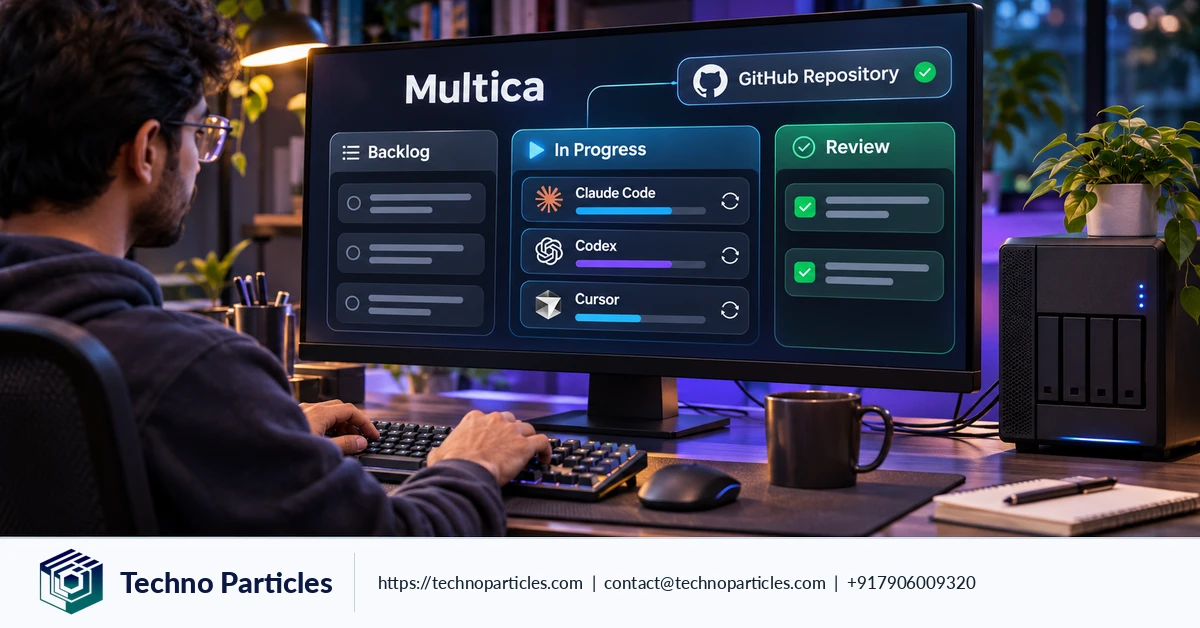
Multica GitHub: Self-Hosted AI Coding Agents on One Team describes a workspace for coordinating coding agents across machines. Its v0.13.0 release adds ways to route work between dependent issues and squads, while giving teams more control during runs. The official release record dates v0.13.0 to November 25, 2026.
Multica positions itself as a layer around coding tools: teams assign issues, connect runtimes, inspect execution logs and use review gates. Its GitHub repository describes the workspace as self-hostable. Teams planning their own delivery process can also use project consultation to define requirements and scope.
| Coordination feature | What the release describes |
|---|---|
| Issue dependencies | Automatic wakeups for dependent work |
| Squad handoffs | Direct transfers between squads |
| Hermes steering | Intervention during agent runs |
| Runtime sharing | Changes to sharing visibility |
What changed in Multica v0.13.0
In its November 25, 2026 changelog, Multica describes dependency wakeups that can start work when a blocking issue is resolved. This gives teams a way to express an ordering between tasks rather than manually reassigning every follow-on step.
The same release adds direct squad handoffs. A team can use a handoff to move work to another squad as the task progresses, making the receiving group part of the recorded workflow. The release also adds Hermes steering, which extends the ability to guide an agent while a run is underway.
Changes to runtime-sharing visibility address a separate coordination question: which execution resources are shared. The release also includes fixes. These are documented product changes, not evidence of a guaranteed gain in productivity or reliability.
How Multica turns coding CLIs into teammates
Multica organizes work around issues and agents. A person creates an issue describing a task, assigns it to an agent and uses the workspace to follow its progress. The official README describes a shared workspace in which people and agents coordinate work through assignments, execution records and review gates.
A runtime is the connected machine on which an agent carries out its assignment. That machine can be a laptop, server or virtual machine. The runtime gives the workspace an execution location; the issue gives the agent a defined piece of work. Keeping those roles separate helps a team see both what was requested and where a run took place.
From assignment to review
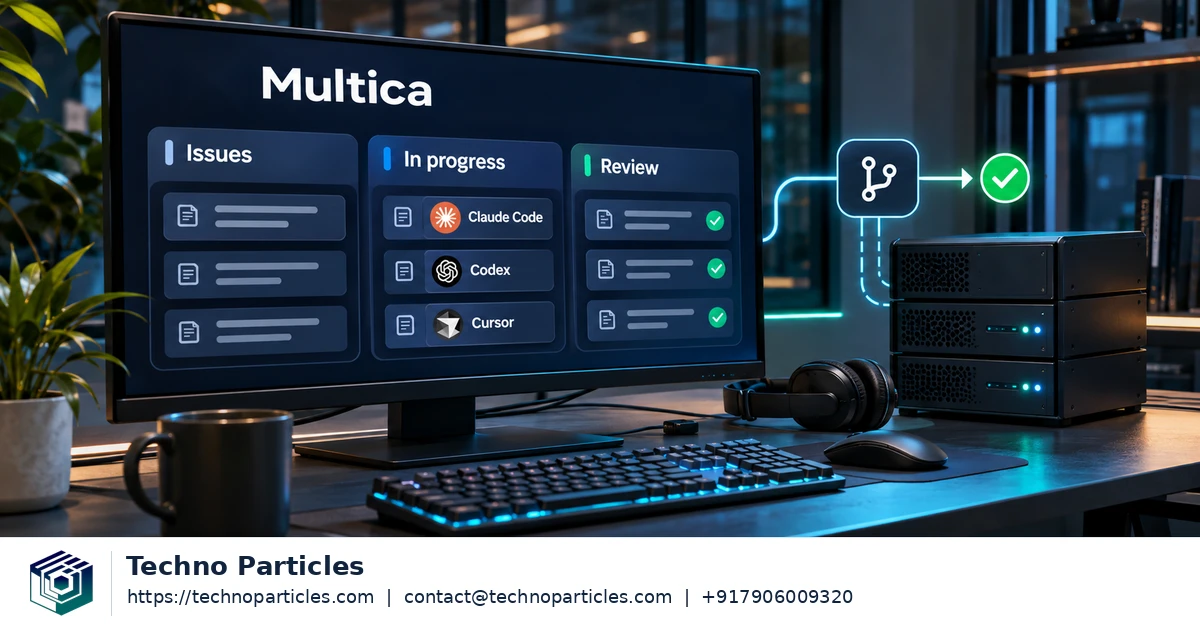
The official quickstart outlines a first run: connect a computer, detect a signed-in coding tool, create an agent and assign it an issue. Once the run begins, the execution log provides a place to inspect what happened. Review gates give people a point in the workflow to examine work before it moves forward.
The documented setup command is:
multica setupFor example, a team might assign a repository change as an issue, then inspect its run log and review the resulting work. The issue and log give reviewers context for the assignment; the review gate provides a place for a human decision. This kind of workflow can also inform broader generative AI development planning when a team is deciding where human oversight belongs.
Multica orchestrates separately installed coding-agent CLIs; it does not include the underlying agents or their model access. A connected machine therefore needs a supported tool installed and signed in before that tool can execute an assignment.
Deployment choices and self-hosting requirements
Multica describes three ways to use its workspace: a cloud service, a desktop application connected to a server, or a fully self-hosted stack. The deployment overview presents these as different ways to operate the same coordination workspace. For a team choosing between them, the distinction is where the workspace runs and who maintains the server.
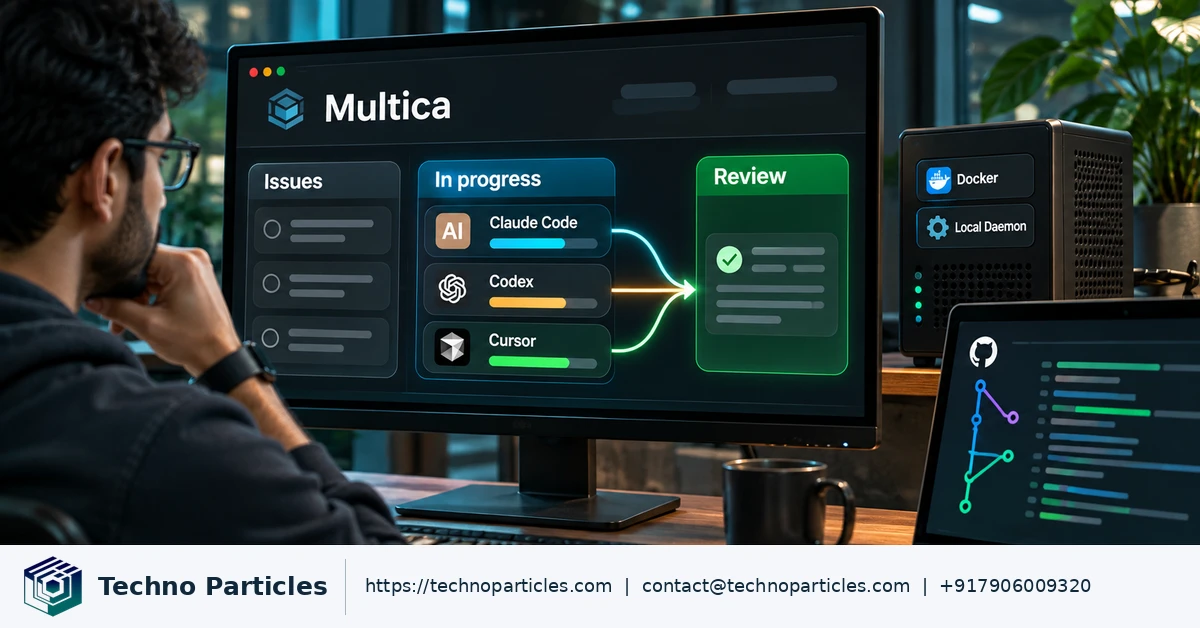
The self-hosting guide documents Docker Compose and Kubernetes Helm deployment paths. The Compose path requires Docker and Docker Compose. It also describes a local daemon that runs outside Docker, detects installed coding tools and executes assigned tasks on the connected machine.
Self-hosting keeps workspace data on the operator’s infrastructure, but the operator also takes responsibility for upgrades, backups, infrastructure and runtime uptime. Those responsibilities belong in the deployment plan alongside the application itself. Teams assessing how a custom product will be deployed can include these requirements in application development planning.
Supported agents and the team workflow
Multica’s product page lists 31 supported coding tools and says its daemon detects installed CLIs on connected machines. That breadth gives a team a way to coordinate different tools in one workspace without requiring every assignment to use the same coding agent.
Squads provide a way to organize participants around work, while scheduled autopilots can initiate configured work on a schedule. Together, those features support a team workflow in which recurring assignments and work moving between groups have a place in the shared workspace. The project README describes these coordination features alongside the agent workspace.
Practical capacity depends on the external CLI and provider account available to each agent, the machine running it and its configured concurrency. A team using several agents therefore needs to account for the capacity and access of each connected runtime when deciding how much work to assign at once.
License, privacy, and usage boundaries
Multica states that internal organizational use and self-hosting are free under the Multica License. Its licensing page distinguishes that use from serving people outside the organization, running managed instances for clients, or embedding Multica in a commercial product, which it says require a commercial license. The terms also include branding and attribution conditions.
That distinction matters when defining who will use a deployment. An internal workspace for a company’s own personnel falls into a different category from a service offered to outside customers. A team considering an external offering should examine the applicable license terms for that use before treating the internal-use allowance as sufficient.
The self-hosting guide says the server sends one anonymous deployment-level snapshot per day. It describes the snapshot as containing the release version and bucketed counts, without names, content, or IDs. The guide also documents DO_NOT_TRACK=1 as an opt-out.
For privacy planning, that disclosure separates the location of the workspace from the question of outbound telemetry. An organization can assess the documented snapshot and its opt-out against its own requirements as part of its deployment configuration.
Multica says self-hosted deployments have no artificial agent caps. That statement concerns a product-imposed cap; it does not establish a fixed number of agents that any particular installation can support. The project consultation service describes a route for discussing the scope and planning of a software project, including its operational requirements.
This is a plain-language description of the licensing position, not legal advice. The LICENSE controls if it conflicts with the website’s explanation.
Choosing the scope of an agent workspace
The Multica repository positions the workspace around coordinating coding agents across issues and runtimes. That scope is useful when a team needs a shared record of delegated work: an assignment can be associated with an execution rather than existing only in an individual developer’s conversation with a tool.
For a smaller project, the distinction is whether that shared coordination is needed. A single developer working directly with one coding CLI may have less need for a separate workspace, while a team distributing assignments across several machines has more coordination to organize. That is a choice about the workflow, not a claim that either setup produces better code.
A requirements discussion can make the boundary clearer: identify which work needs a shared assignment and review history, then decide whether those needs justify operating another workspace. The services page describes the broader development and consultation capabilities available for planning a software project.
Conclusion
Choose Multica GitHub: Self-Hosted AI Coding Agents on One Team when shared coordination across multiple coding agents justifies a dedicated workspace. Next, check the current release and deployment requirements against your team’s intended setup.



Leave a comment
Your email stays private. You can see your comment immediately on this browser. Others see it after approval.