

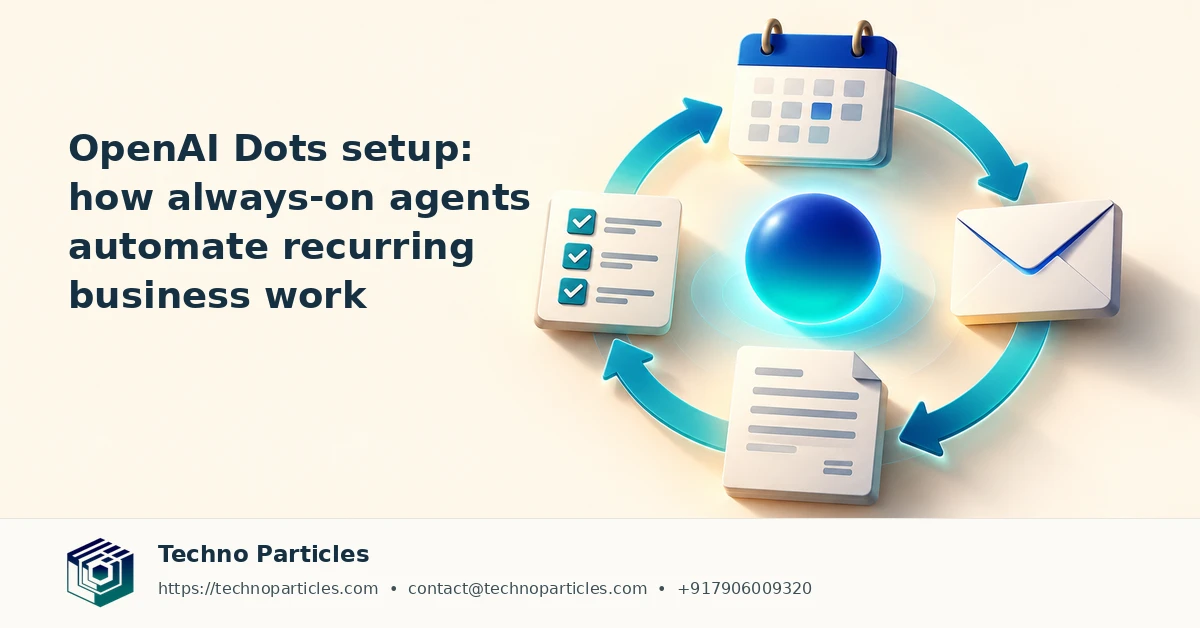
OpenAIâs Dots are designed to keep useful business work moving after you close your laptop. According to OpenAIâs ChatGPT Learn documentation, a Dot is an always-on agent powered by GPT-6 Astra that operates in a dedicated cloud computer and browser. It can research information, analyze data, prepare documents, build software, retain relevant notes, and continue working while your personal computer is offline.
What to Know Before OpenAI Dots Setup
The OpenAI Dots setup begins in the ChatGPT mobile app, desktop app, or desktop browser. Users name and customize a Dot, then connect permitted plugins such as email, calendars, files, Slack, or Teams. Mobile web is not supported. A connection to a personal computer is optional, but it requires the ChatGPT desktop app to remain open while the computer stays online.
After configuration, a Dot can manage an ongoing responsibility, use background agents, request scheduled check-ins, or delegate work to ChatGPT Work or Codex. This makes the feature more relevant to repeatable business processes than to one-off chatbot prompts. For example, a team could create a monitored research workflow that collects updates, organizes findings, and prepares a draft for review.
How Always-On Agents Handle Business Tasks
OpenAI says proactive research is read-only. Consequential actions remain subject to permissions, approval checks, custom rules, and takeover requirements. That distinction matters when connecting business systems: an agent may prepare an email, update a document, or suggest a workflow, while a person retains control over sensitive or irreversible actions.
Businesses planning an OpenAI Dots setup should first map a narrow recurring process, define which data the agent may access, and specify approval points. Teams building a broader digital workflow can also review Techno Particlesâ Generative AI services for practical automation and integration guidance.
Access is rolling out gradually, with eligibility varying by plan, age, geography, and administrator settings. Enterprise Dots are off by default until an administrator enables them, so availability should be checked before planning deployment.
Planning a Reliable OpenAI Dots Setup
A practical OpenAI Dots setup should begin with the information the agent needs, not with the most powerful permissions available. Separate reference material from sensitive records, connect only the plugins required for the assigned responsibility, and write instructions that define the desired output, timing, and escalation path. A sales-monitoring Dot, for example, might review approved files and calendar information, identify follow-up items, and prepare a brief for a human owner without sending messages automatically.
Use Check-ins and Approval Gates Carefully
Scheduled check-ins can turn an occasional request into a repeatable operating rhythm. A Dot could prepare a Monday pipeline summary, organize research updates before a meeting, or flag missing information in a recurring project folder. The useful control is the review boundary: the agent prepares evidence and recommendations, while a person approves changes that affect customers, finances, employees, or external communications.
Teams should test the workflow with sample data before connecting live systems. Check whether the Dot interprets dates correctly, preserves the requested format, cites the right source files, and stops when information is incomplete. OpenAIâs privacy and safety guidance also warns that Dots can make mistakes. Deleting a Dot removes its own context, but it does not automatically remove separately stored files or conversations, so retention rules should be planned independently.
Where Business Integration Adds Value
For a small business, the first deployment might coordinate lead research, content preparation, or internal reporting. Larger teams may need role-based access, shared instructions, auditability, and clear ownership across departments. OpenAIâs related Workspace Agents offering is distinct from Dots and focuses on shared agents, recurring workflows, administrator controls, audit logs, and approval gates for supported business plans.
That distinction helps organizations choose an appropriate path: an individual Dot can support personal productivity, while a managed business workflow may require centralized governance and integration design. Companies evaluating these options can also explore Techno Particlesâ project consultation services when an agent must connect with an existing CMS, CRM, ERP, or lead-management process.
OpenAI Dots Setup: How Always-On Agents Automate Business Work - Techno Particles
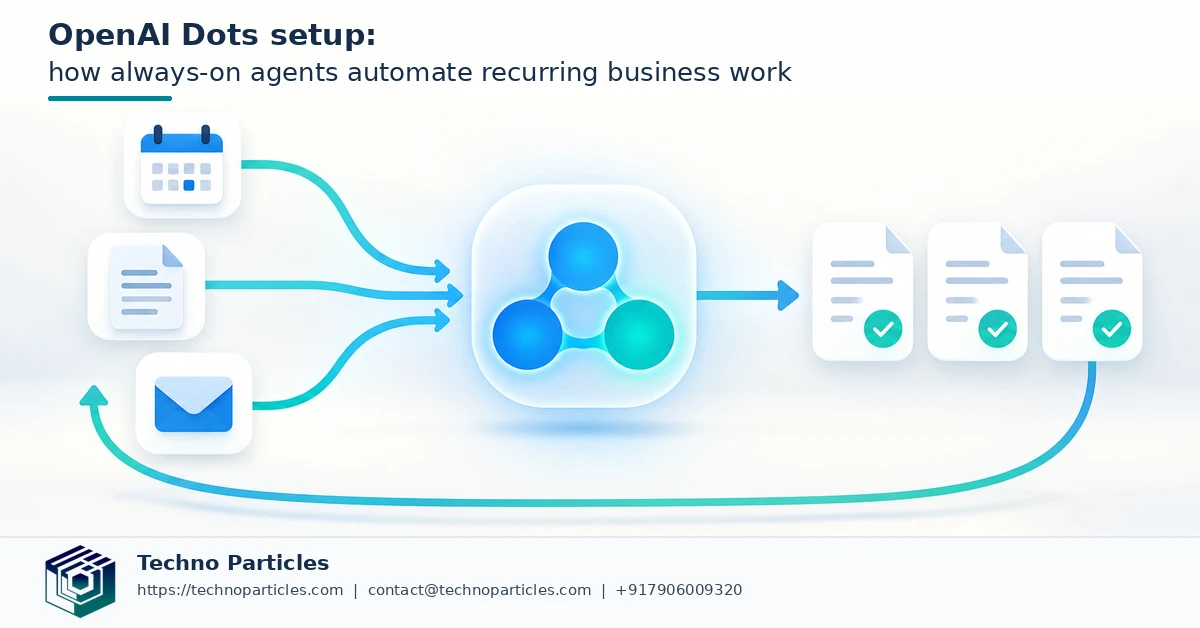
OpenAI Dots Setup: Start With a Controlled Pilot
The safest way to evaluate an OpenAI Dots setup is to begin with a low-risk responsibility that has a clear definition of success. Choose a process such as compiling approved market updates, sorting non-sensitive project notes, or preparing an internal status brief. Give the Dot a fixed schedule, a limited source set, and a standard output format. This makes it easier to compare results and identify where instructions need refinement.
Define Data Boundaries Before Connecting Tools
Connected plugins can make an agent more useful, but every connection increases the importance of access planning. Decide whether the Dot needs to read email, calendars, files, Slack, or Teams, and remove permissions that do not support its assigned task. Keep confidential customer, employee, financial, and legal information outside the workflow until the team understands how context is handled and retained.
Instructions should also state what the Dot must not do. For example, it can summarize approved customer feedback and prepare a draft response, but it should not send that response, change a customer record, or commit a payment without explicit approval. These boundaries make takeover requirements and approval checks part of the operating design rather than an afterthought.
Measure Quality Before Expanding Automation
During the pilot, review accuracy, completeness, source selection, timing, and escalation behavior. Ask a human owner to inspect every output and record recurring errors, such as outdated files, ambiguous names, incorrect dates, or missing assumptions. If the Dot cannot reliably stop when information is incomplete, the workflow is not ready for broader access.
Once the process is stable, document ownership, review frequency, failure handling, and retention expectations. Businesses that need help connecting agent workflows with websites, applications, or internal systems can consider Techno Particlesâ application development services as part of a wider implementation plan.
Making an OpenAI Dots Setup Operational
A successful OpenAI Dots setup needs an operating routine as much as a useful prompt. Assign one owner who reviews outputs, updates instructions, and decides when permissions should change. The owner should also maintain a simple record of connected plugins, approved data sources, scheduled check-ins, and actions that always require human confirmation. This documentation becomes especially important when a Dot supports more than one department.
Design the Workflow Around Evidence
Ask the Dot to show which files, messages, or calendar details informed its recommendation. A source-aware brief is easier to verify than a polished answer with no traceable basis. For recurring research, require the output to separate confirmed information, unresolved questions, and suggested next steps. That structure helps a manager review the result quickly and makes mistakes easier to identify before they influence a customer or business decision.
Businesses should also plan for interruptions. A connected file may move, a plugin permission may expire, or a scheduled task may encounter incomplete information. Define what the Dot should report when a source is unavailable and when it should stop instead of filling gaps with assumptions. OpenAIâs guidance makes clear that Dots can make mistakes, so graceful failure is part of responsible automation.
Connect Dots With Existing Business Systems
When a workflow proves reliable, the next question is whether the Dot should remain a standalone assistant or become part of a broader business system. Lead summaries may need to feed a CRM, content research may support a CMS, and employee or project reports may require controlled access across teams. Those connections should be mapped carefully so that the agentâs recommendations do not bypass existing approval and record-keeping processes.
For organizations moving beyond a pilot, Techno Particlesâ generative AI services can support planning for agent workflows, document automation, and business integrations. The immediate priority, however, remains disciplined testing: expand access only after the Dot consistently follows its scope, exposes uncertainty, and leaves consequential decisions with an accountable person.

OpenAI Dots Setup: Keep Human Review in the Loop
An OpenAI Dots setup becomes more dependable when human review is built into the workflow from the beginning. Assign an owner who checks recurring outputs, updates instructions, and decides whether a Dot should receive additional permissions. The owner should maintain a simple record of connected plugins, approved data sources, scheduled check-ins, and actions that always require confirmation.
Separate Research From Consequential Actions
Dots can help research topics, analyze information, prepare documents, and organize recurring work, but those capabilities do not remove the need for judgment. Use a Dot to assemble a supplier comparison or draft a campaign brief, then require a person to verify sources, assumptions, dates, and calculations before the material is used. A workflow should clearly state that sending messages, changing records, approving expenses, or publishing content requires explicit approval.
OpenAIâs documentation also indicates that proactive research is read-only, while higher-impact actions remain subject to permissions, approval checks, custom rules, and takeover requirements. This distinction is important for businesses that want automation without allowing an agent to operate beyond its assigned authority.
Plan for Errors, Interruptions, and Context
Connected files can move, plugin access can expire, and a scheduled task may encounter incomplete information. Tell the Dot what to report when a source is unavailable and when it must stop rather than fill gaps with assumptions. Require outputs to separate confirmed information, unresolved questions, and recommended next steps. This makes review faster and exposes uncertainty before it affects a customer, employee, or business decision.
Teams should also consider what context the Dot can access, including ChatGPT memory and connected-plugin information. Deleting a Dot removes its own context, but separately stored files or conversations may remain. Before connecting sensitive systems, document retention expectations and permission ownership. Organizations extending these workflows into a CMS, CRM, or internal portal can review Techno Particlesâ CMS development services while mapping access controls and approval paths.
Start Small Before Expanding Access
The safest OpenAI Dots setup begins with a narrow, low-risk responsibility. Choose a workflow such as a weekly competitor brief, meeting preparation, or an internal status summary. Connect only the plugins and files required for that task, define the expected format, and review several outputs before adding more data or scheduling additional work.
Keep a human approval step for anything that could affect customers, finances, employees, public communications, or official records. A Dot may prepare a recommendation or draft, but the responsible person should verify the evidence and approve the final action. This approach also gives teams a practical way to measure whether the automation is saving time without hiding new review work.
What Businesses Should Take Away
OpenAI Dots represent a shift from on-demand prompting to persistent digital assistance. Their value comes from combining retained context, connected tools, scheduled check-ins, and delegated work around a defined responsibility. That can help a small business monitor recurring information, help a marketing team organize research, or help an operations team prepare reports without repeating the same instructions every day.


Leave a comment