
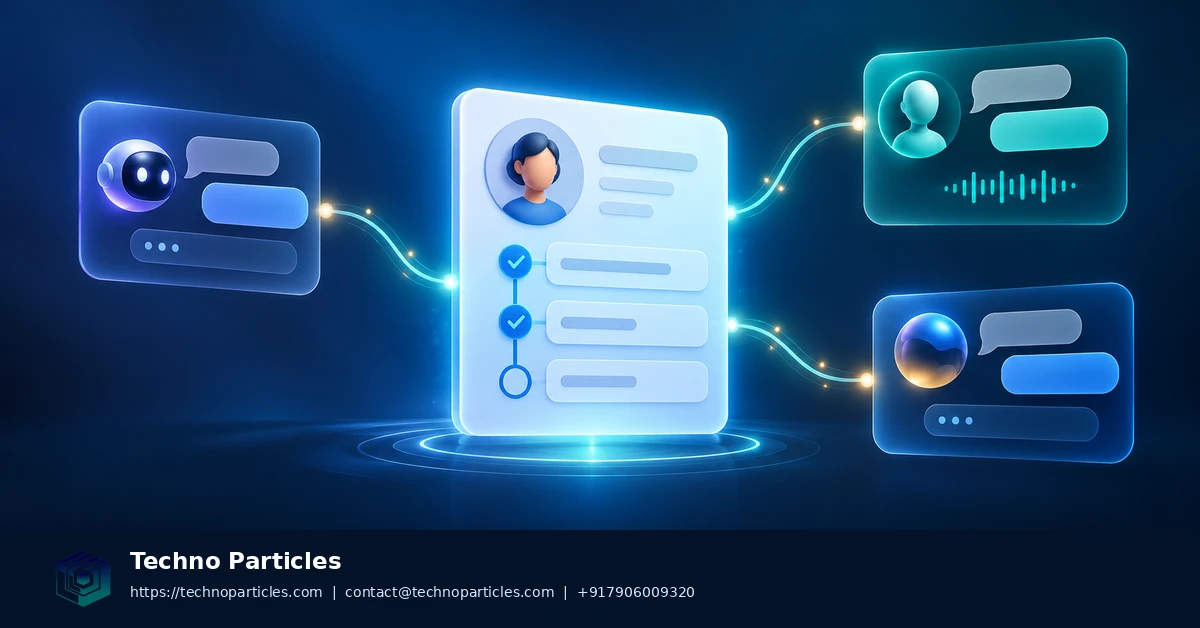
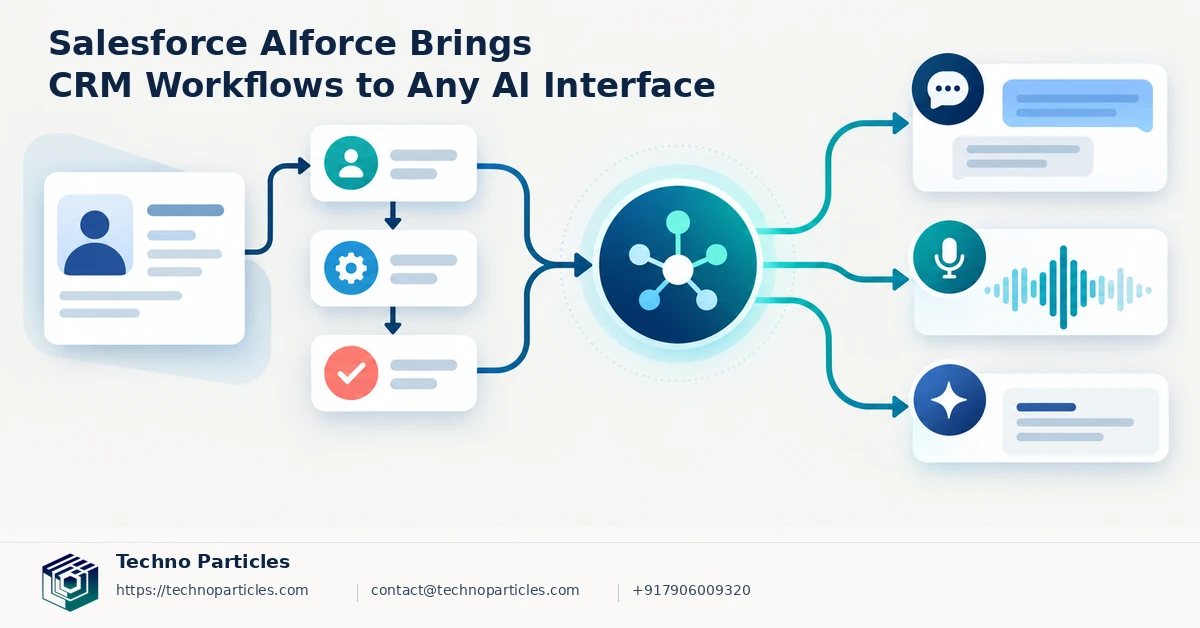
Salesforce wants customer relationship management to follow users wherever they work with AI. At Dreamforce on September 15, 2026, the company announced Salesforce AIforce, a live interface layer designed to bring Salesforce data, workflows, business logic, semantics, permissions, security, and governance to any AI interface.
The idea is more significant than adding another chatbot to a CRM dashboard. Instead of requiring every employee or software agent to work through the standard Salesforce interface, AIforce can make CRM context and governed actions available through connected AI experiences. Salesforce identified initial experiences including Claudeforce, Slackforce, and Agentforce Coworker, while its Headless Toolkit is intended to help developers connect Salesforce with agents, applications, and custom interfaces.
What Salesforce AIforce changes for CRM teams
In practical terms, a sales representative could interact with customer information through an approved AI workspace, while an agent could use Salesforce workflows and business rules when preparing or updating records. The important distinction is that access is meant to remain tied to existing permissions and governance rather than becoming an unrestricted data bridge.
That architecture may appeal to companies building tailored employee portals, customer-support tools, mobile apps, or internal automation. Businesses evaluating this direction can review application development services when planning custom interfaces that connect business systems with AI capabilities.
Why the announcement matters now
AIforce reflects a broader shift from software as a fixed screen toward software as a set of capabilities that can be reached through multiple interfaces. Salesforce’s announcement confirms the platform direction, but it does not provide a universal price or complete availability matrix. Licensing requirements, regional access, and rollout status therefore need to be verified for each organization.
Adoption will also require administration and integration work. Teams must map permissions, test business logic, monitor agent behavior, and validate actions before allowing production changes. The promise of Salesforce AIforce is flexibility; the responsibility is ensuring that flexibility remains controlled.
How Salesforce AIforce could reshape daily work
The most useful change may be the ability to assemble CRM experiences around a team’s workflow instead of asking every user to learn the same interface. A service team could work from an AI-assisted support console, while a field team might use a mobile application that surfaces account history, tasks, and approved next steps. In both cases, the value depends on how accurately the connected interface reflects Salesforce’s underlying records and rules.
Salesforce’s Headless Toolkit is central to that approach. By combining Salesforce MCPs, APIs, plug-ins, skills, and developer tools, it gives technical teams building blocks for connecting CRM capabilities to agents and applications. That does not make integration automatic. Developers still need to define which objects an agent can access, which actions it may perform, how errors are handled, and when a human must approve a change.
What businesses should evaluate before deployment
Organizations considering Salesforce AIforce should begin with a narrow, measurable workflow rather than attempting to expose the entire CRM at once. Good candidates include retrieving account summaries, preparing follow-up tasks, routing service requests, or drafting updates for review. These use cases can demonstrate value while limiting the risk of an incorrect automated action.
Security and governance should be tested alongside convenience. Administrators need to confirm that permissions apply consistently across each AI interface, including custom applications and third-party workspaces. They should also examine audit trails, data-handling policies, escalation paths, and behavior when an agent receives incomplete or conflicting information. Teams planning such connected workflows can explore project consultation services to define integration boundaries and implementation priorities.
For developers, the announcement points toward CRM systems becoming more modular and interface-independent. For business leaders, it is a reminder that flexible access still requires disciplined architecture, testing, and oversight.
How Salesforce AIforce could reshape daily work
The most useful change may be the ability to assemble CRM experiences around a team’s workflow instead of asking every user to learn the same interface. A service team could work from an AI-assisted support console, while a field team might use a mobile application that surfaces account history, tasks, and approved next steps. In both cases, the value depends on how accurately the connected interface reflects Salesforce’s underlying records and rules.
Salesforce’s Headless Toolkit is central to this approach. By combining Salesforce MCPs, APIs, plug-ins, skills, and developer tools, it gives technical teams building blocks for connecting CRM capabilities to agents and applications. Integration is not automatic, however. Developers still need to define which objects an agent can access, which actions it may perform, how errors are handled, and when a human must approve a change.
What businesses should evaluate before deployment
Organizations considering Salesforce AIforce should begin with a narrow, measurable workflow rather than attempting to expose the entire CRM at once. Good candidates include retrieving account summaries, preparing follow-up tasks, routing service requests, or drafting updates for review. These use cases can demonstrate value while limiting the risk of an incorrect automated action.
Security and governance should be tested alongside convenience. Administrators need to confirm that permissions apply consistently across each AI interface, including custom applications and third-party workspaces. They should also examine audit trails, data-handling policies, escalation paths, and behavior when an agent receives incomplete or conflicting information. Teams planning connected workflows can explore project consultation services to define integration boundaries and implementation priorities.
For developers, the announcement points toward CRM systems becoming more modular and interface-independent. For business leaders, it highlights the need to balance flexible access with disciplined architecture, testing, and oversight before broader deployment.
What Salesforce AIforce means for CRM integration
Salesforce AIforce shifts attention from a single CRM screen to the systems people already use. Salesforce says its live interface layer can expose CRM data, workflows, business logic, semantics, permissions, security, and governance through different AI experiences. In practical terms, an employee could ask for customer context in an approved interface while the connected system applies Salesforce rules in the background.
That model could be useful for organizations with specialized teams and multiple software tools. A distributor might connect sales data to an internal operations assistant, while a coaching business could build a workflow that prepares lead details before a consultant follows up. A service provider could also create an application that combines customer history with task management, provided every action remains within the organization’s permissions and approval policies.
Where the Headless Toolkit fits
The Headless Toolkit gives developers the components needed to build these experiences around Salesforce. MCPs, APIs, plug-ins, skills, and developer tools can help connect agents, applications, and custom interfaces to CRM capabilities. The important distinction is that these components provide connection points, not a finished workflow. Each implementation still needs decisions about data access, action scope, authentication, logging, and human review.
That makes interface design part of the governance plan. Users should be able to see which customer record an agent consulted, what recommendation it generated, and whether an action was completed or merely proposed. Clear confirmation steps are especially important for updates involving opportunities, cases, contacts, pricing, or communications.
Businesses evaluating Salesforce AIforce can start by documenting one process from request to outcome. A technical team can then map the required CRM objects, permissions, integrations, and fallback paths before expanding access. Organizations developing connected AI workflows may also review application development services when a custom interface needs to work across web, mobile, or internal business systems.
This approach keeps the focus on measurable workflow improvement while giving administrators a practical way to test reliability, security, and user adoption before broader deployment.
Salesforce AIforce and the next layer of CRM workflows
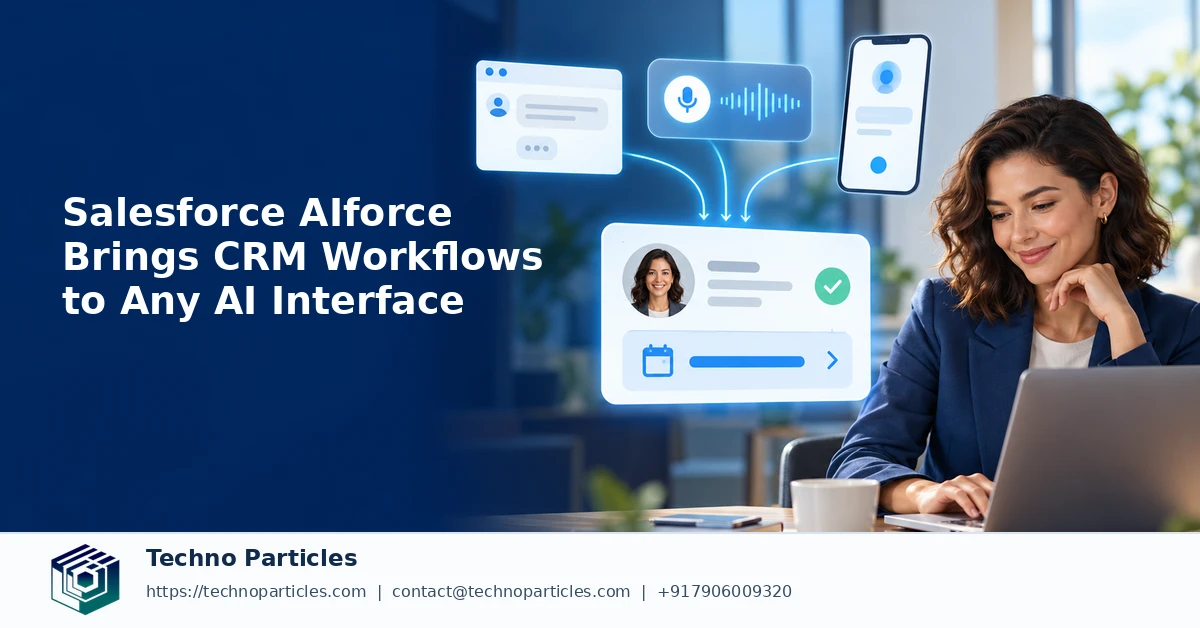
The phrase “any AI interface” does not mean that every tool automatically gains unrestricted access to Salesforce. It describes a design direction in which CRM capabilities can be delivered through approved assistants, applications, and workspaces while Salesforce remains responsible for the underlying business context. That distinction matters because a convenient conversation is useful only when the records, permissions, and actions behind it remain dependable.
For example, an agent might retrieve an account summary, identify overdue follow-ups, or prepare a case update for review. The connected workflow should still determine whether the user is allowed to view that information and whether the agent can make a change. A request to update a contact, modify an opportunity, or send a customer message may require an explicit confirmation step rather than silent execution.
Implementation questions for developers and administrators
Teams evaluating Salesforce AIforce should document the boundary between information retrieval and business action. They can then define the Salesforce objects, fields, APIs, MCP connections, plug-ins, or skills required for a limited pilot. Testing should include ordinary requests as well as ambiguous instructions, missing records, conflicting data, expired permissions, and service interruptions.
Administration also needs to account for the experience outside the familiar Salesforce interface. Logs should show which source data informed an answer, which policy allowed an action, and whether a human approved the result. Clear user feedback can prevent an AI-generated draft from being mistaken for a completed CRM update.
This work is particularly relevant to businesses that already rely on custom portals, mobile tools, or internal dashboards. A connected interface can reduce context switching, but it may also create another system that requires maintenance, access reviews, and user training. Organizations planning such a workflow can review UI/UX design services to shape approval steps and information displays around real user tasks.
Salesforce AIforce therefore raises an architectural question as much as a product question: which CRM capabilities should be available through each interface, and what controls should surround them?
Salesforce AIforce brings CRM workflows to any AI interface
Salesforce AIforce points toward a CRM model in which customer data and workflows are available through approved assistants, applications, and workspaces. “Any AI interface” does not mean unrestricted access to Salesforce. The connected experience still depends on Salesforce permissions, business logic, security controls, and governance.
That distinction is important for practical adoption. An agent may retrieve an account summary, identify overdue follow-ups, or prepare a case update for review. However, an organization should decide whether the user can view that information and whether the agent may change a record. Updates to contacts, opportunities, cases, pricing, or customer communications may require explicit confirmation before execution.
Questions to answer before deployment
Developers and administrators should begin with one narrow workflow and document its complete path from request to outcome. The pilot should identify the Salesforce objects and fields involved, required APIs or MCP connections, permitted actions, authentication method, logging requirements, and fallback process. Testing should include ambiguous instructions, missing records, conflicting data, expired permissions, and service interruptions.
Teams also need visibility beyond the familiar Salesforce screen. Logs should show which data informed an answer, which policy allowed an action, and whether a human approved the result. Clear status messages can prevent an AI-generated draft from being mistaken for a completed CRM update.


Leave a comment
Your email stays private. You can see your comment immediately on this browser. Others see it after approval.