
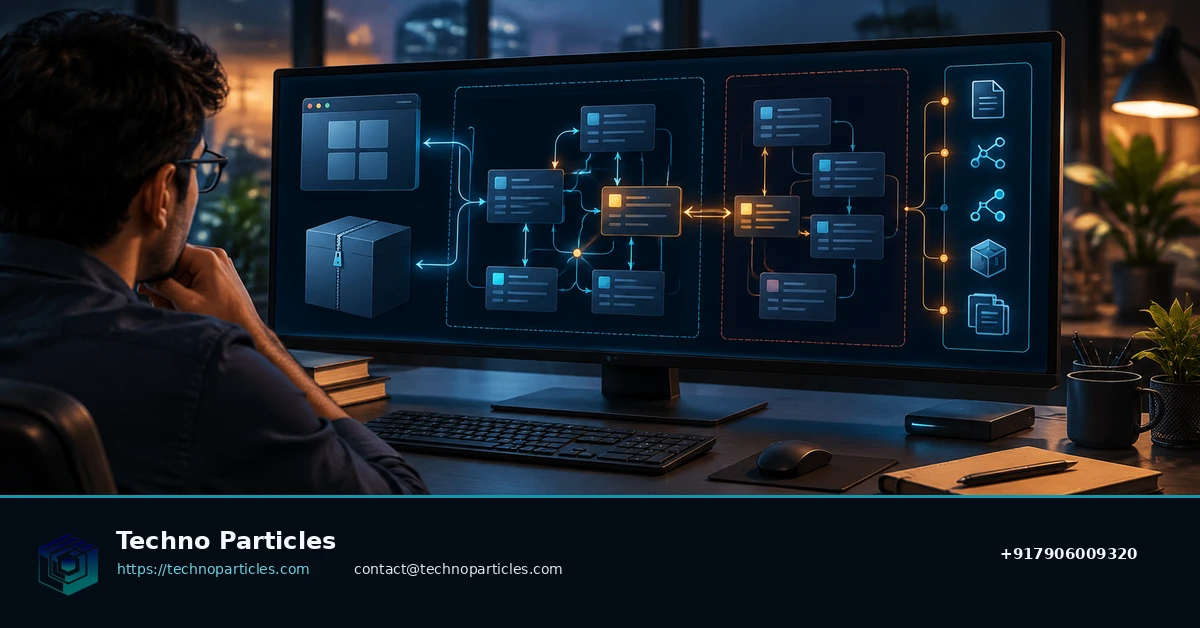
Electron applications can look opaque when their original repositories are unavailable, but packaged JavaScript still contains valuable evidence about how screens, preload scripts and main-process services connect. The latest rea-agents release, v6.8.0, was listed on GitHub on October 25, 2026, and adds to REA’s documented workflow for examining Electron applications locally.
REA is an MCP-based reverse-engineering toolkit. For authorized analysis, it can inspect an extracted application directory or an ASAR archive and identify modules, imports, Electron boundaries, source locations and supporting evidence. That makes it useful for understanding behavior without claiming to reconstruct the original project perfectly.
| What REA can show | What it does not guarantee |
|---|---|
| Module relationships and imports | Original source structure |
| Renderer, preload and main-process boundaries | Developer intent or missing comments |
| Source locations and evidence | Complete recovery of proprietary logic |
| Findings from local Electron files | Permission to inspect software you do not own |
What the REA GitHub workflow is designed to trace
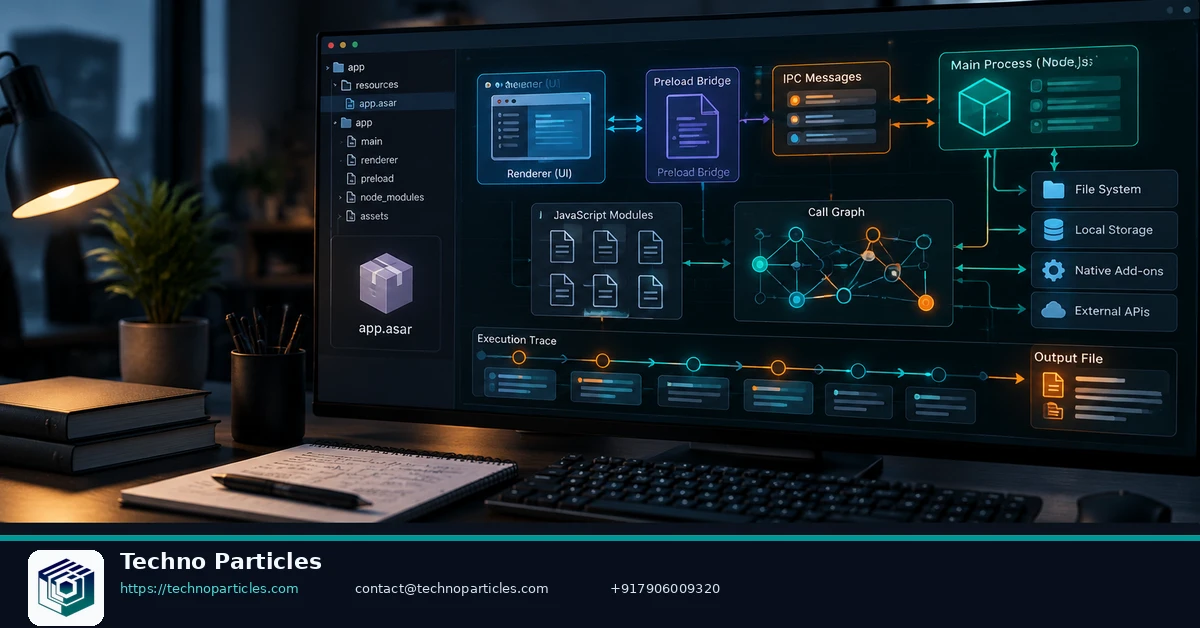
The practical goal is a workflow map. A request that begins in the renderer may cross a preload bridge, invoke an IPC channel and reach logic in Electron’s main process. REA’s official case study demonstrates this style of tracing with Notion’s clipboard workflow, following the path from renderer code through preload and IPC into the main process.
Begin by installing the toolkit with npx rea-agents setup. The documented analysis command is npx -y rea-agents@latest analyze-javascript-application /absolute/path/to/app --json. REA requires a supported Node.js environment and a local coding agent or CLI. Its findings can help teams document unfamiliar integrations, investigate maintenance risks or plan a legitimate migration. For broader application planning, readers can also review this application development service overview.
Use the workflow only on applications you own or are explicitly authorized to examine. Treat every result as evidence to verify, especially when code is minified, bundled or incomplete.
How to read an Electron trace without overclaiming
After the analysis completes, start with the evidence chain rather than a single filename. Identify the user-facing action, locate the renderer module that handles it, and then follow imported functions or exposed APIs toward the preload layer. From there, inspect the IPC channel name, arguments and receiving handler in the main process. This sequence helps separate a visible interface event from the privileged operation that actually touches files, windows, network services or operating-system features.
For a cleaner investigation, save the JSON output and record the exact application version, extraction method and analysis date. Compare related findings across modules, then manually open the cited source locations to check whether bundling or minification has distorted the relationship. An IPC name alone is not proof of what a feature does; the surrounding call site, validation logic and downstream imports provide the necessary context.
A practical review checklist
- Confirm the input: work from an extracted directory or ASAR belonging to the authorized application.
- Trace the boundary: note where renderer code reaches preload APIs and where preload invokes Electron IPC.
- Validate the destination: inspect the main-process handler and its imported helpers before describing behavior.
- Preserve uncertainty: label minified, missing or dynamically generated code as unresolved evidence.
- Protect findings: avoid exposing credentials, personal data or proprietary code in reports.
This approach is particularly useful when a team inherits an Electron product and needs to understand integration points before changing it. A structured workflow map can support maintenance planning, migration estimates and security review, while a broader project consultation service can help turn those findings into a scoped delivery plan.
REA’s local analysis model also has an important boundary: local execution does not make every result automatically private. The official FAQ notes that the coding agent’s model-provider data policy still applies to returned findings. Teams should therefore review provider settings and internal handling rules before analyzing sensitive software.
Where an Electron trace becomes actionable
Once the initial workflow map is verified, turn it into a question that can guide maintenance or review. For example, ask which renderer action triggers a privileged operation, whether the preload bridge exposes more capability than necessary, or where a third-party service enters the workflow. REA’s evidence can narrow those questions, but the final interpretation still depends on reading the cited code and understanding the application’s runtime configuration.
Pay particular attention to boundaries rather than isolated functions. A renderer import may only prepare data, while the preload layer defines the public bridge and the main process performs the sensitive action. Check channel names, argument validation, error handling and imported helpers together. If the trace points to dynamically constructed modules, generated code or an unavailable dependency, record that gap instead of treating an inferred path as confirmed.
From findings to a defensible technical record
A useful report should preserve the application version, file source, command used, extraction method and analysis date. Include a short workflow diagram or ordered description, then attach the relevant evidence locations. Separate confirmed observations from hypotheses, such as an apparently unused IPC route or a service whose behavior is hidden behind runtime configuration.
- Document scope: state which files and features were examined.
- Rank confidence: distinguish directly cited code from inferred behavior.
- Check sensitive paths: review file, network, credential and window operations carefully.
- Plan follow-up: identify missing modules, runtime tests or owner questions.
This record can support an authorized migration, security assessment or modernization plan. If the analysis reveals a larger rebuild or integration effort, a structured project consultation service can help convert the evidence into requirements, risks and delivery stages.
The central lesson is that REA GitHub is most valuable as an evidence-led navigation aid. It can make an unfamiliar Electron package easier to follow, while disciplined manual verification keeps the resulting workflow map accurate and appropriately limited.
Turning an Electron trace into a maintenance plan
After documenting the workflow, connect each confirmed boundary to a practical engineering decision. A renderer-to-main-process path may identify where to add logging, replace an outdated integration or test a security assumption. The trace can also show whether a feature depends on a narrow preload API or on a larger shared module, which matters when estimating the risk of changing it.
Keep the next step proportional to the evidence. If REA identifies the relevant source locations but a dependency is bundled, generated or unresolved, schedule a targeted runtime check rather than rewriting the entire feature. Compare static findings with controlled application behavior, such as opening a test document or triggering a non-sensitive menu action. Never use production credentials or real customer data during that validation.
Questions to answer before changing code
- What crosses the boundary? Record the data passed from the renderer through preload and IPC.
- What is privileged? Mark file-system, network, shell, window and credential-related operations.
- What is missing? Note native modules, dynamic imports, obfuscation or configuration that static analysis cannot resolve.
- What must remain compatible? Identify channel names, payload shapes and downstream services used by other features.
This turns a package-level investigation into an actionable backlog: verify one uncertain path, isolate one risky permission, or replace one obsolete dependency. Teams inheriting an Electron application can use the record to brief developers, reviewers and stakeholders without claiming that packaged code reveals the original design intent.
For broader modernization work, pair the workflow map with requirements, ownership and rollout constraints. A custom application development service can help translate verified findings into a migration or enhancement plan, while the technical record preserves the assumptions that still need testing.
One final safeguard is essential: keep authorization and disclosure boundaries explicit. The same technique that helps maintain an owned application could expose proprietary logic when used carelessly. Limit analysis to software you own or are authorized to examine, redact sensitive findings, and share reports only with the relevant technical and security teams.
Using REA findings to prioritize Electron changes
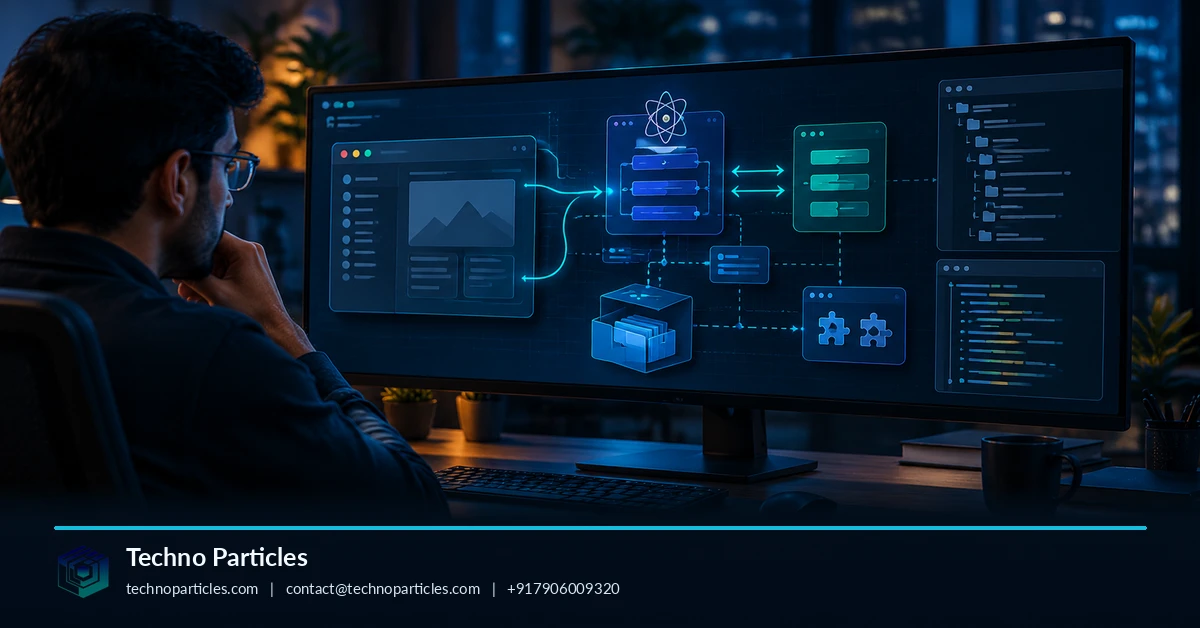
Once the workflow map is documented, connect each confirmed boundary to a specific engineering decision. A renderer-to-main-process path may show where to add logging, replace an outdated integration or test a security assumption. It can also reveal whether a feature depends on a narrow preload API or a shared module, helping teams estimate the risk of changing it.
Keep the next action proportional to the evidence. If REA identifies relevant source locations but leaves a dependency bundled, generated or unresolved, schedule a targeted runtime check instead of rewriting the entire feature. Compare static findings with controlled behavior, such as opening a test document or triggering a non-sensitive menu action. Do not use production credentials or real customer data during validation.
Questions before modifying the application
- What crosses the boundary? Record data passed from the renderer through preload and IPC.
- What is privileged? Mark file-system, network, shell, window and credential-related operations.
- What remains uncertain? Note native modules, dynamic imports, obfuscation and configuration that static analysis cannot resolve.
- What must stay compatible? Identify channel names, payload shapes and downstream services used by related features.
This turns a package-level investigation into an actionable backlog: verify one uncertain path, isolate one risky permission or replace one obsolete dependency. Teams inheriting an Electron application can brief developers and reviewers without claiming that packaged code reveals the original design intent.
For broader modernization, pair the workflow map with requirements, ownership and rollout constraints. A custom application development service can help translate verified findings into a migration or enhancement plan while preserving the assumptions that still require testing.
Maintain a clear boundary between evidence and interpretation throughout the process. A cited import or IPC call confirms that code exists and connects, but it does not by itself prove how often the path runs, whether configuration disables it, or why the original authors chose it. Those questions belong in follow-up testing and technical review.
What REA can—and cannot—tell you
REA is most useful when treated as an evidence-gathering tool, not an automatic source-code recovery system. Its Electron analysis can expose packaged JavaScript, imports, source locations, Electron boundaries and related workflow evidence. That can make an unfamiliar application easier to reason about, especially when documentation is incomplete or the original development team is unavailable.
However, a trace does not guarantee recovery of the original files, comments, variable names or design intent. Minification, bundling, generated code, native modules, dynamic loading and runtime configuration may leave important gaps. A visible call chain also does not prove that a feature is always active or that a particular path represents the complete user experience.
That distinction matters when using How to use REA GitHub to trace Electron app workflows without source code as a maintenance strategy. Begin with a narrow question, such as which process handles a clipboard action or where a renderer request becomes a privileged operation. Preserve the findings, mark unresolved steps and validate high-impact conclusions in an isolated test environment.
A responsible workflow for inherited Electron apps
- Confirm that you own the application or have written authorization to examine it.


Leave a comment
Your email stays private. You can see your comment immediately on this browser. Others see it after approval.