
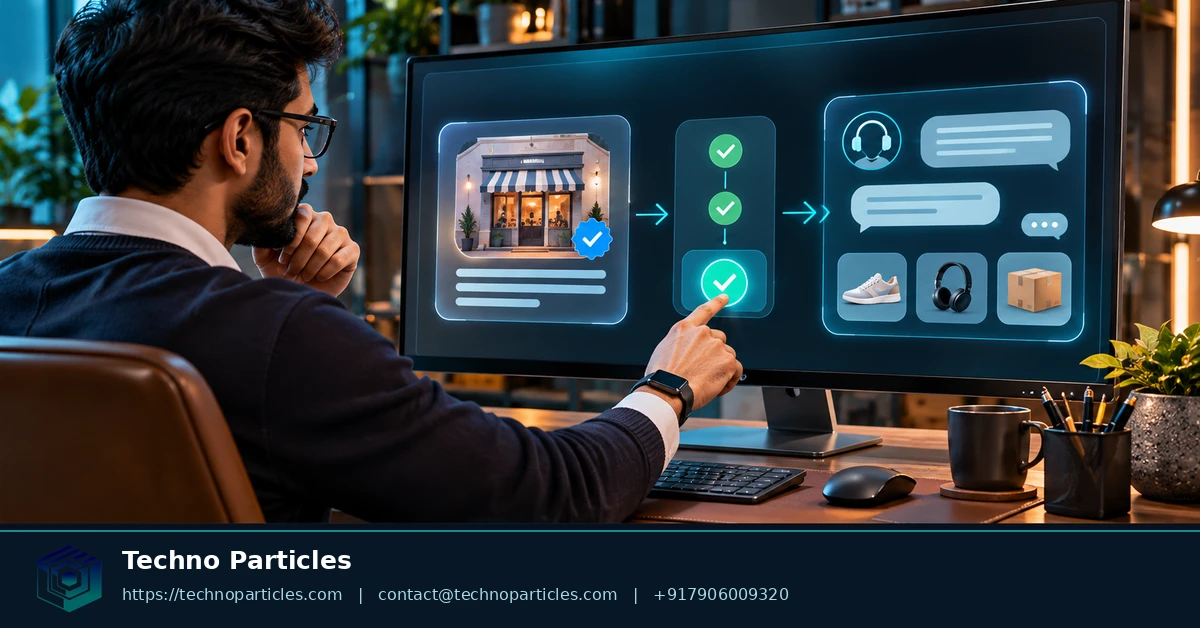
OpenAI introduced Businesses in ChatGPT in beta on November 10, 2026. The service gives eligible businesses a Business Hub for claiming listings, verifying ownership, managing business details, connecting product feeds, and reviewing aggregated discovery insights. It also adds Business Agents that can answer customer questions using business-provided information and policies.
Here is what the current launch confirms:
| Feature | What it does | Current scope |
|---|---|---|
| Business profile claim | Lets an authorized business verify ownership and update listing information | Eligible businesses where ChatGPT is offered |
| Verification | May use business phone, email, website DNS TXT record, or Shopify | Method depends on eligibility |
| Business Agent | Answers customer questions using business information, products, policies, and guidelines | Eligible U.S. ecommerce and online-service businesses |
| Insights | Shows aggregated mentions, website clicks, and discovery topics | Thresholded; individual chats are not provided |
What changed in Businesses in ChatGPT
OpenAI’s November 10, 2026 announcement describes two separate experiences. ChatGPT may independently answer questions about a business. A published Business Agent represents the business in a clearly labeled conversation. Customers can chat with that agent only after the business publishes it.
Claiming a listing does not guarantee higher placement, recommendations, traffic, or sales. OpenAI also says businesses do not receive individual customer prompts or Business Agent conversations. Instead, the Business Hub provides aggregated insights designed to show how businesses appear in discovery.
The practical value is control over accuracy. A verified owner can maintain core business information, provide product or service details, and prepare policy answers that customers can review through an agent. Businesses planning broader AI workflows can also compare this setup with AI and automation services, while keeping the ChatGPT claim and agent publication steps under the official eligibility rules.
How to Claim and Verify a Business in ChatGPT
Start in Business Hub and search for the business listing. If no suitable listing appears, follow the option to add business information when available. The person completing the process must own the business or have authorization to represent it.
Choose the verification method offered for the listing. OpenAI identifies business phone, business email, a website-domain DNS TXT record, and Shopify connection as possible methods. DNS verification suits businesses that control their domain. Shopify connection can help eligible merchants connect ownership with their store and product catalog.
Submit the claim after checking the public details. Use the legal or trading name customers recognize, the correct address, category, website, logo, contact details, and operating policies. Keep business information consistent across the website and connected commerce systems. If domain ownership or business information needs clarification before verification, a project consultation service can help define the required changes.
OpenAI reviews the claim before approval. The Businesses in ChatGPT Terms make the business responsible for submitted information and explain that OpenAI may supplement or replace listing details with information from other sources. Publication is optional, so a claim does not force the business to create or publish an agent.
After approval, complete Persona identity verification. This step gates advanced actions such as publishing business changes, viewing insights, connecting a product feed, and creating an eligible Business Agent. The verified person should therefore be someone who can maintain accurate customer-facing information and approve policy answers.
Prepare before submitting the claim
- Confirm control of the business email, phone, website domain, or Shopify store.
- Gather current product, service, delivery, return, refund, and contact information.
- Check that the person claiming the profile has authority to represent the business.
- Review every field before submission, because inaccurate information can affect later agent answers.
How to Create and Publish a Customer Agent
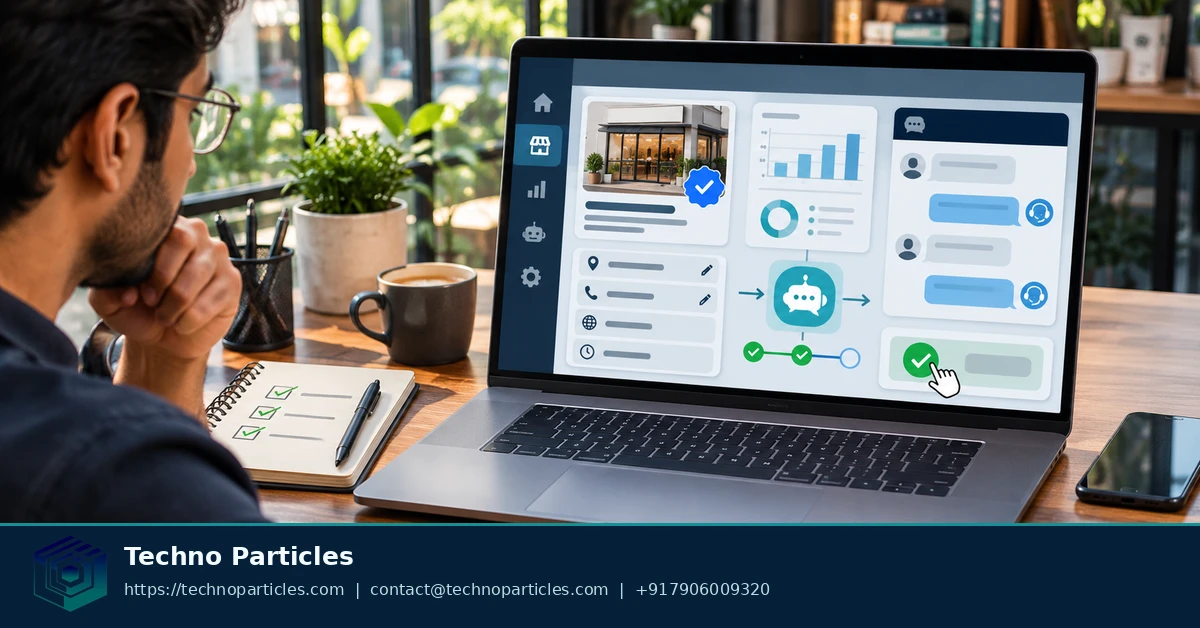
After Business Hub approves the claim and Persona verification is complete, eligible businesses can open the Business Agent setup flow. The agent uses business information, product or service details, operating policies, and business-controlled guidelines to answer customer questions. Follow OpenAI’s Business Agent setup instructions for the fields and review steps available to the account.
Turn business information into customer answers
Write answers from material the business can maintain: product details, availability, delivery areas, returns, refunds, cancellations, contact routes, and eligibility requirements. Keep policy language specific. For example, state when a return window starts, which products are excluded, and where customers should ask for human help. This creates a controlled customer-information layer instead of a general-purpose chatbot.
Businesses that need help structuring product, service, or workflow information can use custom AI workflow support as a separate planning resource. The agent itself must still use information the business is authorized to provide and maintain.
Preview, correct, then publish
Use the preview stage to ask realistic questions about products, pricing, delivery, returns, and support. Check whether answers cite the correct policy, avoid promises the business cannot keep, and direct exceptions to a human. Correct the underlying business information or guidelines when an answer is wrong, then test the same question again. OpenAI’s Business Agents Policy places responsibility on the business for truthful content, appropriate disclosure, safety, testing, and corrections.
Publication is optional. Customers can chat with the Business Agent only after it is published, and those conversations are labeled separately from ChatGPT’s independent answers. Treat publication as a release point: publish when common customer questions produce accurate, current answers, then review the agent whenever products, policies, or service terms change.
Availability, Pricing, Product Feeds, and Customer Data
Business profile claiming is available to eligible businesses in places where ChatGPT is offered. Eligibility still depends on business type, location, ownership authorization, verification, and integrity checks. Business Agents have a narrower launch scope: OpenAI currently identifies eligible ecommerce and online-service businesses in the United States with a website. OpenAI’s Businesses in ChatGPT announcement describes this beta scope and possible future expansion.
Connect products without rewriting the catalogue
A merchant can connect a Shopify store or use the product-feed options offered in Business Hub. The feed gives the agent structured information about products, services, availability, and related policies. Keep feed data aligned with the business website. Outdated stock, delivery, return, or pricing information can produce answers that no longer match the customer’s real options. OpenAI’s business setup page explains the role of product feeds and connected business information.
Understand charges and customer-data boundaries
OpenAI’s Ads Manager help documentation states that there is no separate charge for a Business Agent conversation or for each message in that conversation. Sponsored placement is different. Paid promotion requires an advertising relationship with OpenAI, so ordinary agent availability and sponsored distribution should not be treated as the same feature. OpenAI’s sponsored-agent guidance describes that distinction.
OpenAI says businesses do not receive individual customer prompts, conversations, or Business Agent chats. Instead, Business Hub provides aggregated and thresholded signals such as mentions, website clicks, and discovery topics. These insights can show broad demand patterns, but they are not a transcript of each customer interaction. A business that first needs a qualifying website can review website development services as a separate implementation path.
Rules and Limits for a ChatGPT Customer Agent
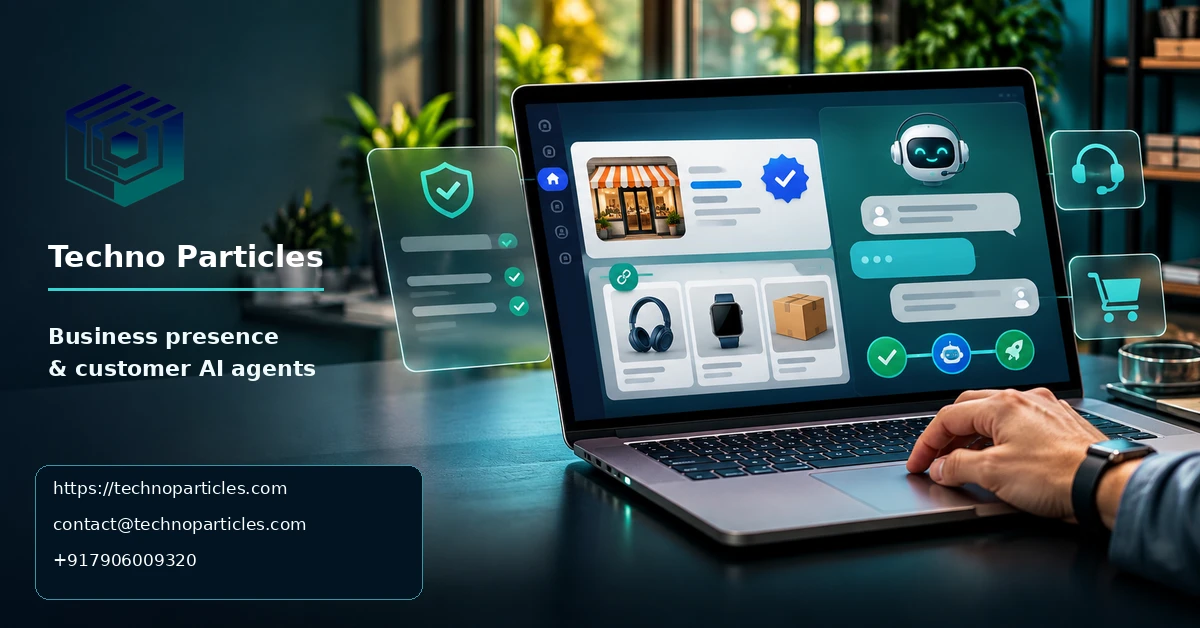
Business Agents must represent the business accurately. Use authorized business information, truthful product or service claims, current policies, and relevant links. The Business Agents Policy also requires clear disclosure that customers are interacting with an AI agent.
Keep claims accurate and supportable
Do not let the agent impersonate a person, another company, or a public authority. Avoid unsupported guarantees about results, delivery, eligibility, refunds, or product performance. Write answers that match the business website and approved policies. If a question needs judgment, route it to a human instead of allowing the agent to invent an answer.
Professional, legal, medical, financial, and other high-stakes questions need special care. The agent should not present itself as a licensed professional or make decisions that require qualified human review. Businesses can use project consultation services to map escalation rules and information ownership before publishing a customer-facing workflow.
Test ownership, safety, and correction paths
Businesses remain responsible for testing the agent, checking its safety, correcting inaccurate content, and maintaining the information supplied to it. Test ordinary questions and difficult cases: unavailable products, excluded returns, unclear eligibility, delayed delivery, and requests for exceptions. Confirm that the agent gives a precise answer or directs the customer to an appropriate human channel.
OpenAI’s Businesses in ChatGPT Terms state that publication is optional and that OpenAI may supplement or replace submitted listing information. A compliant profile or agent therefore does not guarantee publication, visibility, recommendations, traffic, or sales. Treat policy compliance as a release requirement, not a marketing outcome.
How to Claim Your Business in ChatGPT and Create a Customer Agent: Decision Rule
Use one rule: create a Business Agent only when your business is eligible, your public information is accurate, and your team can maintain answers as products, policies, and service terms change.
If any condition fails, claim the business profile first and delay agent publication. A profile can help establish accurate business information, but an unfinished or poorly maintained agent can create confusion. Customers may rely on answers about products, delivery, returns, eligibility, or support. Those answers must match the information the business is authorized to provide.
Businesses handling high-stakes questions should apply a stricter threshold. If an answer could affect legal, medical, financial, employment, safety, or other sensitive decisions, the workflow should identify when human review is required. The agent should not present itself as a licensed professional or make decisions that require qualified judgment.
The next step is concrete: verify the business profile, then prepare a draft agent and test it with real customer questions before publication. Include routine questions and difficult cases, such as unavailable products, delayed delivery, excluded returns, unclear eligibility, and requests for exceptions. Record answers that need correction. Update the business information, product feed, policies, or escalation instructions before publishing.
For anyone researching how to claim your business in ChatGPT and create a customer agent, the practical goal is not visibility alone. It is a controlled customer-information layer that the business can support. Publish only when the agent gives accurate answers, identifies its AI nature, and directs uncertain or sensitive requests to the right human channel.


Leave a comment
Your email stays private. You can see your comment immediately on this browser. Others see it after approval.