
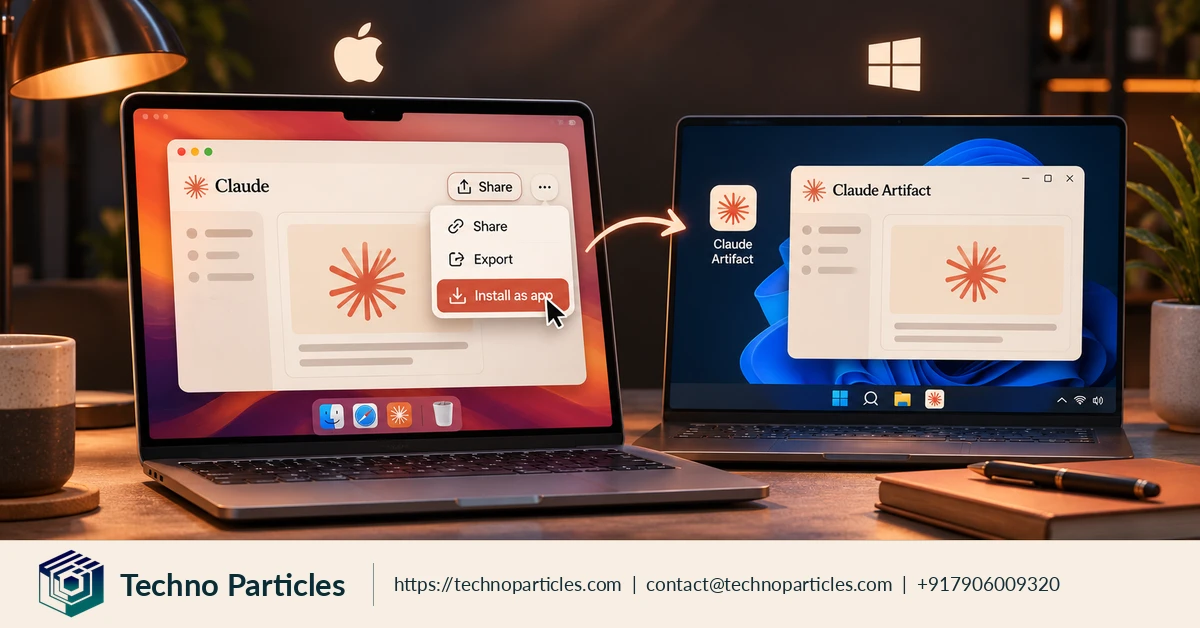
Claude artifacts install as app for Mac and Windows through a beta rollout announced by Anthropic on November 24, 2026. The feature gives eligible interactive artifacts a desktop presence, with their own icon and window, while keeping them connected to Claude. Anthropic describes the rollout in its Install as app announcement.
For people who return to the same artifact regularly, the change creates another way to open and use it. The artifact remains connected to its underlying version, so changes to that version flow through to the installed app automatically.
| Desktop app detail | What Anthropic says |
|---|---|
| Platforms | Claude for Mac and Windows |
| Release status | Rolling out in beta |
| Desktop behavior | Eligible artifacts get their own icon and window |
| Account requirement | Users must be online and signed in to Claude to open an installed app |
| Claude usage | App requests count toward the user’s plan usage limits |
What changed: Claude artifacts install as app for Mac and Windows
An artifact is content created in Claude that can be opened and worked with separately from the conversation. Anthropic’s artifacts guide, updated November 24, 2026, describes how artifacts work across Claude. Installing an eligible artifact extends that experience to a desktop window instead of requiring the user to return to the conversation each time.
The distinction matters for a recurring utility or dashboard: its window can give the tool a more direct place in a daily workflow. It also changes the path from an idea to a usable desktop tool. Anthropic says installation does not require packaging, code signing, an API key, or a separate login. For broader context on how desktop and mobile tools are planned and built, application development services describe a more conventional development process.
How to install an artifact on Mac or Windows
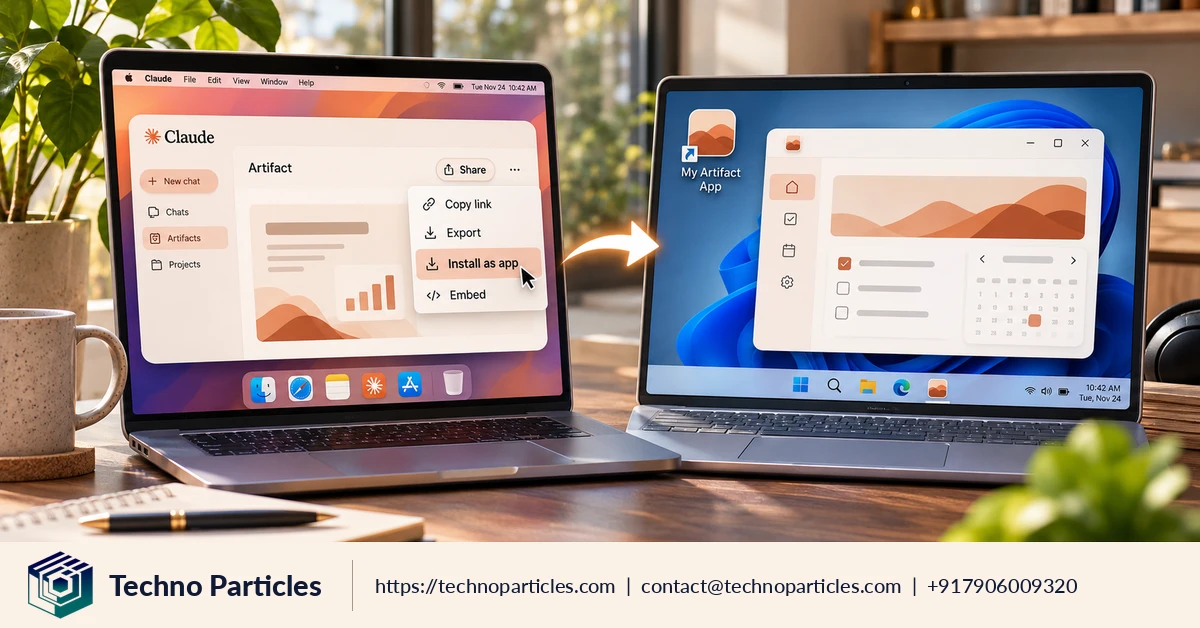
Start by updating Claude Desktop. Open the artifact you want to install, select Share, and choose Install as app. Confirm the installation when prompted. Anthropic describes this path in its installation announcement.
The Share menu is the starting point for turning an eligible artifact into an app. Begin with an artifact you already use, such as a tracker or dashboard, so you can recognize its contents when it opens in a separate window.
For an artifact intended to support a broader business workflow, the people who will use it may need to agree on its purpose before installation. A project consultation can help define those requirements and the intended workflow.

What installed artifact apps can do
Desktop features can make an interactive artifact useful outside the conversation where it was created. Depending on the permissions granted, an app can request notifications or appear in the menu bar on a Mac or the system tray on Windows. A tracker, for example, could use a notification to bring an event to the user’s attention without requiring the user to keep its window in the foreground.
An artifact can also use Claude to respond to requests within its interface. That makes it possible to build a focused tool around a particular interaction, rather than asking users to repeat the same instructions in a general conversation. The Claude artifacts guide describes Claude-powered artifacts and their use of connected apps.
Connected apps can extend a workflow beyond information entered directly into the artifact. Each user connects their own apps, and actions involving those connections require that user’s approval. For a shared tool, that distinction means one person’s connected services do not automatically become available to everyone who opens it.
These capabilities are relevant to the design of a bounded assistant: the interface can focus on a specific task while connected services provide context or support an approved action. The considerations described in Techno Particles’ generative AI services are relevant when defining how such an assistant fits into a wider workflow.
Plans, availability, and usage limits
Anthropic lists Install as app as a beta feature across Claude plans, but access can differ by account and organization. For Team plans, installation is on by default, while full computer access is off. For Enterprise plans, the feature is off by default until an owner enables it. The Artifacts admin guide explains these defaults and the controls available to administrators.
That difference affects how a shared workflow reaches its users. A Team member may see the installation option under the default settings, whereas an Enterprise member may need an owner to enable the feature first. In either case, an organization’s settings can restrict access, so the presence of an eligible artifact alone does not establish that every intended user can install it.
Some environments and artifact types are excluded. HIPAA-ready organizations and hybrid deployments cannot use Install as app. Claude Docs, Slides, and Sheets are also listed as unsupported artifact types. An organization considering a rollout should distinguish an interactive artifact intended as a tool from a document, slide deck, or spreadsheet created with Claude.
Claude requests made through an installed app count toward the individual user’s existing plan usage limits. This matters when estimating how a shared tool will fit into people’s work: access to the same app does not give everyone a separate allowance outside their Claude plan. Administrators can also manage usage limits through the organization controls described in the admin guide.
For a business deciding where an artifact fits alongside established systems, the scope of the intended workflow matters as much as the installation option. Techno Particles’ services overview describes broader digital development and support areas that may be relevant when a workflow extends beyond a single tool.
Permissions and administrator controls
Installed artifacts can operate at three permission levels. Browser-level behavior provides the baseline. App permissions can allow features such as notifications, shortcuts, and menu-bar or system-tray access. Full computer access goes further: an app can run programs or read, change, and delete files. Anthropic describes these levels in its Install as app announcement.
Full computer access is limited to artifacts you created or, on Team and Enterprise plans, artifacts created by people in the same organization. Anthropic says it does not review apps before installation, so granting that level of access requires a decision about whether you trust the artifact and its creator.
Administrators can control installation, app permissions, and full access through organization settings or mobile device management (MDM). The Artifacts admin guide identifies separate policy keys for those controls:
isArtifactAppsEnabled
isArtifactAppPermissionsEnabled
isArtifactAppFullAccessEnabled
The separate keys let an administrator distinguish whether people can install artifact apps from whether those apps can receive additional permissions or full computer access. MDM support requires Claude Desktop 6.6395.1 or later on macOS and 6.6395.0 or later on Windows.
For an internal tool that needs file access, the relevant trust decision is broader than whether its interface looks useful: the artifact's creator and the actions the tool can perform both matter. When a workflow involves a broader AI integration, the access-control and privacy considerations described in the generative AI service overview can help frame its requirements.
When should you install a Claude artifact?
Consider Claude artifacts install as app for Mac and Windows when an artifact is a recurring tool that benefits from its own window or desktop notifications. Keep it in Claude when you use it occasionally or it does not meet the supported conditions.
Next, update Claude Desktop and try the installation flow with one low-risk artifact.



Leave a comment
Your email stays private. You can see your comment immediately on this browser. Others see it after approval.