
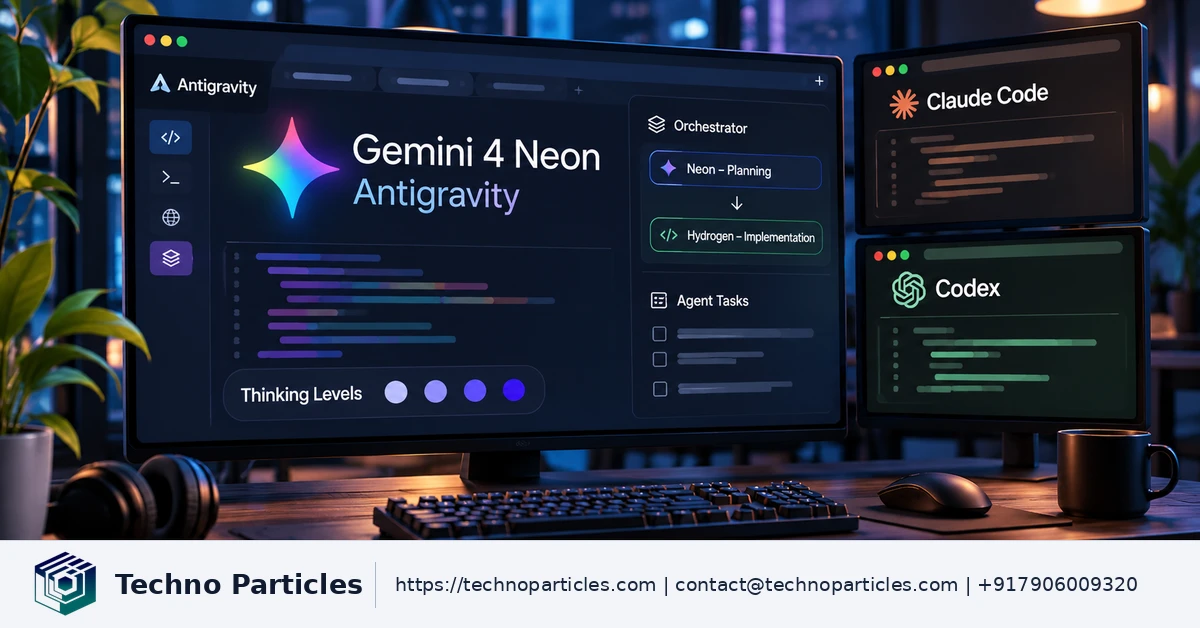
Google’s Gemini 4 Neon rollout adds another option for teams using coding agents, but the model is only part of the story. In Antigravity, Neon can also take the planning role in an orchestration workflow that hands execution to another model. That makes the development environment and the way work is delegated important parts of any comparison with Claude Code and Codex. Google Antigravity’s announcement describes the rollout and workflow.
| Product or access route | Documented access or pricing detail |
|---|---|
| Neon in Antigravity | Available to Google AI Pro and Ultra subscribers and supported for Gemini Enterprise; unavailable on Free and Plus plans. Antigravity model documentation |
| Neon through the Gemini API | Google lists $3 per million input tokens, $0.15 per million cached input tokens, and $15 per million output tokens. Google’s launch announcement |
| Claude Code cloud sessions | Available on Pro, Max, Ultra and Team plans, plus eligible Enterprise seats; sessions count toward plan limits. Anthropic cloud documentation |
| Codex API usage | Pricing and rate limits depend on the model and usage tier. OpenAI API pricing and rate-limit documentation |
What changed in Gemini 4 Neon and Antigravity?
Google introduced Gemini 4 Neon on November 18, 2026, positioning it for complex software engineering and other demanding work. Its launch announcement, updated November 23, also reports benchmark results; those figures are Google-reported claims, not independently verified head-to-head findings.
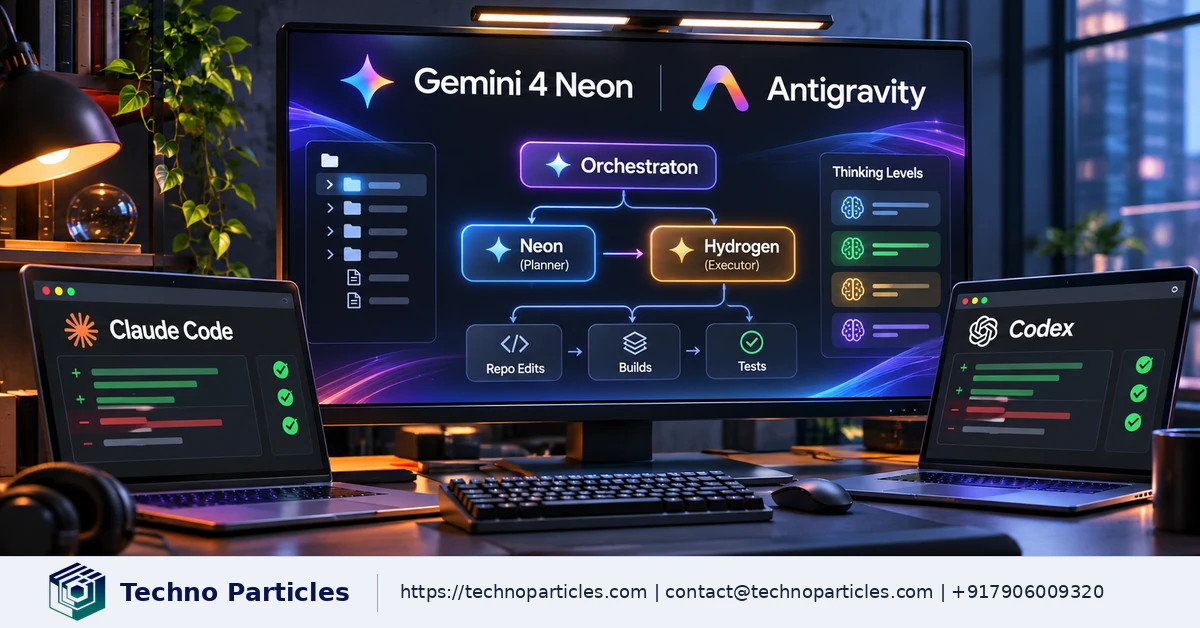
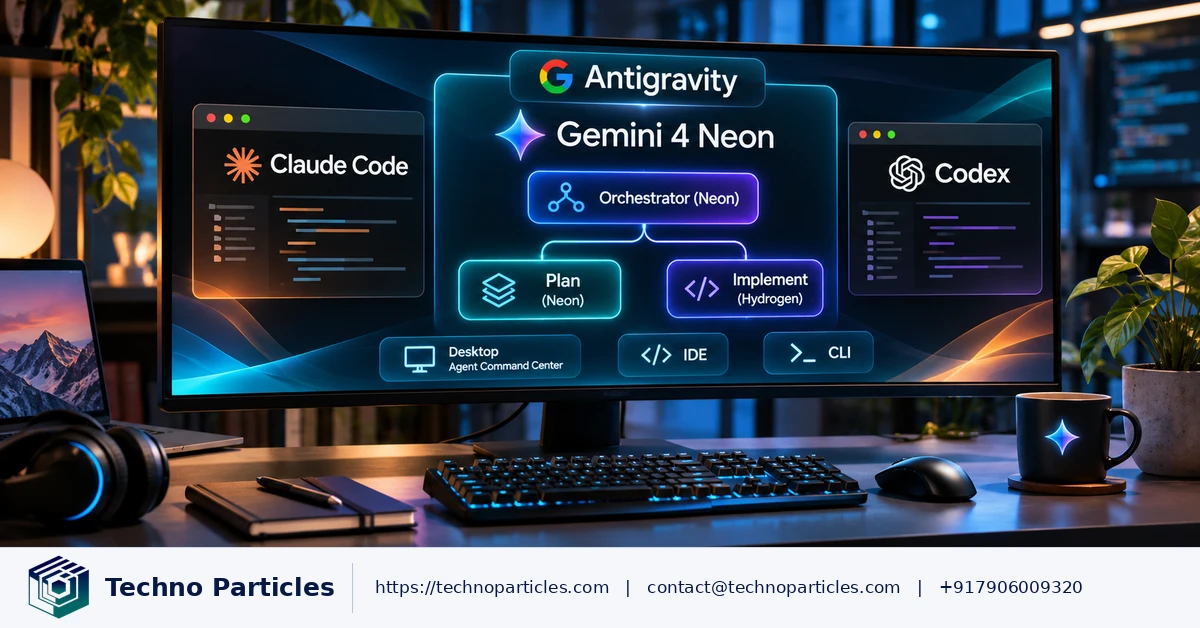
In its November 18 rollout announcement, the Antigravity team described access through its desktop app, CLI and IDE extensions. It also outlined an Orchestrator arrangement in which Neon plans and reviews while Gemini 4 Hydrogen carries out tasks such as searches, edits, builds and tests. For teams assessing generative AI services, that division illustrates a practical design choice: whether to assign planning and implementation to different models.
How Gemini 4 Neon works inside Antigravity
Antigravity treats Neon as a selectable model within its development environment. Its model documentation lists four thinking levels—Low, Medium, High and Extra—giving users a choice over the level of reasoning applied to a task. The same documentation provides this CLI example for starting the Neon-based Orchestrator:
agy --model "Orchestrator (Neon)"The command selects an orchestration workflow rather than simply naming a model for every step. In that workflow, the planner is responsible for framing and reviewing the work, while the executor carries out implementation tasks. For a change to an application development project, that distinction can make the handoff between deciding what to change and carrying out the changes more visible.
The model selector also matters because the available planner and executor choices depend on the account. Google AI Pro and Ultra users can select those models for Orchestrator; Gemini Enterprise uses Carbon and Hydrogen for that workflow. An organization evaluating the feature should therefore check the configuration available to its own account before assuming the same pairing will apply.
Context capacity needs a surface-specific reading. Antigravity documents up to 512K tokens for Neon within Antigravity, while Google’s general model announcement describes a one-million-token context window. The figures describe different surfaces, so the larger general figure should not be assumed to be the capacity available inside Antigravity.
For a developer, context is the working material the model can consider, such as instructions and relevant project content. A larger stated window can accommodate more material in principle, but the environment’s documented limit is the useful figure when deciding how much project context to provide. Thinking level and context capacity describe different aspects of the interaction: one selects a reasoning setting, while the other concerns how much information the model can work with.
Gemini 4 Neon vs Claude Code vs Codex: workflow fit
The three products differ in how they organize development work. Antigravity centers this comparison on a model-selection and orchestration environment; Claude Code combines repository work with cloud sessions; and Codex spans coding, review and other development activities. These are workflow distinctions, not a universal ranking of model quality.
Claude Code: repository work and cloud sessions
Claude Code’s cloud workflow connects sessions to GitHub repositories, allowing work to run in a cloud environment. That gives a team another way to handle repository tasks when a developer does not want to keep the work tied to a local terminal. The resulting changes still belong in the team’s normal review process.
Its official changelog also documents workflow and safety changes in version 2.1.309, dated October 22, 2026. These include a workspace-trust requirement for ultrareview and safer handling of dangerous rm and rmdir commands. For repository owners, those controls are relevant when deciding how much authority an agent should have in a working environment.
Codex: work across the development lifecycle
OpenAI’s April 16, 2026 Codex announcement describes a broader set of activities, including parallel agents, pull-request review, remote development environments and browser-based frontend iteration. That scope can matter when a task crosses from implementation into reviewing a change or inspecting an interface.
The choice therefore depends partly on where work begins and ends. A repository-centered task may fit a cloud session, while work that also involves browser interaction or pull-request review may benefit from a workflow spanning those activities. Teams considering how an agent fits existing responsibilities can use project consultation to examine the surrounding workflow before choosing an operating model.
Access, pricing and usage limits
Access to Gemini 4 Neon depends on where it is used. In Antigravity, the model documentation lists Neon for Google AI Pro and Ultra subscribers and supports Gemini Enterprise access. It lists the model as unavailable on the Free and Plus plans. That eligibility determines who can select Neon in Antigravity; it does not describe Gemini API billing.
For API use, Google’s launch announcement lists $3 per million input tokens, $0.15 per million cached input tokens and $15 per million output tokens. These are token-based API rates, so actual spending depends on the volume and type of tokens processed. They should not be presented as the price of an Antigravity subscription.
Anthropic’s cloud-session documentation lists Claude Code cloud access for Pro, Max, Ultra and Team plans, as well as eligible Enterprise seats. Cloud sessions count toward the applicable plan’s usage limits; Anthropic says there is no separate charge for the cloud virtual machine. A team should account for that usage when deciding how much work to assign to cloud sessions.
For Codex API use, OpenAI’s pricing documentation sets out model-specific rates, while its rate-limit guide explains usage tiers and limits. The relevant model and organization tier therefore matter when estimating API consumption.
Subscription access, token charges and rate limits answer different questions: eligibility determines whether an account can use a workflow, pricing determines how billed usage is charged, and limits constrain usage. For organizations planning an AI implementation, those distinctions belong in the budget and access requirements for the chosen deployment.
What the update means for development teams
For a solo developer, the practical question is how to divide a task between planning and implementation. In Antigravity’s Orchestrator workflow, Neon can plan and review while Hydrogen handles execution. That division may be useful when a change needs an implementation plan before edits begin, particularly when the developer wants to inspect the proposed approach before reviewing the resulting code.
Repository teams have a different coordination problem: work must fit the way changes are proposed and reviewed. Claude Code cloud sessions connect to GitHub repositories, giving teams a cloud-based place to assign repository work. A team can consider whether that environment fits its existing ownership and review responsibilities, including who is expected to inspect the resulting changes.
For work that extends beyond editing a repository, OpenAI describes Codex as supporting activities including computer use, pull-request review and browser-based frontend iteration. That wider scope matters when a task includes both implementation and inspecting an interface. For example, a team working on a customer-facing application can consider where code changes end and interface inspection begins; its application development process can then assign responsibility for each part.
Organizations also need to decide where an agent’s work should run. A local development environment, a repository-connected cloud session and a remote development environment place work in different operating contexts. The useful distinction is who controls the environment and how its outputs enter the normal development process. Before adopting a team-wide standard, run a controlled pilot on representative repositories so the choice reflects the work and review responsibilities the team actually has.
Choosing a workflow
For Gemini 4 Neon in Antigravity vs Claude Code and Codex: What Changed, choose the workflow whose primary work surface and governance requirements fit your team.
Run one small repository task in that workflow and record completion quality, review effort and usage consumption.



Leave a comment
Your email stays private. You can see your comment immediately on this browser. Others see it after approval.