
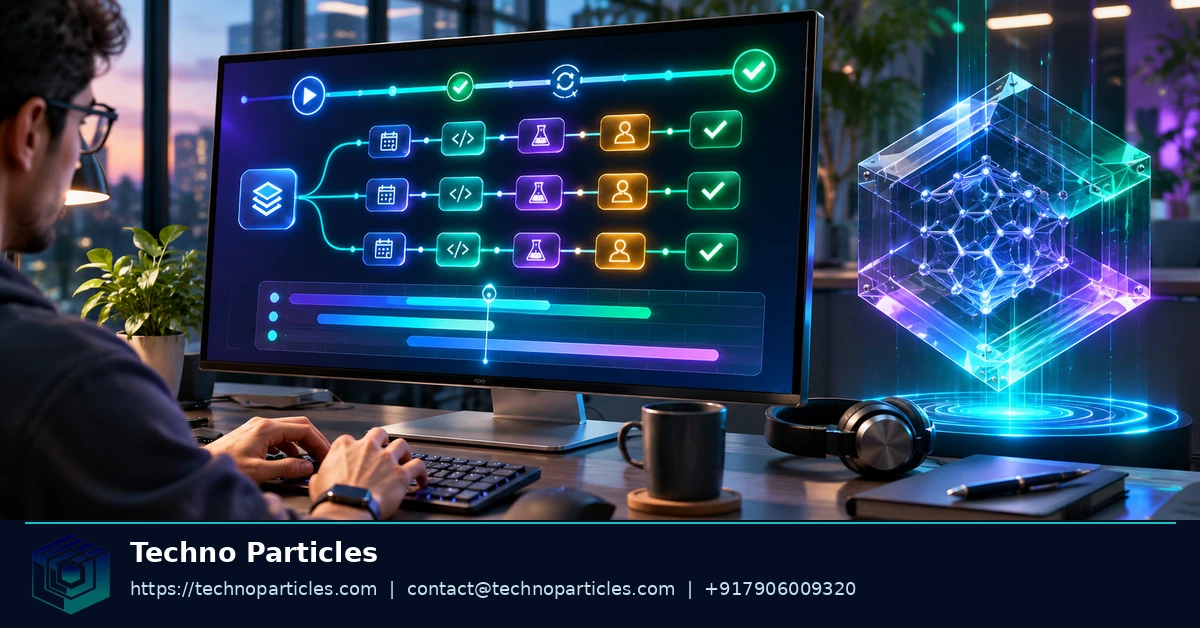
How to build long-running AI agents with Gemini 4 Carbon API starts with a distinction: a model can generate a response, but an application must manage the work around it. Google Cloud documents Gemini 4 Carbon on Gemini Enterprise Agent Platform and provides an Interactions API for work that can continue in the background.
For developers planning an agent, the immediate question is where the model is available and which interface will run the task. The following snapshot separates the model's documented platform capabilities from its availability in Gemini Enterprise products.
| Topic | Documented detail |
|---|---|
| Model identifier | gemini-4-carbon on Gemini Enterprise Agent Platform |
| Enterprise release | Generally available in listed Gemini Enterprise surfaces from November 10, 2026 |
| Interaction lifecycle | The Interactions API supports background execution, retrieval, streaming and cancellation |
| Token budget | Gemini 4 has a unified input and output limit of 1,048,576 tokens |
What changed for Gemini 4 Carbon?
In its November 10, 2026 release notes, Google Cloud says Gemini 4 Carbon became generally available in Gemini Enterprise web and mobile, Workflow Builder, and AI developer tools. The entry lists global, US and EU multi-regions and says application access is off by default. These are availability statements for the named Gemini Enterprise surfaces, not a promise of access through every Gemini product or endpoint.
Google Cloud's Gemini 4 guide, updated November 12, 2026, separately identifies gemini-4-carbon as a model on Gemini Enterprise Agent Platform. That distinction matters when designing an integration: availability in an enterprise interface and an application's access to a model API are different questions. Teams assessing the implementation can use project consultation to define the application requirements and integration scope.
Design the background interaction lifecycle
A long-running agent needs an application layer that keeps track of a task after the request is submitted. Google Cloud's Interactions API documentation describes background execution, stored interaction IDs, status retrieval, streaming and cancellation. Together, these capabilities let an application separate starting a task from delivering its result.
When creating an interaction, use the documented background and store fields to request background execution and storage. Save the returned interaction ID alongside the application's own task record. That ID gives the application a way to retrieve the interaction later, including after the original connection has ended.
Connect a request to its result
Consider an internal document assistant asked to prepare a long report. The application can submit the request, record the interaction ID and show the user that work is in progress. It can then retrieve the interaction's status or use streaming to follow events. Once the interaction completes, the application can retrieve the result and make it available to the person who requested it.
Background execution is asynchronous, so the application must handle the lifecycle around the model call: associate the interaction with the right user and task, retain its ID, and decide how the user will return to the result. These workflow and interface requirements are relevant to generative AI services when planning an assistant integrated into an existing application.
Give users a way to stop work
The API also documents cancellation for an interaction. An application can expose that capability through a task control, passing the stored ID to the cancellation operation. The interface should then obtain the interaction's status before presenting the task as stopped, so its display reflects the state returned by the API.
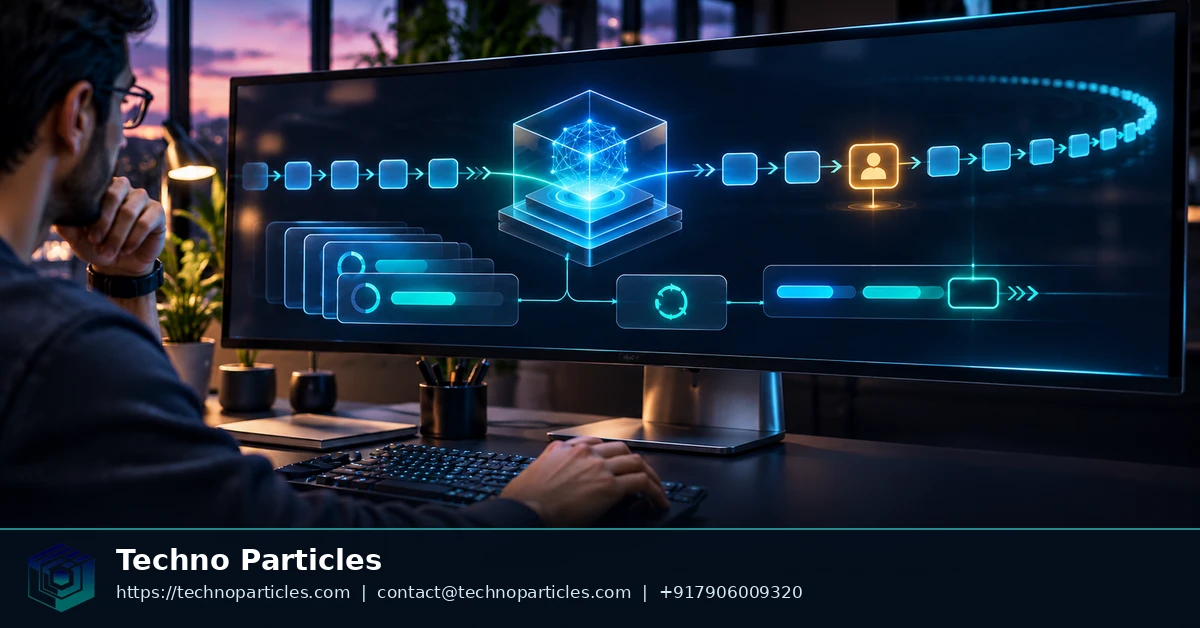
Plan the token budget for long decodes
Google Cloud’s Gemini 4 guide describes a unified limit of 1,048,576 tokens across input and output. For Gemini 4 Carbon, a non-streaming foreground call has an output cap of 32,768 tokens. The guide documents longer decodes through the Interactions API or GenerateContent using v1beta1.
For a document assistant, the budget must accommodate both the material sent to the model and the response it generates. A large document collection leaves less room for a long answer; a lengthy answer can consume capacity that might otherwise hold additional context. Long output also increases cost, so the appropriate output length should follow the task rather than the maximum available.
Keep multi-turn requests consistent
The guide describes continuation_token for continuing a long decode. Treat continuation as part of the same response workflow: retain the token returned for that purpose and use it according to the documented API flow, rather than treating a partial response as a finished result.
For tool calls across turns, preserve thought_signature values as Google documents. This keeps the information associated with the model’s tool-call sequence available in later requests. An application that transforms or stores conversation messages needs to retain those values alongside the corresponding messages.
Choose the documented SDK and thinking level
Google lists google-genai >= 2.34.0 for Python and @google/genai >= 2.32.0 for JavaScript and TypeScript. Its guide lists LOW, MEDIUM and HIGH thinking levels for Carbon, with MEDIUM as the default. The chosen level is a request-design decision for the task, not a substitute for managing context and response length.
These constraints affect how an interface presents long results and preserves conversation state. They can inform application development requirements when an assistant is part of a wider product.
Report progress and recover interrupted sessions
An agent’s progress display can distinguish between the state of the overall interaction and the events produced while it runs. Google Cloud’s Interactions API reference describes interaction status, steps, usage fields and event streaming. Together, they give an application information it can use to present progress without assuming that an open browser connection is the task itself.
Turn events into a useful progress view
For a report-generation assistant, the application can associate incoming events with the user’s task and update a progress view as information arrives. Interaction steps can provide a more detailed record of the work than a single status label, while usage fields give the application a place to capture reported consumption for later inspection.
The presentation should distinguish an event received during execution from the final result. A progress view can show that the interaction remains active while reserving a separate area for the completed response. The design of those states can be considered during a UI and UX review, especially when users may leave the page and return later.
Resume after a connection drops
When consuming a stream, retain the most recent event identifier with the task record. The API documents resuming a stream with last_event_id, allowing the application to request subsequent events after a connection interruption. On reconnection, the application can also retrieve the interaction’s current status so that the display reflects the state returned by the service.
If the interaction has completed while the user was away, retrieve its result and present it through the existing task record. If a user requests cancellation, retain the returned state and usage information: cancellation does not erase charges for tokens already processed.
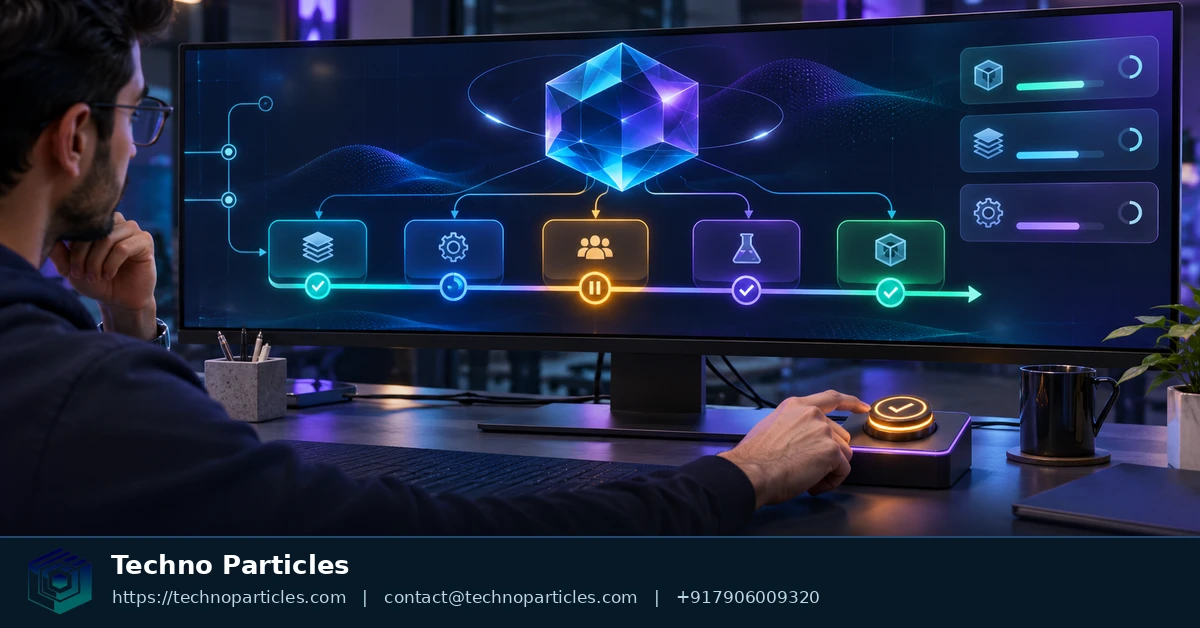
Compare pricing and the managed-agent path
Google Cloud’s Agent Platform pricing page lists promotional global-region prices for Gemini 4 Carbon of $2 per 1 million input tokens and $10 per 1 million output tokens through November 30, 2026. The listed prices change to $4 and $20, respectively, on December 1, 2026. Regional pricing and billing context can differ.
Those figures are rates, not a fixed price per task. A useful estimate separates the tokens sent to the model from the tokens generated in response, then applies the rates applicable to the deployment. Google’s pricing page also warns that completions above 32,000 tokens may incur retrievable-token charges even if a request later fails. That distinction matters when setting a budget for work that can produce a substantial response.
Separate direct orchestration from managed agents
With direct model orchestration, the application coordinates the interaction lifecycle described above. Google’s separate managed-agents overview describes a preview product path with sandbox execution and pay-as-you-go billing. It also documents free-tier quotas, a 1,000-agent limit and deletion after seven days of inactivity.
The choice therefore reaches beyond model cost. A team using direct orchestration owns the application logic that connects model requests with its workflow. A managed-agent path offers a different operating arrangement, but its preview status and lifecycle constraints need to fit the intended use. The two paths should be assessed against their own documentation rather than treated as interchangeable ways to access the same service.
For a business planning an assistant, the operating arrangement can influence scope, ownership and the expected cost of maintaining the workflow. Those questions can be incorporated into project planning and consultation before a delivery approach is selected. Pricing, quotas and managed-agent availability depend on the product and can change, so estimates should use the applicable current terms.
Choosing the right execution path
For teams considering how to build long-running AI agents with Gemini 4 Carbon API, choose background Interactions when task duration, reasoning depth or output length makes a synchronous call fragile; otherwise, use a shorter synchronous model path.
As a next step, implement a small background Interaction that persists its ID and records usage before expanding tool access.
Leave a comment
Your email stays private. You can see your comment immediately on this browser. Others see it after approval.