
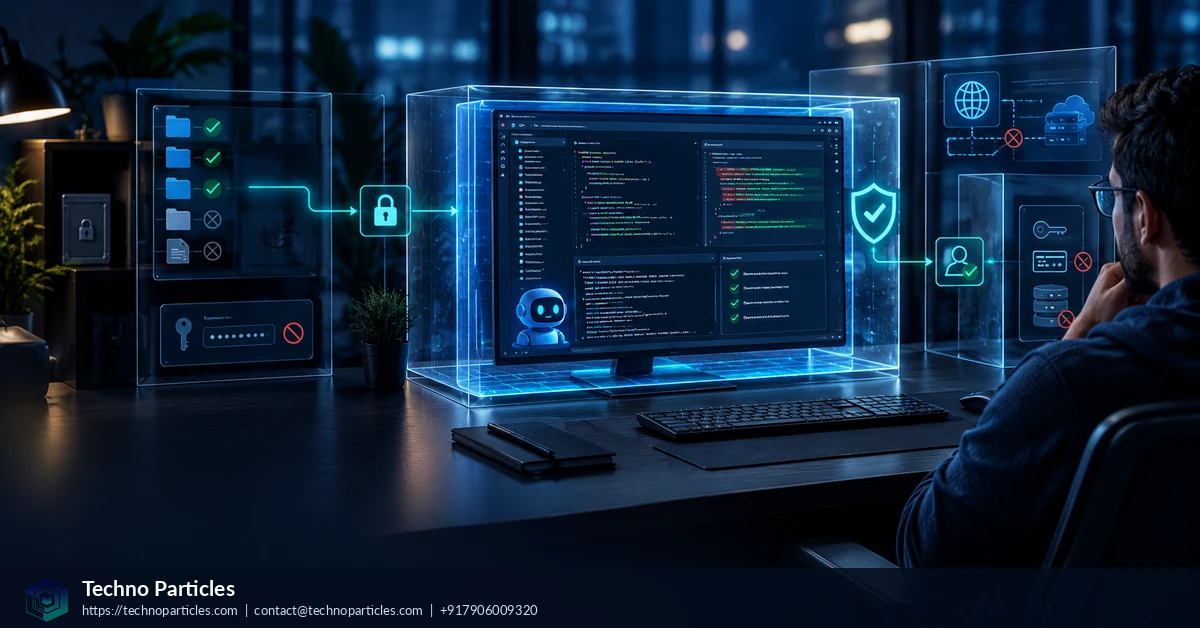
GitHub Copilot agent sandboxing is becoming a central control for teams that want coding automation without giving an agent unrestricted access to a workstation, repository, or network. On June 2, 2026, GitHub announced cloud and local Copilot sandboxes in public preview, expanding the ways developers can isolate automated software work.
| Sandbox option | Environment | Primary protection | Availability |
|---|---|---|---|
| Cloud sandbox | Ephemeral Linux environment | Isolation, firewall controls and disposable sessions | Public preview |
| Local sandbox | Developer-controlled machine | Restricted filesystem, network and system access | Public preview |
What GitHub Copilot agent sandboxing changes
GitHub’s cloud agent operates in an ephemeral development environment powered by GitHub Actions. It can inspect a codebase, modify files, run tests and linters, and open a pull request for human review. Because the environment is disposable, changes can be evaluated before they are introduced into the main development workflow.
The security boundary is useful, but it is not a guarantee that generated work is safe. GitHub describes the cloud agent as operating in a firewalled environment with automated security scanning, while its responsible-use guidance stresses that people must review the output. Prompt injection, malicious dependencies, exposed secrets, unsafe workflow edits and data-exfiltration attempts remain practical risks.
Start with the firewall and permissions
GitHub’s firewall documentation says internet access is limited by default and recommends dependency allowlists and narrowly scoped custom domain rules. A broad allowlist or disabled firewall can materially increase exposure, so teams should permit only the registries, APIs and documentation domains required by the task.
Repository and workflow permissions should follow least privilege. Before merging, inspect the generated diff, dependency changes, test results, secrets handling and any modifications to CI configuration. Teams planning broader project consultation should also document who approves agent-created pull requests and how failed or suspicious sessions are contained.
Set up a repeatable Copilot sandbox workflow
A safer GitHub Copilot agent sandboxing setup begins before the first task is assigned. Define the repositories, branches and directories the agent may access, then separate routine coding work from production credentials and deployment environments. Keep secrets outside the sandbox whenever possible, and use short-lived credentials with narrowly scoped permissions for approved operations.
For cloud sessions, configure dependencies and required tools through the supported repository or environment setup rather than asking the agent to discover sensitive machine details. Review the firewall rules alongside the dependency manifest: package registries, internal APIs and documentation hosts should be explicitly justified. If a task needs a new domain, treat that request as a change requiring human approval, not as an automatic convenience.
What to inspect before merging an agent pull request
Human review should examine more than whether the tests pass. Compare the complete diff with the task description, including generated configuration files and deleted safeguards. Check whether new packages are reputable and necessary, whether lockfiles changed unexpectedly, and whether build scripts now execute network commands or alter permissions.
- Code: look for unsafe input handling, hidden fallbacks and changes outside the requested scope.
- Dependencies: verify versions, provenance, licenses and unexpected install or post-install behavior.
- Automation: inspect workflow triggers, permissions, artifact handling and deployment conditions.
- Data: confirm that prompts, logs and generated artifacts do not expose credentials or private source material.
Teams can formalize these checks through a documented project consultation process covering approval ownership, escalation paths and rollback criteria. A failed session should be disposable, but the response process should be deliberate: preserve relevant logs, revoke affected credentials, block suspicious domains and rerun the task with a narrower scope. Sandboxing reduces the blast radius of mistakes; it does not replace secure development practices, code review or repository governance.
Cloud and local sandboxing serve different workflows
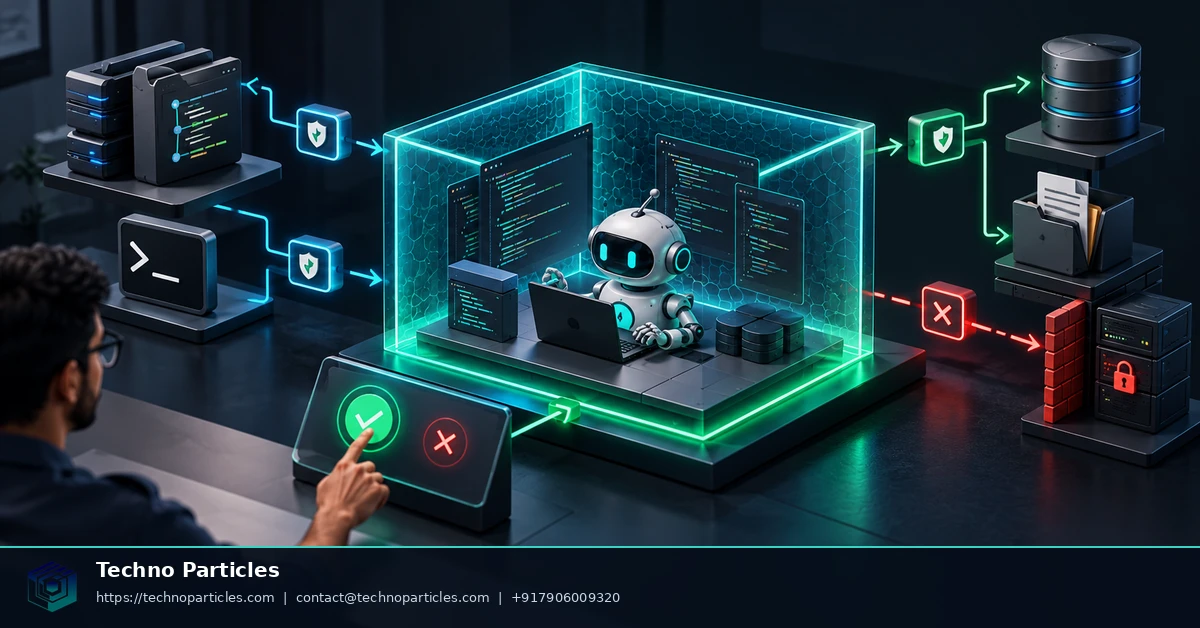
The choice between cloud and local Copilot agent sandboxing depends on where the work must run and what information it needs. A cloud session offers a disposable Linux environment suited to repository tasks that can be completed through GitHub-hosted workflows. A local sandbox may fit development work that depends on a developer’s tools or files, but its restrictions still need to be understood and tested because preview behavior can change.
Teams should document the boundary before enabling either option. Record which repositories are eligible, which branches can receive changes, whether workflow files may be edited, and which network destinations are approved. For sensitive projects, separate ordinary coding tasks from production infrastructure, customer data and long-lived credentials. This makes the sandbox a controlled development stage rather than an indirect route into operational systems.
Build guardrails into the repository
Repository configuration can make safe behavior easier to repeat. Provide clear contribution instructions, supported commands, test expectations and dependency setup steps. Explain which directories are off-limits and require the agent to stop when a task needs credentials, a new network domain or a permission change. A documented application development workflow can help teams align these rules with testing, release and maintenance responsibilities.
Use automated checks as a second layer of review. Security scanning, dependency analysis, secret detection and protected-branch rules can catch problems that a hurried human review may miss. However, passing checks does not prove that the change matches the requested scope or that a prompt was trustworthy.
Handle exceptions deliberately
When an agent requests broader access, pause the task and identify the exact reason. Approve the smallest temporary change that enables progress, record who authorized it, and restore the original restriction afterward. If the request involves unfamiliar packages, suspicious instructions or unexpected file access, preserve the session details and investigate before allowing another run.
This operating model keeps GitHub Copilot agent sandboxing useful for iterative coding while giving maintainers clear decision points around access, review and escalation.
Audit the sandbox configuration over time
A GitHub Copilot agent sandboxing setup should be reviewed whenever repository permissions, dependencies or delivery workflows change. Preview features and security controls can evolve, so record the active settings, approved domains and eligible repositories rather than relying on memory. Assign an owner to review those records after major tooling updates and before sensitive projects use the agent.
Start with a small, representative task in a non-production branch. Confirm that the agent can install only the dependencies it needs, reach only approved services and complete expected tests without access to unrelated files or credentials. Treat blocked-request warnings and unexpected permission prompts as useful signals. They may indicate an incomplete configuration, an overly broad task or an assumption that should be documented.
Measure safety by evidence, not convenience
Teams should evaluate the workflow using observable evidence: the final diff, command history, test output, dependency changes and pull-request review record. A successful run is not proof that every instruction was trustworthy or that the generated code is safe. Human maintainers remain responsible for deciding whether changes belong in the repository and whether additional security testing is needed.
- Keep cloud sessions disposable and avoid placing long-lived secrets in their environment.
- Use narrow firewall allowlists, reviewing every new domain for ownership and purpose.
- Protect workflow files and deployment branches with branch rules and required review.
- Document rollback steps before enabling automation on an important repository.
This discipline also helps organisations connect agent controls with broader delivery planning. A documented project consultation service can support decisions about approval roles, testing gates and operational ownership without treating the sandbox as a substitute for governance.
What safer automation actually means
Sandboxing narrows what an agent can reach and limits the consequences of an error. It does not guarantee that generated code is correct, that dependencies are benign or that a task cannot be manipulated by hostile instructions. The practical goal is controlled automation: useful work inside explicit boundaries, followed by evidence-based review before any change reaches a shared or production environment.

Prepare for policy and platform changes
GitHub Copilot agent sandboxing setup should be treated as a living control, not a one-time switch. GitHub may change preview behavior, supported surfaces, default permissions and plan eligibility as the feature develops. Before each sensitive project, confirm the current documentation, record the active firewall rules and verify which repositories and branches are included.
Keep a short change log for sandbox settings. Note approved domains, repository permissions, workflow restrictions, dependency installation methods and the person responsible for review. This record makes it easier to explain why an exception was granted and to remove access when the project ends. It also helps teams compare a new configuration with the one that produced earlier test results.
Test the boundary before scaling automation
Begin with a representative task in a non-production branch. Ask the agent to inspect files, install required dependencies, run tests and prepare a proposed change. Then verify that it cannot reach unrelated repositories, unapproved services or protected deployment paths. Test both expected success and controlled failure: a blocked domain or denied permission should produce a visible signal rather than an unexplained partial result.
Review the session as an audit artifact. Compare the requested task with the commands executed, files changed and dependencies introduced. Check whether workflow edits, configuration changes or generated documentation expand the agent’s authority. If the result is unclear, stop before merging and request a narrower task or a fresh session.
Connect sandboxing to delivery ownership
Security settings work best when they are tied to named responsibilities. Decide who owns firewall changes, who reviews generated pull requests, who approves exceptions and who investigates suspicious behavior. A broader project consultation service can help teams map these decisions to testing gates, release procedures and operational support.
The durable lesson is simple: safer coding automation comes from layered controls and accountable review. Sandboxing reduces exposure, while repository rules, automated checks and human judgment determine whether an agent’s work is ready to move forward.
Turn the setup into a repeatable control
A GitHub Copilot agent sandboxing setup is most useful when it becomes part of the repository’s normal operating procedure. Keep a short record of approved domains, repository permissions, dependency sources, protected branches and required reviewers. Assign an owner for each control and review the settings whenever the project changes its tooling, deployment process or data access.
That record should also describe what happens when the agent is blocked. A denied network request, unexpected permission prompt or failed dependency installation is not merely an inconvenience; it may reveal that the task is too broad or that the environment lacks a necessary, approved dependency. Document the decision to adjust the configuration, narrow the task or stop the run.
Use evidence before approving generated changes
Before merging an agent-created pull request, compare the requested work with the actual session output. Inspect the complete diff, including workflow files, configuration, documentation and generated tests. Review dependency additions for source, purpose and version changes, then confirm that tests and linters ran in the intended environment.
- Check for accidental changes to authentication, permissions or deployment settings.
- Confirm that secrets, private data and internal URLs were not exposed in code or logs.
- Run additional security checks when the change affects network access, parsing or user input.


Leave a comment
Your email stays private. You can see your comment immediately on this browser. Others see it after approval.