

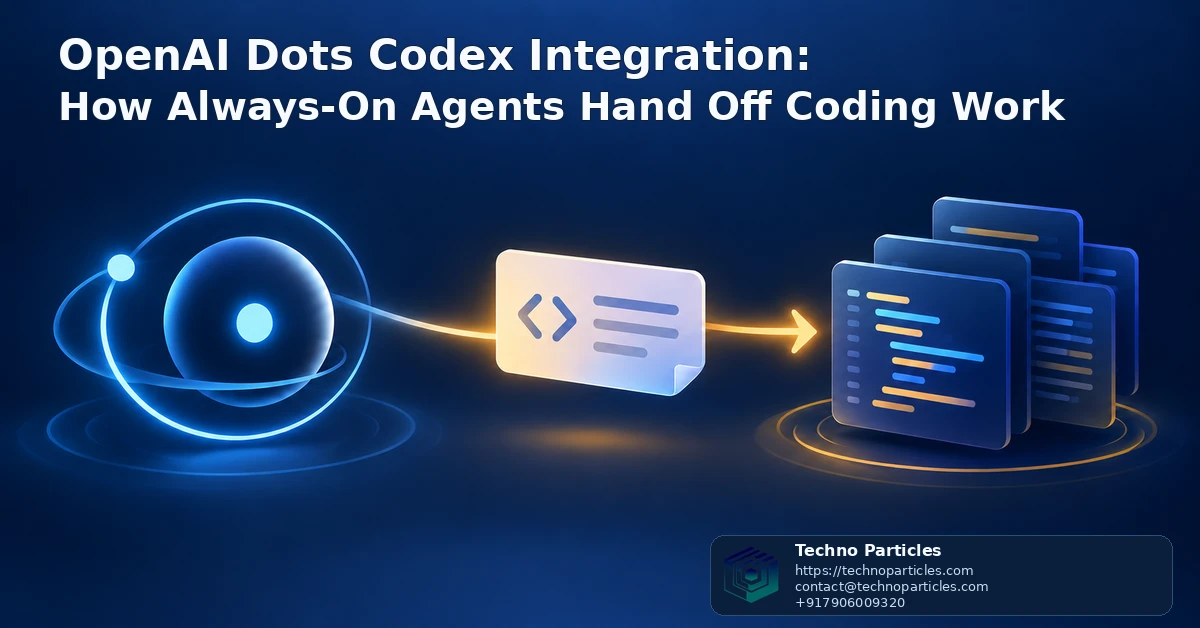
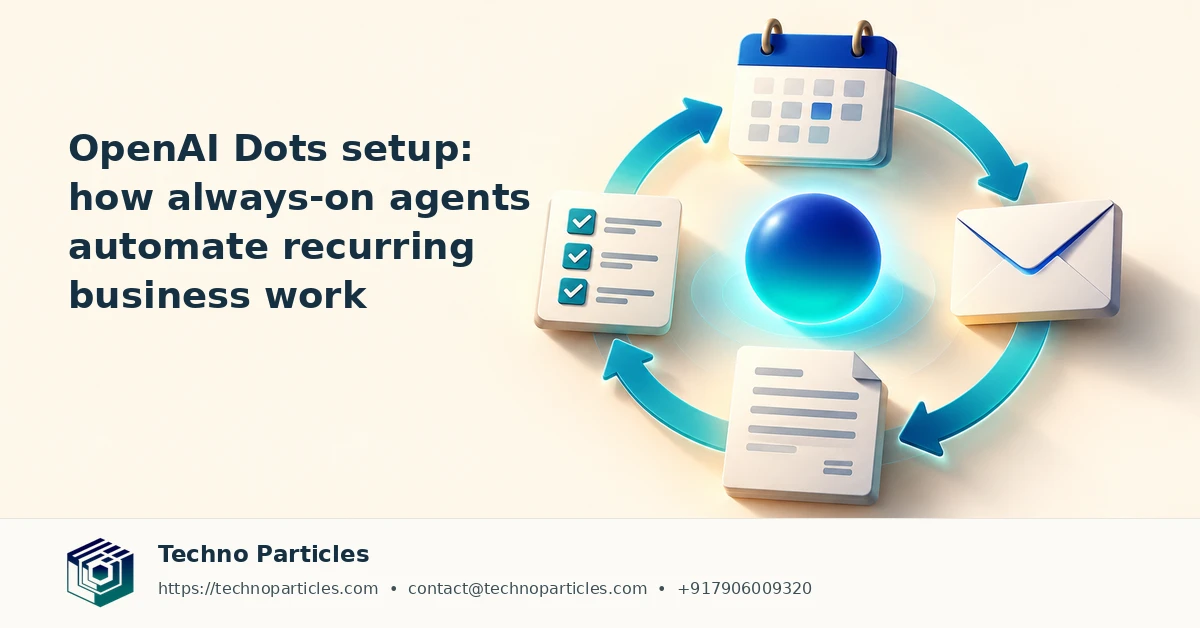
OpenAI’s Dots are designed to keep useful work moving after a conversation ends. Announced on September 29, 2026, Dots are always-on agents powered by GPT-6 Astra, with access to a cloud computer, connected apps, background tasks, approval requests, and review controls. The important development for software teams is their connection with Codex: a Dot can create a Codex cloud task when a Codex cloud environment has already been set up.
That makes the OpenAI Dots Codex integration less about handing over an entire coding session automatically and more about creating a controlled bridge between planning, delegation, and implementation. A user might ask a Dot to turn a product requirement into a coding task, prepare work for review, or start a background job in an existing Codex environment. Codex can then continue cloud-based work while the developer’s laptop is closed, use reusable environments, and run multiple agents in parallel.
What the OpenAI Dots Codex integration actually supports
OpenAI’s Help Center, updated October 20, 2026, confirms that Dots can create Codex cloud tasks. If optional local-computer access is enabled, a Dot can also create Work or Codex tasks using local tools. The documentation does not say that every existing Codex session can be transferred automatically, nor does it establish unrestricted autonomous code deployment. Approvals and review remain central to the workflow.
For businesses, the practical opportunity is a clearer division of labor: Dots can coordinate recurring requests and gather context, while Codex handles defined engineering work in a reviewable environment. Teams building customer portals, internal dashboards, or workflow systems can explore this model alongside their broader application development services process, provided they keep permissions, testing, and human sign-off explicit.
How developers can structure an OpenAI Dots Codex workflow
The most useful starting point is to treat the OpenAI Dots Codex integration as a handoff system with clear boundaries. A Dot can collect a request, identify the relevant project context, and create a Codex task in a prepared cloud environment. The engineering task should then state the expected outcome, files or components in scope, acceptance criteria, tests to run, and conditions that require human approval.
For example, a product team could ask a Dot to turn customer feedback into a small dashboard change. The Dot might organize the requirement and start a Codex task, while the developer reviews the generated implementation, test results, and proposed changes before merging anything. This separation helps prevent vague instructions from becoming broad, difficult-to-audit code activity.
Prepare the environment before delegating work
Codex cloud tasks depend on an existing Codex cloud environment, so teams should prepare repository access, dependencies, setup commands, and testing instructions in advance. Reusable environments can reduce repeated configuration, while parallel agents may help investigate separate issues or compare implementation approaches. Those capabilities are useful only when the repository and task boundaries are defined clearly.
Local-computer access creates another option: when enabled, a Dot can create Work or Codex tasks using local tools. That flexibility also increases the importance of permission design. Businesses should decide which folders, applications, credentials, and repositories are available, and should keep sensitive production actions behind explicit approvals.
Where the integration fits in a business workflow
For an Indian SME or startup, this model could connect recurring software requests with a structured development queue. Website fixes, CRM improvements, reporting changes, and internal automation can be described consistently before an agent begins implementation. Teams working on these systems may also benefit from a documented project consultation process that maps business priorities to technical tasks, review stages, and release ownership.
The key operational question is not whether an agent can keep working unattended, but whether each handoff produces a result that a person can inspect, test, and safely approve.
Guardrails matter in the OpenAI Dots Codex integration
The OpenAI Dots Codex integration is most useful when teams define what an agent may prepare, change, and submit for review. A Dot can organize background work and create a Codex task, but the documented workflow does not promise automatic transfer of every existing Codex session. It also does not establish unrestricted autonomous deployment to production. That distinction matters for teams handling customer data, payment systems, employee records, or business-critical operations.
A practical handoff should include the repository or project name, the intended change, files or services in scope, acceptance criteria, test commands, and a clear stopping point. If the task discovers unrelated issues, the agent should report them separately instead of expanding its scope. Developers can then inspect the generated changes, logs, and test results before approving a merge or release.
Access, usage, and review requirements
Availability is also part of the implementation decision. OpenAI says access is rolling out to Pro users in eligible markets, excluding the European Economic Area, Switzerland, and the United Kingdom. Business Premium users can use the feature across supported regions, while Enterprise, Edu, and Healthcare access requires administrator-enabled beta access. The first Dot is included with Pro and Business Premium, but Codex-started tasks still count toward normal usage limits.
For a small business, this makes workload planning important. Teams should identify which requests genuinely benefit from background execution and reserve agent capacity for well-defined work. A website maintenance queue, CRM enhancement, or internal reporting change can be a reasonable candidate when ownership and review are already clear. Organizations evaluating that setup may pair the workflow with a documented website development process that records requirements, testing responsibilities, and release approvals.
Local-computer access can make the handoff more flexible, but it should be enabled selectively. Limit available folders and credentials, separate development from production systems, and require explicit approval for actions that could publish code, alter data, or affect customers.
What the handoff can and cannot automate
The OpenAI Dots Codex integration is best understood as an orchestration layer around prepared development work. A Dot can receive a request in the background, use connected context, and start a Codex task when the required cloud environment is available. Codex can then continue working in the cloud, even after a developer closes a laptop, while producing results that can be reviewed.
That does not mean every software request should be delegated without supervision. A Dot may help turn a meeting note into a structured engineering task, but people still need to confirm whether the requirement is complete, whether the correct repository is selected, and whether the proposed change meets business and security expectations. The handoff is valuable because it reduces coordination delay; it does not remove responsibility for the outcome.
A practical checklist for teams
- Define the scope: name the repository, feature, files, and systems that are in scope.
- State acceptance criteria: describe the expected behavior and the tests or checks that must pass.
- Set approval points: require review before merging, publishing, changing data, or contacting customers.
- Record the result: keep the task summary, generated changes, test output, and unresolved questions together.
This structure can support recurring work such as bug triage, documentation updates, small dashboard changes, or improvements to internal business tools. It may also fit teams planning a broader application development workflow, where requirements, implementation, quality checks, and release ownership need to remain visible across departments.
Teams should also monitor usage because Codex-started tasks count toward normal limits. That makes prioritization part of the workflow: background execution is most useful for bounded tasks with clear value, not for every loosely described idea. As access and capabilities continue to roll out, organizations should verify their account eligibility, administrator settings, and current documentation before designing a production process around the feature.

Designing a safer OpenAI Dots Codex integration
Teams can make the OpenAI Dots Codex integration more reliable by treating every handoff as a small delivery contract. The request should identify the business goal, repository, expected files or services, acceptance criteria, test commands, and person responsible for review. This gives the Dot and Codex enough structure to prepare useful work without quietly expanding the assignment.
Use staged automation for recurring work
A staged workflow is suitable for tasks such as bug triage, documentation updates, dependency checks, dashboard changes, and internal tool improvements. First, the Dot collects context and creates a clearly scoped Codex task. Next, Codex works in its cloud environment and returns changes, logs, or test results. Finally, a developer checks the result before merging, publishing, changing data, or affecting customers.
For businesses managing several websites or applications, this process can be connected to a documented project consultation workflow. Requirements, technical decisions, testing ownership, and release approvals should remain visible to both technical and non-technical stakeholders. That record is especially important when a task begins from an informal message, meeting note, or support request.
Keep permissions and environments separate
Optional local-computer access should be enabled only where the task genuinely requires it. Limit accessible folders, avoid exposing production credentials, and separate development data from live customer or employee records. A review gate should remain in place for actions that publish code, alter databases, send external messages, or change account settings.
Teams should also account for normal Codex usage limits when planning background work. A useful operating rule is to reserve unattended execution for bounded tasks with measurable outcomes, while routing ambiguous requirements back to a person for clarification. This keeps agent capacity focused and makes failures easier to diagnose.
As access continues to roll out, administrators should verify regional eligibility, account settings, and current OpenAI documentation before formalizing the workflow. The feature can reduce coordination delays, but its value depends on clear ownership, inspectable results, and deliberate approval points.
What the OpenAI Dots Codex integration means for developers
The OpenAI Dots Codex integration points toward a more continuous software workflow. Instead of waiting for a developer to remain online, a Dot can capture a defined request, use approved context, and start a Codex cloud task when the required environment is ready. Codex can continue working after the laptop is closed, with results available for human review.
The practical advantage is reduced coordination delay. A support issue, planning note, or internal request can become a structured engineering task sooner, while developers spend more time evaluating solutions and less time repeating background information. This is especially useful for bounded work such as documentation improvements, test updates, bug investigation, and small changes to internal tools.
Human review remains part of the system
Organizations should not interpret “always-on” as permission for unrestricted autonomous deployment. OpenAI’s current documentation supports Dots starting or managing Codex tasks, but it does not establish automatic transfer of every existing Codex session or unsupervised publication of code. Repository selection, requirements, tests, security checks, and release decisions still need accountable owners.
A sensible operating model is to let the Dot prepare and route work, let Codex execute inside a controlled environment, and require a developer to inspect the diff, logs, and test results before merging. Teams should also watch normal usage limits, because Codex-started tasks count toward them.

Leave a comment
Your email stays private. You can see your comment immediately on this browser. Others see it after approval.