
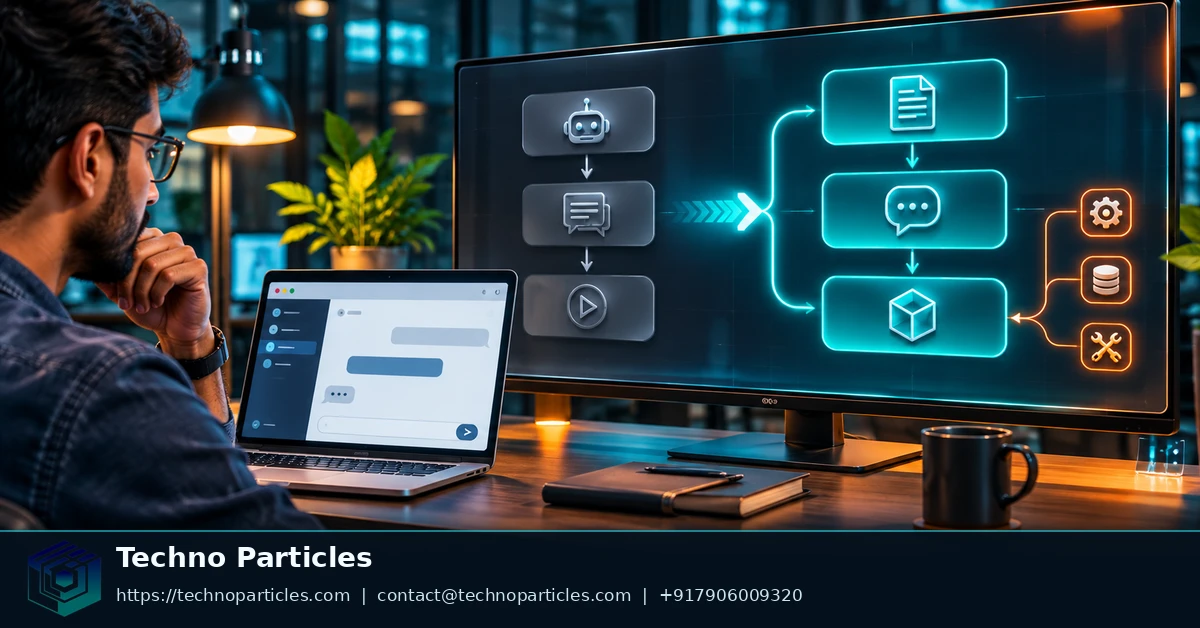
OpenAI shut down the Assistants API on August 26, 2026. For teams maintaining web applications, the migration means replacing Assistant, Thread, Run, and Run-step assumptions with the Responses API, Conversations API, Prompts, and Items. OpenAI’s deprecation notice and August 26, 2026 changelog entry identify Responses as the recommended replacement.
The change affects more than one endpoint. Backend request construction, conversation storage, tool-call handling, streaming consumers, and application-owned history may all require review. The server layer should own API keys and state decisions; the browser should receive only the data it needs. For broader implementation planning, see the guide to application development services.
| Former Assistants API concept | Responses-era replacement | Web-app implication |
|---|---|---|
| Assistant | Prompt | Store reusable instructions through dashboard-managed prompt versions. |
| Thread | Conversation | Choose durable conversation state for persistent chats. |
| Run | Response | Update request, output, error, and streaming logic. |
| Run step | Item | Inspect typed output, tool calls, reasoning, and multimodal results. |
What changed after the Assistants API shutdown?
The official migration path changes the unit of work from a Run attached to a Thread to a Response built from input and optional conversation state. Responses can handle text and image inputs, typed output Items, function calls, and built-in tools such as web search, file search, computer use, and code interpreter, as documented in the Responses API overview.
Existing thread-message retrieval cannot serve as the migration plan. OpenAI’s migration guide says applications should use their earlier stored conversation data when rebuilding history. That makes application-owned records important: they can preserve context while the new request and output model is introduced.
For a web app, the practical decision is architectural. Replace old lifecycle assumptions in server code and persistence, then test how the interface receives text, tool results, errors, and streamed updates. The shutdown is complete; remaining work is application migration and validation.
How web-app objects map during the migration
The migration becomes easier when each former Assistants API object receives a clear replacement in the application architecture. OpenAI’s Assistants migration guide maps Assistants to Prompts, Threads to Conversations, Runs to Responses, and Run steps to Items. The change affects both API calls and the database records that describe a conversation.
Replace lifecycle records with Responses-era objects
Reusable instructions move into versioned Prompt objects managed through the OpenAI dashboard. A persistent chat can use a Conversation, while each model interaction becomes a Response. Instead of assuming that a Run contains a sequence of opaque steps, the server should inspect typed Items for text, tool calls, reasoning, or multimodal results.
A minimal JavaScript migration flow can create a Conversation and send input through the Responses API:
const conversation = await client.conversations.create({
  items: [{
    role: "user",
    content: "What is the capital of France?"
  }]
});

const response = await client.responses.create({
  model: "gpt-4o",
  conversation: conversation.id,
  input: "What is the capital of France?"
});
The exact request should match the model and input format selected for the application, but the structural shift is the important part: conversation state is explicit, and the returned object is a Response rather than a Run.
Move history ownership into the application
Do not design the migration around retrieving old Thread messages after shutdown. OpenAI’s guide directs developers to use conversation data already stored by their application when rebuilding history. That means the migration record should preserve message roles, content, relevant tool exchanges, identifiers, and timestamps needed to reconstruct context safely.
For teams coordinating frontend and backend changes, web application delivery guidance can provide broader implementation context, while the OpenAI migration documentation should remain the source for API behavior.
Separate prompt configuration from conversation records
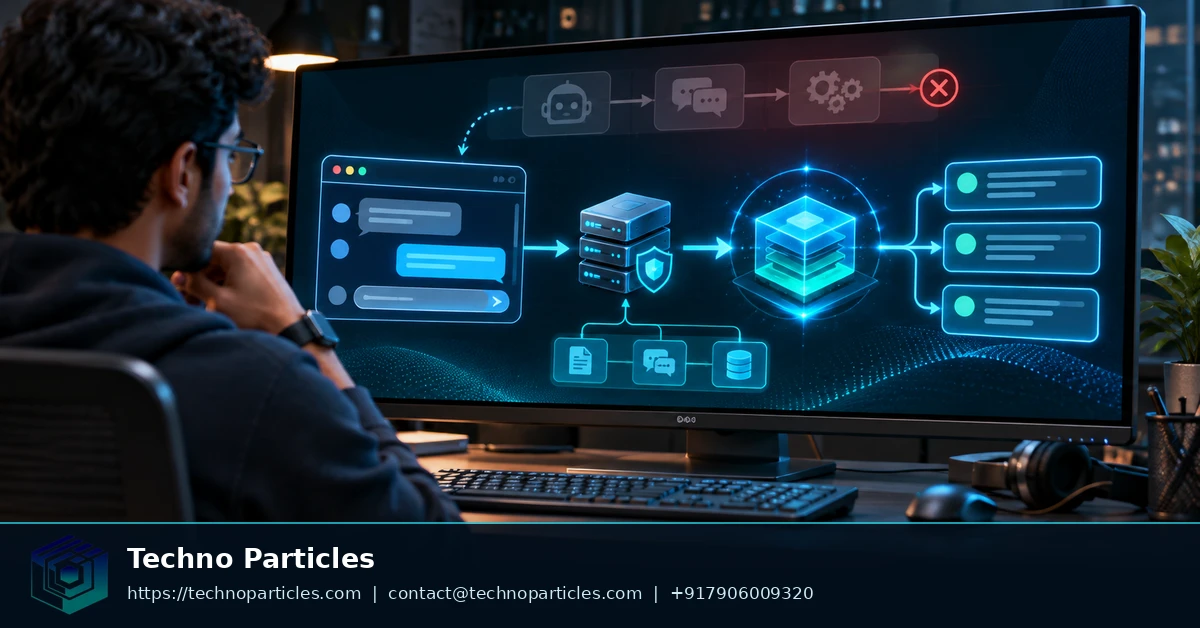
Prompt configuration and conversation data serve different purposes during migration. A Prompt holds reusable instructions and versions managed through the OpenAI dashboard. A Conversation holds interaction state. Keeping these concerns separate lets the server update instructions without rewriting every user conversation.
Application records should retain the history needed to rebuild context. Preserve roles, content, tool exchanges, response identifiers, and timestamps when those fields support your product’s audit or replay needs. The official migration guide recommends using history already stored by the application because old Thread-message retrieval cannot remain the foundation after shutdown.
Use a migration adapter between existing database records and the new request format. The adapter can translate legacy assistant instructions into the selected Prompt configuration, convert thread history into conversation input, and normalize Response Items for the rest of the application. This limits changes to controllers, background jobs, and frontend state consumers.
Do not assume every Response Item is user-visible text. A response may contain tool calls, reasoning, or multimodal data. Store or route each supported type deliberately. Text-only interfaces can read output_text, while tool-enabled interfaces should inspect response.output and continue the required function-call cycle.
Keep this translation on the server. The browser can submit user input and receive the rendered result, but it should not receive API keys or control persistence identifiers. Teams planning broader backend changes can review software development services alongside OpenAI’s technical documentation.
Design the migration boundary around stored data
Do not let legacy Thread IDs remain the only reference for a customer conversation. Create an application-level conversation record that points to the selected Responses state mechanism and keeps the product’s own identifier stable. OpenAI’s conversation-state guidance describes durable Conversations, chained responses, and manually managed Items as separate ways to preserve context.
Use a durable Conversation when users may return across sessions or devices. Use previous_response_id when the interaction is a simpler sequence that can follow the last response. Use manually replayed Items when your application must control exactly which history enters a request, such as after filtering, summarising, or applying retention rules.
Keep the adapter’s output independent from frontend rendering. The Responses migration guide distinguishes plain text output from typed output Items. A text-only screen can render the convenience text field, but a tool-enabled workflow must preserve the structured result needed for the next operation.
That distinction matters during partial rollout. One endpoint may still return legacy-shaped data to existing frontend code, while a new server adapter converts Responses output into the same contract. Later, update the frontend after tool calls, errors, and non-text Items have test coverage.
Store identifiers and history according to product need, not merely according to the former API schema. Keep the user or tenant owner, application conversation ID, provider conversation or response ID, prompt version, and timestamps needed for support and replay. Do not copy every provider field into permanent storage without a retention reason.
For implementation teams, website development services describe broader web-delivery support, while OpenAI documentation defines the API contract. The migration boundary should stay on the server, where credentials, state selection, and history filtering remain under application control.
Build the server request and preserve conversation state
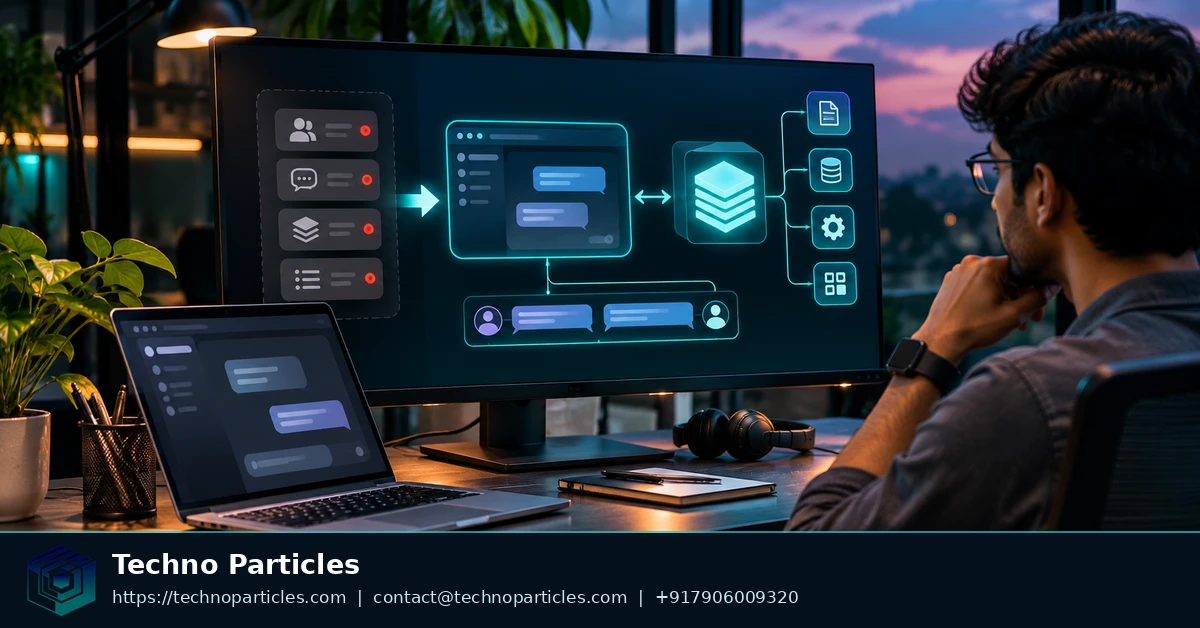
The server should translate a browser message into a Responses request, then return only the result the frontend needs. A minimal text flow can call client.responses.create with a model and input, and read output_text for the rendered answer. OpenAI’s Responses migration guide documents this request and output pattern.
const response = await client.responses.create({
  model: "gpt-4.1",
  input: [{ role: "user", content: userMessage }]
});

return response.output_text;
Keep the API key and this call on the server. The browser should submit user input through your own authenticated endpoint, while the backend selects the model, applies instructions, records identifiers, and handles failures. Teams documenting that boundary can use this web application delivery context alongside OpenAI’s API documentation.
Choose state handling by product behavior
For a chat that must survive sign-in changes, device changes, or later sessions, create and retain a durable Conversation. OpenAI’s conversation-state guidance describes Conversations as persistent objects that can hold interaction state across requests.
For a short sequential workflow, pass previous_response_id from one request to the next. This keeps the chain simple, but your application still needs to store the relationship and decide what happens when a response expires, fails, or is replaced. When the product must filter, summarise, or apply retention rules before sending context, manually replay the selected Items instead.
Text-only handling is not sufficient for tool-enabled features. Inspect response.output when the request can produce function calls, reasoning Items, or multimodal results. A function-call loop must execute the approved application-side function and submit the resulting output before the model can finish the user-visible response.
Choose the right state model after the Assistants API shutdown
The best way to integrate the OpenAI Responses API into a web app depends on how your product treats conversation history. Use the Conversations API when users need durable, cross-session state that can follow them across requests, devices, or sign-in sessions. Use previous_response_id for a simpler sequential exchange where the application only needs to continue from the latest response. Choose manually replayed Items when your product must decide exactly which context is retained, filtered, summarised, or sent to the model.
This rule keeps the migration aligned with product behavior instead of forcing every application into the same storage pattern. A customer-support workspace may need durable Conversations, while a short form-filling flow may only need a response chain. An application with strict retention controls may need to assemble its own input history before each request.
The next step is to migrate one text-based web-app flow end to end. Keep the existing application conversation record, connect it to the selected Responses state mechanism, and verify that the server returns the expected text while preserving the identifiers needed for the next request. Once that path works, check the stored history and structured output handling for the same flow before extending the adapter to tools, streaming, or additional frontend experiences.
A focused first migration gives the team a concrete reference implementation for the rest of the application. It also makes the decision about how to integrate the OpenAI Responses API into a web app after the Assistants API shutdown an engineering choice tied to actual user behavior, rather than a broad rewrite of every endpoint at once.


Leave a comment
Your email stays private. You can see your comment immediately on this browser. Others see it after approval.