
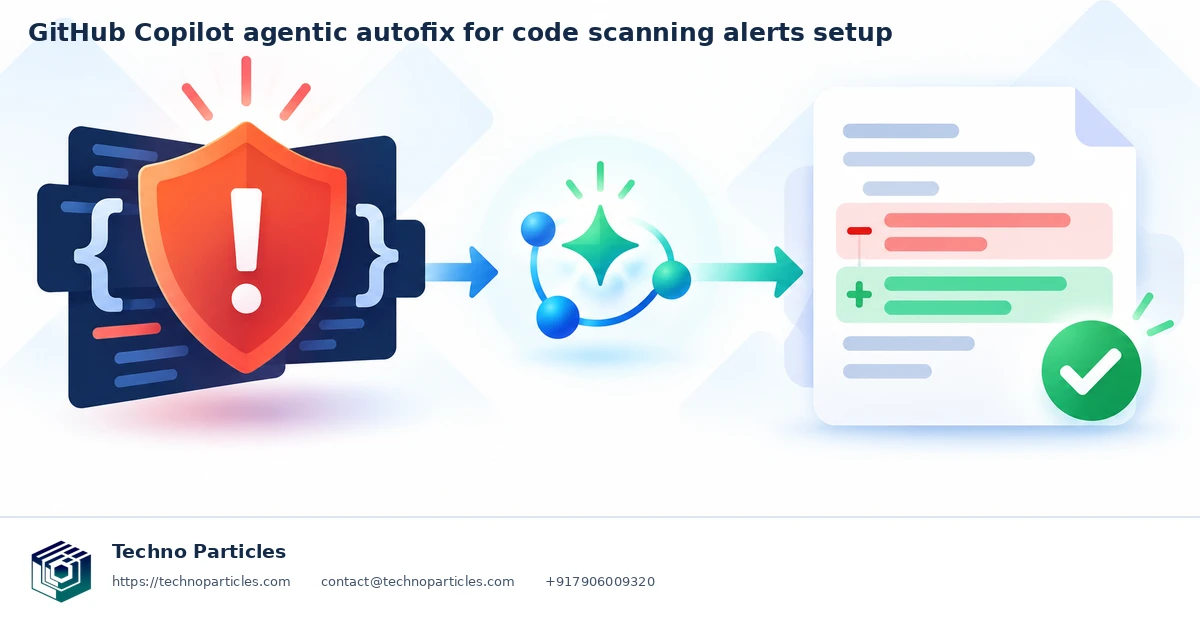
What is GitHub Copilot agentic autofix?
GitHub Copilot agentic autofix investigates code-scanning alerts, proposes a repair, attempts validation, and prepares a draft pull request. To start, enable the feature for an eligible repository, open its code-scanning backlog, and assign an alert to Copilot. Review the resulting changes and run your own checks before merging.
Documentation checked: 20 October 2026. This guide is based on the GitHub documentation linked below. Product settings and eligibility can change.
What do you need before starting?
- An eligible repository: public repositories on GitHub.com, or organization repositories covered by GitHub Code Security or GitHub Advanced Security.
- A repository administrator to configure access, plus write permission for the person assigning alerts.
- Agentic autofix allowed by the applicable enterprise and organization policies.
- Backlog code-scanning alerts on the default branch, and a budget for AI credits and Actions usage.
A personal Copilot subscription is not required. User-owned repositories under Enterprise Managed Users are excluded. Check the current GitHub access requirements for your repository.
How do you enable agentic autofix?
- For an enterprise organization, ask an enterprise owner or security manager to permit agentic autofix under its Advanced Security policies.
- At organization level, an owner or security manager enables Agentic Autofix in the Advanced Security global settings. Eligible repositories inherit that choice.
- For a repository-level override, an administrator opens the repository Settings, enters Advanced Security, and changes Agentic Autofix in the Code Security section.
View the repository Settings screenshot from GitHub Docs. This shows the Settings entry point; follow GitHub’s current access instructions for the feature toggle.
Administrators of eligible personal public repositories configure the repository directly. A repository cannot override a higher-level prohibition. Organizations that participated in the preview should check whether re-enablement is needed.
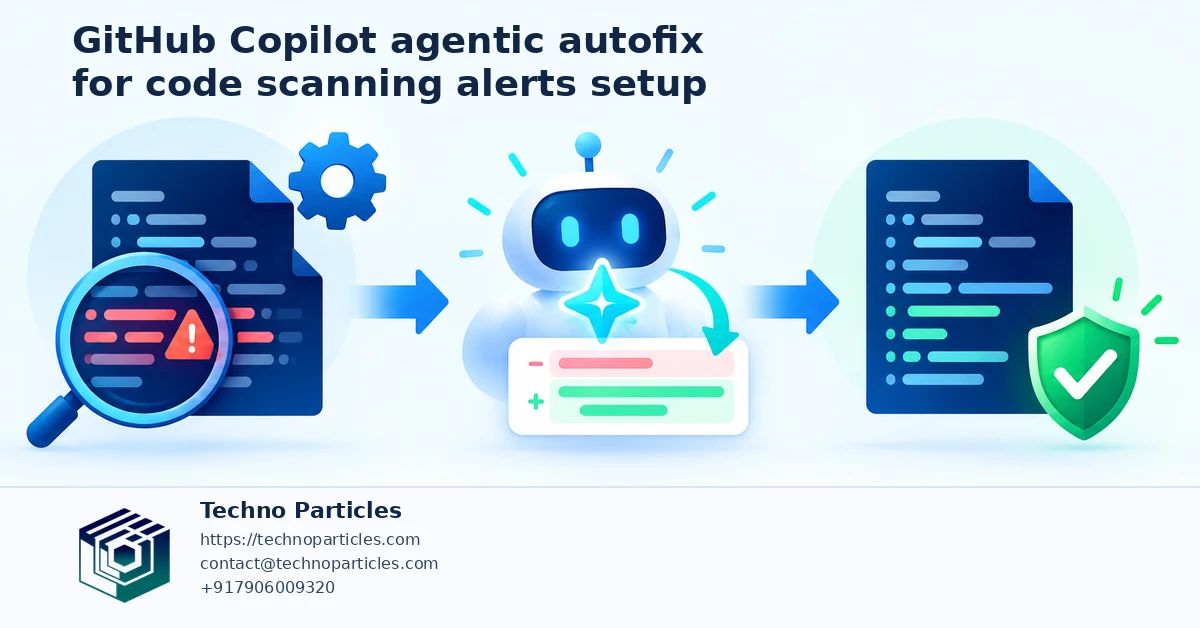
How do you assign alerts and review the result?
- Open the repository security area and select Code scanning.
- Open an individual backlog finding and assign it to Copilot using the alert's assignment control.
- For a batch, select no more than 25 findings from the backlog or campaign list, then assign the selection together.
- Open the generated draft pull request and inspect its explanation and agent session details.
- Run the project's checks, inspect the security-sensitive changes, and request the normal approvals before merging.
One assignment produces one agent session and one pull request. See GitHub's alert resolution instructions and campaign workflow.
What should you check before approving a fix?
- Does the diff address the reported weakness without breaking legitimate behavior?
- Do tests cover the affected path, including invalid input and permission failures?
- Does an independent scanning run confirm the expected outcome?
- Are dependencies, configuration, and release effects understood?
Validation is best effort. GitHub documents that the agent cannot confirm repairs for custom CodeQL queries, the security-extended suite, or third-party findings. An apparently successful patch still needs independent review. See autofix behavior and limits.
Why is the assignment control missing or validation incomplete?
| Problem | What to check |
|---|---|
| No assignment control | Check write access, repository eligibility, feature enablement, higher-level policy, and whether the finding belongs to the default-branch backlog. |
| Feature stopped after preview | Ask the organization administrator to check the current enablement requirement. |
| Fix cannot be confirmed | Read the pull request and session output. Run the relevant scanner and tests yourself, especially for analysis types outside the agent's validation coverage. |
Frequently asked questions
Is agentic autofix the same as classic Copilot Autofix?
No. Agentic autofix investigates findings and prepares a pull request. Classic Copilot Autofix offers a proposed code edit for a supported finding, which you review and apply. Compare the workflows in GitHub's autofix overview.
Does assigning alerts cost anything?
Agentic sessions use Code Security AI Credits and GitHub Actions minutes. Review your account's allocation and usage before a larger rollout; this guide does not assume a fixed price.
Can the generated change be merged automatically?
Treat the draft pull request as a proposal. Read the diff, validate the result, and follow your team's approvals. Generation alone is not evidence that a vulnerability has been resolved.
Key takeaway
Start with a small, owned group of backlog findings. Enable the feature at the correct administrative level, assign a manageable batch, and evaluate the result using independent tests and security review. Record acceptance, rework, and rejection so the team can assess whether the workflow saves effort.



Leave a comment
Your email stays private. Comments appear after approval.