
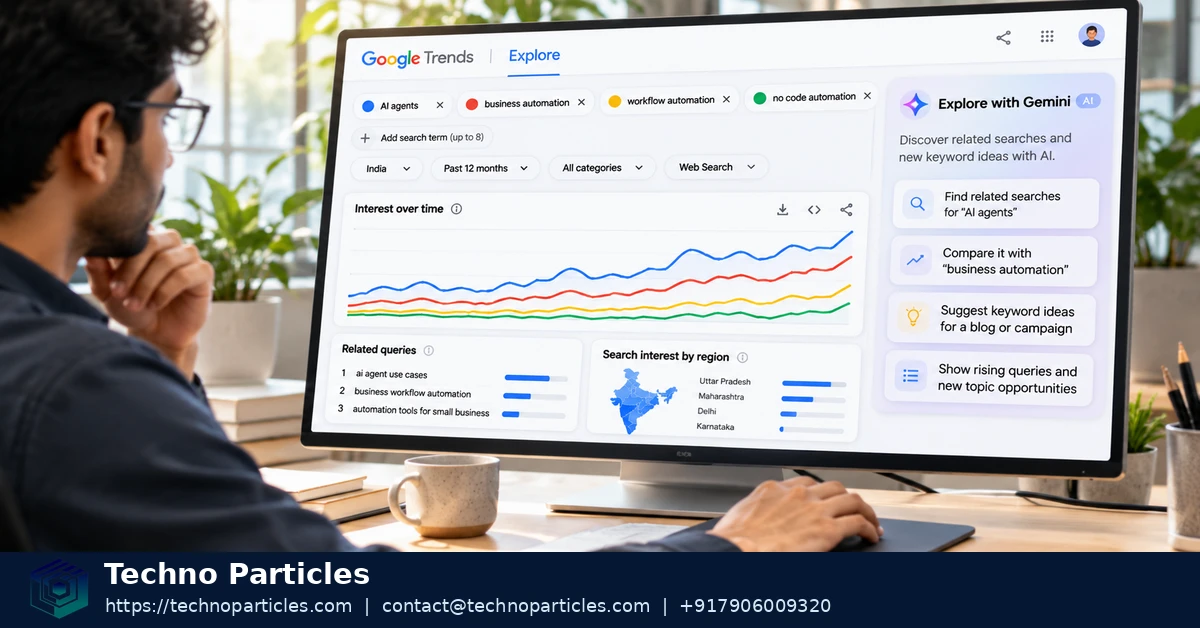
Google Trends Explore with AI for free keyword research now offers Gemini-assisted term discovery. Google announced the redesigned Explore page on January 14, 2026. It can suggest related search terms, build comparisons, show related ideas, and accept follow-up prompts. The feature helps SEO researchers move from one broad idea to several testable directions faster. It does not replace separate search-volume, competition, or SERP research.
Google’s announcement says its example can populate a comparison graph with up to eight search terms automatically. Users can edit those terms and adjust country, time range, and search property. The redesign also increased comparison capacity and doubled the rising queries shown on each timeline. Google described the desktop release as a gradual rollout, so access and behavior may differ by account or market. See Google’s official announcement and the Gemini-in-Trends help page.
| Explore with AI element | What it does | Research value |
|---|---|---|
| Gemini suggestions | Proposes related search terms and ideas | Expands an initial topic |
| Automatic comparisons | Can add up to eight terms in Google’s example | Speeds early comparison |
| Filters | Adjusts country, time, and search property | Matches the target audience |
| Rising queries | Shows growing related searches | Surfaces emerging language |
| Trends evidence | Shows relative interest over time | Supports, but does not prove, demand |
What changed in Google Trends Explore with AI?
The main change is a guided discovery layer inside Explore. Instead of entering every candidate manually, a user can start with a seed topic and review Gemini’s suggested comparisons. The interface still supports ordinary Trends research, including geographic analysis and time-based comparisons.
For teams planning content, this creates a faster bridge from audience language to a focused SEO research workflow. Treat suggestions as hypotheses. Check each promising phrase in exact-term or topic mode before using it in a brief.
How to use Google Trends Explore for free keyword research
Start with one clear seed topic that matches your audience’s problem. Enter it in Explore, then review Gemini’s suggested terms and related ideas. Keep candidates that express a distinct search intent. Remove suggestions that describe products, audiences, or questions your content will not address.
Next, decide whether each candidate should be tested as a search term or a topic. Google Trends can compare an exact search phrase, while a topic can group related language across spelling and language variations. Google explains this distinction in its term and topic comparison guidance.
Apply the same country, time range, category, and search-property settings to every candidate. Consistent filters make comparisons meaningful. Use quotation marks for an exact phrase, plus signs to combine alternatives, and minus signs to exclude an unwanted meaning. Google documents these operators in its Trends search tips.
Compare the strongest candidates together. Look for steady interest, seasonal patterns, and meaningful differences between regions. Then inspect Top and Rising related searches. A rising query can reveal current language for a content brief, but it still needs intent and search-result review. Google defines “Breakout” as growth above 5,000% in its related-searches documentation.
Record the evidence before choosing a target keyword. Download the chart as a CSV or use Google’s sharing and citation options, where available, through its export and citation instructions. Store the seed, filters, comparison terms, and decision date with the file. This creates a repeatable search-engine optimisation workflow for later review.

Make Google Trends Explore with AI for free keyword research repeatable
Use comparison controls to separate a promising suggestion from a useful research candidate. Add the strongest terms to one comparison, then apply the same location, period, category, and search property. Google’s quick-comparison guidance also supports comparison chips, historical reference lines, percentage-change context, and chart downloads. These controls help preserve the conditions behind your decision. See Google’s quick-comparisons guidance.
Use a topic when the idea matters across related wording, languages, or spelling variations. Use a search term when exact phrasing matters. This distinction prevents a broad topic from appearing to outperform a narrow phrase only because it includes more searches. Google explains the difference in its term and topic comparison documentation.
When a suggestion has several meanings, narrow it before comparing. Put an exact phrase in quotation marks, combine alternatives with a plus sign, or exclude an unwanted meaning with a minus sign. Apply one targeted filter at a time, so you can identify which setting changed the result. Google documents these operators in its Trends search tips.
Keep a short research record beside the exported chart. Include the seed topic, candidate terms, term-or-topic choice, filters, comparison date, and the reason one candidate moved forward. If the same keyword will support editorial content and campaigns, preserve that record inside a broader digital marketing workflow. This makes later review easier when seasonality or regional interest changes.
Use AI suggestions to widen the candidate set, not to approve a final target automatically. The final choice still needs audience-intent review and evidence beyond Trends, such as search-result quality, competition, and conversion relevance.
Turn suggested terms into a defensible keyword shortlist
After collecting suggestions, group them by the question a searcher wants answered. Separate learning, comparison, troubleshooting, and purchase-oriented phrases. This prevents one broad topic from mixing several intents during comparison. Keep one primary candidate for the planned page and retain closely related phrases as supporting subtopics.
Use Google Trends categories when a word has multiple meanings. A category can narrow results to the relevant subject area before you compare interest. Regional filtering can also expose language differences. A phrase that leads nationally may not lead in the location your audience serves. Google’s Google Trends Explore guidance documents regional results, categories, related searches, and comparison features.
Check the time range against the content’s expected life. A short range can reveal a recent shift, while a longer range shows whether interest is seasonal or persistent. Do not choose a target because of one isolated peak. Save a second comparison with a broader period when the first chart looks unusually volatile.
For each shortlisted phrase, record four decisions: term or topic mode, location, time range, and intended page type. Add one sentence explaining why the candidate fits the audience. This turns an AI-generated idea into an editorial hypothesis that another person can review.
Then compare the shortlist with evidence outside Trends. Review the current search results, identify the content formats ranking, and check whether the query matches the action your page supports. For campaign planning, preserve the same shortlist inside a digital marketing planning workflow. Trends can reveal language and direction; it cannot decide whether your business can satisfy the searcher better than existing results.
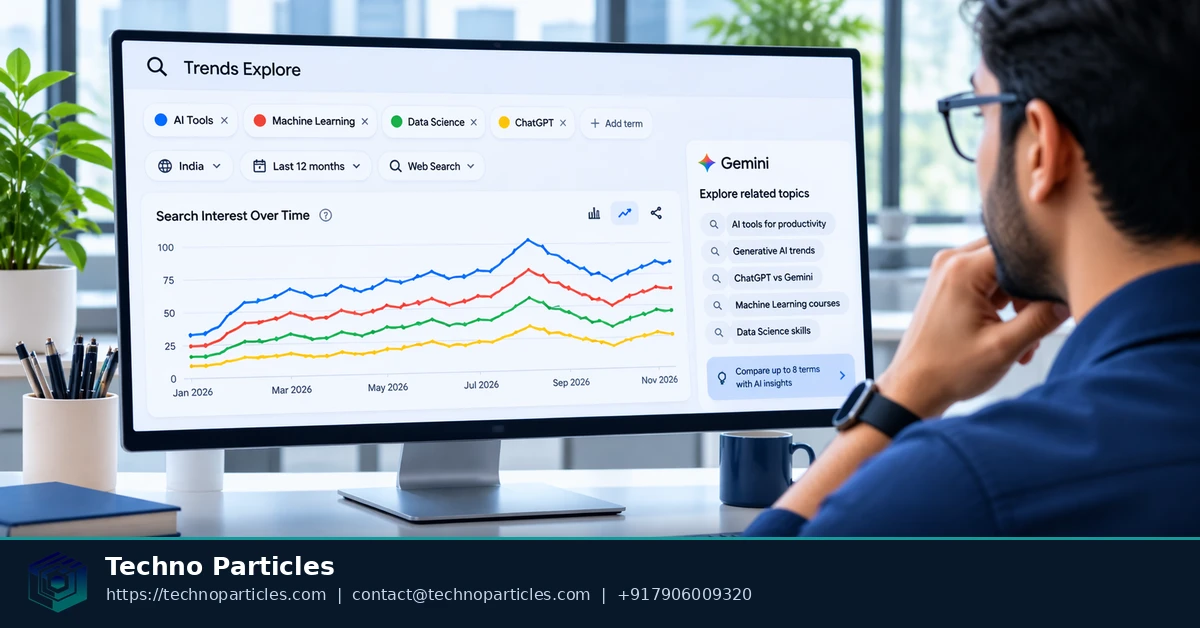
Reading Google Trends Explore with AI for free keyword research starts with a distinction: an AI suggestion is a lead, not evidence of demand by itself. Gemini can widen the candidate set by surfacing adjacent wording and related ideas, but Google’s Trends data represents sampled, aggregated and normalized interest rather than absolute search volume. The Google Trends data FAQ also explains that low-volume queries may show as zero and unusual spikes can contain statistical noise.
How to interpret AI-assisted Trends signals for SEO
First, ask whether the suggested phrase matches the searcher’s intended task. A term that looks popular may describe learning, comparison, troubleshooting or purchase research, and those intents require different page formats. Keep candidates that fit the planned page; move broader or unrelated suggestions into a separate supporting-topic list.
Use direction and context, not a single score
Compare promising candidates under the same location, time range, category and search property. A relative rise can indicate changing language or seasonal interest, but it does not prove that one phrase will bring more visitors or conversions. Google’s quick-comparisons guidance supports historical reference lines and percentage-change context, which can make the comparison easier to interpret.
Rising queries are useful for spotting emerging wording, while Top queries can show more established associations. Treat both as clues about what people search alongside the seed topic. A “Breakout” label means growth above 5,000%, not a guaranteed high-volume opportunity, as Google defines in its related-searches documentation.
Turn a signal into an editorial hypothesis
For each shortlisted candidate, write a testable explanation: “This phrase may fit because it reflects the audience’s problem and the results appear to serve the same intent.” Then check the live search results, competing formats and conversion relevance before assigning the phrase to a page. Preserve the reasoning with the chart inside an structured project-consultation workflow when multiple stakeholders must approve the brief.
The useful outcome is not the AI’s most attractive suggestion. It is a documented hypothesis that survives comparison, intent review and independent search evidence.
Conclusion: make AI-assisted Trends research earn its place
Use Google Trends Explore with AI for free keyword research only when the signal supports a clear editorial decision. The rule is simple: select a target keyword when the suggested wording matches the audience’s intent and the comparison is supported by independent demand or search-result evidence. If those signals disagree, keep the phrase as a research lead rather than making it the primary target.
Your next step is to run one focused Explore comparison for the page you plan to create. Start with the clearest seed topic, examine the suggested alternatives, and compare the strongest candidates using the same location, time period, category and search property. Record the selected term or topic mode and the reason it fits the intended page. Then export the chart or preserve an appropriate shareable record so the decision remains reviewable when the brief moves between writers, editors or clients. Google’s official export and citation guidance explains the available ways to document Trends data.
Before drafting, place that comparison beside the live search results and your separate evidence about demand, competition and conversion relevance. The winning phrase is not necessarily the one with the most dramatic line or the most imaginative AI suggestion. It is the candidate that gives the intended audience a useful answer and can be supported by a page your team is equipped to produce. That standard keeps AI-assisted discovery efficient while leaving the final SEO decision with evidence, intent and editorial judgment.



Leave a comment
Your email stays private. You can see your comment immediately on this browser. Others see it after approval.