

The latest REA GitHub release makes agent-assisted reverse engineering more practical, but it does not turn an AI agent into a self-sufficient decompiler. The official morluto/rea project, titled “Reverse Engineer Anything,” combines an MCP server and command-line setup so compatible coding agents can request evidence from local analysis tools.
| Detail | What is confirmed |
|---|---|
| Official project | morluto/rea, distributed under the MIT license |
| Latest release | rea-agents v6.7.0, released October 18, 2026 |
| Main update | Safer handling of duplicate JSON and JSONC client-configuration members |
| Analysis model | Local artifact analysis with evidence, observations and limitations returned to the agent |
How to use REA GitHub with an AI coding agent
Start by checking that Node.js 22.19+, 24.11+, or 26+ with npm is available. Then run npx rea-agents@latest setup. The setup process proposes an agent configuration that you should review and approve before restarting the coding client. Supported integrations include Codex, Claude Code, Cursor, Gemini CLI, Windsurf, GitHub Copilot CLI and other MCP-compatible clients.
After setup, give the agent an authorized artifact and a specific investigation question. REA can support JavaScript and Electron applications, websites, Android APKs, .NET assemblies, native binaries, databases, network captures, WebAssembly and firmware. The exact workflow depends on the target. Static JavaScript and .NET inspection do not require a native analysis engine, while deeper native work may depend on caller-supplied tools such as Hopper, Ghidra or IDA.
For teams planning broader application analysis, the practical next step is to define ownership, licensing and evidence-handling rules before connecting REA to a development workflow. A documented project consultation process can help turn that investigation into a controlled technical plan.
What the latest REA release changes
REA GitHub’s current release is rea-agents v6.7.0, published on October 18, 2026. Its headline change is safer handling of duplicate members in JSON and JSONC client-configuration files, a small but important improvement when automated setup touches existing agent configurations. The release line also carries capabilities introduced in v6.6.0, including Kuna provider support, retained JavaScript analysis facts, multi-locale APK inspection, Windows ARM PE analysis and raw m68k image support.
These additions broaden the range of artifacts an agent can investigate, but they should not be interpreted as a promise of complete application recovery. REA coordinates analysis and presents evidence; it does not replace the engines that understand a particular binary format, runtime or programming language. Results can still be incomplete, ambiguous or dependent on the quality of the supplied artifact.
How to structure a safe REA investigation
- Confirm authority. Work only with applications, firmware, captures or data that you own or are legally authorised to examine. Check commercial-tool licences separately, especially when a workflow uses Hopper, Ghidra, IDA or another external engine.
- Define the question. Ask the agent to locate a component, trace a workflow or compare observed behaviour rather than requesting an unsupported “full reconstruction.” Specific questions produce more reviewable evidence.
- Separate evidence from interpretation. Preserve the tool output, the agent’s observations and your own conclusions as different records. This makes it easier to challenge an inference or reproduce an investigation.
- Review data exposure. Although target analysis runs locally, the model provider receives the tool results supplied to the agent. Remove unnecessary secrets and establish retention rules before using REA with sensitive software.
For organisations evaluating whether this workflow belongs in a broader engineering process, a documented project consultation process can help define scope, permissions, tooling and review checkpoints before deployment.

From REA evidence to an engineering decision
Once REA has examined an artifact, treat the output as an investigation record rather than an automatic specification. Start by grouping findings into three categories: directly observed facts, likely interpretations and unresolved questions. For example, a discovered endpoint may be confirmed in a client bundle, while its business purpose or server-side validation may remain uncertain. Keeping those distinctions visible reduces the risk of building against an assumption.
Use a repeatable analysis loop
- Record the artifact. Note the file source, version, hash, platform and any relevant build or capture conditions. Repeat analysis against the same input before comparing results.
- Ask narrow follow-up questions. Request a call path, data-flow explanation, configuration location or behaviour comparison. Narrow prompts make the returned evidence easier to verify.
- Validate independently. Where lawful and safe, compare static findings with runtime observations, network captures, documented interfaces or a controlled test environment.
- Mark confidence. Label each proposed conclusion as confirmed, probable or unresolved, and preserve the evidence supporting that label.
This process is particularly useful when the goal is interoperability, migration or security review rather than a literal copy of the original application. REA may reveal useful structures and dependencies, but missing symbols, obfuscation, unavailable server logic or proprietary runtimes can limit what can be recovered. A result that explains one workflow may not describe the whole product.
Where teams should place human review
Human review matters at the boundaries: deciding whether an artifact may be examined, checking whether an inferred behaviour is technically plausible, and approving any implementation based on the findings. Teams should also review credentials, personal data, proprietary algorithms and customer information before sending tool results to a model provider.
If the investigation leads to a replacement or integration project, document the scope before development begins. A structured application development workflow can help translate verified observations into requirements, test cases and a maintainable implementation without treating uncertain reverse-engineering output as authoritative.
Turning REA findings into a controlled build plan
After the evidence has been reviewed, convert only the confirmed findings into engineering inputs. A useful record can map each observation to a requirement, a proposed test and an unresolved dependency. This prevents a plausible agent explanation from quietly becoming an undocumented product assumption.
| Finding status | Recommended action |
|---|---|
| Confirmed behaviour | Convert it into a requirement and regression test. |
| Probable interpretation | Validate it with runtime evidence or a controlled experiment. |
| Unresolved question | Keep it out of production scope until reviewed. |
Choose the smallest useful reconstruction
Teams rarely need to reproduce every internal detail. If the goal is migration, identify the inputs, outputs, permissions and failure cases that a replacement must preserve. If the goal is interoperability, focus on observable interfaces and data formats. For a security review, prioritise trust boundaries, exposed functionality and risky assumptions rather than attempting to recreate the entire application.
This narrower scope also makes validation more practical. A controlled prototype can compare a replacement component with the original for selected workflows, while reviewers inspect logs, requests, error handling and access controls. Differences should be documented as deliberate changes, missing evidence or unresolved compatibility risks.
Plan the handoff
Store the artifact metadata, REA outputs, prompts, analyst notes and validation results together under an appropriate access policy. Record which conclusions depend on external tools, unavailable services or assumptions about the runtime environment. That documentation helps another engineer reproduce the reasoning and makes later updates easier when a new release changes the analysis surface.
When the findings support a new product or integration, connect them to normal discovery, design, implementation and testing checkpoints. A documented project consultation process can provide a practical place to define ownership, scope, review gates and delivery risks before development begins.
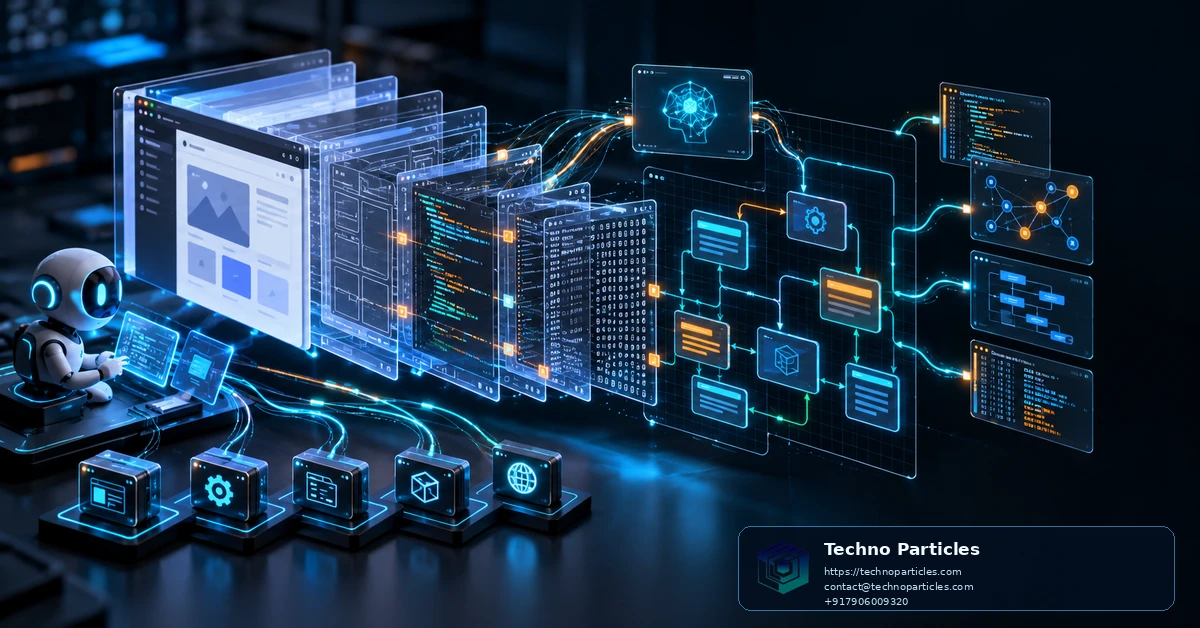
Keep the reconstruction scope measurable
A practical REA GitHub workflow should end with a defined engineering question, not an attempt to reproduce every internal detail. For migration, identify the inputs, outputs, permissions and failure cases the replacement must preserve. For interoperability, focus on observable interfaces, data formats and sequencing. For security review, prioritise trust boundaries, exposed functionality and risky assumptions.
Validate a small, representative workflow
Build a controlled prototype around one important user journey, then compare it with the original where lawful and safe. Review requests, responses, logs, error handling and access controls. Differences should be recorded as deliberate changes, missing evidence or unresolved compatibility risks. This makes the investigation easier to audit than a broad claim that an agent has “understood” the application.
| Evidence type | Build-plan treatment |
|---|---|
| Confirmed observation | Convert into a requirement and regression test. |
| Probable interpretation | Validate with runtime evidence or a controlled experiment. |
| Unknown dependency | Keep outside production scope until reviewed. |
Prepare a reproducible handoff
Store artifact metadata, hashes, REA outputs, prompts, analyst notes and validation results together under an appropriate access policy. Record which conclusions depend on external tools, unavailable services or assumptions about the runtime environment. This gives another engineer enough context to reproduce the reasoning when the artifact, analysis engine or REA release changes.
Before implementation, review credentials, personal data, proprietary algorithms and customer information that may appear in tool results. The model provider can receive those results even when analysis runs locally, so access controls and data minimisation should be part of the workflow.
When verified findings support a new product or integration, connect them to normal discovery, design, testing and delivery checkpoints. A structured project consultation process can help define ownership, review gates and unresolved delivery risks before development begins.
Use REA GitHub with clear legal and data boundaries
Reverse engineering is not automatically permissible simply because an artifact is accessible. Before using REA GitHub, confirm that your team owns the software or has written authorization to examine it. Check contracts, licenses, terms of service, export controls and applicable privacy obligations, especially when APKs, databases, network captures or customer data are involved.
Local analysis can reduce unnecessary file transfer, but it does not make the workflow risk-free. REA returns tool results to the configured model provider, so prompts and outputs may expose source fragments, secrets, personal information or proprietary behaviour. Use sanitized copies where possible, restrict credentials, review provider policies and define retention and access rules before analysis begins.
What to remember about how to use REA GitHub to reverse engineer apps with AI agents
The official morluto/rea project provides an agent-facing layer for evidence-driven investigation. Its latest listed release, rea-agents v6.7.0, focuses on safer duplicate-member handling in JSON and JSONC client configuration, while recent releases expanded provider and artifact support. Those changes improve workflow reliability, but they do not turn REA into a universal decompiler or guarantee a complete explanation of proprietary software.
- Install the current package from the trusted project sources and review the generated client configuration before approving it.
- Match the artifact to the appropriate analysis engine; deep native work may require caller-supplied tools such as Ghidra, IDA or Hopper.
- Separate confirmed observations from interpretations, then validate important conclusions with controlled runtime tests.
- Document hashes, tool versions, prompts, limitations and authorization so the investigation remains reproducible.
Used this way, how to use REA GitHub to reverse engineer apps with AI agents becomes a practical engineering method rather than a promise of instant understanding. The strongest results come from combining automated evidence collection with human review, narrow reconstruction goals and measurable validation. That approach helps teams make informed migration, interoperability and security decisions while keeping legal, technical and data-protection risks visible.

Leave a comment
Your email stays private. You can see your comment immediately on this browser. Others see it after approval.