
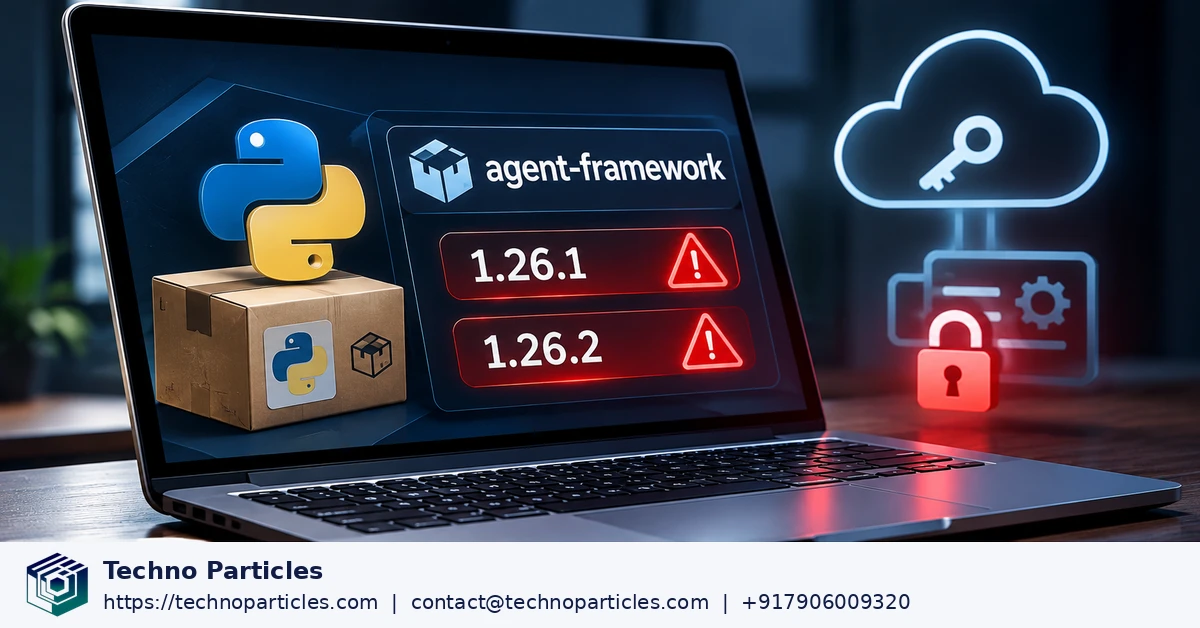
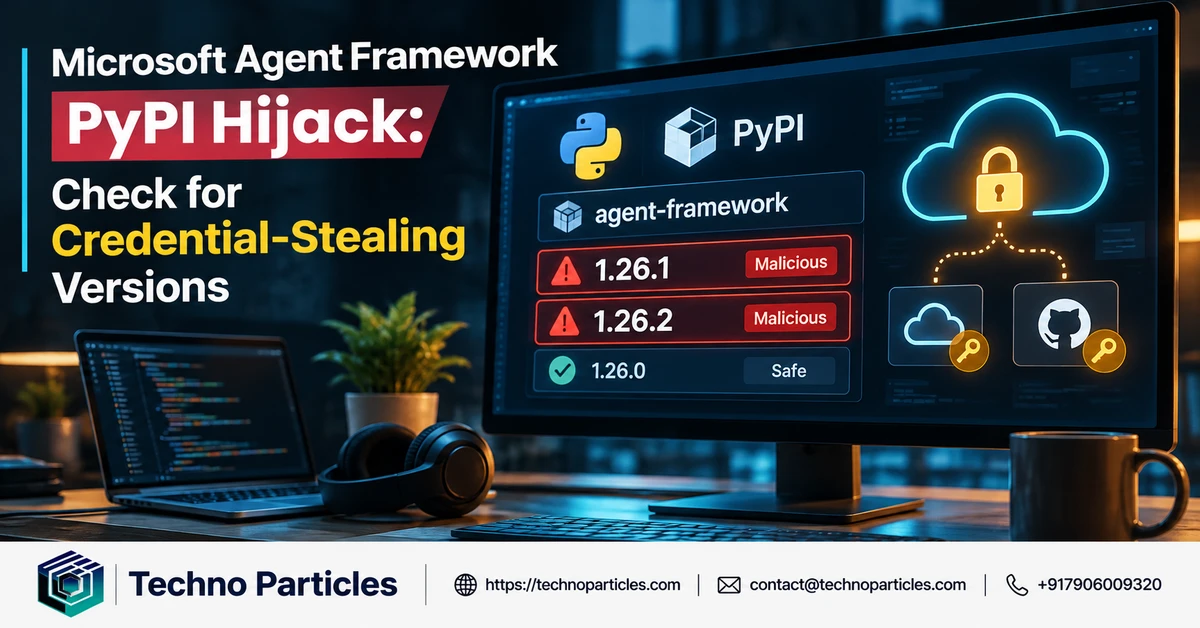
Two releases of the Python package agent-framework contained code designed to collect credentials and other sensitive information. The Microsoft Agent Framework PyPI hijack matters because the malicious code could run when Python started, even if an application never imported the package. The GitHub security advisory identifies versions 1.26.1 and 1.26.2 as affected.
| Package version | Advisory status | Availability or response |
|---|---|---|
| 1.26.1 and 1.26.2 | Affected by malicious code | Removed from PyPI |
| 1.26.0 | Last known clean release | Documented baseline for recovery |
| Patched version | None listed in the advisory | Check the advisory for updates |
What changed in the Microsoft Agent Framework PyPI incident
The affected releases appeared under the legitimate package name on November 17, 2026. An OpenSSF malicious-package record published that day classified both releases as malicious. The GitHub advisory followed on November 18 and was updated on November 23.
The two-release timeline
The releases contained Python startup hooks that could execute without an application explicitly importing the framework. The advisory describes collection targets including environment variables, credential files and cloud identity tokens, with collected data sent to an external endpoint. That makes installation history relevant even for teams that did not run an Agent Framework application.
What the maintainer confirmed
In a November 17 repository response, a project maintainer confirmed that both releases had been pulled and that an investigation was underway. The public record does not establish the attacker’s identity or a confirmed victim count.
For teams incorporating agent capabilities into applications, the incident also illustrates why dependency provenance belongs in the planning of generative AI development: a package can affect the environment in which an application runs, not just the code path that calls it.
Which package versions require action?
The version decision applies to the specific PyPI distribution agent-framework. Check the resolved package version in each environment, rather than relying only on a version range declared in a project file: a range can permit different installations to resolve to different releases. The GitHub advisory identifies 1.26.1 and 1.26.2 as affected and identifies 1.26.0 as the last known clean release.
Earlier releases are not identified as affected by this advisory. That distinction concerns the malicious releases described in this incident; it does not establish the security of every dependency or downstream environment. The PyPI project page provides the package’s release files and project details, which can help teams confirm they are examining the intended distribution.
For recovery planning, avoid treating an instruction to install the “latest” version as a complete version decision. Use the advisory’s documented clean baseline and verify what the dependency resolver selects. Teams evaluating dependency changes as part of a wider delivery plan can incorporate that version decision into project consultation and scope planning.
How the credential stealer ran without an application import
Python can process .pth files in its package directories during interpreter startup. In the affected releases, attackers placed executable instructions in these files, turning a routine startup mechanism into a way to run malicious code. The two versions used different hook filenames, according to the StepSecurity analysis of both package files.
This matters when assessing exposure: starting Python for an unrelated task could activate the hook if the affected package was installed in the environment being used. A developer did not have to call an Agent Framework function. Elastic describes the startup mechanism in its independent analysis of the compromise.
What the payload looked for
The malicious code targeted several places where running software may have access to secrets. These included environment variables, local credential files and the environments of other processes. It also sought Azure managed-identity tokens and Azure DevOps OpenID Connect data; version 1.26.2 added a target for GitHub Actions OpenID Connect data. The OpenSSF package record documents the affected files and collection behavior.
OpenID Connect data and managed-identity tokens can allow workloads to authenticate without storing a conventional password in application code. Their presence in the target list therefore extends the concern beyond configuration files: a build or cloud workload may have access to identity material through its execution environment.
The payload compressed and encoded collected data before sending it to a webhook endpoint. Encoding changes the representation of the data; it does not make the transfer a legitimate application operation. This distinction is relevant to teams planning application development around automated build and deployment environments, where dependencies run alongside credentials needed by other tasks.
How to check an environment without triggering the hook
Start with installation records and files that can be inspected without starting Python. Search dependency lockfiles and requirements files for agent-framework versions 1.26.1 and 1.26.2, then check CI logs and deployment records for installations that may have resolved to either release. A current lockfile alone may not reflect what an earlier build installed.
Do not begin with ordinary Python or pip commands while a malicious startup hook remains active. The project’s incident discussion documents the cleanup order: set the documented kill switch if needed, remove the affected startup hooks, and only then reinstall the clean baseline. Follow the instructions for the environment being handled; starting an interpreter to inspect the package could execute the hook first.
Look beyond the active project folder
Inspect the relevant environment’s package directories for the affected startup files, using the filenames in the OpenSSF malicious-package record. Also check cached wheels, internal package mirrors and container layers: removing a file from one working environment does not remove copies held elsewhere.
Where a wheel is available for inspection, compare its SHA-256 digest with the affected-file hashes in the GitHub advisory. A matching digest identifies the documented artifact; a package version check and an artifact hash answer different questions about what was installed or stored.
After removing the hooks, reinstall the advisory’s documented clean baseline, version 1.26.0, and verify the resolved dependency. For teams maintaining automated releases, record which build inputs and deployment environments were checked so that the dependency decision can be carried through the application development process.
Credential rotation and CI or cloud containment
If either affected version was installed, treat credentials reachable from that environment as exposed. The GitHub advisory recommends rotating credentials that the malicious package could access. Rotation and log review are response measures; they do not establish that a particular credential was stolen or used.
Start by identifying the identities and secrets available to the affected workload at the time it ran. Depending on the environment, these may include Azure credentials and managed identities, Azure DevOps credentials, GitHub Actions identity material, Docker registry credentials, and tokens for Hugging Face, OpenAI, npm or Python package repositories. The StepSecurity analysis describes the credential sources targeted by the malicious releases.
Prioritize credentials by what they could access. A token able to publish packages or deploy production changes may require a different response from one limited to reading a test resource. For short-lived identity tokens, investigate the workload identity and its permissions as well as the token itself: replacing a long-lived secret alone may not address how the workload obtains future tokens.
Trace affected builds and deployments
Review cloud identity and sign-in records, repository activity, CI job histories and deployment logs for activity associated with the affected environment. Compare timestamps with the relevant installations and inspect outbound network records for the webhook indicator documented in the OpenSSF malicious-package record. The usefulness of this review depends on which logs were retained and what they capture.
Rebuild affected images from verified inputs and purge contaminated caches and internal mirror copies before allowing them back into build pipelines. Where an AI application shares deployment infrastructure with other systems, map those shared identities and artifacts as part of its recovery; the scope of AI and automation services can include workflow integration and access controls that make those dependencies relevant.
Conclusion: a decision rule for affected environments
For the Microsoft Agent Framework PyPI hijack: check for credential-stealing versions by treating an environment as exposed if agent-framework 1.26.1 or 1.26.2 was installed; otherwise, continue normal dependency verification. This rule concerns those two releases, not every Microsoft or PyPI package. The GitHub security advisory identifies both affected versions.
Next, inspect and clean any affected environment, then pin and rebuild from the advisory’s documented clean baseline before restoring credentials.



Leave a comment
Your email stays private. You can see your comment immediately on this browser. Others see it after approval.