
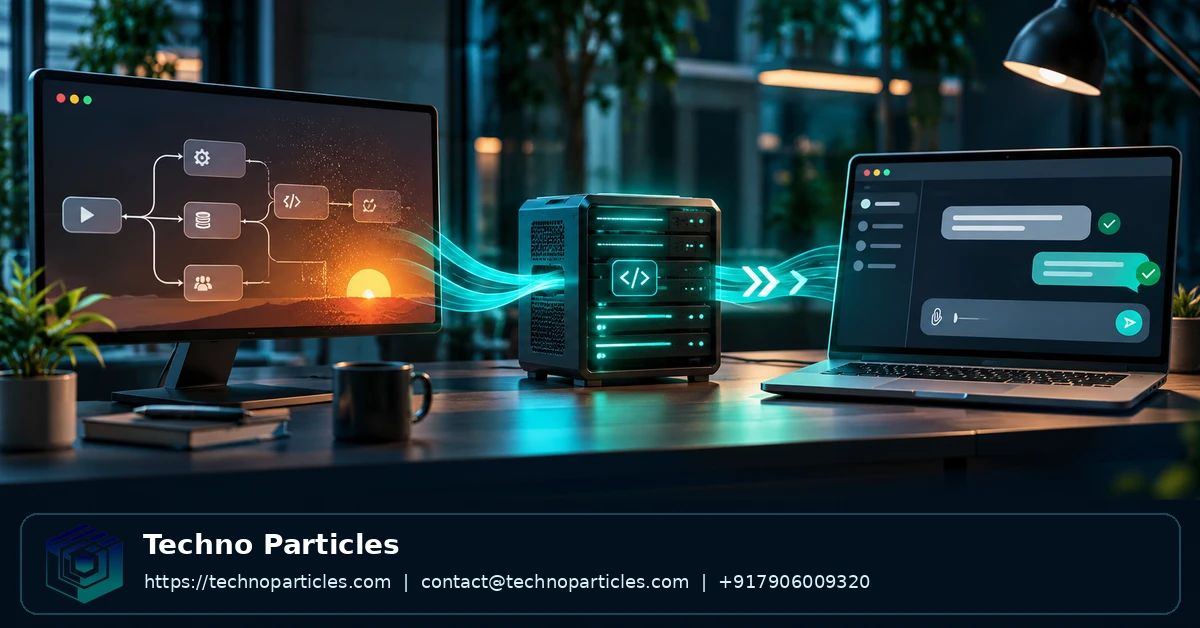
OpenAI Agent Builder shutdown: how to migrate workflows to ChatKit is a question for teams that use the visual workflow builder to power an embedded assistant. OpenAI plans to shut down Agent Builder on November 30, 2026, while keeping ChatKit available. That distinction matters: teams can retain a chat interface, but they need a different home for the agent workflow behind it.
The migration also changes who manages the application. A self-managed implementation gives developers responsibility for the agent server and its supporting systems. Teams planning broader changes to an embedded assistant may want to assess their generative AI development requirements alongside the workflow migration.
| Component | Role in the migration | Official guidance |
|---|---|---|
| Agent Builder | Existing visual workflows can be exported as Agents SDK code. | Migration guide |
| Agents SDK | Provides a code-based route for continuing agent workflows. | Deprecations notice |
| ChatKit | Provides the embedded chat layer; advanced integrations use a developer-managed server. | Advanced integration guide |
What OpenAI’s Agent Builder shutdown changes
In its June 3, 2026 deprecation notice, OpenAI scheduled Agent Builder’s shutdown for November 30, 2026. It recommends the Agents SDK for workflows maintained as code and ChatGPT Workspace Agents for team workflows maintained in natural language. ChatKit remains available after the Agent Builder shutdown.
Agent Builder originally gave developers a visual way to assemble and publish workflows. OpenAI’s October 6, 2025 AgentKit announcement, updated on June 3, 2026, describes that role alongside ChatKit’s embeddable interface. The distinction is central to the change: an interface can continue to serve users while its underlying workflow moves to a different implementation.
Existing Agent Builder-hosted ChatKit integrations can continue during the transition window. For new ChatKit work and migration planning, OpenAI recommends an advanced integration with the agent implemented on the developer’s infrastructure, according to its ChatKit guide.
Choose the right migration route for your workflow
The best destination depends on where the assistant must operate and who will maintain it. OpenAI’s migration guide distinguishes a code-based Agents SDK path from ChatGPT Workspace Agents, which are maintained through natural-language instructions.
Choose code for an application workflow
Use the Agents SDK route when the workflow needs to become part of an application your developers maintain. It gives the team an implementation they can manage alongside the rest of their software. If users also need an embedded conversation interface, advanced ChatKit can provide that interface while the application runs the agent on its own infrastructure.
This route offers application-level control, but it also makes the development team responsible for operating the integration. OpenAI’s advanced ChatKit guide describes a server that the developer hosts and manages. That responsibility is a meaningful part of the decision for a team choosing its future deployment model.
Choose a workspace for a shared team agent
ChatGPT Workspace Agents are a different destination: they suit workflows that people need to share and maintain inside a ChatGPT workspace through natural-language instructions. Creating them requires an eligible ChatGPT Business, Enterprise, or Edu workspace, along with access and permission to create agents.
For example, a product team serving customers through its own application has a reason to retain application-level control. An internal team whose priority is maintaining a shared agent in its workspace may prefer the workspace route. These choices address different operating needs, so the existing visual workflow alone does not determine the destination.
Where ownership is unclear, project consultation can help a team define requirements and assess which operating model fits its workflow.
How to export an Agent Builder workflow and connect ChatKit
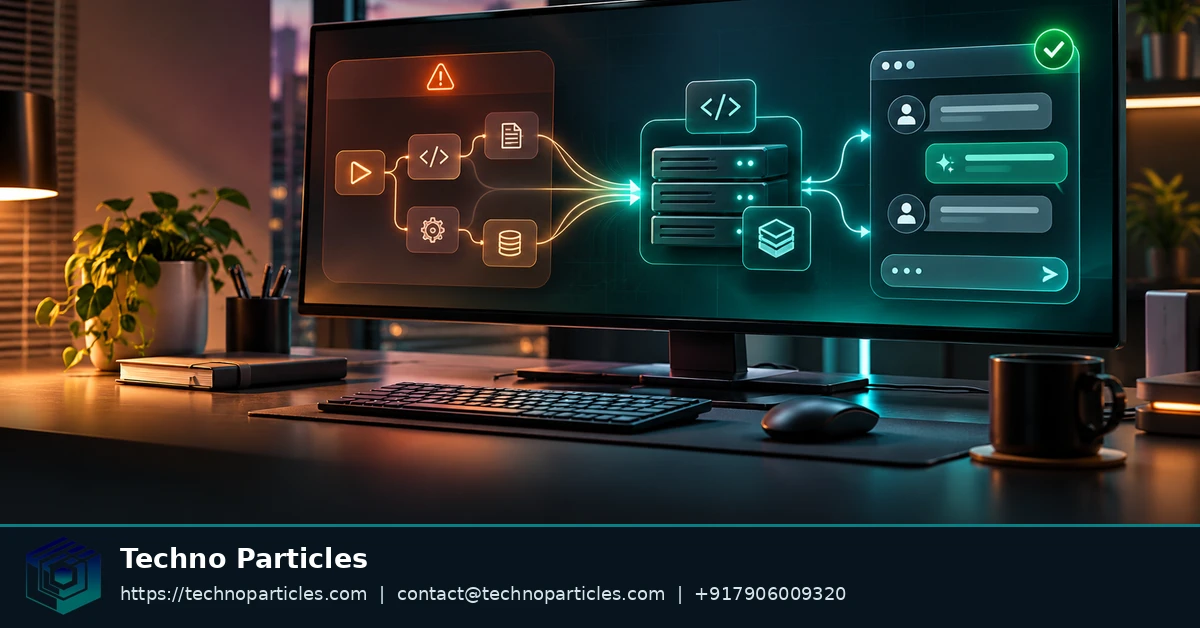
Start with the existing workflow in Agent Builder. Open it, select Code, choose Agents SDK, then select TypeScript or Python and copy the export. The resulting code gives developers a starting point for moving the workflow into an application they can maintain.
Save the export with the application code, along with the prompts and configuration needed to understand how the workflow is intended to operate. This makes the exported implementation easier to maintain alongside the application that calls it.
Connect the conversation interface
For an advanced integration, the application connects ChatKit to a server-side agent implementation. The server provides the bridge between the chat interface and the agent logic, while the client presents the conversation to the user. OpenAI describes this architecture and its integration options in the ChatKit guide.
This distinction affects the export: copying Agents SDK code provides a starting point for the agent implementation; it does not by itself create the application interface or the server connection. The development work therefore includes placing that implementation behind the server used by the ChatKit integration.
Identify each user
When creating ChatKit sessions, the server must provide a unique identifier for each end user. The application should derive that identifier from its own authenticated user records so that the session is associated with the correct person.
The server-side session flow also means that client-secret handling belongs in the integration design. Teams building the surrounding client can account for that flow alongside their application development work, rather than treating the exported workflow as a complete user-facing application.
Availability, pricing, and limits during the transition
ChatKit’s availability has a different history from Agent Builder’s shutdown schedule. In its October 6, 2025 AgentKit announcement, OpenAI said ChatKit was generally available to developers and included with standard API model pricing. That announcement establishes the pricing treatment described at launch; it does not establish a separate current ChatKit subscription price.
For budgeting, distinguish the model usage described in the announcement from the resources needed to operate an integration. A team running its own agent backend must account for its hosting and any storage or external tools it chooses to use. Those costs depend on the implementation, so the announcement’s model-pricing statement should not be treated as a complete project estimate.
OpenAI does not state a single universal ChatKit usage quota in the sources cited here. Teams should check the applicable API pricing and account limits for their own use before setting a budget or promising a capacity to users. A quota or price attached to a particular model or account should not be assumed to apply to every ChatKit integration.
The commercial implications also depend on the destination. A product with an embedded chat has infrastructure and operating costs that differ from those of an agent maintained inside a workspace. When estimating a migration, separate the cost of building the replacement from its expected ongoing usage and operation.
A planning exercise can compare those costs against the application’s requirements: how many users need the interface, which capabilities the agent must call, and who will operate its backend. Teams evaluating the scope of an assistant can use the generative AI services page to understand the kinds of workflow integration and monitoring work that may need to be considered.

What can break after export
An exported workflow is a starting point, not a guaranteed conversion of the original graph. OpenAI’s migration guide says the export does not convert the workflow graph or guarantee identical behavior. A successful copy therefore does not establish that decisions, tool calls, or responses will follow the same path in the replacement.
Control flow and dependencies
Compare the intended sequence of decisions with the exported implementation. Pay particular attention to branches where an agent selects a tool or passes information to another step. A workflow can produce a plausible answer while taking a different path, so the final response alone may not reveal a missing operation.
Review the triggers and tools that connect the workflow to other systems. For each dependency, identify what invokes it, what information it receives, and what the application should do if it fails. A replacement may need application code to handle behavior that was previously part of the workflow environment.
Runtime ownership
In an advanced ChatKit integration, the developer manages the server and its supporting infrastructure. OpenAI’s advanced integration guide describes responsibilities including authentication, storage, and deployment. Check that the replacement has the intended permissions and can reach the services it needs in its target environment.
Use representative inputs to compare important outcomes, including a case where a tool cannot complete its task. Inspect the resulting actions as well as the conversation. This can expose differences in control flow or runtime configuration before users encounter them.
For teams assigning ownership across the interface and backend, the application development page describes relevant development and deployment support. The technical owner should also record which service maintains stored conversation data and how the deployed agent accesses it.
The migration decision for production teams
For the OpenAI Agent Builder shutdown: how to migrate workflows to ChatKit depends on where the workflow must run: choose a self-managed agent using the Agents SDK and advanced ChatKit when it powers an embedded product experience; choose Workspace Agents when team sharing and natural-language maintenance are the priority. OpenAI describes these paths in its migration guide.
Next, export one representative workflow and run it in a test environment before the November 30, 2026 shutdown.

Leave a comment
Your email stays private. You can see your comment immediately on this browser. Others see it after approval.