
Apple Siri AI latest capabilities explained in one sentence: Siri has been rebuilt as a more conversational, context-aware assistant that can understand what is on your screen, search across personal information, answer current questions from the web, and perform more actions across apps.
Apple announced the new Siri AI at WWDC26 on June 8, 2026, and released the 2027 software updates on September 14, 2026. The rollout begins as a beta in English, with additional languages scheduled to expand. That timing matters because the announcement is no longer only a promise about a future assistant. Supported users can now begin testing the new experience, although Apple still describes it as beta software and says features can vary by language, region, device, and local regulation.
For businesses and everyday users, the important change is not simply that Siri can produce longer answers. Apple is moving Siri from a command-based voice tool toward an assistant that can connect information, understand context, and help complete multi-step work.
What is new in Apple Siri AI?
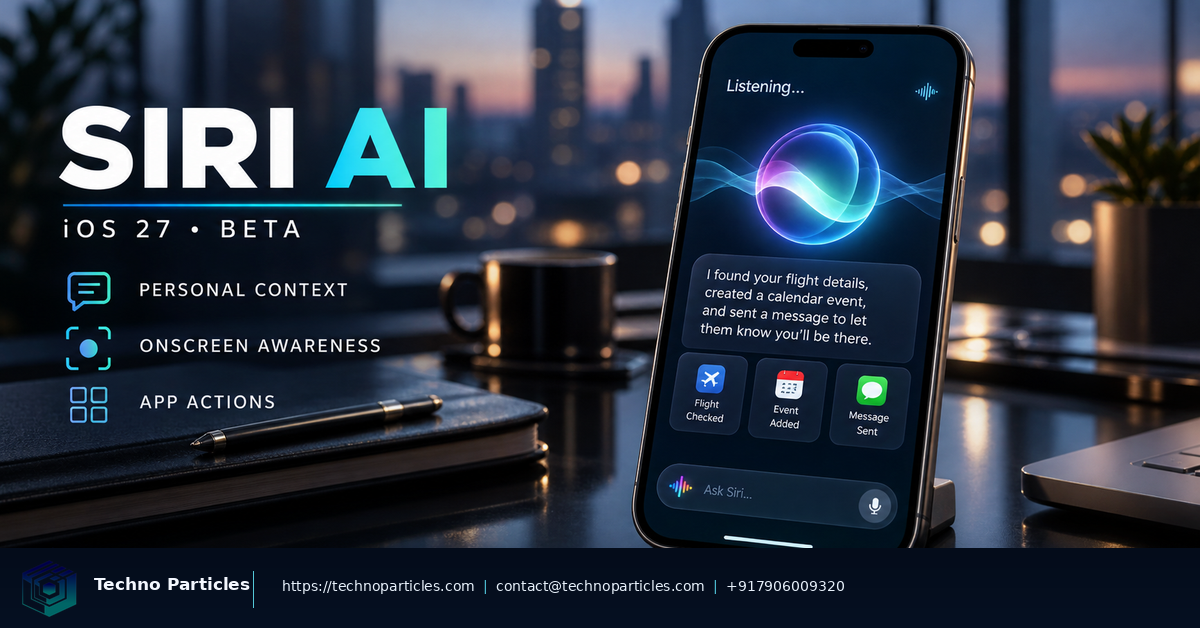
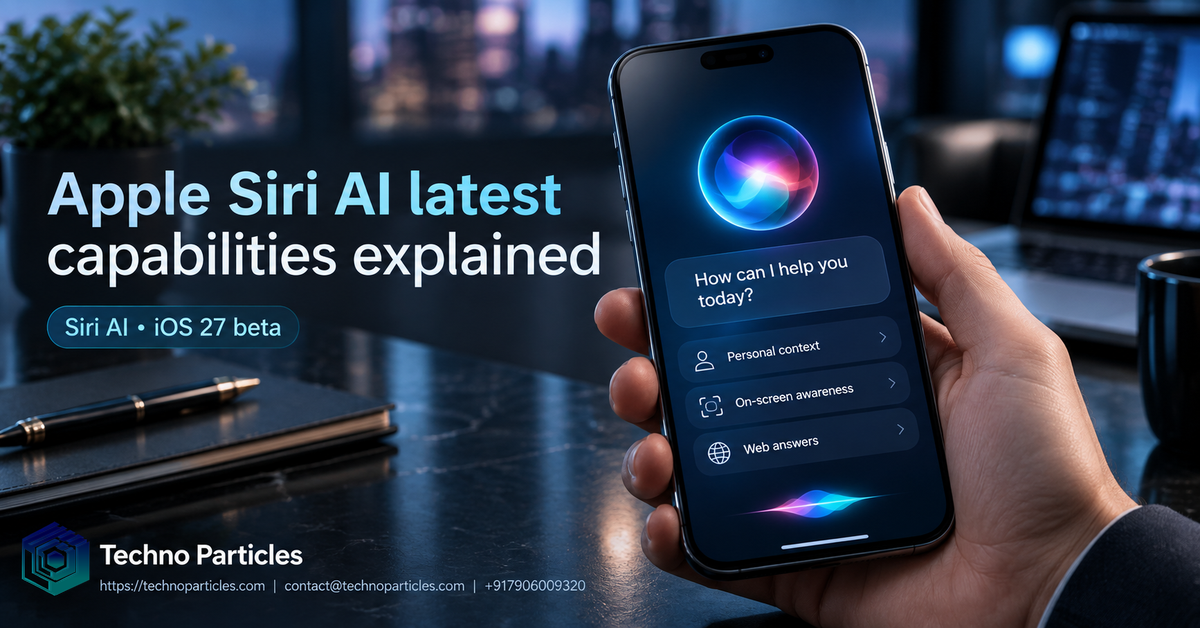
The first major capability is personal context understanding. Siri AI can search information across messages, emails, photos, and other content available on a user’s devices. Apple’s examples include finding a restaurant recommendation shared by a friend, locating a hotel confirmation number in an older email, or surfacing photos from a recent trip.
This is more useful than a general chatbot because the answer can be tied to the user’s own information. A travel question, for example, may involve an email confirmation, a message from a companion, and photos already stored in the Photos app. Siri AI is designed to connect those pieces instead of making the user open each app and search manually.
The second capability is onscreen awareness. Siri can answer questions about visible text, images, files, or other content. If someone receives a message about a shared meal, Apple says they can ask Siri for ideas, discuss what to bring, and add a recipe to Notes. On iPad and Mac, Siri AI is also connected with Spotlight and systemwide context menus, giving users more ways to ask about the material they are currently viewing.
The third capability is broader web knowledge. Apple says Siri AI can go to the web for up-to-date information and generate a useful answer on virtually any topic. This should make Siri more relevant for current research, product questions, travel planning, and troubleshooting. However, “up-to-date” does not mean infallible. Users should still verify important medical, legal, financial, or business information before acting on it.
Apple is also adding more systemwide app actions. Siri AI can draft an email from scratch, edit and share a group of photos, and coordinate tasks across apps. The practical benefit is reduced app switching. Instead of issuing an isolated command, users can describe an outcome and let Siri coordinate supported actions.
For readers exploring digital transformation, Techno Particles’ Generative AI development services provide a useful comparison point: the value of an AI assistant depends not only on its language model, but also on the data, workflows, permissions, and interfaces surrounding it.
How Siri AI works and why privacy matters
Apple says Siri AI has been rebuilt around the next generation of Apple Intelligence. The architecture uses Apple Foundation Models that can run on the device or on Apple servers through Private Cloud Compute. This split is important because some tasks require greater computing power, while others can be handled locally.
On-device processing can reduce the need to send personal information away from the phone, tablet, or computer. When a request is handled by Private Cloud Compute, Apple says personal data is not stored or made accessible to Apple or any other party. Apple also says outside experts can verify this privacy promise. These are company claims, but they describe the central design decision behind Apple’s AI strategy: adding powerful assistance without creating a conventional cloud profile of everything a user asks.
Siri AI also relies on system components such as the Spotlight index and App Toolbox, which Apple says work entirely on device. That allows the assistant to locate relevant content and interact with supported app capabilities while preserving the operating system’s permission model.
Visual Intelligence expands beyond the iPhone
Another notable change is the expansion of visual understanding. On iPhone, a new Siri mode in the Camera app lets users point the camera at something, ask a question, and receive information or take an action. Apple describes examples such as splitting a restaurant bill with Apple Cash or getting nutritional insights about a plate of food.
Visual Intelligence is also coming to iPad, Mac, and Apple Vision Pro. On iPad, it is integrated into the screenshot experience. On Mac, users can select content on the display using a keyboard shortcut and ask Siri about it. On Vision Pro, Siri can interpret objects and content inside app windows through the device’s spatial interface.
For creators, analysts, students, and office teams, this could make visual research faster. A user might ask about a chart, summarize a document visible on screen, or request writing suggestions without copying content into another application. The quality will depend on image clarity, the complexity of the material, and whether the relevant task is supported.
Availability, device requirements, and limits
Apple Siri AI is available in beta with iOS 27, iPadOS 27, macOS 27, watchOS 27, and visionOS 27 on Apple Intelligence-enabled hardware. Apple lists iPhone 15 Pro and iPhone 15 Pro Max, iPhone 16 models or later, iPad mini with A17 Pro, iPad models with M1 or later, Macs with M1 or later, Apple Vision Pro, and supported recent Apple Watch models paired with an enabled iPhone.
The device must also use a supported language, and Siri AI availability is not identical everywhere. Apple says the rollout begins in English, with French, Japanese, Korean, Portuguese, and Spanish scheduled to expand in the following month. In the European Union, Siri AI is initially unavailable on iPhone, iPad, and Apple Watch, while Mac and Vision Pro users can access it when set to a supported language. Apple says the feature is not initially available in China while regulatory requirements are addressed.
Some server-based Apple Intelligence features have daily usage limits. Apple’s support documentation specifically notes that limits can apply to Siri AI, image editing, Image Playground, and cloud foundation models in Shortcuts. Users should therefore treat the beta as an evolving service rather than a guaranteed unlimited replacement for every assistant.
Businesses considering AI-enabled workflows can review custom application development and project consultation options to assess data access, security, and integration requirements before adopting a similar assistant model.
What Apple Siri AI means for users and businesses
The most important practical shift is that Siri AI can work from intent instead of isolated commands. A traditional voice assistant might set a reminder, open an app, or answer a narrow question. The newer Siri is designed to understand a situation, retrieve relevant context, and complete several connected steps when the operating system and apps allow it.
For ordinary users, that could simplify travel planning, household organization, communication, and device support. Someone preparing for a trip might ask Siri to find a booking confirmation, check a message for a meeting time, and create a reminder. A student could ask about notes visible on an iPad screen and request help improving a draft. A family member could ask Siri to locate photos from a particular event without remembering which album contains them.
For businesses, the same pattern points toward more natural workflow automation. A sales employee may want to find a customer message, summarize the latest interaction, and prepare a follow-up. A manager may need to locate a document, extract a deadline, and create a task. These scenarios are valuable only when permissions, structured data, and app integrations are correctly configured.
Siri AI versus standalone chatbots
Apple Siri AI is not simply another chatbot window. Its advantage is its position inside Apple’s operating systems, where it can potentially connect device context, personal content, visual input, and app actions. Standalone chatbots may offer broader conversational tools or faster access to specialist services, but they generally require users to move information into the chatbot or connect separate integrations.
That integration also creates responsibility. A system that can search messages, emails, photos, and files must make it clear what it is accessing and what action it is about to take. Apple’s on-device processing and Private Cloud Compute approach are intended to reduce privacy exposure, but users and organizations should still review permissions and understand how beta features behave.
What to check before using the new Siri
- Confirm hardware support. Apple Intelligence is limited to newer devices with the required processing capability.
- Check language and region. Feature access may differ between English and other supported languages, and regulatory restrictions affect some markets.
- Expect beta limitations. Responses, supported actions, usage limits, and interface details may change as Apple continues development.
- Review privacy settings. Personal context is useful, but users should understand which apps and information Siri can access.
- Verify important answers. Web-connected AI can be helpful while still producing incomplete or incorrect information.
Organizations planning AI-supported customer service, content operations, or internal automation should begin with a narrow workflow and measurable review process. A privacy-aware SEO-aware website, CMS, or SEO system can be designed around clear data boundaries rather than adding AI without governance.
Final take on Apple Siri AI latest capabilities explained
Apple Siri AI latest capabilities explained: the assistant now combines personal context, onscreen awareness, web answers, visual understanding, and cross-app actions in a single Apple Intelligence experience. Apple’s September 14, 2026 release makes those capabilities available as an English beta on supported devices, while language, region, hardware, regulatory, and daily-use limits remain significant considerations.
The promise is compelling because Siri is becoming part of the operating system’s workflow instead of remaining a voice command layer. Whether it becomes a dependable daily assistant will depend on response accuracy, app support, speed, privacy transparency, and how quickly Apple expands availability. For users, the best approach is to test practical tasks carefully. For businesses, the lesson is broader: useful AI requires thoughtful integration, secure data handling, and workflows designed around real user needs.
How the Siri changes may affect everyday workflows
The most important shift is not a single dramatic feature, but the way Siri can connect information across an Apple device. A user may ask about a message, refer to something currently displayed, and then request an action without restating every detail. That could make routine tasks such as finding travel information, summarizing a document, checking a calendar conflict, or locating a previous conversation feel more natural.
Where the experience could be most useful
- Communication: Siri may help users understand lengthy messages, draft replies, and locate relevant details in conversations.
- Research:



Leave a comment
Your email stays private. You can see your comment immediately on this browser. Others see it after approval.