

Google announced A2UI 1.0 on November 11, 2026, positioning it as a stable open protocol for agent-generated interfaces. The approach lets an agent send declarative UI descriptions while a client renders approved components natively. For teams exploring how to build agentic apps with Google A2UI 1.0 across Flutter and React, the key opportunity is a shared interaction contract without forcing both platforms to use identical visual components. The project can complement broader AI and automation services when the product requires controlled workflow integration.
| Area | Verified A2UI 1.0 detail | Implementation meaning |
|---|---|---|
| Protocol | Stable open protocol for declarative, agent-driven UI | Agents describe interfaces; clients render them |
| Interaction | Bidirectional function calls | Users can submit actions and receive agent responses |
| Client ecosystem | React, Flutter, Angular, Lit and SwiftUI renderers are listed | Native catalogs can differ by platform |
| License | Apache 2.0 | No verified A2UI license fee or quota |
| Important status check | Google says Flutter support is available, while a July 8, 2026 issue records migration from v0.9/v0.9.1 to v1.0 | Confirm the exact Flutter SDK version before production adoption |
What changed in Google A2UI 1.0?
In its November 11, 2026 announcement, Google highlighted bidirectional function calls, accessibility support and extensible metadata. The announcement also describes streaming UI updates, MCP Apps support and agent SDKs for TypeScript, Dart and Python. The A2UI documentation describes trusted component catalogs, flat streaming JSON and framework-agnostic rendering.
Protocol stability does not automatically prove that every platform package is ready for production. Google’s announcement presents Flutter among the supported renderer ecosystems, but the July 8, 2026 migration issue documents earlier Flutter GenUI support for v0.9/v0.9.1 and migration work for v1.0. Treat the protocol release and SDK readiness as separate checks.
How A2UI turns agent output into native UI
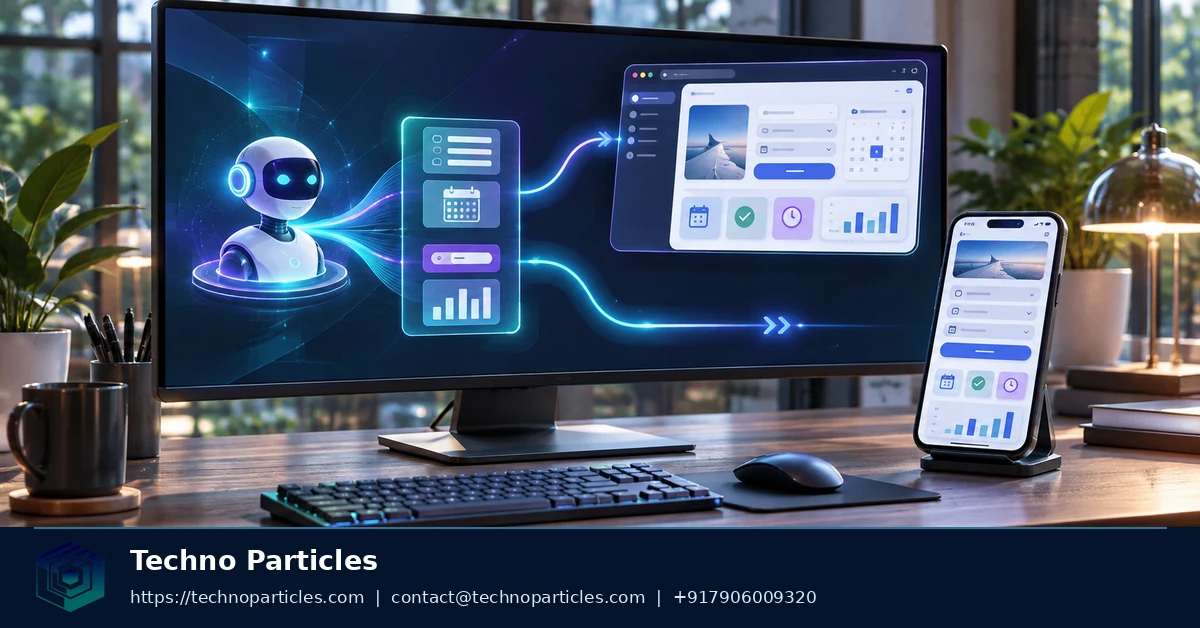
A2UI separates interface decisions from interface rendering. An agent sends declarative, flat streaming JSON messages. Each client interprets those messages through its own approved component catalog, then renders native controls with platform-specific layout, styling and accessibility behavior. This lets one agent describe a restaurant search, booking form or approval workflow without sending executable interface code to the device. The A2UI documentation describes this model as framework-agnostic and progressively renderable.
The flow has four parts: a transport delivers messages, a surface identifies where UI should appear, data binding connects values to components, and user actions travel back to the agent. A catalog defines which components the client accepts. For a production application development project, this boundary matters because teams can review allowed components and action handlers before exposing them to users.
Message flow and component control
When a message arrives, the client processes it incrementally instead of waiting for the entire agent response. A React implementation can use the shared web foundation, a MessageProcessor, an A2UISurface and the useA2UI hook. The official Client Setup Guide documents these integration points and the catalog connection.
npm install @a2ui/react @a2ui/web_coreThe same architecture supports Flutter and other listed renderers, but each client still owns its native catalog. This avoids forcing identical widgets across platforms. It also means action validation, authentication, authorization, data access and transport security remain application responsibilities. A trusted catalog limits what the agent can request; it does not approve unsafe business actions or guarantee correct agent behavior.

How actions move between client and agent
A2UI becomes useful beyond static answers when the rendered surface can send structured user actions back to the agent. A user might choose a restaurant, change a date, submit a form or request another option. The client maps that interaction to an approved action handler, while the agent processes the request and streams updated interface data back to the same surface. This creates a conversational workflow without requiring the agent to generate executable UI code.
Data binding keeps displayed values connected to the agent-produced data model. A field, selection control or status component can reflect incoming values, while user changes become part of the next interaction. The client should define which fields are editable, which actions are allowed and which responses can update each surface. This separation keeps business rules in application code instead of treating an agent message as permission to perform any operation.
Streaming also changes the user experience. The client can render an initial structure while later messages add content or update state. For example, a search surface could show its approved controls first, then display results as the agent receives data. Progressive rendering reduces the need to wait for one complete response, but it requires predictable handling for partial messages, invalid data and interrupted connections. These states belong in the client’s transport and rendering logic.
The official A2UI client setup guide separates transport concepts from catalog integration. That boundary helps teams replace a demo connection with an authenticated service while keeping rendering rules local to each platform. In a cross-platform native application delivery workflow, React and Flutter can therefore share agent intent and action names while retaining different widgets, validation messages and accessibility behavior.
Use this model for bounded workflows: define the catalog, validate incoming values, authorize every action and record failures. A2UI describes the interface contract; it does not replace application security, identity checks or domain validation.
Why the contract matters across platforms
The useful abstraction is not a shared widget library. It is a shared description of intent. The agent can describe a task such as “collect delivery details” or “show available appointment times,” while the React or Flutter client decides which approved controls represent that task. Google presents A2UI 1.0 as an open protocol for web, mobile and desktop experiences, with native rendering and streaming updates documented in its A2UI 1.0 announcement.
A surface gives the client a bounded place to assemble that interface. The application can associate a surface with a route, panel, dialog or workflow step, then accept only messages intended for that location. This is useful when several agent tasks run in one application: a support conversation should not overwrite a checkout form, and a background update should not alter a screen that the user is actively editing.
The catalog is the other control point. It should contain the components, properties and actions that the product is prepared to render. A small catalog is easier to test and govern than an unrestricted collection of UI primitives. Teams can also align catalog behavior with their UI/UX design system work, including interaction states, accessibility requirements and developer handoff rules, without asking the agent to invent visual styling.
The official quickstart separates the agent from the client: the agent produces the workflow messages, while the client runs the renderer and presents the result. That separation lets a team change the agent runtime or transport without rewriting every native screen, provided the message contract and action names remain compatible. The A2UI quickstart demonstrates this pattern through a restaurant-finder example.
In practice, define the contract before adding more components. Specify each surface, permitted action, required input, returned state and failure state. This makes agent-generated UI testable as a bounded protocol instead of an unpredictable stream of presentation decisions.
Building agentic apps with Google A2UI 1.0 in Flutter
Flutter offers the native-client path for teams that want one agent workflow across mobile, desktop and web. The official quickstart separates the Python agent from the Flutter client. The agent produces A2UI messages, while Flutter renders approved components and sends user actions back through the workflow. The A2UI quickstart uses a restaurant-finder example and requires a Flutter SDK, uv and a Gemini API key for its sample agent.
Start with the documented sample commands, then replace the restaurant flow with one bounded product task.
uv run .
flutter run -d chrome
Keep the agent and Flutter responsibilities separate. The agent should describe surfaces, data and approved actions. Flutter should map those messages to native widgets, validate inputs and decide whether an action can proceed. This lets the same intent reach different platform controls without asking the agent to generate executable UI code. Teams building AI application experiences can use this boundary to keep domain rules inside the client or its backend.
Check protocol and SDK alignment before release
Protocol stability does not prove that every Flutter package has reached A2UI 1.0. Google’s November 11, 2026 announcement describes A2UI 1.0 and lists Flutter among its renderer targets, while also saying Jetpack Compose support remains on v0.9.1 with v1.0 coming. Separately, the official Flutter migration issue, opened July 8, 2026, records GenUI support for v0.9/v0.9.1 and identifies migration work for v1.0 envelopes, catalogs and bidirectional RPC. Read those signals together: verify the exact Flutter package version and its protocol support before production adoption.
For the first prototype, implement one flow with a small catalog, one surface and explicit success and failure states. Test message streaming, interrupted transport, action rejection and platform-specific accessibility behavior before adding more components.
Choose the rollout boundary
Choose Google A2UI 1.0 when your product needs agent-composed interfaces, but those interfaces can remain inside a controlled catalog of native components. This rule keeps the agent responsible for describing workflow intent while each client remains responsible for rendering, validation and user experience.
Do not use A2UI as a reason to erase platform differences. React and Flutter can share a task contract, but they may still need different navigation patterns, input controls, error states and accessibility treatment. A successful cross-platform design therefore measures consistency at the workflow level, not by forcing identical screens.
For production planning, set a compatibility gate before committing engineering capacity. The gate should name the protocol version, client package version, supported message features, action-handling behavior and fallback path. If any item remains unclear, keep the implementation in prototype scope. This prevents a stable protocol announcement from becoming an unsupported assumption about every framework package.
The next step is to prototype one identical user flow in React and Flutter. Choose a bounded task with one surface, a small approved catalog, at least one user action and explicit success and failure states. Send the same agent intent to both clients. Record whether each renderer accepts the message envelope, displays progressive updates, returns actions correctly and preserves platform-appropriate validation.
Then compare the two prototypes against one acceptance rule: the workflow must remain understandable and safe when the agent response is incomplete, delayed or rejected. If both clients meet that rule with manageable framework-specific code, continue toward a shared A2UI contract. If one client fails the compatibility gate, isolate that client rather than weakening the catalog or hiding unsupported behavior.
This is the practical path for teams asking how to build agentic apps with Google A2UI 1.0 across Flutter and React: share intent and boundaries first, then expand components only after one real workflow proves the contract.


Leave a comment
Your email stays private. You can see your comment immediately on this browser. Others see it after approval.