

OpenAI’s new Ultrafast mode gives developers a faster way to use GPT-6.1 Sol when an application must respond smoothly during live interaction. Announced in the company’s October 8, 2026 release notes, the option is available in the Responses API through the gpt-6.1-sol model and the service_tier value ultrafast.
The important distinction is that Ultrafast reduces the time between generated output tokens. It does not guarantee a fixed total-response time, because request size, reasoning, tools, network conditions, and application design still affect latency. For that reason, teams should measure complete user journeys rather than assuming that every request will receive the same speed improvement.
How to enable GPT-6.1 Sol Ultrafast
In a Responses API request, select GPT-6.1 Sol and set the service tier to Ultrafast. OpenAI documents the tier as available to all API users, with separate rate limits from the standard service. The official model documentation lists standard pricing at $2 per million input tokens and $10 per million output tokens; Ultrafast costs six times the standard rate. Regional processing may add a further 10 percent premium, so cost controls should be part of the initial rollout.
For a practical implementation, begin with a small percentage of interactive traffic and record time to first token, total completion time, tokens generated, tool-call delays, and abandonment. Streaming responses can make the interface feel more responsive, while a persistent connection avoids repeatedly paying connection setup costs.
Where the speed premium matters most
Ultrafast is most relevant to coding assistants, customer-facing applications, voice or chat interfaces, and business automation where users are waiting through several model or tool steps. Businesses planning a larger deployment can review application development services to design streaming, monitoring, and fallback behavior around the API.
How to speed up GPT-6.1 Sol with connection and streaming choices
The model setting is only one part of the latency plan. For agentic workloads that make repeated tool calls, OpenAI’s Ultrafast guide recommends WebSockets. A persistent connection can reduce repeated setup overhead and provide a steadier exchange between the application, GPT-6.1 Sol, and external tools. Streaming should also be enabled when the interface can display partial output, because users can begin reading while the response is still being generated.
Plan for Ultrafast limits before scaling
Ultrafast has separate rate limits from standard service. The documented default limits for GPT-6.1 Sol are 1 million tokens per minute for Build, 4 million for Launch, and 40 million for Grow. These figures should shape queueing, concurrency, retry, and fallback logic rather than being treated as a promise of available capacity for every individual request.
- Track time to first token and time between output tokens.
- Measure complete response time, including network and tool delays.
- Apply exponential backoff for rate-limit responses and avoid uncontrolled retries.
- Route non-urgent batch work to a less expensive service tier when appropriate.
- Set per-user or per-workflow budgets before exposing Ultrafast broadly.
When GPT-6.1 Sol Ultrafast is worth the premium
At six times standard pricing, Ultrafast is easiest to justify when delay directly affects completion: a coding assistant waiting through several actions, a customer-support workflow that retrieves business data, or an interactive automation dashboard. Standard GPT-6.1 Sol may remain more practical for background classification, document processing, scheduled reports, and other tasks users do not watch live. Teams can review project consultation services when they need help comparing latency, architecture, and operating cost before deployment.
Run a controlled comparison with representative prompts, tool chains, regional-processing requirements, and peak traffic. The useful result is not a headline speed number, but a clear view of responsiveness, reliability, token consumption, and cost for the workflow that matters.
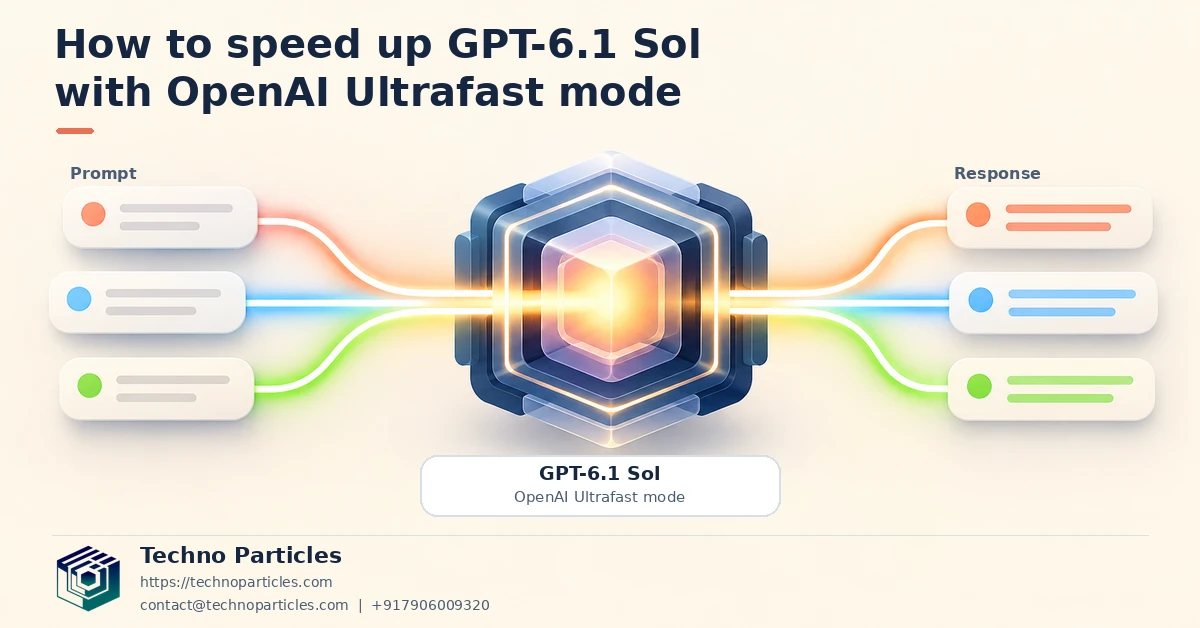
Build a safer GPT-6.1 Sol Ultrafast rollout
A measured rollout helps separate genuine responsiveness gains from improvements caused by application changes. Start with one interactive workflow, such as a coding assistant or customer-support lookup, and keep the prompt structure, tools, output limits, and user interface consistent while comparing standard service with Ultrafast.
For each request, record the time to first token, time between output tokens, total completion time, input and output token counts, tool-call duration, and any retry or rate-limit event. Review these results by workload instead of relying only on an overall average. A short answer may feel instant, while a long tool-using workflow can still be limited by external systems or network travel.
Account for residency and operating cost
The official Ultrafast guide supports global processing as well as US and EU data residency. Choose the processing option that matches the application’s contractual, regulatory, and customer requirements, then include any regional-processing premium in the budget model. A faster model tier cannot compensate for an architecture that sends sensitive data to an unsuitable location.
Cost controls should operate at both request and workflow levels. Set maximum output tokens where the use case allows it, prevent unnecessary repeated tool calls, and reserve Ultrafast for steps where a person is actively waiting. Background document processing, scheduled reports, and bulk enrichment can usually remain on a lower-cost path. Teams building this type of routing can explore Generative AI development services for workflow design and automation planning.
Use fallback behavior instead of assuming unlimited speed
Design the client to handle throttling, transient failures, and slower downstream tools. Exponential backoff, bounded retries, queueing, and a standard-tier fallback can keep the experience usable when Ultrafast limits are reached. Show partial streamed output when appropriate, but clearly indicate when the system is still waiting for a tool result.
After launch, revisit the comparison as traffic patterns change. GPT-6.1 Sol Ultrafast is most valuable when faster token delivery improves a measurable user task, not simply because the setting sounds faster.
Configure GPT-6.1 Sol Ultrafast for interactive workflows
A reliable implementation begins with a small, representative workflow rather than an organization-wide switch. Choose one experience in which people actively wait for output, such as an in-browser coding assistant, a support agent that retrieves account information, or an internal automation console. Keep the model, prompt structure, tool definitions, and output limits consistent while testing standard service against Ultrafast.
Separate model latency from application latency
Measure each stage independently. Record the time to first token, the interval between generated tokens, total response duration, tool-call time, and network overhead. This distinction matters because faster token delivery cannot remove delays caused by a slow database, an external API, or a long-running business process. Streaming partial output can improve perceived responsiveness, but the interface should show when the application is waiting for a tool result.
For repeated agent actions, maintain the recommended WebSocket connection where the application architecture supports it. Reusing a persistent connection can simplify event handling and help avoid unnecessary connection setup between related turns. Still, test reconnect logic, idle timeouts, and partial failures before sending production traffic through the faster tier.
Build cost and fallback controls into the client
Ultrafast is priced at six times standard GPT-6.1 Sol service, so route requests according to urgency. Reserve it for user-facing steps, while scheduled reports, bulk enrichment, and background document processing can use a lower-cost path. Set output-token limits, workflow budgets, and concurrency caps, then monitor token usage by team, customer, or automation.
Use bounded retries with exponential backoff for throttling and transient failures. A standard-tier fallback can preserve service when an Ultrafast limit is reached, provided the user experience explains that processing may take longer. Teams designing this routing and observability layer can review application development services for implementation support.

Operational checks for GPT-6.1 Sol Ultrafast
Before expanding access, connect latency measurements to the business outcome the workflow is meant to improve. A coding assistant may benefit when developers receive usable suggestions sooner, while a customer-support system may need faster first responses even if account verification still takes longer. Define the acceptable experience in advance, such as time to first useful output, successful task completion, or fewer abandoned interactions.
Plan around separate Ultrafast limits
OpenAI documents separate GPT-6.1 Sol Ultrafast limits by usage tier: 1 million tokens per minute for Build, 4 million for Launch, and 40 million for Grow. Treat these figures as capacity boundaries rather than a promise of uninterrupted throughput. Estimate peak input and output demand, account for concurrent users and tool calls, and leave room for traffic bursts. If the workload may exceed the account’s limits, contact OpenAI or redesign the workflow before production launch.
Keep rate-limit handling visible in monitoring. Track rejected requests, queue depth, fallback frequency, token consumption, and the proportion of sessions that actually require the faster tier. These signals can reveal that a small number of long-running automations are consuming capacity intended for interactive users.
Match the transport to the user experience
For agentic applications with repeated tool calls, the official guidance recommends WebSockets. Persistent connections can suit conversational interfaces and automation consoles, but they require careful handling of reconnects, authentication, idle periods, and incomplete events. Use streaming in the interface only when partial output is understandable and safe to display; otherwise, users may mistake an unfinished answer for a completed result.
The strongest rollout is therefore selective. GPT-6.1 Sol Ultrafast can be a practical choice for latency-sensitive coding, support, and business automation workflows when faster token delivery has measurable value. Teams that need help connecting model calls to dashboards, permissions, and fallback paths can consider project consultation services for implementation planning.
Make the faster tier earn its place
The best way to decide whether GPT-6.1 Sol Ultrafast belongs in production is to compare it with the user outcome, not a headline latency figure. Run controlled tests with the same prompts, tools, context size, and output limits. Measure time to first token, token delivery intervals, completed task time, error rates, and cost per successful task. This separates a genuine workflow improvement from a faster stream that does not help users finish their work.
For interactive coding tools, faster output may make suggestions feel more responsive. In customer support, it can improve the first reply while account lookups or approval steps continue in the background. Business automation may benefit when employees are waiting for an agent to coordinate several tools. In each case, keep the interface honest: label partial results, show tool activity, and do not present an unfinished response as a completed decision.
Use Ultrafast selectively
Because Ultrafast costs six times the standard GPT-6.1 Sol service, a selective routing policy is usually easier to justify than a blanket upgrade. Send urgent, user-facing requests to the faster tier and keep batch reporting, bulk document processing, and low-priority enrichment on a lower-cost path. Set token budgets and concurrency limits so one workflow cannot consume capacity needed by interactive users.
Review the policy regularly as traffic, prompts, and tool usage change. A fallback to standard service can preserve availability during throttling, but the application should communicate that the response may take longer.



Leave a comment
Your email stays private. You can see your comment immediately on this browser. Others see it after approval.