
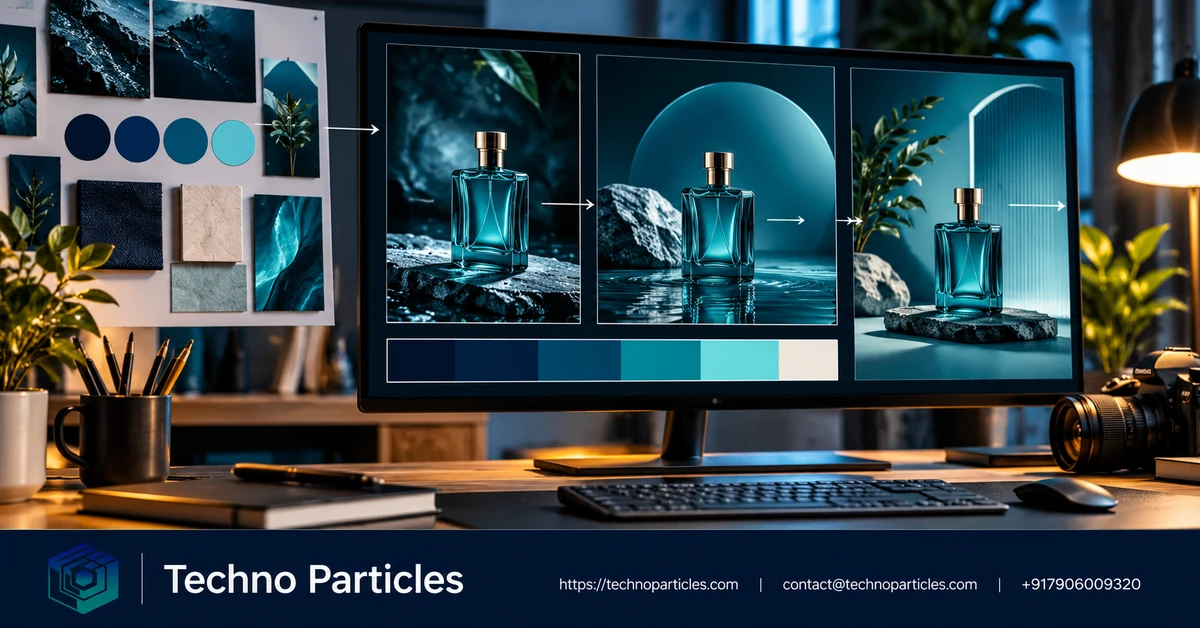
Magnific One is designed to make AI image generation more art-directed, giving teams a practical way to explore visual ideas while keeping brand cues in view. The key workflow is not simply writing a longer prompt. It is preparing reliable references, building a reviewed Brand Kit, testing visual directions, and checking every final asset before publication.
| Workflow stage | What to prepare or do | Why it matters |
|---|---|---|
| Brand Kit | Website, PDF, images, or written guidance | Defines palette, typography, imagery, tone, and rules |
| Draft mode | Generate 8 or 16 directions from one prompt | Enables visual comparison before final rendering |
| Final render | Select a direction and generate at 2K or 4K | Produces a more usable campaign asset |
How to use Magnific One for consistent branded AI images
Start by collecting current brand materials rather than relying on memory. Include approved logos, colour references, typography guidance, product photographs, campaign examples, and any rules about tone or composition. Magnific says Brand Kit can be created from a website, PDF, images, or written guidance and can support up to 50 reference images. Review the generated kit carefully: outdated visuals or inconsistent examples can influence every later result.
Next, write a concise prompt that separates the subject from the brand direction. Describe what the image should show, where it will be used, the desired format, and any essential layout constraints. Avoid asking the prompt to compensate for missing brand information. If the project also needs coordinated landing pages or campaign assets, a UI/UX design workflow can help translate the same visual system across touchpoints.
Use Draft mode to explore alternatives before spending credits on a final image. Magnific’s launch information says one prompt can produce eight or 16 visual directions for the cost of one image. Compare them for repeatable composition, colour behaviour, typography treatment, and subject framing—not just immediate visual appeal.
Choose a repeatable direction before final rendering
Once the Draft results are visible, shortlist the directions that can be reproduced across a campaign. Look for stable use of the approved palette, clear subject hierarchy, consistent lighting, and enough negative space for headlines or calls to action. A visually striking option may still be unsuitable if it places important details behind text, changes the product shape, or introduces colours that conflict with the Brand Kit.
Save the selected direction as a reference for later prompts. Record the elements that made it work, such as camera angle, background treatment, subject placement, mood, and level of detail. Then keep those decisions consistent while changing only the campaign variable—for example, the product, seasonal setting, or audience scenario. This makes the workflow easier to review and reduces unnecessary experimentation.
Render, inspect, and prepare the asset for use
After choosing a direction, generate the final image at the required resolution. Magnific’s current launch information describes final outputs in 2K or 4K, while its pricing page lists High 2K at 180 credits per image and High 4K at 250 credits per image. Plans, credits, licensing terms, and availability can change, so confirm the current details before starting a large batch.
Do not publish the first acceptable result automatically. Check logos, product details, small text, colour accuracy, hands, faces, and visual spacing at the intended display size. AI-generated typography and brand marks may need correction in a design tool, while marketing teams should confirm that the image matches the approved campaign message and permissions for any supplied references. A digital marketing workflow can help connect these checks with campaign objectives, conversion tracking, and channel-specific formats.
For recurring production, keep a simple review record containing the prompt, Brand Kit version, selected direction, output quality, and required corrections. This creates an internal benchmark for future assets and makes it easier to identify whether inconsistencies come from the source references, prompt changes, or the final editing process.

Build a repeatable review process
Consistency improves when the team treats each generated image as part of a controlled production system. Before creating a batch, define the campaign objective, audience, channel, aspect ratio, and approval owner. Keep these decisions separate from the creative prompt so the visual direction remains stable when the message changes. For example, a product launch may require several scenes, but each should preserve the same lighting logic, framing style, and colour balance.
Use a small pilot batch to test the workflow before generating a full library. Create a few images with the same Brand Kit and selected Draft direction, then compare them side by side. Check whether the subject remains recognisable, whether the background treatment is repeatable, and whether there is enough clear space for headlines or interface elements. If results drift, revise the references or simplify the prompt before increasing production volume.
Know what Magnific One cannot guarantee
Brand Kit can guide an image model, but it does not replace creative supervision. Generated text may be misspelled, logos may be distorted, and colours can shift between scenes or resolutions. A reference image can also contain elements the team does not have permission to reuse. Keep source files organised and confirm usage rights before adding them to a shared workflow.
Magnific reported a company-run blind comparison in which Magnific One received 63.1% of head-to-head votes. That result is a company claim, not independent validation, and it does not guarantee consistent outputs for every brand or subject. Evaluate the tool against your own approval criteria, especially if images will support regulated claims, product specifications, or customer-facing advertising.
For larger campaigns, connect generation with a documented design and content review process. A project consultation workflow can help define responsibilities, approval stages, asset naming, and handoff requirements before production begins. The practical goal is not to remove human direction, but to make good visual decisions easier to repeat across teams, channels, and future campaigns.
Build a repeatable review process
Consistency improves when each generated image is treated as part of a controlled production system. Before creating a batch, define the campaign objective, audience, channel, aspect ratio, and approval owner. Keep these decisions separate from the creative prompt so the visual direction remains stable when the message changes. A product launch, for example, may need several scenes while preserving the same lighting, framing, and colour balance.
Start with a small pilot batch rather than generating an entire library immediately. Use the same Brand Kit and selected Draft direction for several images, then compare them side by side. Check whether the subject remains recognisable, whether the background treatment is repeatable, and whether enough clear space remains for headlines or interface elements. If results drift, improve the source references or simplify the prompt before increasing production volume.
Know what Magnific One cannot guarantee
Brand Kit can guide image generation, but it does not replace creative supervision. Generated text may be misspelled, logos may be distorted, and colours can shift between scenes or resolutions. A reference image may also contain material that the team does not have permission to reuse. Keep source files organised and confirm usage rights before adding them to a shared workflow.
Magnific reported a company-run blind comparison in which Magnific One received 63.1% of head-to-head votes. That is a company claim, not independent validation, and it does not guarantee consistent outputs for every brand or subject. Test the tool against your own approval criteria, especially when images support regulated claims, product specifications, or customer-facing advertising.
For larger campaigns, connect generation with documented design and content review. A project consultation workflow can help define responsibilities, approval stages, asset naming, and handoff requirements before production begins. The practical objective is not to remove human direction, but to make strong visual decisions easier to repeat across teams, channels, and future campaigns.
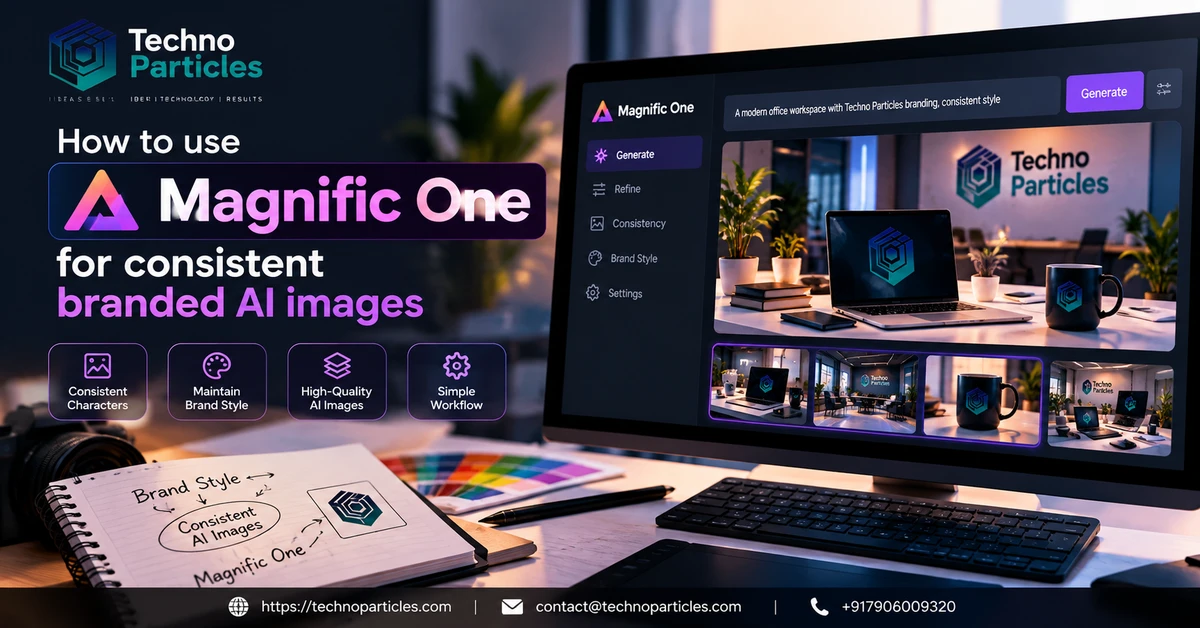
Turn approved directions into production rules
Once a Brand Kit and Draft direction have passed review, record the choices that made the result usable. Note the preferred subject scale, camera angle, lighting pattern, background treatment, colour balance, and the amount of open space required for copy. These observations become practical guidance for the next prompt and help different team members work from the same visual reference.
Keep prompts focused on the campaign message and the approved visual system. Describe the subject, action, setting, format, and intended mood, then let the Brand Kit provide the recurring brand cues. Adding too many stylistic instructions can make it harder to identify which change caused an output to drift. When a variation is successful, save the prompt and direction selection before experimenting further.
Check every asset before it reaches a channel
Review final images at the resolution and crop required for their destination. Inspect logos, product details, generated text, skin tones, small interface elements, and colour relationships at full size. A result that looks convincing in a thumbnail may reveal distorted lettering or an inaccurate object when enlarged. If text is essential, consider adding it during the design stage rather than relying on image generation.
Also check whether the composition supports the intended placement. Social posts, landing-page banners, email headers, and mobile screens may need different focal positions even when they share the same brand direction. A documented UI/UX design workflow can help teams assess hierarchy, readability, accessibility, and responsive placement before publication.
Measure consistency with a small test set
Before scaling production, generate a controlled set of subjects and compare them side by side. Look for stable colour use, recurring composition, recognisable brand character, and predictable space for messaging. Record failures as well as successful examples. This makes refinement more objective and shows whether the issue is caused by weak references, an overlong prompt, an unsuitable Draft direction, or a necessary post-production correction.
These checks turn visual consistency from a subjective impression into a practical quality standard. They also reveal when a team needs to revise its Brand Kit rather than endlessly adjusting individual prompts. Keep a short record of approved examples, rejected outputs, and the reasons for each decision so future campaigns begin with useful evidence.
Final takeaways for using Magnific One
Learning how to use Magnific One for consistent branded AI images is mainly a matter of preparation and control. Start with accurate brand references, build a Brand Kit that reflects current guidance, and review its interpretation before generating a large batch. Use Draft mode to explore several visual directions, then choose one direction that can support multiple subjects and campaign formats.
For final production, keep prompts concise and specific. State what the image must communicate, where it will be used, and which compositional requirements matter. Let the approved Brand Kit carry recurring visual cues instead of repeating a long list of stylistic instructions in every prompt. Save successful prompts, direction choices, and output settings as part of the campaign record.
Before publishing, inspect every image for distorted logos, inaccurate product features, misspelled text, colour drift, unsuitable crops, and rights issues in the reference material.

Leave a comment
Your email stays private. You can see your comment immediately on this browser. Others see it after approval.