
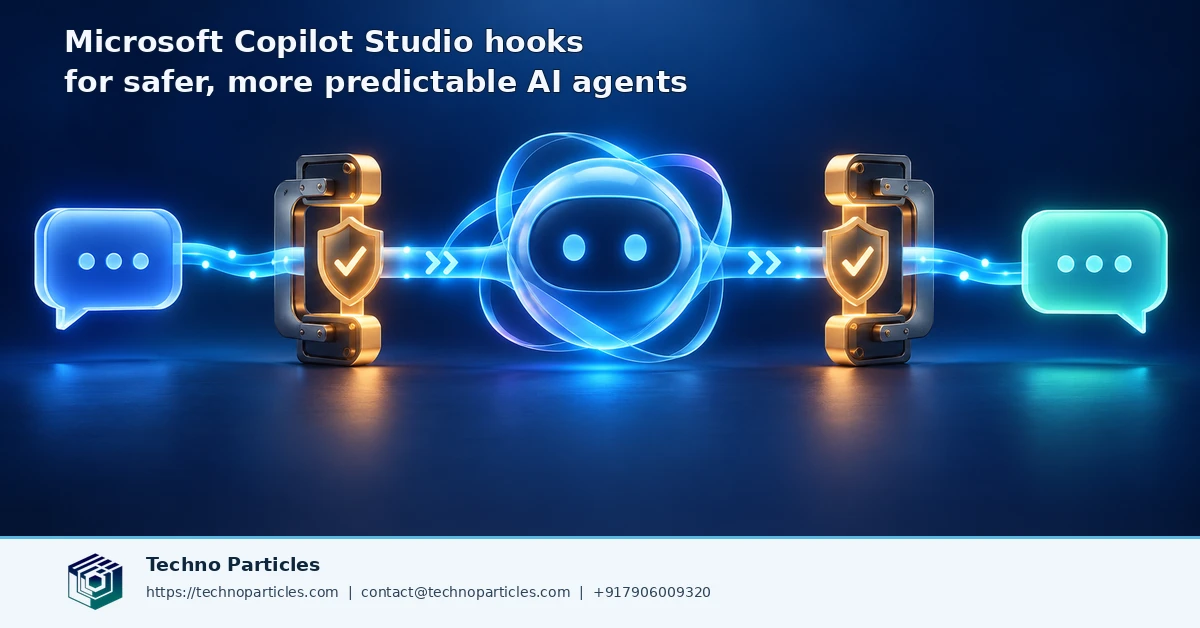
Microsoft is testing a control layer that could make Copilot Studio agents easier to govern: Microsoft Copilot Studio hooks for safer, more predictable AI agents. Documented as a preview feature in Microsoft Learn, hooks connect workflows to specific moments in an agent session instead of waiting for the agent to decide whether to use a tool.
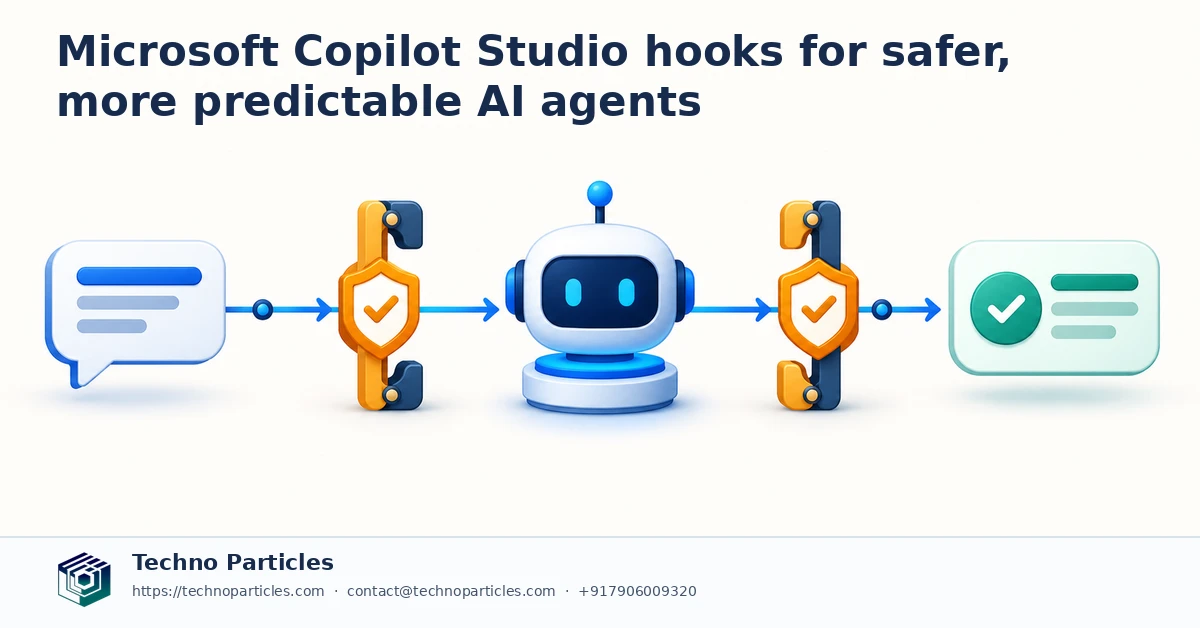
That distinction matters. A normal tool is selected by the agent when it believes the capability is useful. A hook runs when its lifecycle event occurs. Teams can therefore place checks around session starts, submitted prompts, tool calls, tool results, errors, and failed tools. The approach is designed for repeatable controls such as logging, redaction, parameter changes, policy checks, and controlled retry or abort handling.
What Copilot Studio hooks can control
Before a tool runs, a hook can inspect the request, deny the call, or modify its parameters. After execution, another workflow can adjust the returned result or create an audit record. Hooks can also support checks around errors and failures, giving developers a consistent place to capture what happened and why.
Microsoft’s generative orchestration guidance, updated September 18, 2026, extends the lifecycle concept to knowledge requests, response post-processing, and plan completion. Together, these triggers can help teams observe how an agent gathers information, selects actions, and prepares an answer. Businesses exploring generative AI workflow development can view this as an architectural pattern for adding governance around automation, rather than as a replacement for permissions or application security.
Why the preview status matters
Hooks still have important limits. Workflows must be published, and Microsoft notes that hook failures or timeouts do not stop the agent. Prompts, tool outputs, and error details must also be treated as untrusted input. For that reason, hooks are best used alongside strict validation, least-privilege access, monitoring, and clearly defined escalation paths. Sensitive financial, legal, personnel, and compliance decisions may still require human approval.
How teams can use hooks in production workflows
The most useful starting point is to map each hook to a specific control objective. A session-start workflow might load the user’s role, business unit, or risk tier into the agent context. A prompt-submission hook could check for prohibited data, identify requests that require escalation, or record the request before orchestration begins. These checks should be narrow and testable rather than attempting to make one workflow responsible for every security decision.
Pre-tool hooks are especially relevant when an agent can update records, send messages, call APIs, or trigger business processes. The workflow can verify required fields, normalize parameters, and compare the requested action with the user’s permissions. If the request fails a policy check, the hook can deny the call. However, the underlying application and API should enforce authorization independently, because Microsoft documents hooks as a preview control mechanism rather than a substitute for access controls.
Post-tool hooks provide a second inspection point. They can record the tool name, outcome, and relevant metadata, or transform a result before it is passed into later orchestration. Teams should avoid placing secrets or unnecessary personal data in logs. They should also define how redaction affects troubleshooting, since removing too much context can make an incident difficult to investigate.
A practical rollout pattern
- Start with observation: publish a hook that records lifecycle events without changing agent behavior.
- Add low-risk validation: check formats, required parameters, and known unsafe destinations.
- Introduce controlled denials: block clearly disallowed actions and route ambiguous cases for review.
- Test failure paths: simulate timeouts, malformed tool results, and unavailable downstream systems.
For businesses building governed agent workflows, project consultation for AI automation can help connect these lifecycle checks with existing CRM, ERP, CMS, or approval processes. The design should document which system owns each decision and how operators can review exceptions before broader deployment.
How teams can use hooks in production workflows
The most useful starting point is to map each hook to one control objective. A session-start workflow might load a user’s role, business unit, or risk tier into the agent context. A prompt-submission hook could check for prohibited data, flag requests that require escalation, or record the request before orchestration begins. These checks should remain narrow and testable instead of making one workflow responsible for every security decision.
Pre-tool hooks are especially useful when an agent can update records, send messages, call APIs, or trigger business processes. The workflow can verify required fields, normalize parameters, and compare the requested action with the user’s permissions. If a policy check fails, the hook can deny the call. The underlying application and API should still enforce authorization independently, because Microsoft documents hooks as a preview control mechanism rather than a replacement for access controls.
Post-tool hooks provide a second inspection point. They can record the tool name, outcome, and relevant metadata, or transform a result before it returns to later orchestration. Teams should keep secrets and unnecessary personal data out of logs. They should also document how redaction affects troubleshooting, since removing excessive context can make an incident harder to investigate.
A practical rollout pattern
- Observe first: publish a hook that records lifecycle events without changing agent behavior.
- Add low-risk validation: check formats, required parameters, and known unsafe destinations.
- Introduce controlled denials: block clearly disallowed actions and route ambiguous cases for review.
- Test failure paths: simulate timeouts, malformed tool results, and unavailable downstream systems.
For businesses building governed agent workflows, project consultation for AI automation can help connect lifecycle checks with existing CRM, ERP, CMS, or approval processes. The design should identify which system owns each decision and how operators review exceptions before wider deployment.
Where hooks stop short of full agent safety
Hooks make important checks repeatable, but Microsoft’s preview documentation does not present them as an unbreakable security boundary. A workflow can fail, time out, or receive malformed input, and those conditions do not automatically stop the agent. Each hook should therefore have an observable outcome, while the connected application and API continue to enforce authentication, authorization, validation, and rate limits independently.
Teams should also plan for the fact that prompts, tool results, and error details are untrusted. A post-tool workflow that blindly passes returned text into later orchestration could preserve malicious instructions or expose sensitive information. Safer designs validate data types, restrict accepted fields, redact secrets, and separate instructions from retrieved content. Logging should capture enough information to investigate an event without creating a second source of privacy risk.
Pair automation with approval gates
Not every decision should be automated. Microsoft’s multistage approval guidance describes combining AI stages with conditions and human approval stages, which is useful when an action has financial, legal, personnel, or compliance consequences. A hook can identify the risk, pause or route the workflow according to the available process, and record the decision. The approval system should remain responsible for confirming the action and preserving its audit trail.
This pattern is practical for business systems. For example, an agent might prepare a CRM update, supplier payment request, employee action, or customer message, while a designated reviewer approves the final step. A custom application development workflow can connect these checks to existing permissions, records, notifications, and reporting instead of leaving governance inside the conversational layer alone.
Because hooks are still in preview, teams should publish them in a controlled environment first. Test normal requests, denied actions, delayed dependencies, unexpected tool output, and recovery after an error. Review logs with security and operations stakeholders, document ownership for every control, and measure whether the added checks improve consistency without creating silent failures or excessive friction.
Designing Microsoft Copilot Studio hooks for safer, more predictable AI agents
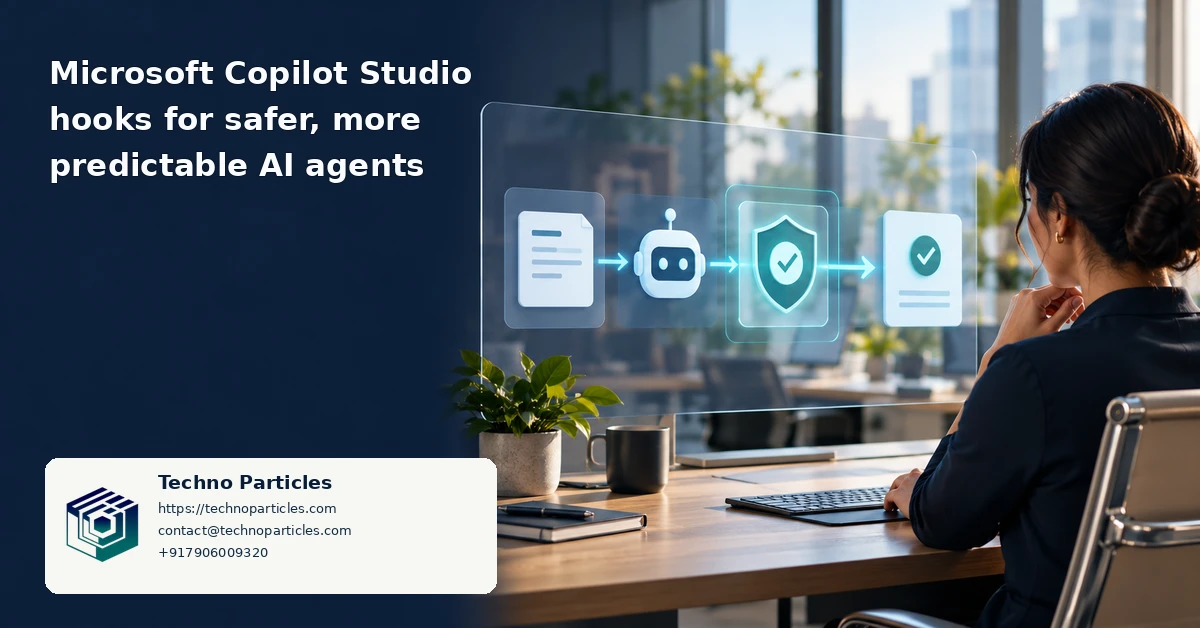
A reliable implementation should define the expected behavior for every lifecycle event before a workflow is published. For each hook, record its trigger, inputs, allowed actions, timeout expectations, failure handling, owner, and audit fields. This creates a control map that developers, security teams, and business operators can review together. It also makes future changes easier to test when Microsoft updates the preview feature.
Keep policy decisions separate from content processing. A prompt check may identify restricted information, but it should not be the only place where access is enforced. Likewise, a post-tool hook may redact a result for the agent while the connected system retains the authoritative record. This separation limits the damage caused by incorrect classifications, unexpected instructions, or a temporary workflow failure.
Measure whether controls are working
Monitoring should cover more than successful agent responses. Track how often hooks run, how many calls are denied or modified, which tools generate the most failures, and how long downstream checks take. Review a sample of allowed and rejected events to detect false positives. If a hook silently fails or times out, operators should be able to identify that condition quickly rather than assuming the agent completed every safeguard.
Teams should also define a rollback path. A problematic hook may need to be disabled, replaced, or narrowed while the agent remains available for lower-risk tasks. Versioned workflows, documented test cases, and staged publishing reduce the chance that a policy change affects every user at once. Businesses connecting agents to customer records or internal operations can use CMS and workflow integration services to align these controls with existing content, permissions, and review processes.
The central lesson is operational: Microsoft Copilot Studio hooks can make AI agents safer and more predictable by applying checks consistently, but dependable governance comes from layered controls. Hooks should work alongside application permissions, data validation, monitoring, approval stages, and accountable human owners.
What businesses should do next
Before expanding an agent beyond a pilot, document the actions it may take without approval and the actions that require a person. This boundary should reflect business risk, not simply technical convenience. A customer-service reply may be automated after content checks, while a refund, contract change, payroll action, or regulatory response may require explicit review.
Use Microsoft Copilot Studio hooks for safer, more predictable AI agents as one layer in that operating model. Define a small set of measurable policies first, such as blocking incomplete parameters, masking sensitive fields, recording tool usage, or routing high-risk requests for approval. Then test those policies against realistic conversations, adversarial prompts, unavailable services, malformed tool results, and repeated retries.
A practical rollout checklist
- Map every lifecycle event to an accountable owner and expected outcome.
- Validate permissions and business rules in the connected system, not only in the hook.
- Publish changes gradually and keep a tested rollback version available.
- Review logs for denied, modified, failed, and approved actions.
- Reassess preview behavior before relying on hooks for critical operations.
The strongest implementations treat hooks as operational controls rather than a promise that an agent will always behave correctly. They improve consistency, visibility, and intervention points, but they cannot replace secure application design, least-privilege access, data validation, monitoring, or human accountability.

Leave a comment
Your email stays private. You can see your comment immediately on this browser. Others see it after approval.