

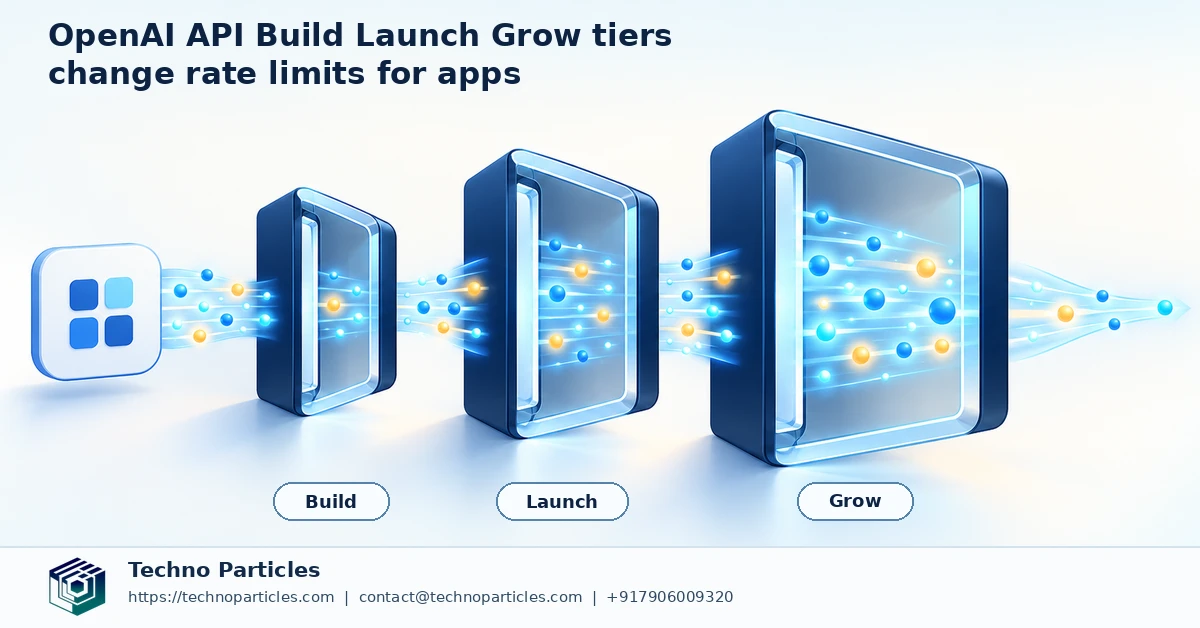
OpenAI has simplified its paid API usage structure, replacing five paid tiers with three clearer stages: Build, Launch, and Grow. The change, recorded in the OpenAI API Changelog on October 6, 2026, is designed to make capacity planning easier as an application moves from an early prototype toward production traffic.
The tier change does not alter API pricing or create a new model-access plan. Instead, it reorganizes qualification thresholds, monthly usage limits, and standard rate-limit expectations. Existing paid organizations migrate automatically: Tiers 1 and 2 become Build, Tiers 3 and 4 become Launch, and Tier 5 becomes Grow. OpenAI says no additional payment is required for this migration.
What the OpenAI API Build, Launch & Grow tiers mean
According to OpenAI’s current Rate Limits guide, organizations qualify automatically after purchasing $5, $100, or $500 in total credits for Build, Launch, or Grow, respectively. The corresponding monthly usage limits are listed as $500, $5,000, and $200,000. These figures describe usage and spending boundaries, not a promise that every model receives identical throughput.
Rate limits remain model-specific and are applied at the organization and project level. As an example, some model groups list standard limits of up to 5,000 requests per minute (RPM) and 1 million tokens per minute (TPM) for Build. Launch lists up to 10,000 RPM and 4 million TPM, while Grow lists up to 15,000 RPM and 40 million TPM. Other models can have different values.
For teams building production systems, the practical first step is to check the live figures in Settings > Organization > Limits. Developers working on AI agents, document automation, or customer-facing applications can also review application development services when designing a reliable API architecture around these limits.
How app teams should plan around the new API tiers
The most important planning distinction is between rate limits, monthly usage limits, and spend controls. A rate limit controls how quickly requests or tokens can be sent. A monthly usage limit describes the organization’s permitted API consumption over a billing period. Neither figure guarantees uninterrupted capacity, and neither removes the need to monitor project-level traffic and costs.
Teams should therefore map expected demand before moving a feature into production. Estimate requests per user, average input and output tokens, peak concurrency, and the effect of retries. A customer-support assistant, document-processing workflow, or AI agent may generate very different traffic patterns even when both applications have the same number of users. Separating workloads across projects can also make ownership, monitoring, and troubleshooting clearer.
Design for 429 responses before launch
When an application exceeds an applicable limit, it may receive a 429 response. OpenAI’s guidance recommends respecting the Retry-After value when supplied, increasing traffic gradually, and using exponential backoff with jitter. Retrying immediately in a tight loop can increase congestion and make a temporary limit harder to recover from.
A resilient implementation should place requests behind a queue where practical, cap concurrent jobs, and record request volume, token usage, latency, retries, and failures. Non-urgent document tasks can run asynchronously, while interactive requests receive reserved capacity and shorter timeouts. Cacheable results, compact prompts, and sensible output limits can reduce unnecessary token consumption without changing the application’s core behavior.
Before committing to a tier, test the busiest realistic workflow against the live limits shown in the organization dashboard. For teams needing help translating these requirements into a monitored production system, project consultation for application architecture can provide a practical review of queues, observability, and failure handling.
What changes for teams moving from prototype to production?
The simplified labels are most useful when they become part of an engineering plan. A Build organization may be sufficient for internal testing, scheduled document extraction, or a small beta, but a launch decision should depend on measured traffic rather than the tier name alone. Review the highest-volume model, peak requests per minute, token bursts, and the monthly cost of successful and failed retries.
Teams should also treat migration as an operational check, even though OpenAI says existing paid organizations move automatically and do not need to make another payment. Confirm that the organization and project identifiers used by production workloads are the ones shown in the dashboard. A staging project can have different settings, usage patterns, or limits from the project serving customers.
Build a capacity checklist around real traffic
Before launch, replay representative workloads with realistic prompt sizes and concurrency. Measure both requests per minute and tokens per minute, because an application can remain below one limit while exceeding the other. Include bursts caused by scheduled jobs, customer campaigns, webhook retries, and agent loops. If several features share an organization, calculate their combined demand rather than evaluating each endpoint in isolation.
Cost controls deserve equal attention. Set project-level monitoring and alerts, define an owner for unusual usage, and review whether automatic retries are multiplying token consumption. For long-running workflows, queue work and expose progress to users instead of holding open requests unnecessarily. For interactive features, prioritize short, bounded tasks and return a clear status when capacity is temporarily unavailable.
This architecture can support business workflows such as lead qualification, employee-document processing, or e-commerce support while keeping human review available for sensitive decisions. Teams that need to connect API workloads with an existing CMS, CRM, or internal process can explore Generative AI development services as part of that implementation review.
How the OpenAI API Build, Launch & Grow tiers affect scaling
The new tier names are useful only when they are connected to an application’s actual workload. A team may remain within its monthly allowance yet encounter a model-specific requests-per-minute or tokens-per-minute limit during a sudden burst. Conversely, a generous rate limit does not mean the application can ignore monthly usage, project budgets, or billing alerts.
Before increasing traffic, record the limits for every model used in production and identify which project sends each request. This matters for applications that combine chat responses, embeddings, image generation, and background processing, because each workload can have different constraints. A shared organization can also experience competition between customer-facing features and scheduled jobs.
Use queues, priorities, and observability
A queue gives the application a controlled place to hold work when demand rises. Interactive requests can receive higher priority, while document extraction, report generation, and other non-urgent tasks can run asynchronously. This approach helps prevent an agent loop or batch import from consuming capacity needed by users waiting for a response.
Every request path should record status codes, retry counts, latency, model name, token totals, and an internal workload identifier. These measurements make it easier to distinguish a rate-limit problem from a slow upstream dependency, an oversized prompt, or an unexpected increase in user activity. Alerts should notify an owner before a project approaches its usage or spend threshold.
Retry logic also needs boundaries. Respect Retry-After when it is returned, apply exponential backoff with jitter, and stop after a defined number of attempts. A failed request should not trigger several untracked retries across multiple services. Where a response can be safely regenerated, store an idempotency or job reference so recovery does not create duplicate business actions.
For organizations connecting API workloads to a CMS, CRM, or internal dashboard, CMS development services can help align content workflows, permissions, monitoring, and human review with the selected OpenAI API tier.
When should an app team request more capacity?
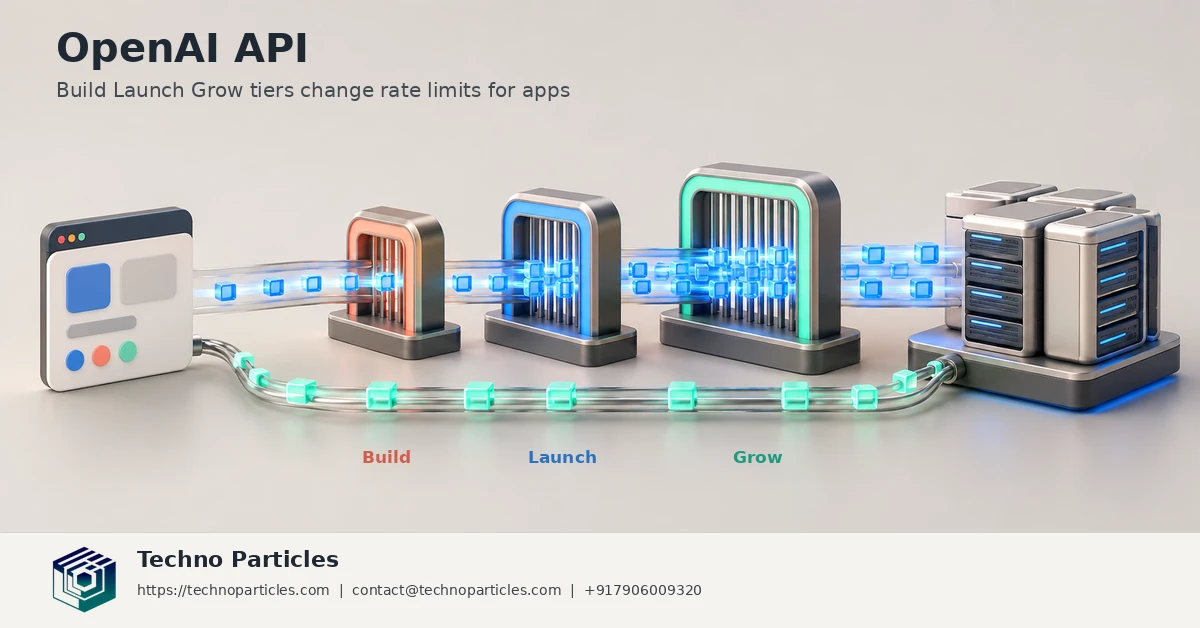
OpenAI’s Build, Launch, and Grow labels should guide capacity planning, not replace it. A team approaching a limit should first identify the bottleneck: requests per minute, tokens per minute, monthly usage, or a project-level spend control. The correct response may be queueing and workload prioritisation rather than moving to a higher tier.
For example, a customer-support application may need fast responses during business hours, while invoice extraction or report generation can run in the background. Separating those workloads into queues makes demand easier to measure and prevents non-urgent jobs from competing with interactive users. It also gives the team a safer way to increase throughput gradually after monitoring real production traffic.
Review limits before a major release
Before a marketing campaign, product launch, or new automation rollout, check the current limits in Settings > Organization > Limits. Confirm the model, organization, and project associated with each production request. Because limits are model-specific and scoped to organizations or projects, assumptions based on one endpoint may not apply to another.
Run a controlled load test with representative prompts, output lengths, concurrency, and retry behaviour. Record the point at which latency rises or 429 responses appear, then set an internal operating threshold below that point. This gives the team room for normal bursts without treating the published maximum as a target.
Moving between the OpenAI API Build, Launch & Grow tiers also does not remove the need for governance. Review access permissions, log sensitive-data handling, assign ownership for usage alerts, and document which workflows require human approval. For businesses integrating these controls into a customer-facing application, application development services can help connect API calls with authentication, queues, dashboards, and recovery paths.
The strongest rollout plan is therefore measurable: map each workload, test it against live limits, monitor cost and latency, and expand capacity only when the evidence shows that the application needs it.
What the tier change means for app planning
The OpenAI API Build, Launch & Grow tiers are best understood as planning markers, not automatic guarantees of unlimited capacity. OpenAI says the October 2026 change simplified the paid tier structure while leaving API pricing and custom rate limits unchanged. Existing organizations migrate automatically, so teams do not need to make an additional payment merely because the labels changed.
That distinction matters during procurement and release planning. A team should compare its forecast with three separate controls: model-specific rate limits, monthly usage limits, and project or organization spend settings. These controls answer different questions. Rate limits determine how quickly requests and tokens can be processed, monthly usage limits indicate the scale of paid consumption, and spend controls help prevent unexpected billing.
Build a safer path to higher throughput
Start with the smallest reliable production workload and measure demand by feature. Track interactive requests separately from batch jobs, background agents, and scheduled automations. If usage rises, reduce unnecessary prompt and output tokens, cache repeatable results where appropriate, and move non-urgent work into a queue before requesting more capacity.
Teams should also document a fallback for temporary throttling. A user-facing feature might display a short retry message, while a background task can pause and resume later. Retries must remain bounded, respect Retry-After, and use exponential backoff with jitter. This protects both the application and the API from a retry storm.
For a final readiness check, review current limits in Settings > Organization > Limits, run a representative load test, and assign an owner for usage alerts. Recheck those assumptions whenever the application adds a model, project, region, or major workflow.



Leave a comment
Your email stays private. You can see your comment immediately on this browser. Others see it after approval.