

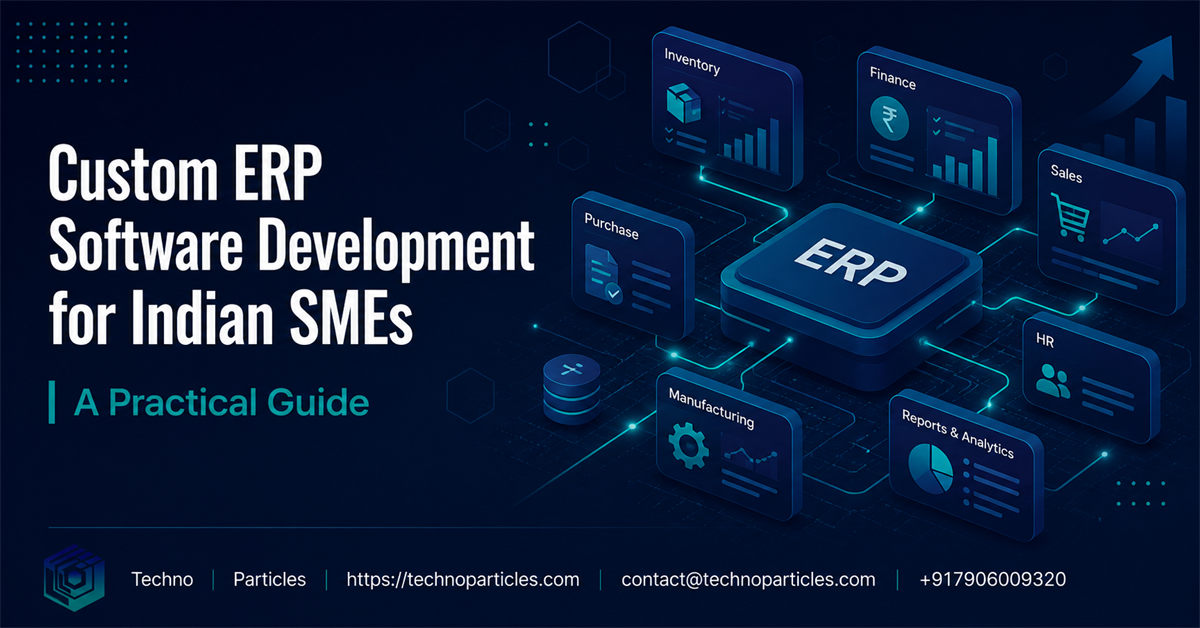
For growing Indian businesses, disconnected spreadsheets, messaging apps, and accounting tools can make daily operations harder than they need to be. Custom ERP software development for Indian SMEs brings finance, sales, inventory, purchasing, production, human resources, and reporting into one coordinated system. Instead of forcing the business to change around generic software, a tailored ERP is designed around the companyâs actual processes, permissions, and growth plans.
An ERP is not simply a digital filing cabinet. It creates a shared operational foundation where teams work with consistent data and managers can make decisions faster. For a manufacturer, this may mean connecting orders with bills of materials and production schedules. For a distributor, it may mean combining stock visibility, sales routes, purchasing, and receivables. The right solution reflects how the business creates value.
Why Indian SMEs need a tailored ERP system
Small and medium-sized enterprises often operate with limited teams, tight working capital, and rapidly changing responsibilities. A sales employee may also coordinate dispatch, while an owner may approve purchases, review payments, and monitor customer follow-up. Generic enterprise software can be too expensive, too complex, or poorly aligned with these realities.
A custom ERP can begin with the highest-impact workflows and expand gradually. It can support GST-oriented invoicing, multiple warehouses, local supplier processes, role-based approvals, regional sales operations, and integrations with existing accounting or payment systems. The goal is not to add features for their own sake. The goal is to remove repeated data entry, reduce avoidable errors, and provide trustworthy information at the moment it is needed.
Techno Particles helps businesses plan technology around practical operational goals. Its project consultation service can help an SME define scope, identify priorities, and select a sensible implementation path before development begins.
Core modules for a custom SME ERP
The best ERP roadmap depends on the business model, but several modules are commonly valuable:
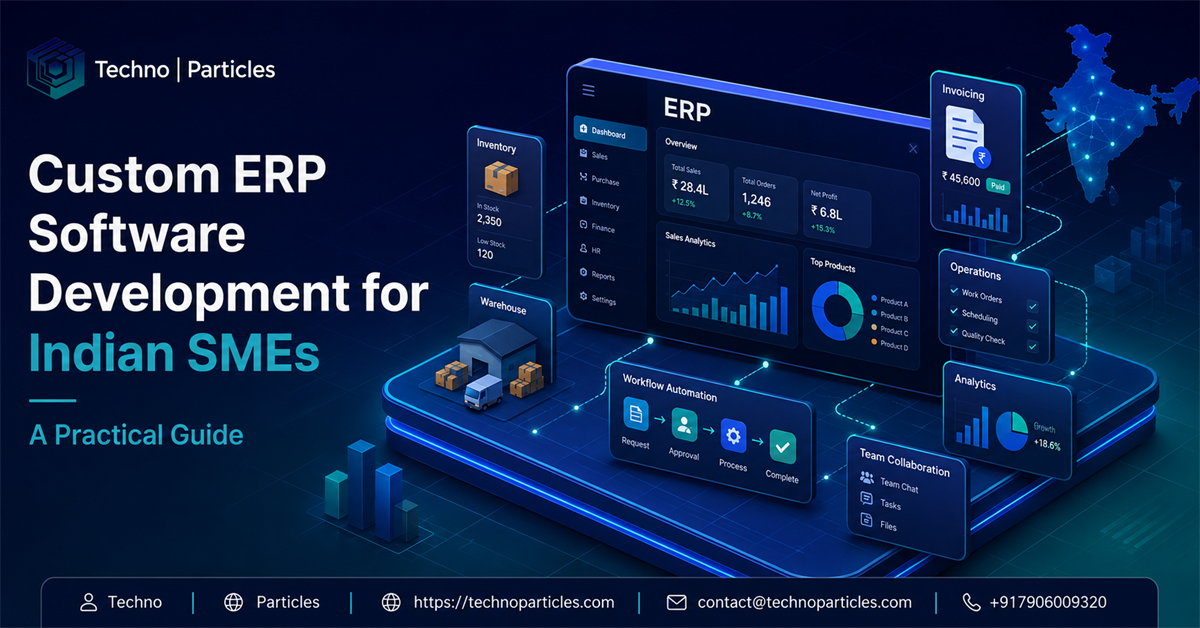
- Sales and CRM: Manage enquiries, quotations, orders, customer history, follow-ups, and pipeline stages.
- Inventory: Track stock by item, batch, warehouse, location, reorder level, and movement.
- Purchasing: Coordinate supplier records, purchase requests, approvals, purchase orders, and receipts.
- Finance: Connect invoices, expenses, receivables, payables, tax information, and management reports.
- Production: Plan materials, work orders, quality checks, wastage, and finished-goods movement.
- Human resources: Manage employee records, attendance, leave, onboarding, and performance information.
Businesses do not need every module on day one. A phased system may start with sales, inventory, and finance, then add production or HR after users are comfortable with the foundation.
What makes custom ERP development different?
Customization involves more than changing colors or adding a few fields. It requires mapping current workflows, defining business rules, designing user roles, planning integrations, and establishing reporting requirements. A strong development team also considers mobile access, backup strategy, security, scalability, and support from the beginning.
For SMEs, usability is especially important. Employees should be able to complete common tasks with minimal training. Dashboards should show relevant indicators rather than overwhelming users with unnecessary charts. Approval flows should match authority levels, and audit trails should make important changes traceable.
Custom ERP Software Development for Indian SMEs: A Practical Guide - Techno Particles
How to plan custom ERP software development
A successful ERP project starts with business clarity, not a long feature list. Before choosing technology, owners and department leaders should agree on the problems the system must solve. This creates a practical scope and helps prevent the project from becoming an expensive collection of disconnected features.
1. Document the current workflow
Map how an enquiry becomes a quotation, how an order is approved, how goods are purchased, how inventory is received, and how payment is collected. Include exceptions such as returns, partial deliveries, damaged items, credit limits, and cancelled orders. These details often reveal where delays and duplicate work originate.
2. Prioritize measurable outcomes
Choose outcomes that matter to the business, such as faster quotation preparation, fewer stock discrepancies, better payment follow-up, or clearer production planning. These goals provide a basis for deciding which features are essential. They also make it easier to evaluate the ERP after launch.
3. Define users and permissions
Every role should see the information required for its responsibilities and nothing more. A salesperson may create quotations and view assigned customers, while a finance manager may approve credit notes and review receivables. Role-based access reduces accidental changes and protects sensitive business information.
4. Select the right delivery model
An ERP may be delivered as a browser-based cloud application, a private deployment, or a hybrid system. Cloud software usually simplifies remote access and maintenance, while a private environment may suit businesses with specific infrastructure or compliance needs. The decision should consider connectivity, data sensitivity, team locations, budget, and future integrations.
Important integrations and technical considerations
An ERP becomes more useful when it connects smoothly with the tools employees already use. Potential integrations include accounting platforms, payment gateways, barcode scanners, e-commerce stores, shipping services, email, SMS, and business intelligence tools. Integration planning should define which system owns each type of data and how conflicts are resolved.
Responsive design is valuable for managers who need approvals or dashboards while travelling. Field sales teams may require a mobile interface for order entry, customer notes, and stock checks. If the business operates in locations with unreliable connectivity, the project may need offline-friendly workflows or careful synchronization.
Security should be designed into the application. Secure authentication, permission controls, encrypted connections, audit logs, backups, and monitoring are basic requirements. Development should also include testing for common user errors, unusual transaction sequences, and high-volume reporting.
Choosing a development partner
Look for a partner that can understand business processes as well as write software. A portfolio covering custom applications, e-commerce, automation, and business systems can indicate useful breadth. Techno Particles presents its work through its project portfolio, including software, websites, apps, and digital solutions across different industries.
During evaluation, ask how requirements will be documented, how milestones will be demonstrated, what happens when priorities change, and how post-launch support is handled. Confirm who owns the source code and data, how hosting is managed, and whether the system can be extended without rebuilding it from scratch.
Typical implementation stages
- Discovery workshops and process mapping.
- Functional specification, architecture, and interface planning.
- Development of the first priority modules.
- Integration, testing, data preparation, and security review.
- User acceptance testing with real operational scenarios.
- Training, rollout, monitoring, and continuous improvement.
A staged launch lets the business learn from early usage. It also reduces disruption because teams can adopt the most important workflows before additional modules are introduced.
Managing cost, adoption, and long-term value
The cost of custom ERP software development for Indian SMEs depends on the number of modules, integrations, users, workflows, interfaces, hosting requirements, and reporting depth. A small internal operations system will have a very different budget from a multi-location platform connecting production, finance, logistics, sales, and employee management.
Instead of focusing only on the initial quotation, evaluate total value. Consider the cost of manual reconciliation, missed follow-ups, excess inventory, delayed invoicing, poor visibility, and repeated administrative work. A well-scoped ERP can create value by improving control and freeing employees to spend more time on customers and growth.
Build an achievable first release
The first release should address a complete business flow rather than provide isolated screens. For example, a sales-and-inventory phase might cover customer creation, quotation, order approval, stock reservation, dispatch, invoice generation, and payment status. Employees can understand the benefit because the workflow is connected from beginning to end.
Later releases can add advanced dashboards, production planning, mobile features, automated alerts, customer portals, or predictive analytics. This approach keeps early investment focused and provides real feedback before the next stage is designed.
Prepare employees for the change
ERP adoption is a people and process challenge as much as a technical one. Involve representatives from each department during discovery and testing. Explain what will improve, identify concerns early, and appoint internal champions who can support colleagues after launch.
Training should use the companyâs real products, customers, approvals, and transactions. Short role-specific sessions are usually more effective than one lengthy demonstration. Provide simple operating guides and a clear process for reporting issues. Management should also reinforce the expectation that the ERP is the primary source of operational data.
ERP features that support business growth
Growth creates complexity. More customers require stronger follow-up. More products require better stock control. More employees require structured permissions and reporting. More locations require consistent processes and shared visibility. A scalable ERP gives the business a framework for handling this complexity without multiplying spreadsheets.
CRM functionality can help teams manage lead capture, nurturing, reminders, and sales stages. If lead management is a major priority, Techno Particles also provides lead management system solutions that can complement broader operational software. For employee workflows, an employee management system can organize attendance, leave, onboarding, payroll inputs, and performance reporting.
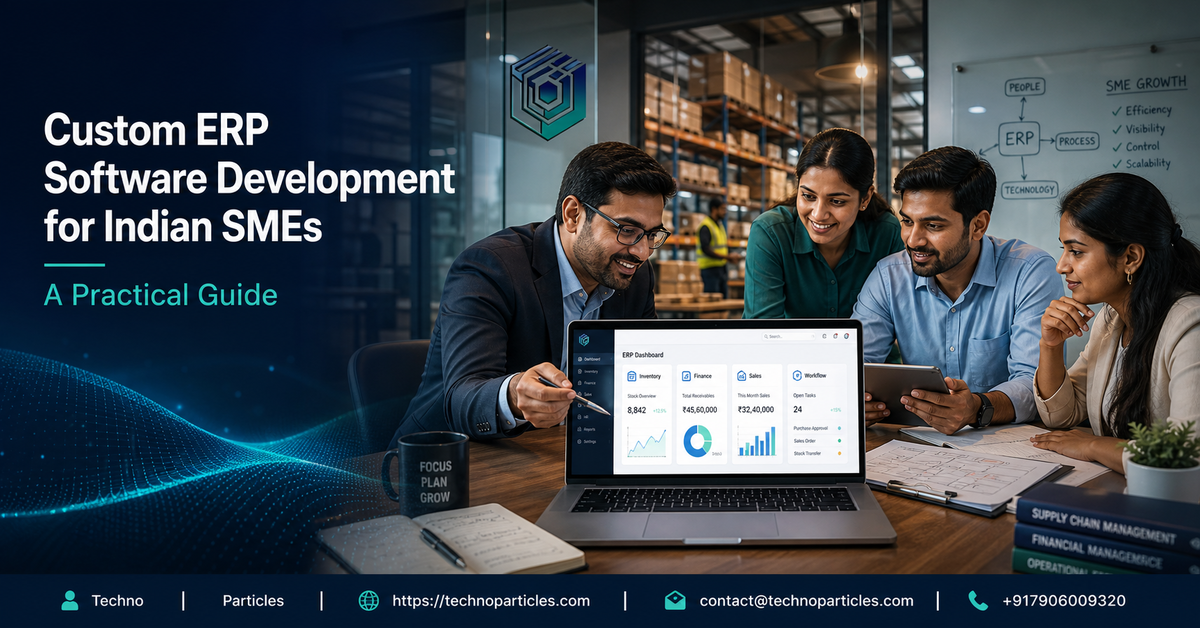
ERP dashboards should support decisions, not merely display data. Useful views may include sales by period, open receivables, low-stock items, purchase commitments, order status, production variances, and employee attendance. Reports should be filterable by branch, salesperson, product group, customer, or date so managers can investigate the reasons behind the numbers.
Common mistakes to avoid
- Trying to automate a poorly understood process without reviewing it first.
- Including every requested feature in the initial release.
- Ignoring data cleanup before migration.
- Failing to assign ownership for approvals and master data.
- Choosing attractive dashboards over reliable transaction workflows.
- Launching without training, support, and usage monitoring.
Another common mistake is treating customization as a one-time project. Businesses evolve, and the ERP should have a controlled improvement roadmap. Regular reviews can identify new integration needs, reporting gaps, security updates, and opportunities for automation.
Planning implementation and adoption
A successful ERP rollout depends as much on preparation as on programming. Before development begins, the business should document its current workflows, approval rules, reporting needs, and recurring exceptions. This process often reveals where teams are using spreadsheets, messaging applications, or manual registers to fill gaps. Those workarounds are valuable clues because they show what users need from the new system, even when the existing process is inefficient.
For Indian SMEs, implementation planning may also need to consider GST-related invoicing, regional branches, multiple tax scenarios, local payment practices, and varying levels of digital familiarity among employees. These requirements should be converted into clear business rules and tested with realistic transactions. A finance manager, operations representative, sales user, and business owner should review important screens before the system is finalized.
Use phased delivery to reduce disruption
Launching every module at once can create confusion and make it difficult to identify the source of problems. A phased approach is usually easier to manage. The first release might cover customer records, quotations, orders, inventory, and basic invoicing. Later phases can add procurement, production planning, accounting integrations, advanced analytics, or mobile access. Each phase should have measurable acceptance criteria, assigned owners


Leave a comment