
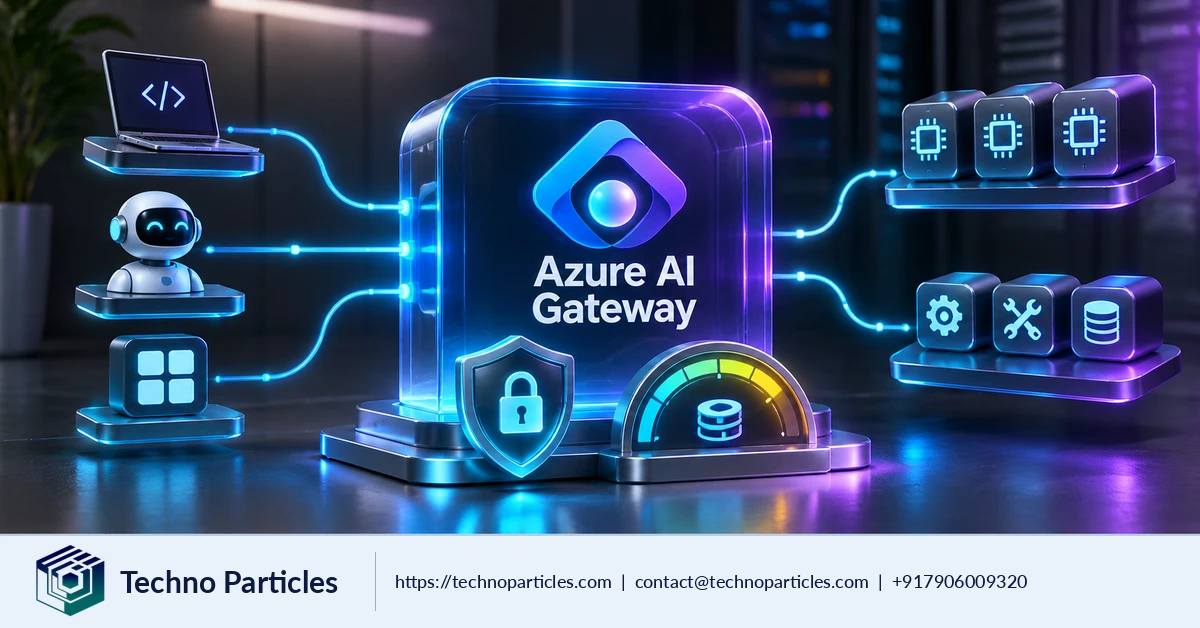
Azure AI Gateway General Availability: Control AI Agents, MCP Tools and Costs marks Microsoft’s move to a standalone service for managing connections between applications, AI models and tools. Announced at Microsoft Ignite on November 17, 2026, the service gives organizations a central place to apply routing, access and cost controls across AI workloads.
The announcement also sets out a gateway pricing schedule and regional footprint. Teams planning a deployment should distinguish the gateway charge from the wider cost of running an AI application, which can include model-provider and other Azure charges.
| Planning item | Microsoft’s published details |
|---|---|
| Free allowance | 10,000 gateway requests per gateway each month |
| Announced gateway fee | US$500 per month, billed hourly, for more than 10,000 and up to 10 million monthly requests; US$20 per additional million requests above 10 million |
| Billing start | January 1, 2027 |
| Regional availability | The announcement lists 17 regions; Microsoft Learn lists 16 |
These figures come from Microsoft’s general availability announcement and region availability documentation. Prices may vary by region. Microsoft’s API Management pricing page says AI Gateway tier pricing is coming soon, so verify the applicable regional price before billing begins.
What Azure AI Gateway general availability changed
In its November 17, 2026 announcement, Microsoft described Azure AI Gateway as a fully managed standalone service, following its earlier identity as the AI Gateway tier in Azure API Management. That distinction matters when evaluating documentation and pricing: the standalone service and the earlier tier should not automatically be treated as the same offering.
Microsoft’s Azure Updates entry, also dated November 17, describes centralized authentication, authorization, routing, monitoring and cost attribution. For organizations assessing how those controls fit an existing application, project consultation can help frame the requirements before implementation.
How Azure AI Gateway governs AI agents and MCP tools
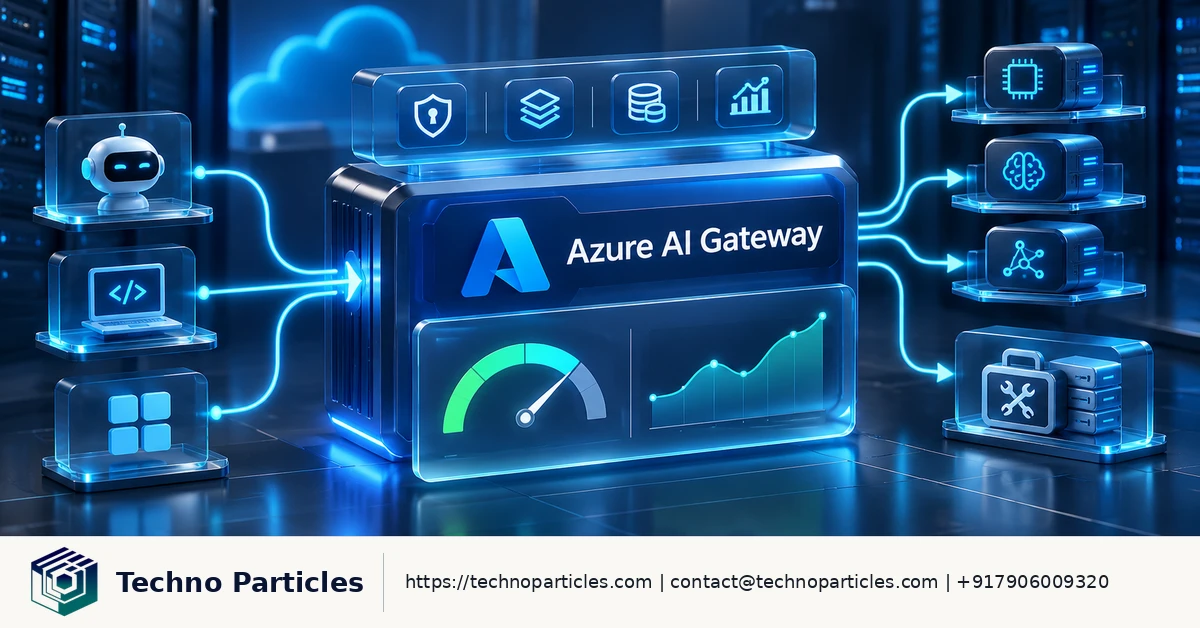
When an application or agent sends a request through Azure AI Gateway, the gateway provides a shared point for applying access and routing policies before the request reaches a model or tool. Microsoft describes this as a way to manage connections across providers while keeping operational controls in one place. Its AI gateway capabilities documentation describes authentication, content safety, monitoring and integration with model services.
For model access, Microsoft Entra can establish who is permitted to use the gateway, while backend credentials can remain behind it. This separates an application's access to the gateway from the credentials used to reach a provider. The distinction is useful when several applications share the same model services: a platform team can manage provider access centrally rather than distributing provider credentials to every application.
Curating tools for agents
Model Context Protocol, or MCP, gives an agent a structured way to discover and invoke tools. Microsoft says the gateway can federate MCP servers and turn existing APIs, connectors and OpenAPI specifications into tools. That lets a team choose which operations an agent can reach through a governed interface. For teams designing such workflows, the generative AI services page describes relevant application and automation work.
Microsoft's API Management MCP documentation says its MCP management supports tools, but not MCP resources or prompts. That statement applies to the documented API Management capability; it does not establish the same limitation for every standalone Azure AI Gateway workflow.
Identity and visibility at the tool boundary
Microsoft's general availability announcement also describes tool policies, delegated identity and OpenTelemetry telemetry. Together, these controls can help a team define which tools an agent may invoke, carry an appropriate identity into a tool interaction and observe activity across the gateway. Content safety controls add another policy point for the AI traffic passing through the service.

How developers connect applications to Azure AI Gateway
Developers can connect an application to a model through the gateway using an alias: a stable name that represents a configured model connection. The application can use that name in its requests while the gateway manages the associated routing configuration. This gives platform teams a place to adjust routing without requiring every application to embed a provider-specific destination.
Microsoft’s AI Gateway quickstart, updated November 18, 2026, walks through creating a gateway, importing a Foundry model and making a request through an OpenAI-compatible endpoint. The quickstart also covers creating an alias and configuring the identity used for backend access. Its request example is a useful starting point for an application team integrating a model into an existing workflow.
Separate application access from backend access
The quickstart uses managed identity for the gateway’s connection to the backend model and a runtime API key for the application’s request to the gateway. These serve different purposes: the managed identity authorizes the gateway to reach the backend, while the runtime key gives the caller access to the gateway.
Runtime API keys are gateway-wide, so teams should protect and rotate them as shared credentials. An application’s access design should account for that scope when deciding which workloads can use a gateway. Teams planning an integration can also consider these requirements as part of application development.
Check the API contract before switching routes
Microsoft describes routes for OpenAI-compatible and Anthropic APIs, but compatibility depends on the API contract used by the application and provider. An alias helps decouple the application from a particular configured destination; it does not by itself establish that every request format or provider-specific behavior is interchangeable. Check the endpoint and request format required by the chosen integration before changing a client’s destination.
Azure AI Gateway availability, pricing and usage limits
Microsoft’s November 17, 2026 general availability announcement says each gateway receives 10,000 free requests per month. Above that allowance and up to 10 million monthly requests, the announced charge is $500 per month per gateway, billed hourly. Above 10 million requests, Microsoft lists an additional $20 per million requests. Paid billing is scheduled to begin on January 1, 2027.
Those figures describe the gateway service, rather than the complete cost of an AI application. Model-provider charges and applicable networking, telemetry and other Azure charges also need to be considered when estimating a workload’s total cost.
Check the region before deployment
Microsoft’s announcement lists 17 Azure regions, while its region availability documentation, updated November 18, 2026, lists 16 and omits East US 2 EUAP. Confirm availability for the intended region before committing to a deployment plan.
Verify the applicable price
The standalone gateway announcement gives the pricing schedule above, but the API Management pricing page says pricing details for its AI Gateway tier are coming soon. The pages address differently presented offerings, so readers should not assume the tier page replaces the standalone schedule. Microsoft says regional prices may vary; verify the applicable regional price before billing begins.
For a team estimating an application rollout, expected gateway request volume is a useful input alongside the other services in the architecture. The scope of the application itself can also affect that estimate: an internal workflow and a customer-facing application may have different traffic patterns. The application development page describes work involved in building those kinds of applications.
What general availability means for operations and AI cost governance
Azure AI Gateway gives platform teams a central place to apply limits and observe AI traffic across applications. Microsoft describes token quotas, request limits and monitoring among its AI gateway capabilities in Azure API Management. These controls can make consumption easier to attribute to a workload and give teams a basis for setting budgets around expected use.
A useful operating model is to assign ownership of each gateway configuration: an application team owns its expected traffic and service requirements, while a platform team owns shared policies and investigates gateway-level alerts. That division makes a limit change a deliberate operational decision, especially when several applications depend on the same gateway.
Plan for scaling and failover
Microsoft says the gateway scales automatically, but recommends load testing for the intended workload to assess latency and performance. A test can reveal how the application behaves under its own traffic pattern, including whether a gateway policy rejects requests when a configured limit is reached.
Configurable failover provides another operational choice: a team can define an alternative route for a model request when its primary destination is unavailable. The application still needs an agreed response when neither route can serve the request, such as showing a clear error or placing work in a queue where the workflow permits it.
Turn visibility into ownership
Usage and estimated-cost attribution are most useful when someone is responsible for investigating changes. For example, an unexpected rise in requests may reflect a legitimate increase in application use or a retry pattern that needs attention. Teams can use that distinction to decide whether to adjust a budget or change application behavior.
These are documented controls, not proof of a particular saving or performance result. Microsoft labels integrations including Model Router, Defender and Purview protection, Private Link and VNet integration as preview in its GA announcement. The operational ownership of an AI workflow can also be considered during generative AI development.
Conclusion: when to adopt Azure AI Gateway
Azure AI Gateway General Availability is most relevant when multiple teams, model providers or agent tools need a shared governance layer. If an application uses one provider and has little need for shared controls, direct provider access may be the simpler choice.
As a next step, run a small, noncritical pilot to verify the intended region, applicable pricing, identity setup, policy behavior and performance under the workload’s expected traffic.


Leave a comment
Your email stays private. You can see your comment immediately on this browser. Others see it after approval.