
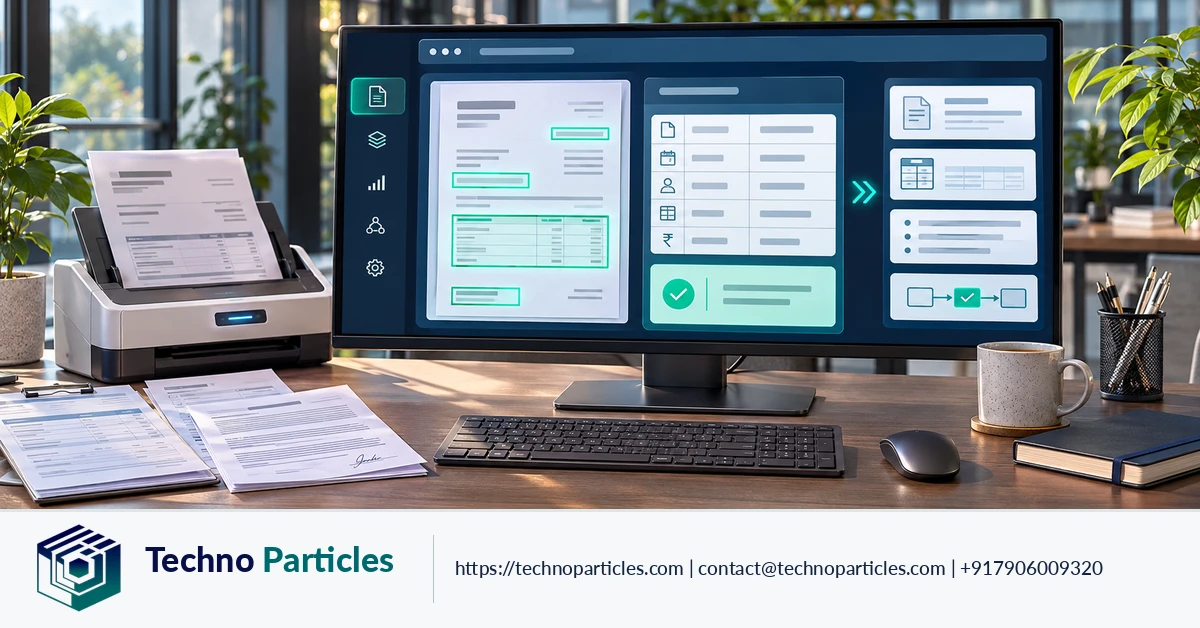
Techno Particles generative AI document automation services sit within a broader shift toward connecting AI to the documents and systems people use at work. On 10 September 2026, OpenAI announced a Data agent for ChatGPT Work that can investigate business questions using approved company data and documents, while respecting connected-account permissions.
The OpenAI announcement describes a workflow that can move from a question to analysis, an interactive dashboard and approved actions. Those capabilities describe OpenAI’s product; they do not establish delivery outcomes for any other provider.
| Workflow element | What OpenAI describes |
|---|---|
| Information access | Connections to approved company data and documents |
| Access boundaries | Connected-account permissions are respected |
| Analysis output | Investigation of business questions and interactive dashboards |
| Actions | Support for approved actions |
What changed in business AI workflows
The announcement illustrates a move beyond asking an assistant to generate a standalone response. In the workflow OpenAI describes, the same business question can draw on connected information and produce an interactive view that people can explore. An approved action can then form part of the workflow, connecting analysis with work that follows it.
From document questions to connected analysis
Consider a team trying to understand a business question spread across documents and data. A generated answer may be useful for reading, while an interactive dashboard offers another way to examine the analysis. The distinction matters when the people using the result need to explore a question rather than receive only a paragraph.
Why permissions matter
Connecting workplace information also makes access boundaries part of the workflow. Respecting connected-account permissions ties access to the permissions associated with the account, rather than treating every connected document as equally available to every user.
Document and data automation is also among the capabilities described on the Generative AI Services page, placing this discussion in the context of services for workplace workflows.
What Techno Particles generative AI document automation services cover
Techno Particles describes three relevant approaches: document assistance, drafting assistance and bounded workflow automation. Its Generative AI Services overview also lists intelligent document creation and automated data analysis. These are company descriptions of capabilities; they do not establish independently verified customer results or a standard package containing every feature.
Document assistance and drafting
A document assistant is suited to finding information in approved material. For example, an employee might ask a question about an internal procedure and use the response to locate the relevant guidance. The useful distinction is that the document remains the source of the information; the assistant provides an interface for working with it.
Drafting assistance addresses a different task: producing a first version of content for a person to edit. A team could use it to turn existing material into a draft response, then revise the wording for its audience and purpose. The company also describes intelligent document creation, although the service description does not establish a fixed set of document types.
Bounded workflow automation
Bounded automation connects an AI task to a defined workflow. Instead of stopping at a generated response, a project might use a document-derived result within a process whose inputs and permitted actions have been specified. The boundary matters because a workflow can be designed around a particular business task rather than granting an assistant an open-ended role.
The company also lists conversational interfaces and automated analysis. These capabilities can complement document work: a conversational interface gives a user a way to ask for information, while analysis can help structure an examination of data. Their role in a particular project depends on what that project is intended to accomplish.
How to scope a document automation project
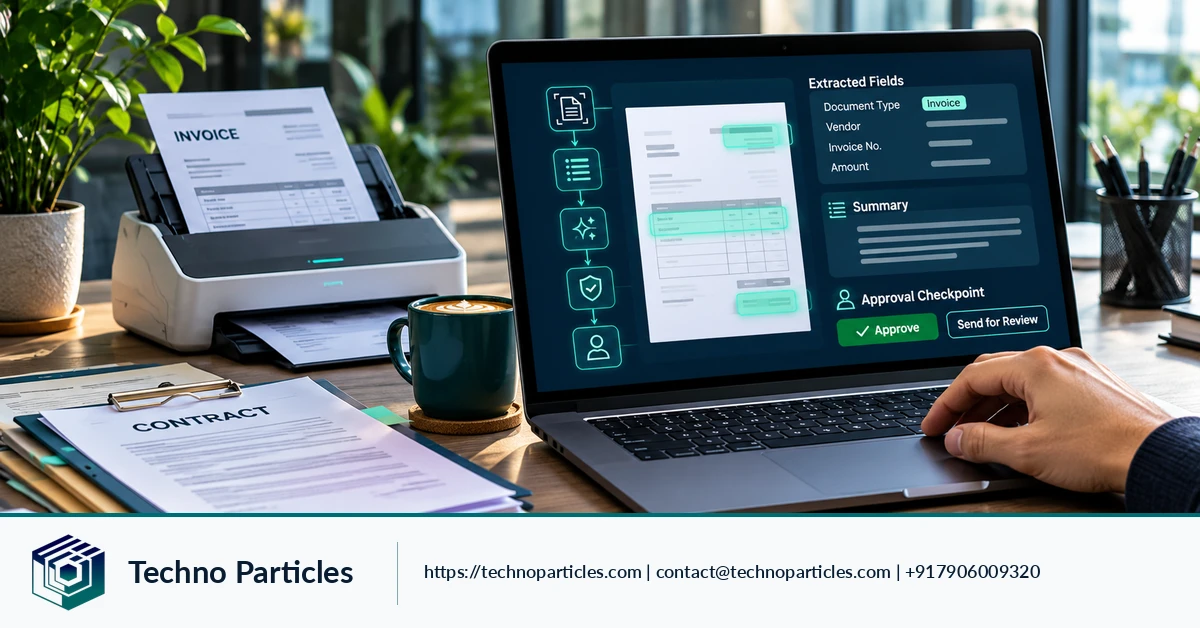
Start with one repetitive task and describe its intended result before choosing a model. For example, a team might need to locate the relevant procedure for an employee question. Define what a useful answer must contain and how a reviewer will judge it against the source material.
Define inputs and access
Identify the documents the task needs, their owners and where the approved versions reside. Record which people may access each source and whether existing permissions must carry into the proposed workflow. A project involving restricted personnel records needs different access arrangements from one using public guidance.
Describe the systems involved as well as the documents. A source may sit in a shared repository, while a request arrives through an internal application. Mapping those touchpoints helps the team decide where information enters the workflow and where the result should appear. The delivery design depends on the client’s documents, systems and permissions.
Assign ownership and acceptance criteria
Name the person who will review the result and decide what happens after that review. For a procedure lookup, acceptance criteria might require the answer to identify the relevant passage and address the question without adding unsupported instructions. Agree on how reviewers will record results so the team can distinguish an acceptable response from one that needs revision.
Use a representative set of questions and approved documents to assess the proposed workflow. Include questions that the source material can answer and questions it cannot. Agree on the expected response for each case before comparing results; this gives the project a concrete basis for deciding whether the task is ready to proceed.
The company’s project consultation page describes a route for discussing requirements and planning. A brief that records the task, inputs, access needs, reviewer and acceptance criteria can make that discussion more specific.
Availability, pricing and delivery model
Document automation work is scoped around a particular project, so a useful proposal should describe the work being purchased as well as its price. Ask for a written breakdown of the initial implementation, any third-party charges and the responsibilities that continue after launch. No public package price, usage credits or fixed service limits are specified in the available service information.
What a proposal should cover
Separate one-time delivery work from recurring charges. The initial scope could include preparing documents, connecting existing systems and configuring the workflow. Recurring costs may include model or API usage, infrastructure and maintenance. The proposal should identify which charges are included, which are billed separately and who pays each provider.
Usage assumptions matter when comparing estimates. A quote based on a small document collection or a limited number of requests may not describe the cost of a larger rollout. Ask the provider to state the assumptions behind its estimate and explain how a change in volume or scope would affect the price.
Agree on support responsibilities
Specify who will maintain connections when an underlying system changes, update the document sources and investigate failures. The agreement should also explain how support requests are submitted, what support is included and how additional work is approved. If a response time or uptime commitment matters to the project, ask for it to be stated explicitly in the agreement.
A project-specific estimate should not be treated as a universal price or delivery timeline. Teams seeking a proposal can use the contact page to request a discussion of the intended scope and commercial terms. Comparing written assumptions and responsibilities makes proposals easier to assess alongside their headline costs.
Controls and limits before production
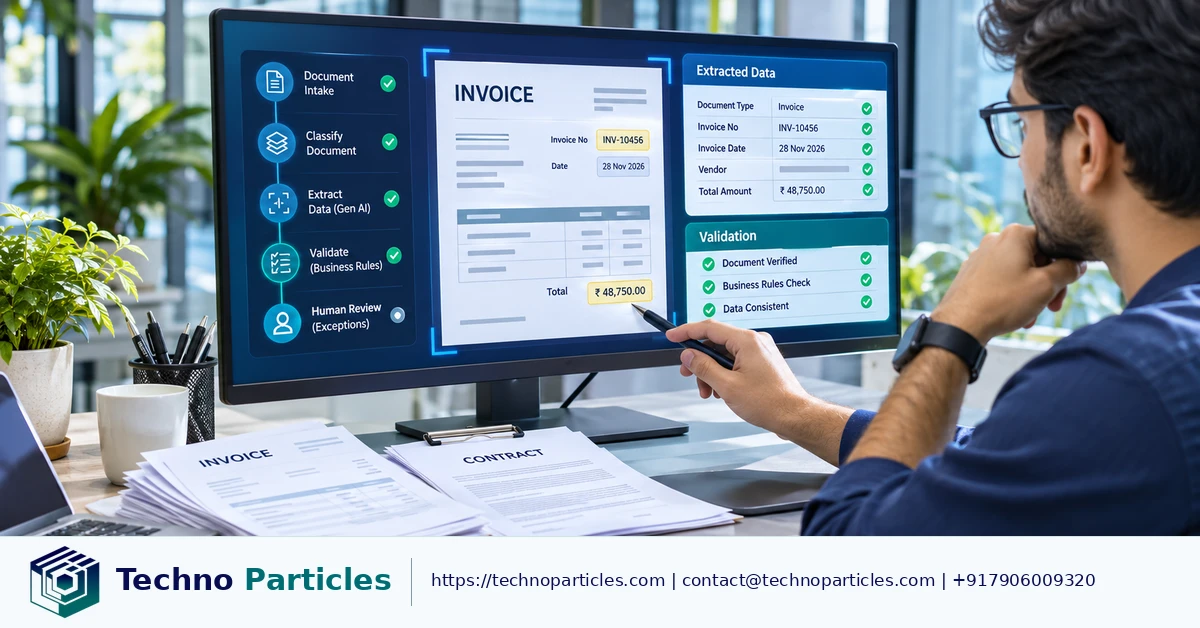
Generative AI can produce answers that sound plausible but are incorrect or unsupported. For consequential decisions, a person should review the output against the source before it is acted on. Techno Particles identifies human review, evaluation and failure handling as part of its generative AI services.
Keep source material reliable
A document assistant can only work with the material available to it. If a policy has changed but an older copy remains accessible, an answer may reflect the outdated version. Establish a way to retire superseded documents and identify the current source. Where documents conflict, route the question to an owner rather than treating either answer as authoritative.
Document quality also affects what a system can interpret. Missing pages, unclear scans or inconsistent terminology can leave gaps in the material. A workflow should make those gaps visible to the reviewer instead of presenting an incomplete extraction as a complete record.
Set boundaries for access and action
Define which documents the system may use for each user and which actions it may take. Restrictions on sensitive material should apply throughout the workflow, including any connected systems and stored outputs. OpenAI says its Data agent respects permissions associated with connected accounts; that describes OpenAI’s product, so a separate project needs its own access design.
Decide what happens when a source is unavailable, access is denied or an action fails. The workflow can return the issue to a named owner instead of silently continuing. Monitoring can then help identify repeated failures, unexpected usage or changes in operating cost. Safeguards reduce risk, but they cannot guarantee that every output is correct.
Choosing the right document workflow
Choose a document assistant for approved knowledge lookup, drafting assistance for content a person will review, or workflow automation when inputs, rules and approvals can be clearly bounded.
To discuss Techno Particles generative AI document automation services, prepare a project brief with one task, sample source material, data restrictions, the reviewer, required integrations and a measure of success.

Leave a comment
Your email stays private. You can see your comment immediately on this browser. Others see it after approval.