
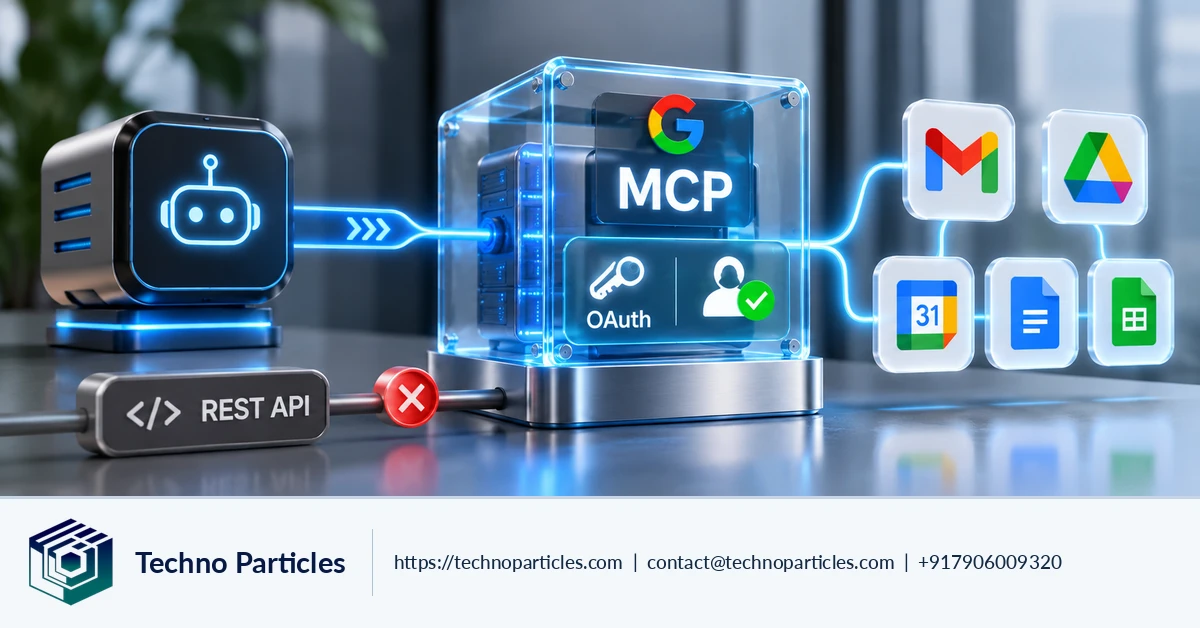
Google Workspace MCP requirement: what AI agent developers must change before 2027 is a question about both architecture and timing. Google says AI agents accessing Workspace data must use a Google Model Context Protocol (MCP) server, with technical enforcement beginning on February 1, 2027. That makes existing direct API calls an immediate migration concern for teams building agents around Workspace data. Google’s announcement sets out the change.
MCP provides a way for an AI application to connect to tools and data. For teams planning generative AI development, the practical question is where Workspace access happens in the application and whether that path is agent-driven.
| Milestone | What developers need to know |
|---|---|
| OAuth client marking | Workspace MCP OAuth clients must be marked for use by an AI-powered agent. |
| February 1, 2027 | Technical enforcement of the MCP requirement begins. |
| April 1, 2027 | Scaled Tier billing begins for successful Gmail, Calendar and Drive MCP requests, with no free MCP allowance for those products. |
What changed in Google Workspace agent access
In its November 24, 2026 announcement, Google said its Workspace MCP servers and Workspace CLI had reached general availability for agent access across Gmail, Drive, Docs, Sheets, Slides, Calendar, Chat and Tasks. Some tools or products may still be in Developer Preview or roll out gradually to accounts.
Google’s October 12, 2026 release-note entry said OAuth clients calling Workspace MCP servers must be marked as AI-powered agent clients. It stated that unmarked clients would be rejected beginning November 11, with November 12 given as the client-status cutoff.
The Workspace AI Tools Addendum, last modified November 24, 2026, sets out the Google MCP requirement. Google’s quota guidance, updated November 28, places technical enforcement on February 1, 2027 and billing and quota enforcement on April 1, 2027.
How developers can rewire Workspace access
Start by tracing where the application reads or changes Workspace data. Record the product, operation and component responsible for each call. Separate paths controlled by an AI agent from conventional integrations: Google says non-agent REST integrations are outside the MCP requirement. A hybrid product may need both paths, so classify each one before changing its architecture. Google’s quota guidance describes the distinction.
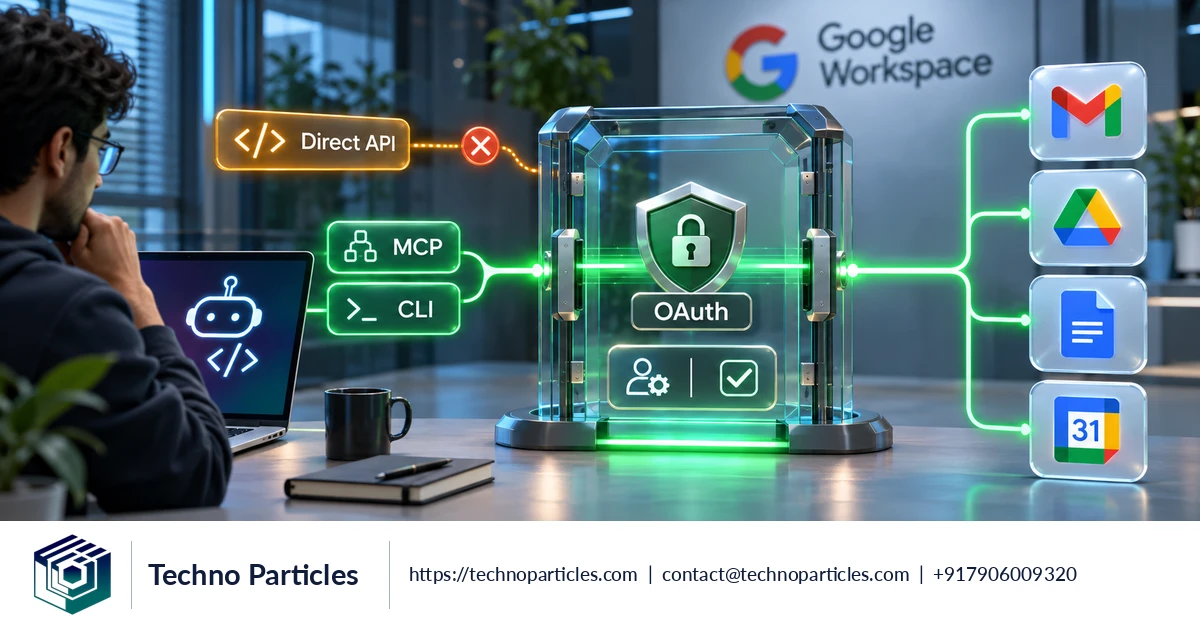
For agent-driven paths, replace direct Workspace REST access with a connection to the relevant Google Workspace MCP server or the Workspace CLI. The agent still needs a host that can authenticate users and invoke the appropriate tools; changing the transport does not remove the application’s responsibility for managing access. Map each existing operation to the server and tool that supports it before retiring the old path.
Configure identity and permissions
Set up a Google Cloud project, enable the required services and APIs, and mark the OAuth client for use by an AI-powered agent. For a mixed product, separate agentic and non-agent clients to make their access paths easier to identify and manage. Google’s MCP configuration guide covers project setup, OAuth configuration and server endpoints.
Choose the narrowest OAuth scopes needed for each workflow. A document-reading agent, for example, should request only the permissions its reading task requires. Make sure the host can present authorization and any required user confirmations, then handle a refusal without continuing the requested operation.
Migration also requires a clear ownership decision: identify who maintains the Cloud project, OAuth configuration and agent-to-server connection. For teams defining that work before development, project consultation can support requirements and scope planning. Document the resulting access paths so later changes to an agent’s tools can be assessed against its original permissions.
What the Addendum means for data handling
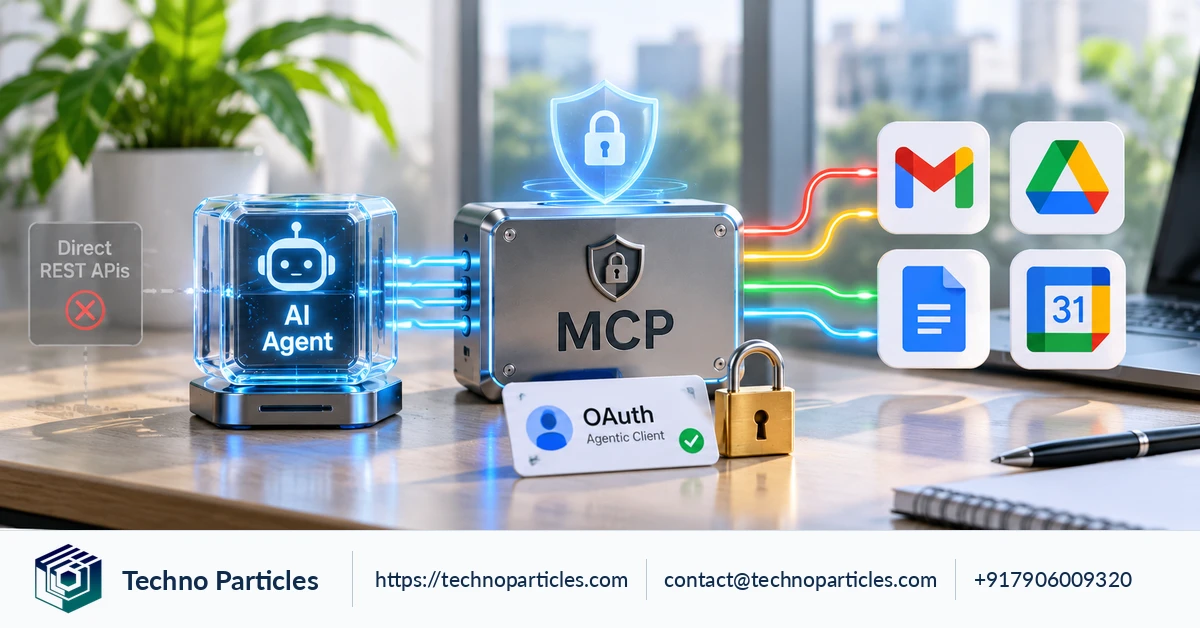
The Workspace AI Tools Addendum governs more than how an agent connects. It limits processing to the active task and restricts retention of Google Technical Information to 30 days. It also requires deletion of Workspace information after a user disconnects. These are policy requirements, so teams should translate them into controls across the application, its logs and any connected storage.
Design storage around the task
Map where an agent places information while completing a request: prompts, temporary files, caches, conversation histories and diagnostic records can each become a separate retention point. Give each location an owner and a deletion mechanism. For example, a document assistant might hold extracted text while answering a question, then clear its working copy when that task finishes rather than keeping it indefinitely for convenience.
Disconnection needs a separate workflow. When someone revokes the connection, the application should identify the associated information across its own storage and trigger deletion there. Record that the workflow ran without preserving the underlying Workspace content in a diagnostic log. If a product uses external infrastructure, include those storage locations in the same deletion design.
Keep model development separate
The Addendum also prohibits using covered information for model training or constructing evaluation datasets, as well as systematic scraping and development of competing Workspace-like products. A team building an evaluation pipeline should therefore prevent Workspace content from flowing automatically into its test corpus. Use separately sourced material for development and evaluation instead.
These controls are relevant when defining the boundaries of an generative AI application: a feature can complete a useful task without treating the information it encounters as a reusable training asset. Review the current Addendum when designing the workflow; its requirements apply to the access tool, not just to the server connection.
Quotas, pricing and production planning
Google separates Workspace MCP access into Standard and Scaled tiers. The Standard Tier is free and generally allows up to 5,000 MCP requests per day, per project, per product for generally available servers. The Scaled Tier requires a linked Google Cloud Billing account and provides a path to higher quotas. Teams should check the current Workspace developer release notes and quota guidance when sizing an agent.
Estimate usage before choosing a tier
Estimate demand by product and project rather than counting conversations alone. A single user request can lead an agent to invoke several tools, and a composite MCP tool can consume multiple request units. A workflow that searches Drive and then reads several documents may therefore use more quota than its number of user prompts suggests. Use the expected number of tool calls and request units to build a daily estimate, then compare it with the applicable quota.
For Scaled Tier usage, Google’s pricing guide, updated November 27, 2026, lists four operation-dependent rates: Light at $0.10 per 1,000 requests, Medium at $0.20, Plus at $0.25 and Premium at $0.50. From April 1, 2027, Scaled Tier Gmail, Calendar and Drive MCP usage is billed from the first successful request. The operation’s assigned bucket determines which rate applies.
Assign ownership before launch
Give a named owner responsibility for the Cloud project, billing account and quota monitoring. For example, a team expecting 100,000 successful requests in a single Light-priced bucket would estimate $10 at the published rate; actual costs depend on the operations and request units involved. Check the current pricing and quota pages before committing a production budget.
Capacity planning can also shape application design. When defining the scope of an application development project, record which Workspace products each agent workflow calls and how often it is expected to run. That gives the billing owner a concrete basis for deciding whether Standard Tier capacity is sufficient or a Scaled Tier quota increase is needed.
Approval flows and operational risks
Moving an agent to a Google Workspace MCP server changes how it handles interactions during a task. An agent host needs to support requests for user input from the server, while the application still needs to account for the content it reads and the actions it takes.
Plan for server-requested input
Google’s MCP server configuration guide describes two endpoint options. The /mcp/v1 endpoint supports form elicitation, allowing the server to request information or confirmation through the MCP client. The /mcp/v1self endpoint is a fallback for clients that do not support that interaction. Choose the endpoint according to the host’s capabilities and make sure the user can understand when the agent is waiting for a response.
That distinction affects the experience of a multi-step task. If a server requests confirmation, the application needs to surface the request and pass the response back rather than presenting the agent as though it has finished. A host using the fallback endpoint should handle the corresponding interaction in the way described by Google’s configuration guidance.
Prepare Chat writes and content safeguards
Chat has an additional setup requirement: Google’s configuration guide says write operations require a Chat app. A team adding message-writing capabilities should include that setup in its implementation plan rather than assuming that enabling the MCP service alone completes the integration.
The same guide warns about indirect prompt injection: material an agent reads can contain instructions intended to redirect its behavior. Treat Workspace content as untrusted input, keep it separate from the agent’s governing instructions, and verify destructive actions before execution. These safeguards remain relevant even when the connection uses a standardized MCP server.
Those interaction boundaries can also inform a UI/UX review: confirmation requests need enough context for a person to understand the proposed action, especially when an agent is working across several Workspace products.
Conclusion: Google Workspace MCP requirement before 2027
If an AI system accesses Google Workspace data, design its access around Google MCP or the Workspace CLI and an agentic OAuth client before February 1, 2027, in line with Google’s Workspace AI Tools Addendum and quota guidance.
Next, document the Workspace products each agent accesses and its expected request volume against Google’s current configuration and pricing guidance.
Leave a comment
Your email stays private. You can see your comment immediately on this browser. Others see it after approval.