

The Hugging Face GGUF malware report raises a practical question for anyone running downloaded AI models locally: what else could be inside a file that appears to work normally? On 27 November 2026, security project Malspark reported finding five malicious model repositories on Hugging Face, including files with hidden executable data and models with poisoned chat templates. Its published investigation describes the findings and the methods it used to inspect the files.
The report matters beyond researchers examining model files. Developers building assistants and businesses considering generative AI services may need to assess artifacts before allowing them into local runtimes or automated workflows. The distinction between a model's apparent functionality and the trustworthiness of its contents is central to that decision.
| Reported finding | What the evidence says |
|---|---|
| Investigation scope | Malspark says it scanned 3,273,389 public model repositories, including 226,310 GGUF repositories. |
| Repositories identified | Malspark reported five malicious repositories associated with two accounts. |
| Reported downloads | The five repositories had 2,428 downloads as of 27 November 2026, according to Malspark. |
| Repository status | On The Wire reported on 28 November 2026 that the five repository pages showed them as disabled. |
What changed in the Hugging Face GGUF malware report
Malspark's investigation says it parsed 572,184 chat templates without executing them. It attributed the five repositories to two accounts and described different mechanisms across them. Those technical findings are Malspark's analysis; the reported download count does not establish how many people or machines were affected.
In a report published on 28 November 2026, On The Wire said it had checked the repository pages and found all five disabled. Its report attributed the malware behavior to Malspark's investigation.
Hugging Face's malware-scanning documentation says its scanner checks repository files smaller than 2 GB at each commit. That documented policy helps explain why users assessing a model artifact need to understand the scope of platform scanning.
Why a GGUF file can hide more than model weights
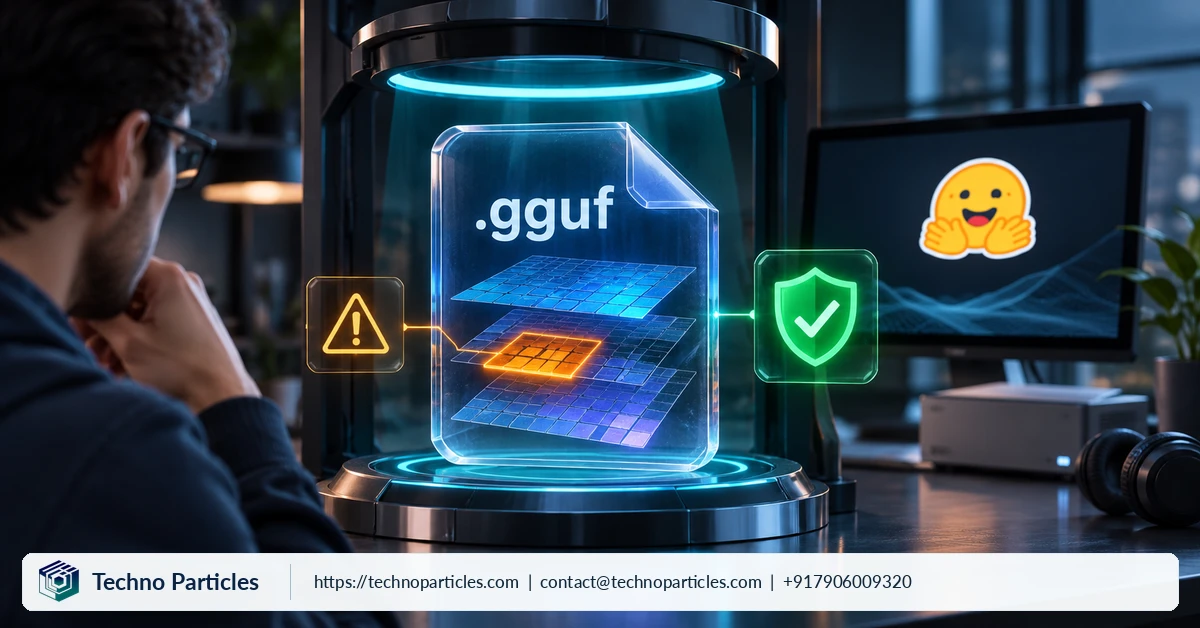
A GGUF model is a container, not just a collection of numerical weights. Hugging Face describes it as a single file containing tensors and standardized metadata, and its GGUF documentation explains how the Hub displays metadata and tensor information. The metadata can help a compatible application identify and use the model, but it also gives reviewers more than the weights to consider.
Chat templates shape the conversation
A chat template tells a runtime how to turn a conversation into the text presented to a model. Hugging Face documents these templates as Jinja templates that format messages and their roles. Its chat-template guide explains how a template is stored and rendered. Because the template participates in constructing the model's input, unexpected instructions inside it deserve attention: they may be presented alongside the conversation even when a user did not write them.
The practical effect depends on how the runtime handles the template and whether a user or connected agent acts on resulting instructions. A template is therefore part of the application's trust boundary, alongside the model file and the tools available to the application.
Extra bytes can sit beyond the tensors
Malspark reported a separate mechanism in two of the repositories it examined: executable data was appended after the last tensor. In its analysis, those models later also received poisoned templates. The investigation describes these as distinct parts of the reported attack, making it useful to consider both embedded metadata and the file's remaining contents when assessing an artifact.
For a team deciding where downloaded models fit into an existing application, project consultation can help frame that trust boundary during requirements and workflow analysis. The relevant design question is which component supplies conversation formatting and which components can act on model output.

How to detect malicious local AI models before loading them
Start with the exact GGUF artifact you intend to use. A static scan can inspect the file without running the model, giving you an opportunity to investigate suspicious contents before they enter a local runtime. GGUF Radar is an open-source tool that reports findings for local files and Hugging Face models.
Scan the file and interpret the verdict
Install the tool and point it at the downloaded file. Its documented commands also include an option to rebuild a file for further review:
pip install git+https://github.com/Root0ne/gguf-radar
gguf-radar scan ./model.gguf
gguf-radar sanitize suspicious.gguf -o clean.gguf
The scanner reports CLEAN, SUSPICIOUS, MALICIOUS or ERROR. Treat the verdict as a starting point: examine the findings and investigate unexpected template instructions or trailing data before deciding what to do with the artifact. A CLEAN result means the checks did not identify a covered suspicious pattern; it is not proof that the file is universally safe.
Review the artifact before choosing a disposition
Check that the file comes from the publisher and repository you intended to use, then inspect its embedded chat template for instructions unrelated to the model's stated purpose. GGUF Radar also documents a template-comparison command that can help reviewers investigate differences. Keep the original file available for investigation if a scan identifies suspicious material.
Sanitizing creates a separate output file; it does not replace the need to investigate why the original was flagged. A team integrating models into an application can make that disposition part of its application development workflow, so the artifact approved for use is the same one that was reviewed.
GGUF Radar availability and operating requirements
GGUF Radar’s documentation describes an open-source tool released under the MIT license. It requires Python 3.10 or newer and supports scans of both local GGUF files and models hosted on Hugging Face. The license makes the tool available for use and modification under its stated terms.
Access to hosted models
For a public Hugging Face model, the documented scanning workflow does not require an API key. A token is optional when access to a private repository is needed or when a user wants higher rate limits. Gated repositories have their own access requirements, so a scan depends on the account having permission to access the model.
Those distinctions matter when a team sets up a shared model registry. A scan of a public repository can be performed without distributing a token, while a private or gated repository requires the scanning environment to have the appropriate access. The repository’s visibility and the scanner’s permissions therefore affect which artifacts can be assessed.
Local and hosted scans have different coverage
The tool’s documentation limits full-file checks for zero-scale blocks to local scans. A hosted-model scan and a scan of a downloaded file should therefore not automatically be treated as identical assessments. The checks a scan can perform depend on the file access available and the checks enabled for that run.
For an application that uses an internally approved model, this distinction can shape the handoff between acquisition and deployment: record whether the assessment covered a hosted repository or the local artifact intended for use. In an AI development project, that record can help the team understand what the scan actually covered when the model moves between environments.
Safer operating choices for users, developers and AI agents
A model’s deployment environment determines what a malicious instruction can reach. Malspark describes templates intended to influence agents with shell access, where a suggested command could have consequences beyond an ordinary chat response. Keep command execution behind an explicit approval boundary, and give any agent only the permissions needed for its task. The Malspark investigation describes the reported instructions and their intended effect.
Separate conversation formatting from agent authority
A chat template formats messages for a model; it does not need authority to run commands. Where a runtime supports an external template, an application can use one maintained by its own team instead of accepting formatting instructions embedded in every downloaded model. Hugging Face’s chat-template documentation explains how templates render conversations, helping developers identify where that formatting enters an application.
For agents that need tools, distinguish a model’s request to act from authorization to act. For example, a response proposing a shell command can be displayed for review instead of being passed directly to a terminal. The same boundary can apply to file changes or network requests: the application decides what a tool may do, rather than letting conversation text define its permissions.
Control where approved models enter use
Organizations can keep a curated model registry between public repositories and production systems. Registry maintainers can associate an artifact with its publisher, intended use and approval record, then make that artifact available to the applications that need it. Pinning the approved file by a verified digest also helps teams detect an unexpected replacement during distribution.
Users running models on personal computers can apply the same principle on a smaller scale: keep downloaded models in a separate location from trusted application assets, and avoid granting a local runtime broad access merely because a model requests it. Teams designing these boundaries can incorporate them into UI and UX design, making tool requests and their consequences clear to the person who must approve them.
Conclusion: Treat unverified GGUF models as untrusted
When assessing Hugging Face GGUF malware: how to detect malicious local AI models, treat an artifact as untrusted unless it has passed static scanning, template review and provenance checks. A successful load or a high download count is not a security approval.
Before loading a model into a local runtime or tool-enabled agent, scan the exact file or repository you intend to use.



Leave a comment
Your email stays private. You can see your comment immediately on this browser. Others see it after approval.